
How to Use SSD1306: Examples, Pinouts, and Specs
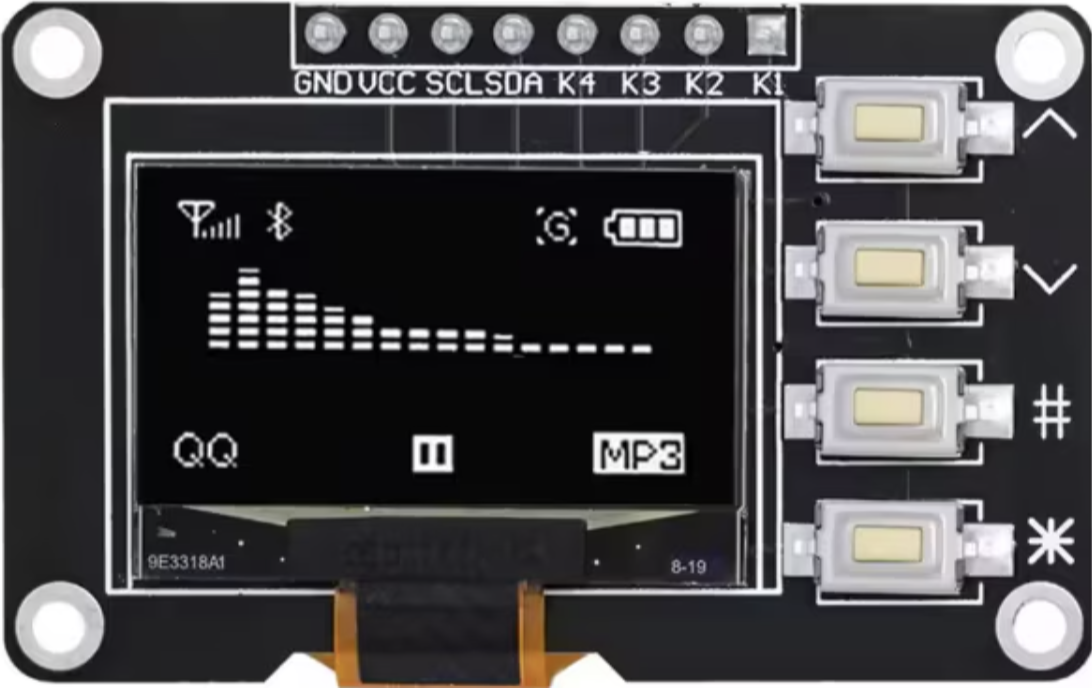
 Design with SSD1306 in Cirkit Designer
Introduction
The SSD1306 is a monochrome OLED display driver designed to control OLED panels with resolutions up to 128x64 pixels. It is widely used in embedded systems for displaying text, graphics, and animations. The SSD1306 supports both I2C and SPI communication protocols, making it versatile and easy to integrate with microcontrollers such as Arduino, Raspberry Pi, and other development boards.
Explore Projects Built with SSD1306
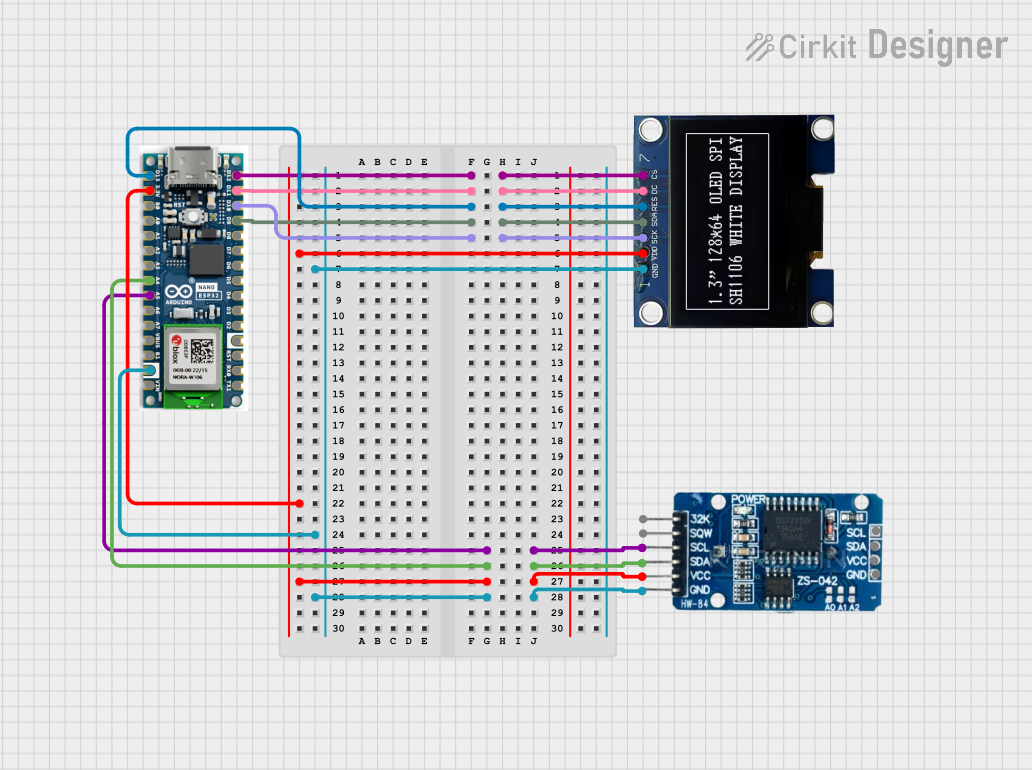 Open Project in Cirkit Designer
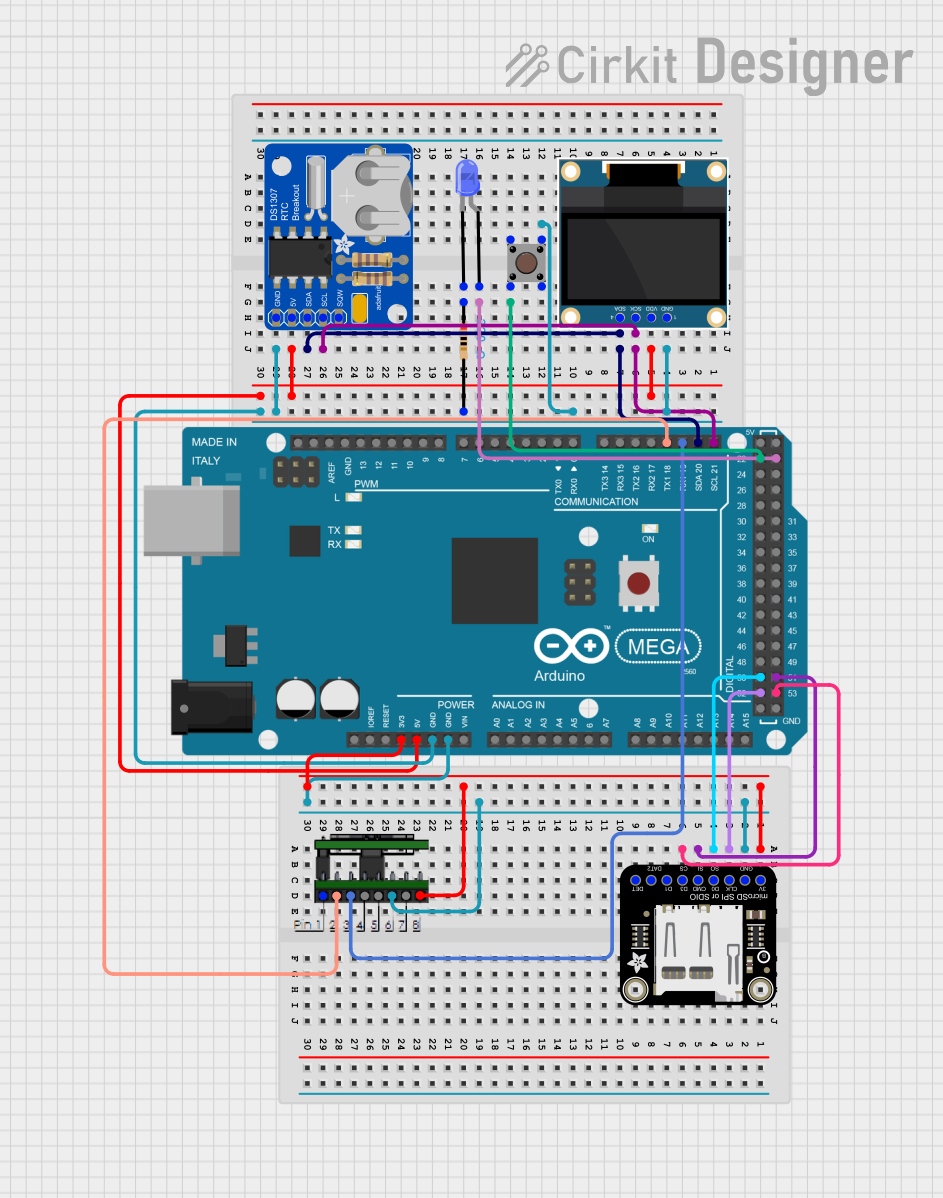 Open Project in Cirkit Designer
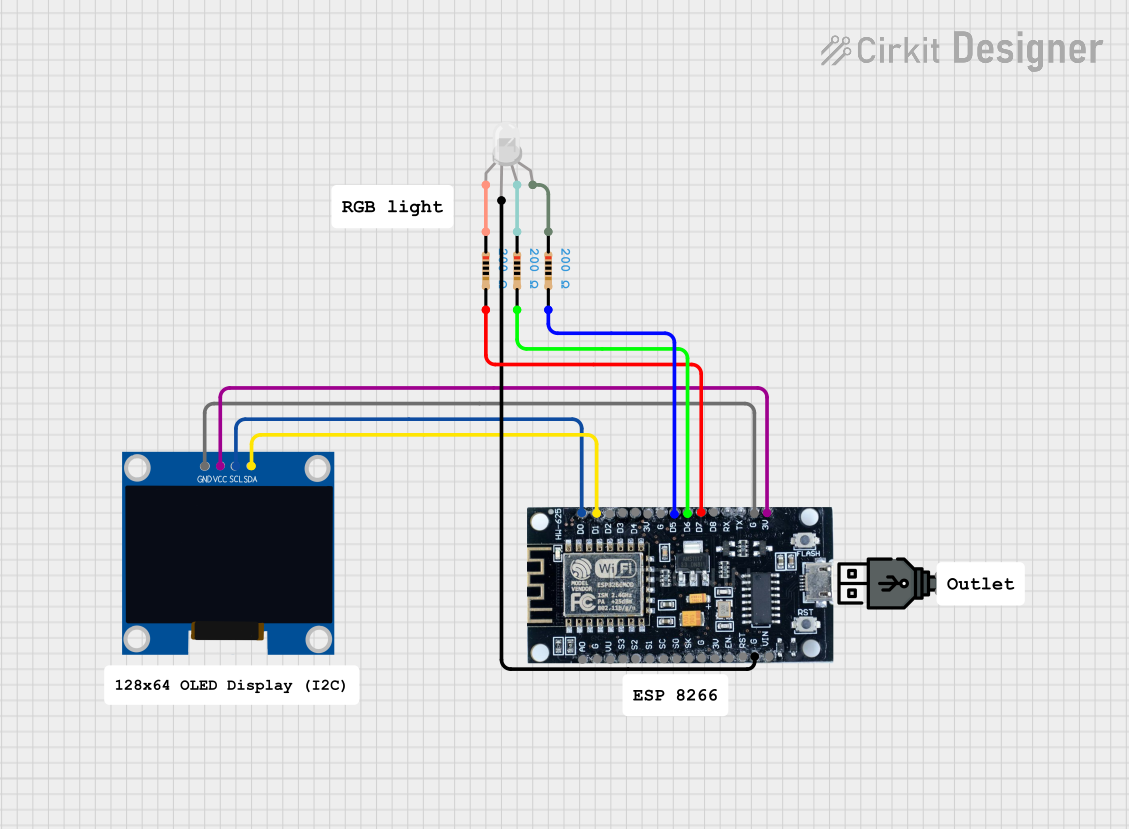 Open Project in Cirkit Designer
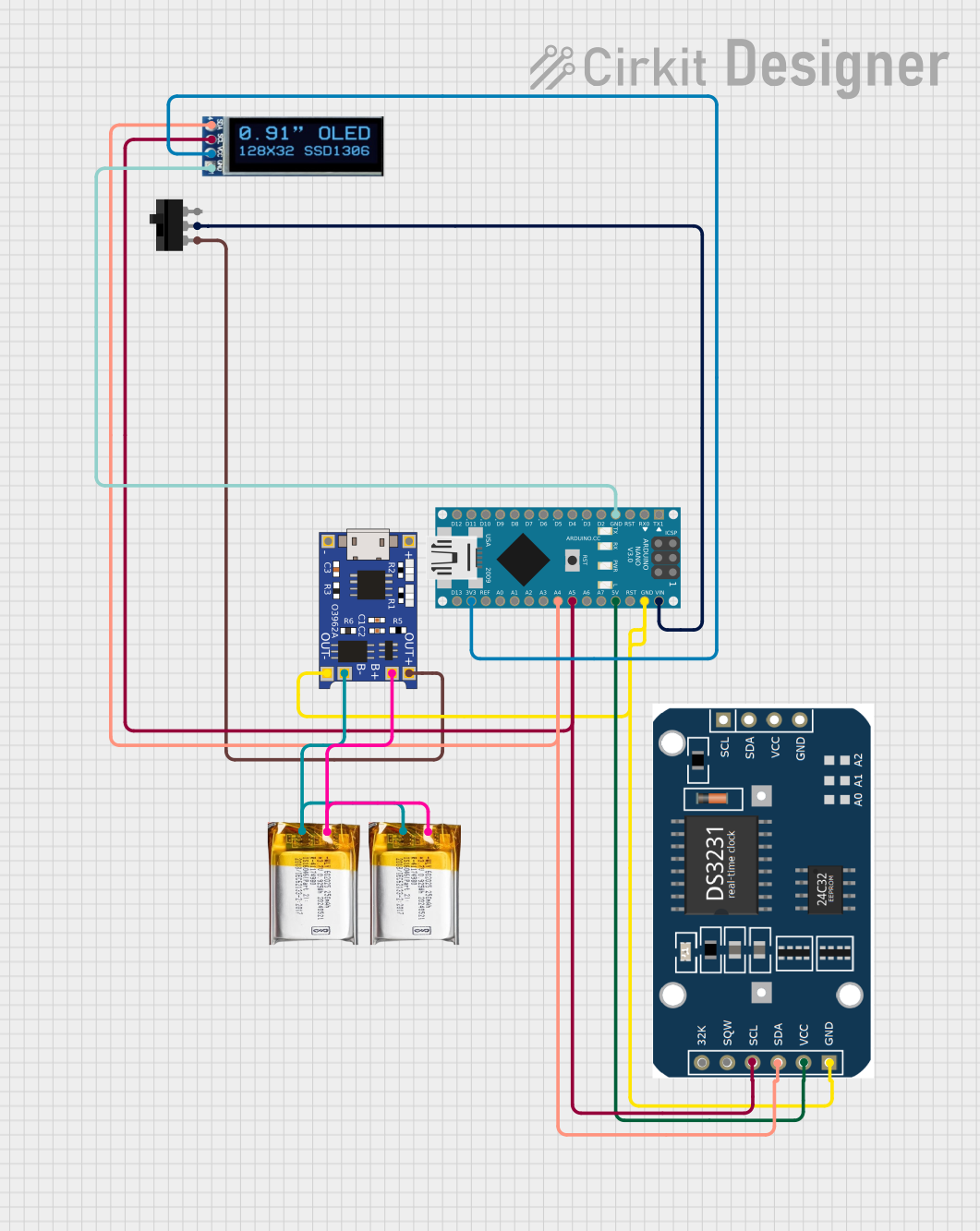 Open Project in Cirkit Designer
Explore Projects Built with SSD1306
Open Project in Cirkit DesignerOpen Project in Cirkit DesignerOpen Project in Cirkit DesignerOpen Project in Cirkit DesignerCommon Applications and Use Cases
- Wearable devices
- IoT dashboards and displays
- Portable electronics
- Embedded system debugging
- Graphical user interfaces for small devices
- Educational and hobbyist projects
Technical Specifications
The SSD1306 is a highly efficient display driver with the following key specifications:
Key Technical Details
| Parameter | Value |
|---|---|
| Display Resolution | Up to 128x64 pixels |
| Communication Protocols | I2C, SPI |
| Operating Voltage | 2.4V to 3.6V (logic level) |
| Display Colors | Monochrome (white, blue, etc.) |
| Operating Temperature | -40°C to +85°C |
| Power Consumption | Low power, varies by usage |
Pin Configuration and Descriptions
The SSD1306 module typically comes with the following pins. The exact pinout may vary depending on the module manufacturer.
I2C Pin Configuration
| Pin Name | Description |
|---|---|
| VCC | Power supply (commonly 3.3V or 5V) |
| GND | Ground |
| SCL | Serial Clock Line for I2C communication |
| SDA | Serial Data Line for I2C communication |
SPI Pin Configuration
| Pin Name | Description |
|---|---|
| VCC | Power supply (commonly 3.3V or 5V) |
| GND | Ground |
| SCK | Serial Clock Line for SPI communication |
| MOSI | Master Out Slave In (data input) |
| CS | Chip Select |
| DC | Data/Command control pin |
| RES | Reset pin |
Usage Instructions
How to Use the SSD1306 in a Circuit
- Power Supply: Connect the
VCCpin to a 3.3V or 5V power source (depending on the module) and theGNDpin to ground. - Communication Protocol: Choose between I2C or SPI based on your application. For I2C, connect
SCLandSDAto the corresponding pins on your microcontroller. For SPI, connectSCK,MOSI,CS,DC, andRESas required. - Pull-Up Resistors: If using I2C, ensure pull-up resistors (typically 4.7kΩ) are connected to the
SCLandSDAlines. - Initialization: Use a library or write initialization code to configure the SSD1306 for your display resolution and communication protocol.
Important Considerations and Best Practices
- Ensure the power supply voltage matches the module's requirements to avoid damage.
- Use level shifters if your microcontroller operates at 5V logic and the SSD1306 module is designed for 3.3V logic.
- For I2C, verify the device address (commonly
0x3Cor0x3D) and ensure no address conflicts on the bus. - Avoid excessive refresh rates to minimize power consumption and extend the display's lifespan.
Example Code for Arduino UNO (I2C)
Below is an example of how to use the SSD1306 with an Arduino UNO using the Adafruit SSD1306 library.
#include <Wire.h>
#include <Adafruit_GFX.h>
#include <Adafruit_SSD1306.h>

// Define the OLED display width and height
#define SCREEN_WIDTH 128
#define SCREEN_HEIGHT 64

// Create an SSD1306 display object connected via I2C
Adafruit_SSD1306 display(SCREEN_WIDTH, SCREEN_HEIGHT, &Wire, -1);

void setup() {
  // Initialize serial communication for debugging
  Serial.begin(9600);

  // Initialize the SSD1306 display
  if (!display.begin(SSD1306_I2C_ADDRESS, 0x3C)) {
    // If initialization fails, print an error message
    Serial.println(F("SSD1306 allocation failed"));
    for (;;); // Halt execution
  }

  // Clear the display buffer
  display.clearDisplay();

  // Display a welcome message
  display.setTextSize(1); // Set text size
  display.setTextColor(SSD1306_WHITE); // Set text color
  display.setCursor(0, 0); // Set cursor position
  display.println(F("Hello, SSD1306!")); // Print text
  display.display(); // Update the display
}

void loop() {
  // Add your main code here
}
Troubleshooting and FAQs
Common Issues and Solutions
Display Not Turning On:
- Verify the power supply voltage and connections.
- Check for loose or incorrect wiring.
- Ensure the correct I2C address (
0x3Cor0x3D) is used in the code.
No Text or Graphics Displayed:
- Confirm the initialization code matches the display resolution.
- Ensure the correct communication protocol (I2C or SPI) is selected.
- Check for library compatibility and update to the latest version.
Flickering or Artifacts:
- Reduce the refresh rate in the code.
- Verify the power supply is stable and sufficient.
I2C Communication Errors:
- Ensure pull-up resistors are connected to the
SCLandSDAlines. - Check for address conflicts on the I2C bus.
- Ensure pull-up resistors are connected to the
FAQs
Q: Can the SSD1306 work with 5V logic?
A: Some modules include level shifters for 5V compatibility, but many require 3.3V logic. Use level shifters if needed.
Q: What is the maximum resolution supported by the SSD1306?
A: The SSD1306 supports resolutions up to 128x64 pixels.
Q: Can I use the SSD1306 with a Raspberry Pi?
A: Yes, the SSD1306 can be used with a Raspberry Pi via I2C or SPI. Libraries such as luma.oled are available for Python.
Q: How do I change the I2C address of the SSD1306?
A: Some modules allow changing the I2C address by soldering jumpers or resistors. Refer to the module's datasheet for details.