
How to Use Protection: Examples, Pinouts, and Specs
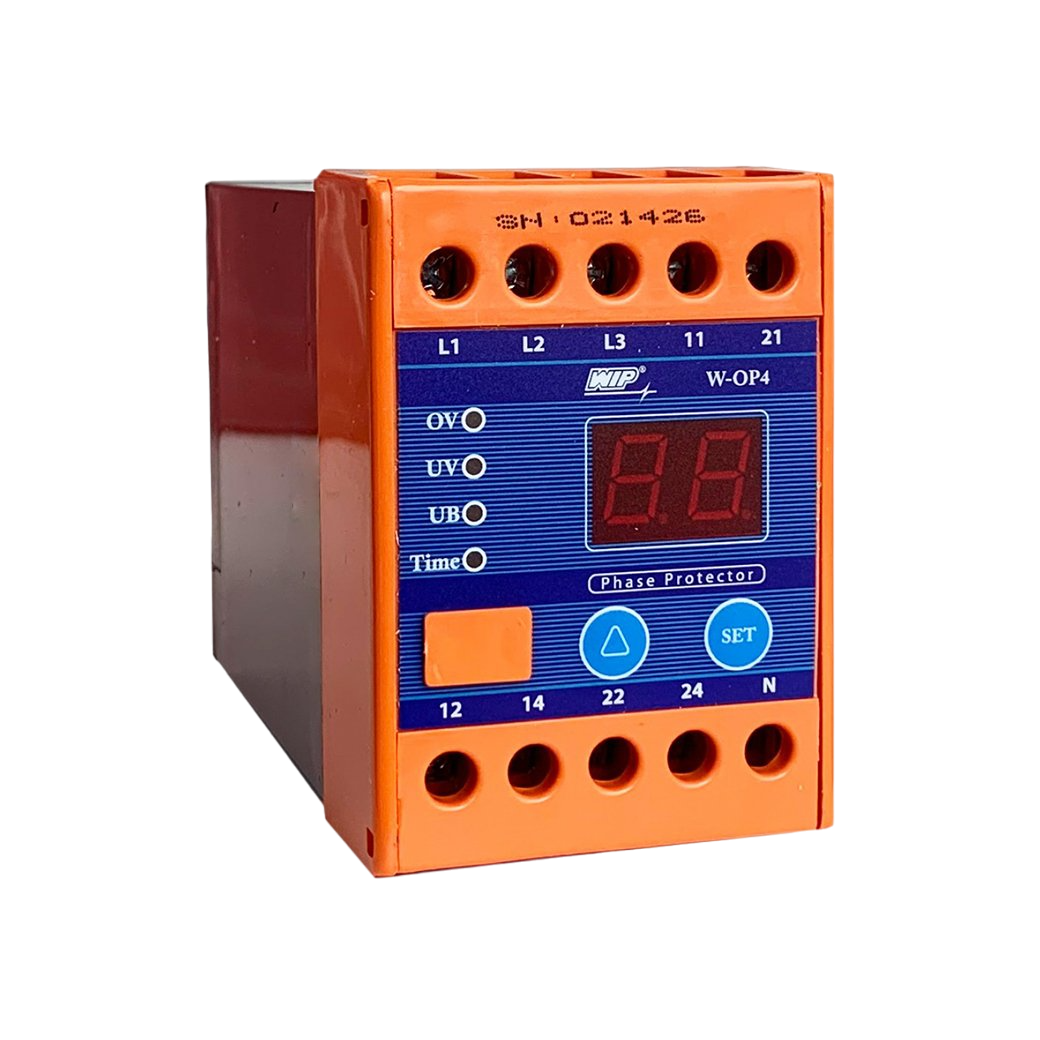
 Design with Protection in Cirkit Designer
Introduction
Protection components are essential in electronic circuits to safeguard other components and the circuit itself from potential damage caused by overvoltage, overcurrent, or other fault conditions. These components act as a line of defense against various electrical hazards, ensuring the longevity and reliability of electronic systems. Common types of protection components include diodes (such as Zener diodes and TVS diodes), fuses, and circuit breakers. They find applications in a wide range of fields, from consumer electronics to industrial control systems.
Explore Projects Built with Protection
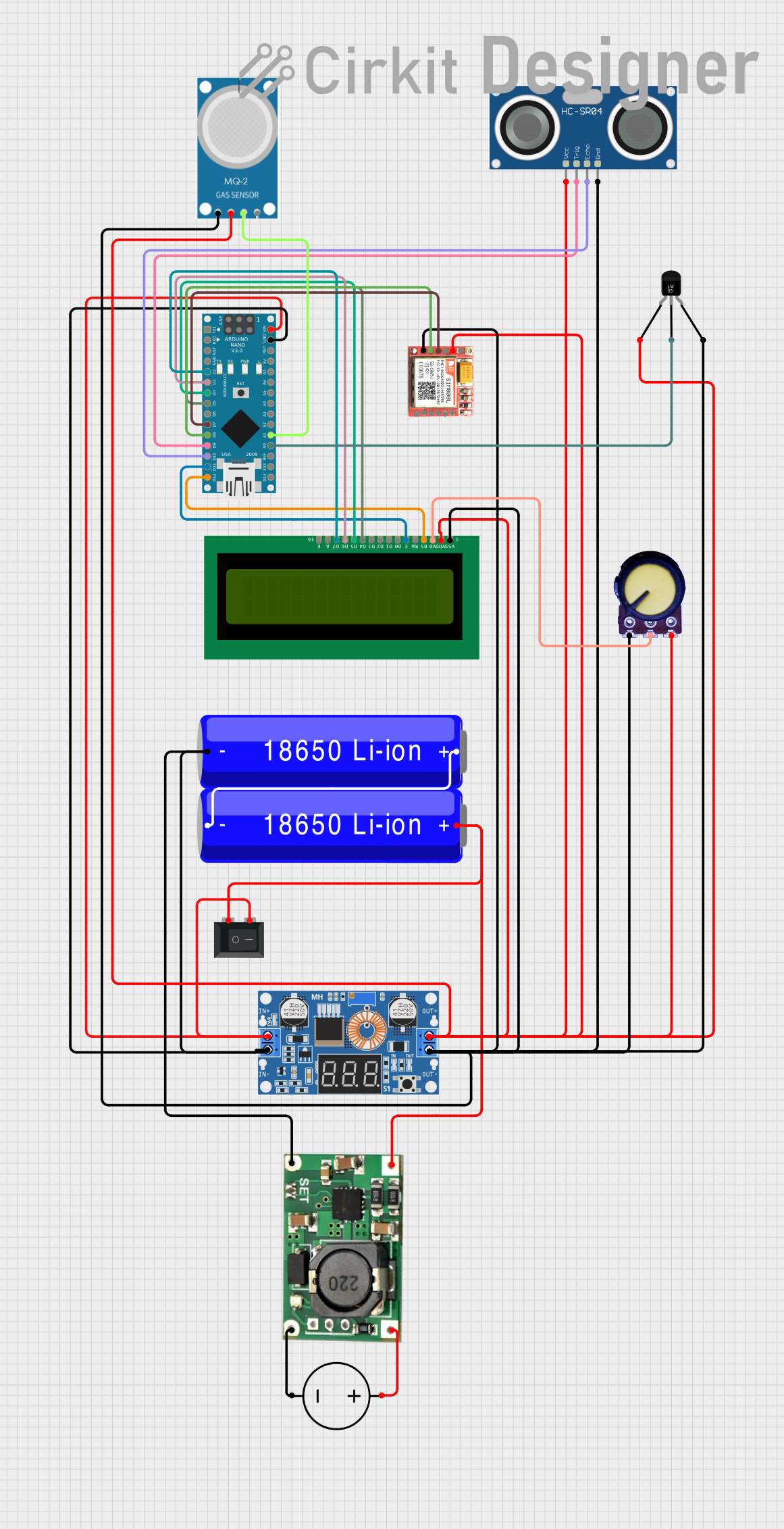 Open Project in Cirkit Designer
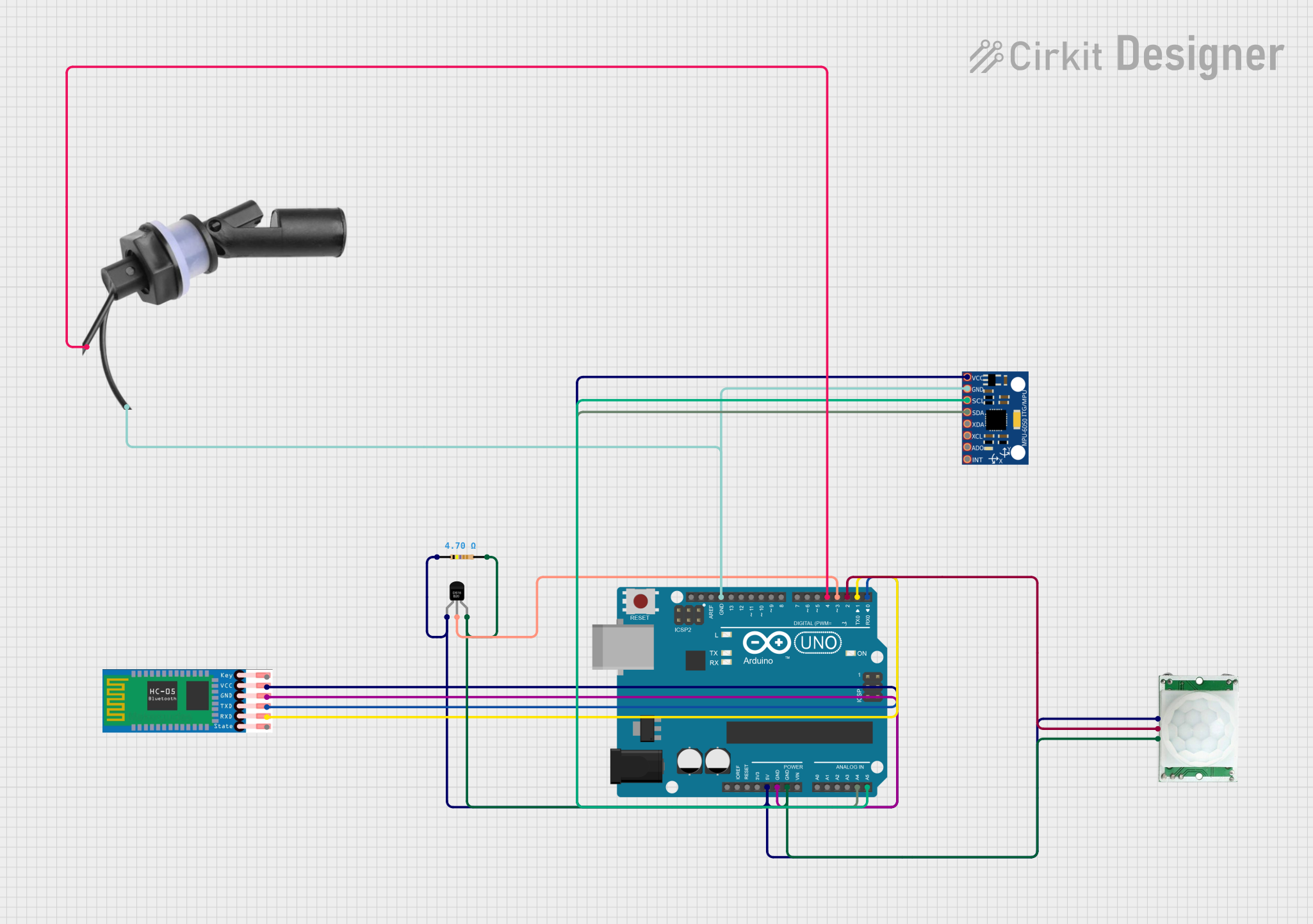 Open Project in Cirkit Designer
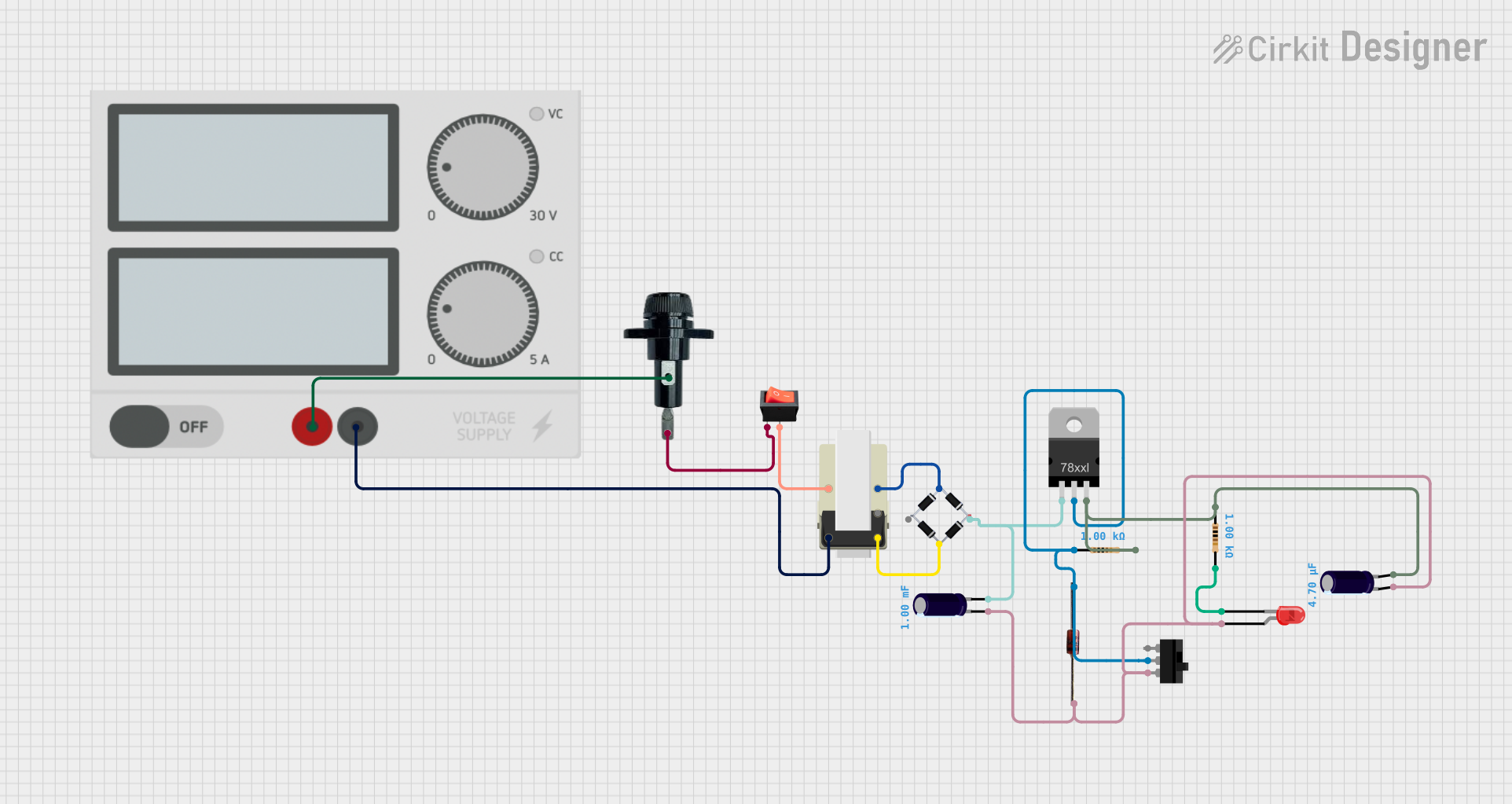 Open Project in Cirkit Designer
 Open Project in Cirkit Designer
Explore Projects Built with Protection
Open Project in Cirkit DesignerOpen Project in Cirkit DesignerOpen Project in Cirkit DesignerOpen Project in Cirkit DesignerTechnical Specifications
General Characteristics
| Parameter | Description | Unit |
|---|---|---|
| Voltage Rating | Maximum voltage the component can withstand without damage | V |
| Current Rating | Maximum current the component can safely carry | A |
| Power Dissipation | Maximum power the component can dissipate without overheating | W |
| Response Time | Time taken by the component to respond to a fault condition | ns-ms |
Pin Configuration and Descriptions
Diode (Example: TVS Diode)
| Pin Number | Name | Description |
|---|---|---|
| 1 | Anode | Connects to the positive side of the circuit |
| 2 | Cathode | Connects to the negative side of the circuit |
Fuse
| Pin Number | Name | Description |
|---|---|---|
| 1 | Terminal 1 | One end of the fuse element |
| 2 | Terminal 2 | Other end of the fuse element |
Circuit Breaker
| Pin Number | Name | Description |
|---|---|---|
| 1 | Line | Connects to the incoming power supply |
| 2 | Load | Connects to the protected circuit |
Usage Instructions
Diodes
- Zener Diode: Connect the anode to the ground and the cathode to the point in the circuit where voltage regulation is needed. Ensure the Zener voltage is slightly above the desired voltage level.
- TVS Diode: Place across the power supply lines as close to the protected component as possible. The cathode should be connected to the positive supply, and the anode to the ground or negative supply.
Fuses
- Selection: Choose a fuse with a current rating slightly above the normal operating current and a voltage rating above the maximum circuit voltage.
- Placement: Install the fuse in series with the power supply line feeding the circuit to be protected.
Circuit Breakers
- Installation: Connect the line terminal to the power source and the load terminal to the circuit.
- Rating: Select a circuit breaker with a current rating that matches the circuit's maximum current draw and a voltage rating that exceeds the highest voltage present.
Best Practices
- Always verify the component's ratings against the circuit's requirements.
- Replace fuses and reset circuit breakers only after the fault condition has been identified and corrected.
- Use appropriate de-rating factors for components to ensure longevity.
Troubleshooting and FAQs
Q: What should I do if a fuse keeps blowing? A: Check the circuit for short circuits, overloads, or device failures that may cause excessive current draw.
Q: How can I test if a protection diode is working? A: Use a multimeter in diode mode to check for forward and reverse bias conditions. A functioning diode should show low resistance in one direction and high resistance in the other.
Q: My circuit breaker trips frequently; what could be the cause? A: Frequent tripping can be due to overloads, short circuits, or a faulty breaker. Inspect the circuit and connected devices for issues.
Common Issues and Solutions:
- Overvoltage: Ensure that the protection component's voltage rating is suitable for the circuit. Consider using a TVS diode for transient voltage spikes.
- Overcurrent: If a fuse blows or a breaker trips, reduce the load on the circuit or use a component with a higher current rating after ensuring it's safe.
- Slow Response: For fast transients, use a protection component with a quick response time, such as a TVS diode.
For Arduino UNO specific applications, protection components can be used to safeguard the board and connected peripherals. Here's an example of how to use a TVS diode for protecting an Arduino UNO input:
// No specific code is required for the TVS diode as it is a passive component.
// However, it is crucial to connect it correctly in the circuit.

// Connect the anode of the TVS diode to the GND pin of the Arduino UNO.
// Connect the cathode of the TVS diode to the I/O pin you wish to protect.
Remember, the TVS diode does not require any code to function; it operates independently once correctly placed in the circuit. Always ensure that the protection component is properly rated for the application and installed according to the manufacturer's guidelines.