Cirkit Designer LogoCirkit DesignerYour all-in-one circuit design IDE Launch Cirkit Designer App

How to Use HLK-LD4250: Examples, Pinouts, and Specs

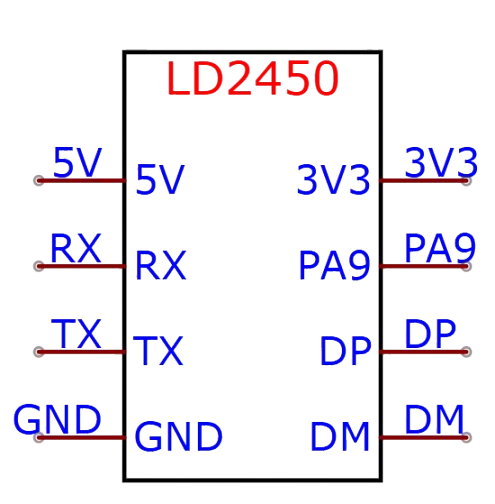
Image of HLK-LD4250Design with HLK-LD4250 in Cirkit Designer

Introduction

The HLK-LD4250 is a compact, high-efficiency AC-DC power supply module designed for low-power applications. It converts AC voltage (110V/220V) to a stable DC output, making it ideal for powering various electronic devices and circuits. Its small size and high reliability make it a popular choice for embedded systems, IoT devices, and home automation projects.

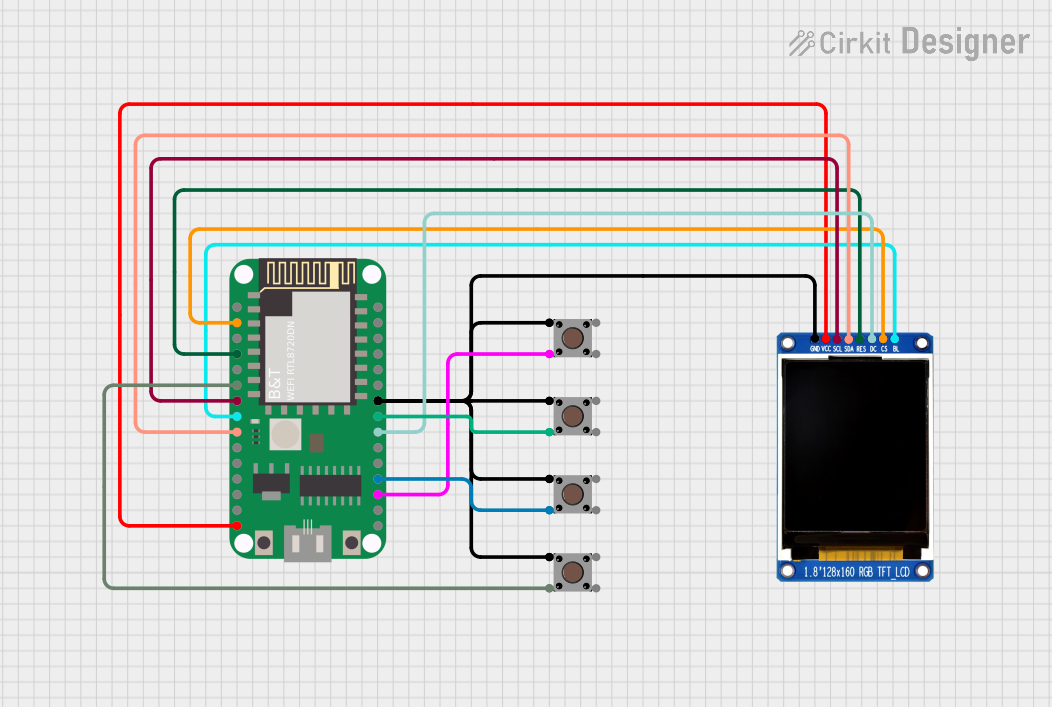
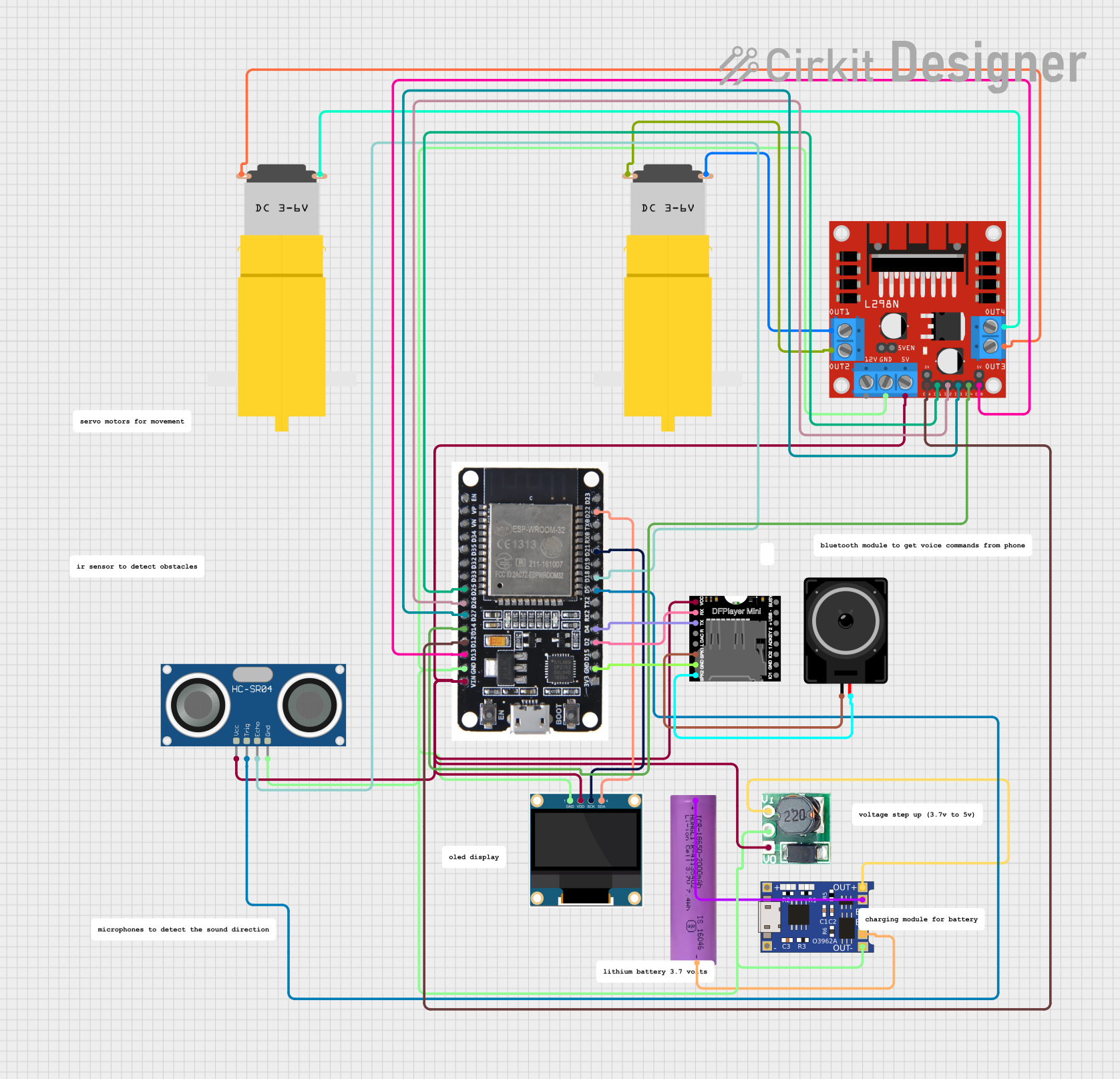
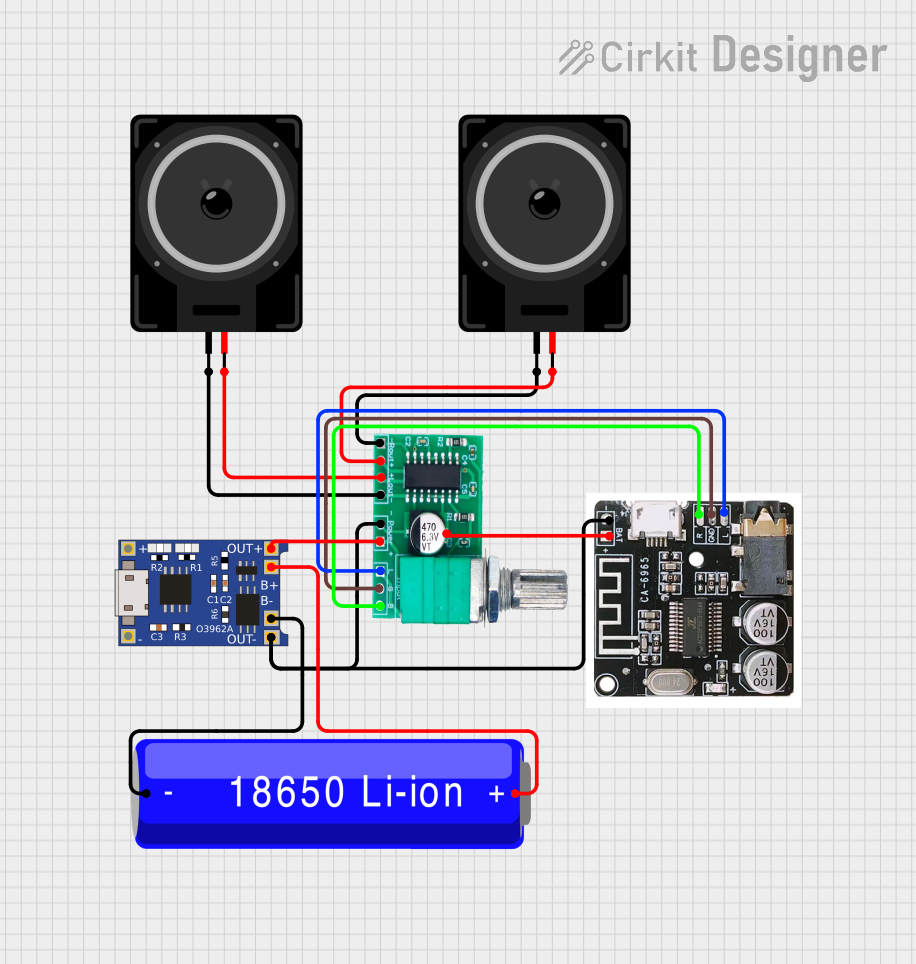
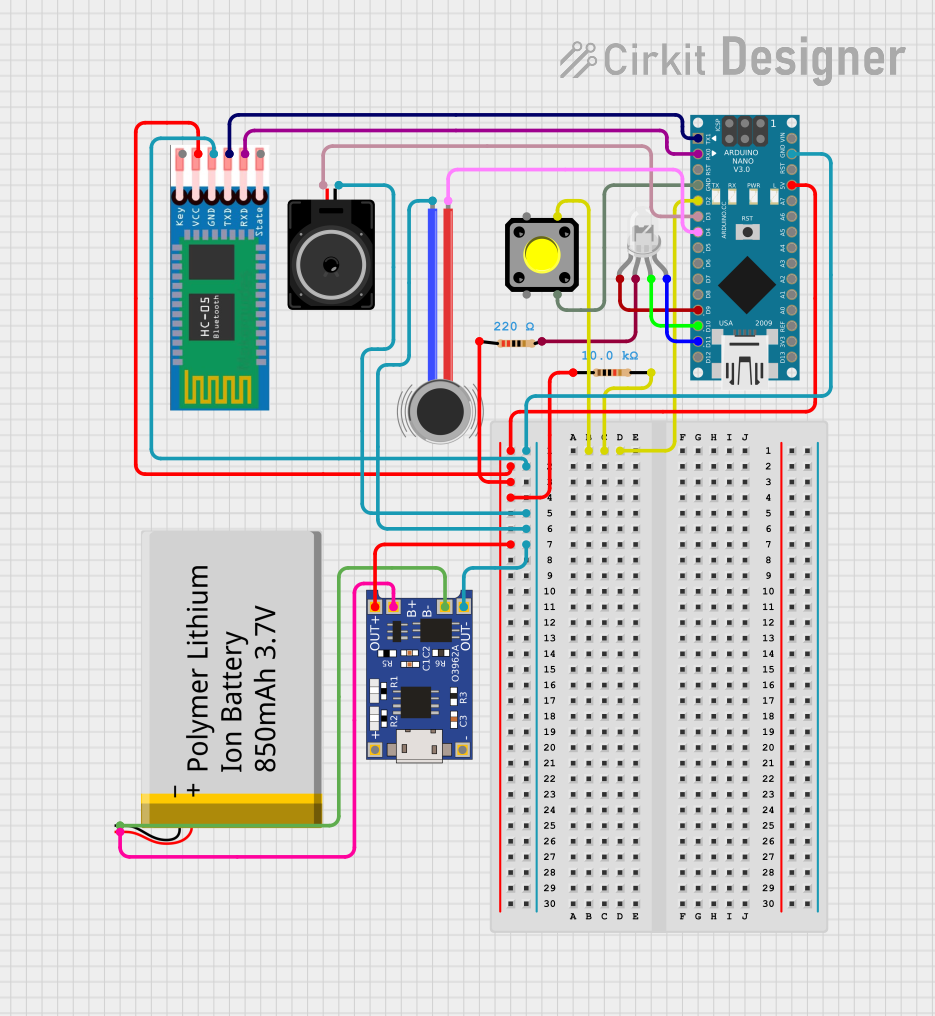
Explore Projects Built with HLK-LD4250

Use Cirkit Designer to design, explore, and prototype these projects online. Some projects support real-time simulation. Click "Open Project" to start designing instantly!

Common Applications and Use Cases

Technical Specifications

Key Technical Details

Parameter Value
Input Voltage Range 90V AC to 264V AC
Output Voltage 5V DC
Output Current 250mA
Output Power 1.25W
Efficiency ≥ 70%
Operating Temperature -20°C to +60°C
Storage Temperature -40°C to +80°C
Dimensions 35mm x 18mm x 15mm
Isolation Voltage 3000V AC
Protection Features Overload, Overvoltage, Short Circuit

Pin Configuration and Descriptions

Pin Number Pin Name Description
1 AC-L Live input for AC voltage
2 AC-N Neutral input for AC voltage
3 +5V Positive DC output (5V)
4 GND Ground (0V) for DC output

Usage Instructions

How to Use the HLK-LD4250 in a Circuit

  1. Connect the AC Input:

    • Connect the AC-L pin to the live wire of the AC mains.
    • Connect the AC-N pin to the neutral wire of the AC mains.
    • Ensure proper insulation and safety precautions when working with AC voltage.
  2. Connect the DC Output:

    • Use the +5V pin to power your circuit's positive rail.
    • Connect the GND pin to the ground rail of your circuit.
  3. Add Filtering Capacitors (Optional):

    • For improved stability, add a 10µF electrolytic capacitor and a 0.1µF ceramic capacitor across the +5V and GND pins.
  4. Mounting:

    • Secure the module on a PCB or enclosure to prevent movement and accidental contact with high-voltage pins.

Important Considerations and Best Practices

Example: Using HLK-LD4250 with an Arduino UNO

The HLK-LD4250 can be used to power an Arduino UNO directly via its 5V pin. Below is an example circuit and code to blink an LED using the Arduino UNO powered by the HLK-LD4250.

Circuit Diagram

  1. Connect the +5V pin of the HLK-LD4250 to the 5V pin of the Arduino UNO.
  2. Connect the GND pin of the HLK-LD4250 to the GND pin of the Arduino UNO.
  3. Connect an LED to pin 13 of the Arduino UNO with a 220Ω resistor in series.

Arduino Code

// This code blinks an LED connected to pin 13 of the Arduino UNO.
// Ensure the HLK-LD4250 is properly connected to power the Arduino.

void setup() {
  pinMode(13, OUTPUT); // Set pin 13 as an output pin
}

void loop() {
  digitalWrite(13, HIGH); // Turn the LED on
  delay(1000);            // Wait for 1 second
  digitalWrite(13, LOW);  // Turn the LED off
  delay(1000);            // Wait for 1 second
}

Troubleshooting and FAQs

Common Issues and Solutions

Issue Possible Cause Solution
No DC output Incorrect AC input connection Verify AC-L and AC-N connections.
Output voltage is unstable Insufficient filtering Add a 10µF and 0.1µF capacitor across
+5V and GND pins.
Module overheating Overloading or poor ventilation Reduce load or improve ventilation.
Arduino not powering on Insufficient current from HLK-LD4250 Ensure load does not exceed 250mA.

FAQs

  1. Can the HLK-LD4250 power a Raspberry Pi?

    • No, the HLK-LD4250 provides only 250mA, which is insufficient for most Raspberry Pi models.
  2. Is the module safe for use in home automation projects?

    • Yes, the module is designed with 3000V AC isolation and protection features, making it safe for such applications.
  3. Can I use the HLK-LD4250 with a 12V DC output?

    • No, the HLK-LD4250 is specifically designed for a 5V DC output. For 12V, consider other models in the HLK series.
  4. Do I need additional components to use the HLK-LD4250?

    • While not mandatory, adding filtering capacitors can improve output stability.

By following this documentation, you can safely and effectively integrate the HLK-LD4250 into your projects.