
How to Use Battery Holders: Examples, Pinouts, and Specs
 Design with Battery Holders in Cirkit Designer
Introduction
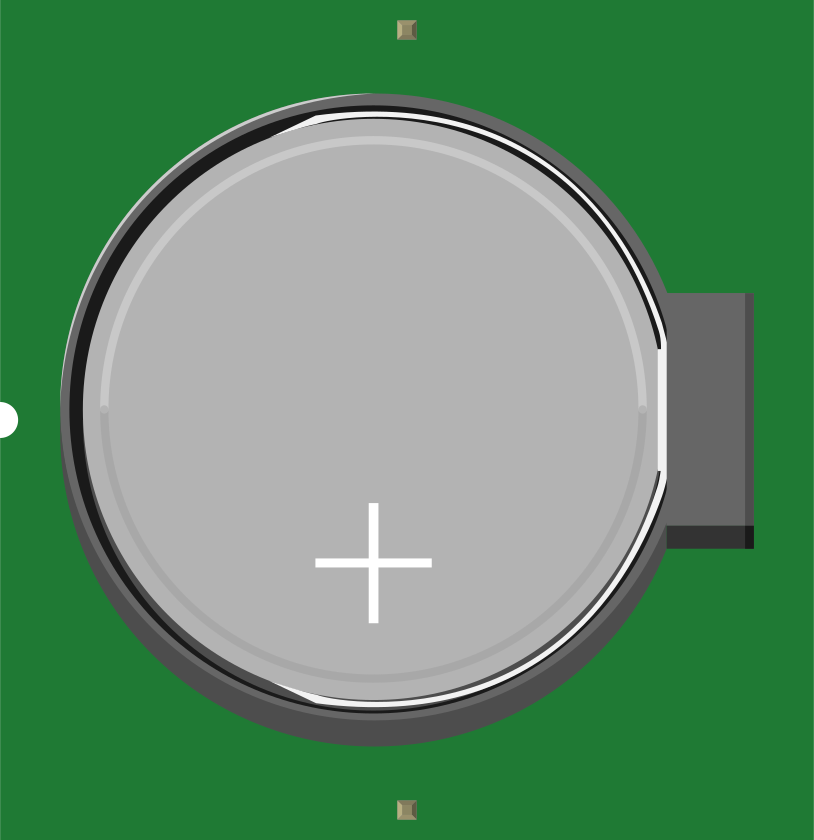
Battery holders are devices used to securely hold batteries in place within a circuit, ensuring proper electrical contact and easy replacement. They are designed to accommodate various battery sizes, such as AA, AAA, 9V, or coin cells, and are available in different configurations, including single-cell and multi-cell holders. Battery holders are essential for portable electronic devices, DIY projects, and prototyping, as they provide a reliable and reusable power source connection.
Explore Projects Built with Battery Holders
 Open Project in Cirkit Designer
 Open Project in Cirkit Designer
 Open Project in Cirkit Designer
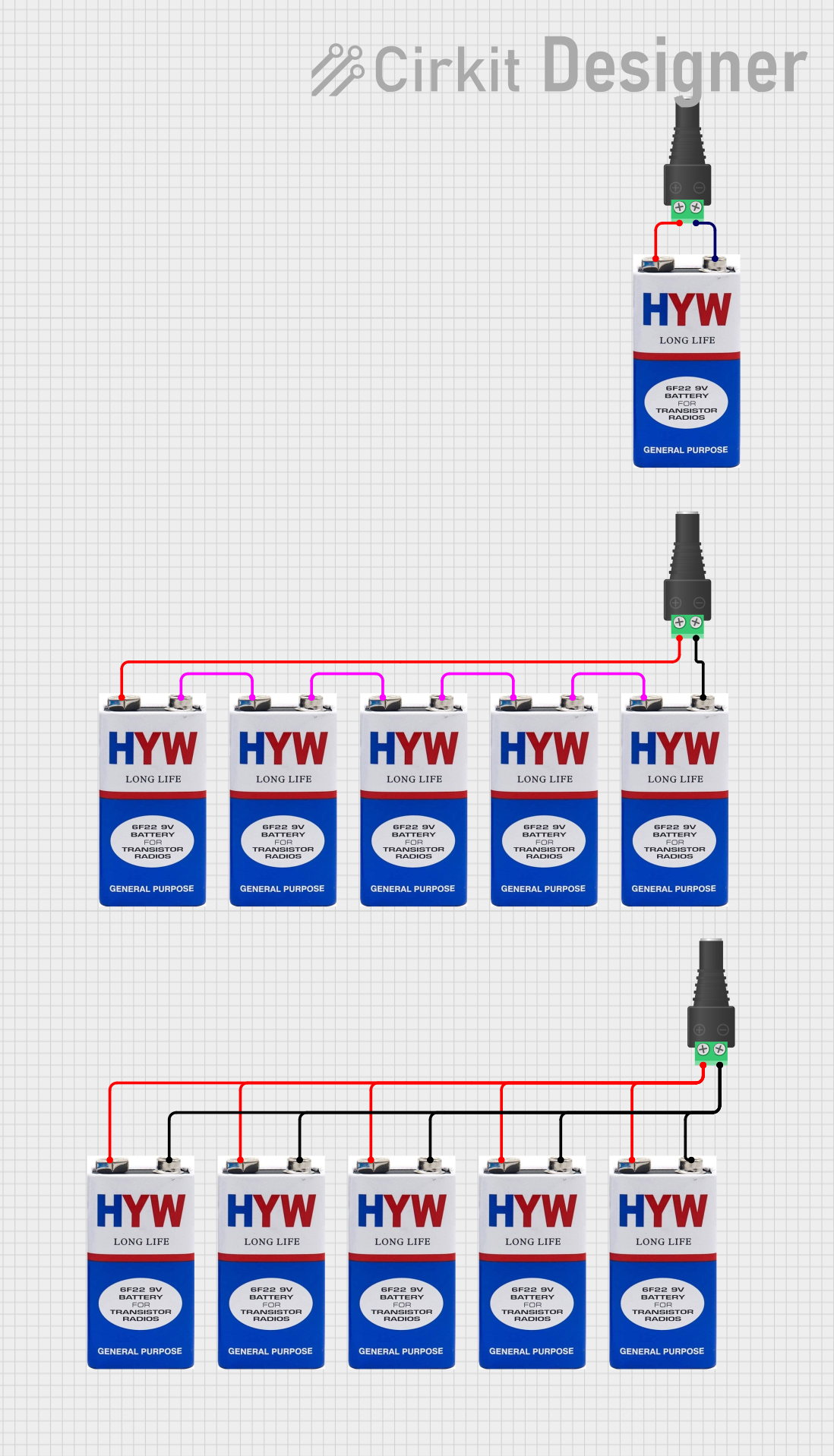 Open Project in Cirkit Designer
Explore Projects Built with Battery Holders
Open Project in Cirkit DesignerOpen Project in Cirkit DesignerOpen Project in Cirkit DesignerOpen Project in Cirkit DesignerCommon Applications and Use Cases
- Portable electronic devices (e.g., flashlights, remote controls)
- DIY electronics and prototyping
- Robotics and small motorized projects
- Educational kits and experiments
- Backup power systems
Technical Specifications
Battery holders come in a variety of designs and specifications depending on the type and number of batteries they support. Below are the general technical details:
Key Technical Details
- Supported Battery Types: AA, AAA, 9V, CR2032 (coin cell), etc.
- Material: Plastic (ABS or polycarbonate) with metal contacts (nickel-plated or stainless steel)
- Voltage Rating: Depends on the number and type of batteries used (e.g., 1.5V for a single AA, 3V for two AA batteries in series)
- Current Rating: Typically up to 2A, depending on the battery and holder design
- Mounting Options: Panel mount, PCB mount, or free-standing with leads or wires
Pin Configuration and Descriptions
Battery holders do not have traditional pins like ICs but instead feature terminals or leads for electrical connections. Below is a table describing the typical connections:
| Terminal | Description | Polarity |
|---|---|---|
| Positive (+) | Connects to the positive terminal of the battery | Positive |
| Negative (-) | Connects to the negative terminal of the battery | Negative |
For holders with multiple cells, the terminals may be connected in series or parallel, depending on the design.
Usage Instructions
How to Use the Component in a Circuit
- Select the Appropriate Holder: Choose a battery holder that matches the size and number of batteries required for your circuit.
- Insert Batteries: Place the batteries into the holder, ensuring correct polarity (positive and negative terminals aligned with the holder's markings).
- Connect to Circuit:
- For holders with wires, solder or connect the leads to the circuit's power input.
- For PCB-mounted holders, ensure proper alignment and solder the terminals to the PCB.
- Secure the Holder: If necessary, use screws or adhesive to mount the holder securely in your project.
Important Considerations and Best Practices
- Polarity Check: Always verify the polarity of the batteries before connecting the holder to the circuit to avoid damage.
- Avoid Short Circuits: Ensure that the terminals do not come into contact with conductive materials.
- Battery Type: Use only the specified battery type to prevent overheating or damage to the holder.
- Current Draw: Ensure the circuit's current draw does not exceed the battery holder's rating.
- Replacement: Replace batteries promptly when depleted to avoid leakage or corrosion.
Example: Connecting a Battery Holder to an Arduino UNO
Below is an example of using a 4xAA battery holder (6V output) to power an Arduino UNO via its VIN pin:
/* Example: Powering Arduino UNO with a 4xAA Battery Holder
   Ensure the battery holder provides a voltage within the Arduino's input range (7-12V).
   Use a 4xAA holder with 1.5V batteries to achieve 6V, which is suitable for VIN. */

void setup() {
  // No specific setup required for power input
}

void loop() {
  // Your Arduino code here
}
Note: When using a battery holder to power an Arduino, ensure the total voltage is within the acceptable range for the VIN pin (7-12V). For 6V holders, use a step-up converter if needed.
Troubleshooting and FAQs
Common Issues Users Might Face
No Power to the Circuit:
- Cause: Batteries inserted with incorrect polarity.
- Solution: Recheck and align the batteries according to the holder's markings.
Intermittent Power Loss:
- Cause: Loose or corroded contacts.
- Solution: Clean the contacts with isopropyl alcohol and ensure batteries are securely seated.
Overheating:
- Cause: Excessive current draw or short circuit.
- Solution: Verify the circuit's current requirements and inspect for short circuits.
Battery Leakage:
- Cause: Old or damaged batteries left in the holder.
- Solution: Replace batteries regularly and clean any residue immediately.
Solutions and Tips for Troubleshooting
- Use a multimeter to check the voltage at the holder's terminals.
- Inspect the holder for physical damage or wear.
- Ensure the holder's wires or terminals are properly connected to the circuit.
By following these guidelines, you can effectively use battery holders in your electronic projects and ensure reliable performance.