
How to Use Vibration sensor module alarm Motion sensor module vibration switch SW-420: Examples, Pinouts, and Specs
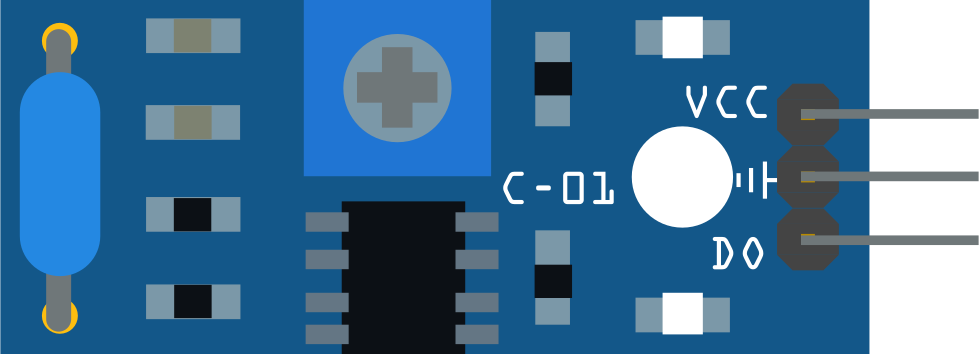
 Design with Vibration sensor module alarm Motion sensor module vibration switch SW-420 in Cirkit Designer
Introduction
The SW-420 Vibration Sensor Module is a compact and reliable electronic component designed to detect vibrations or shocks in its environment. It is equipped with an SW-420 vibration switch and a comparator circuit to provide a digital output signal when vibrations exceed a certain threshold. This module is widely used in security systems, vibration alarms, and motion detection applications.
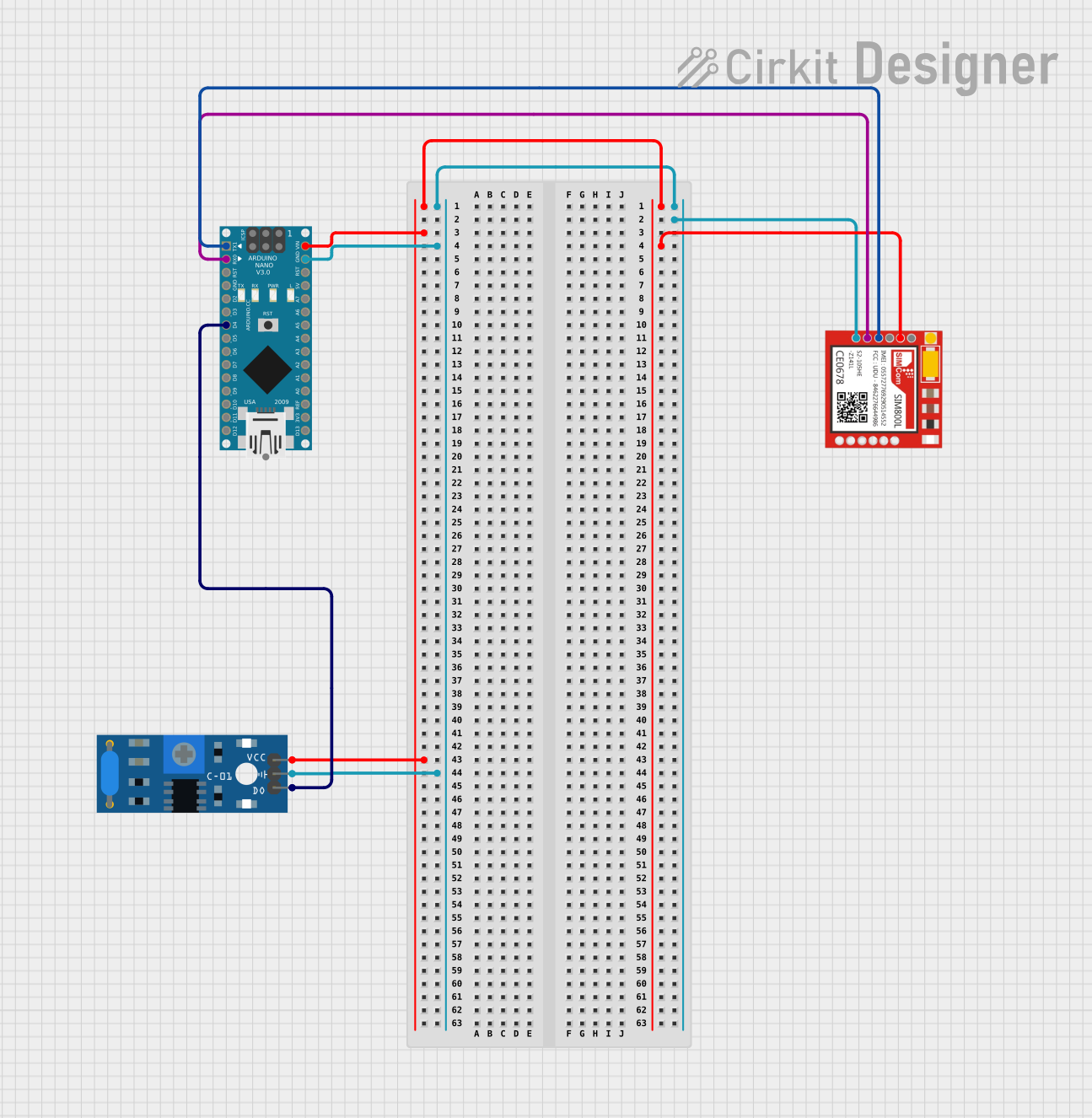
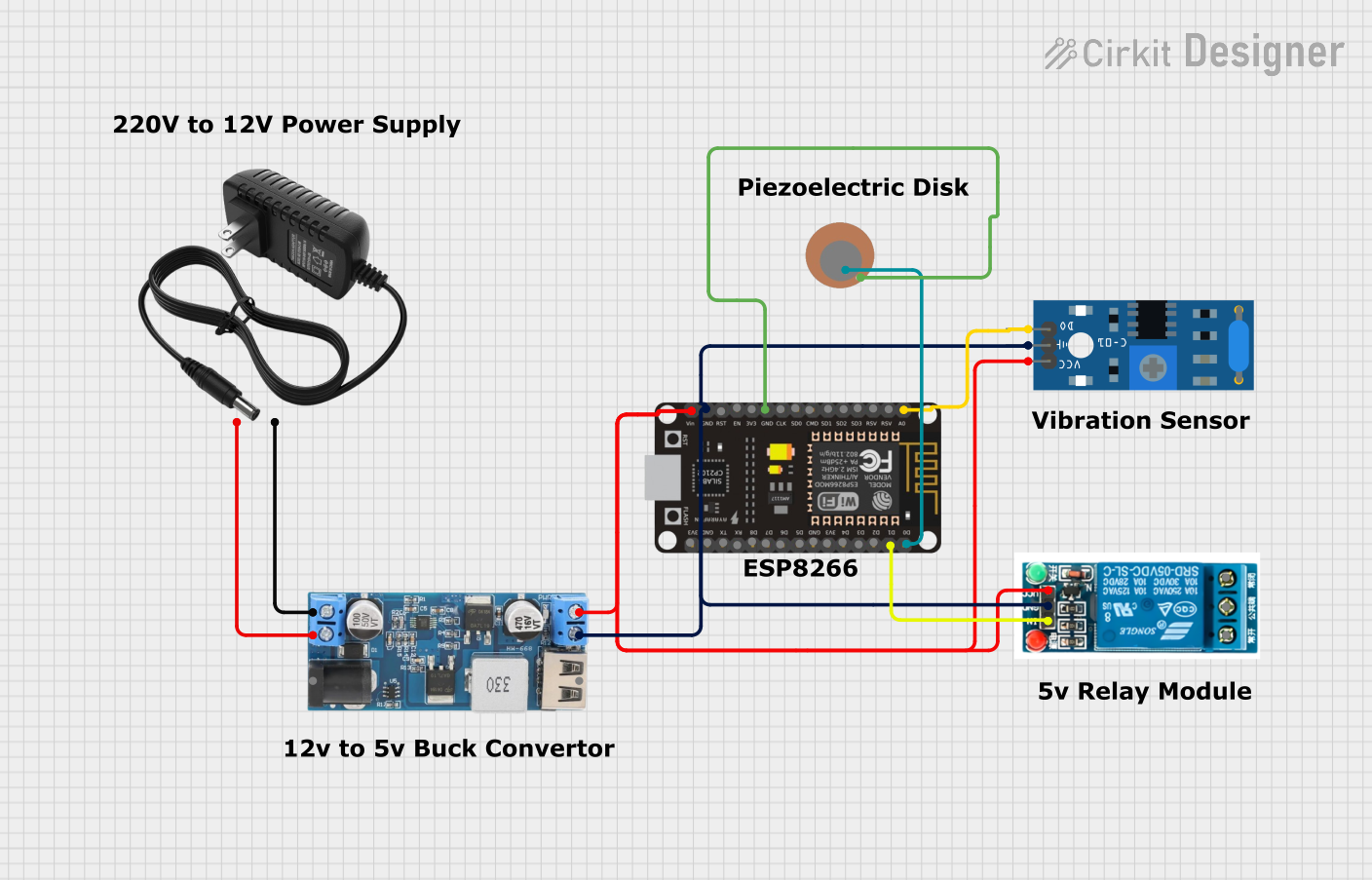
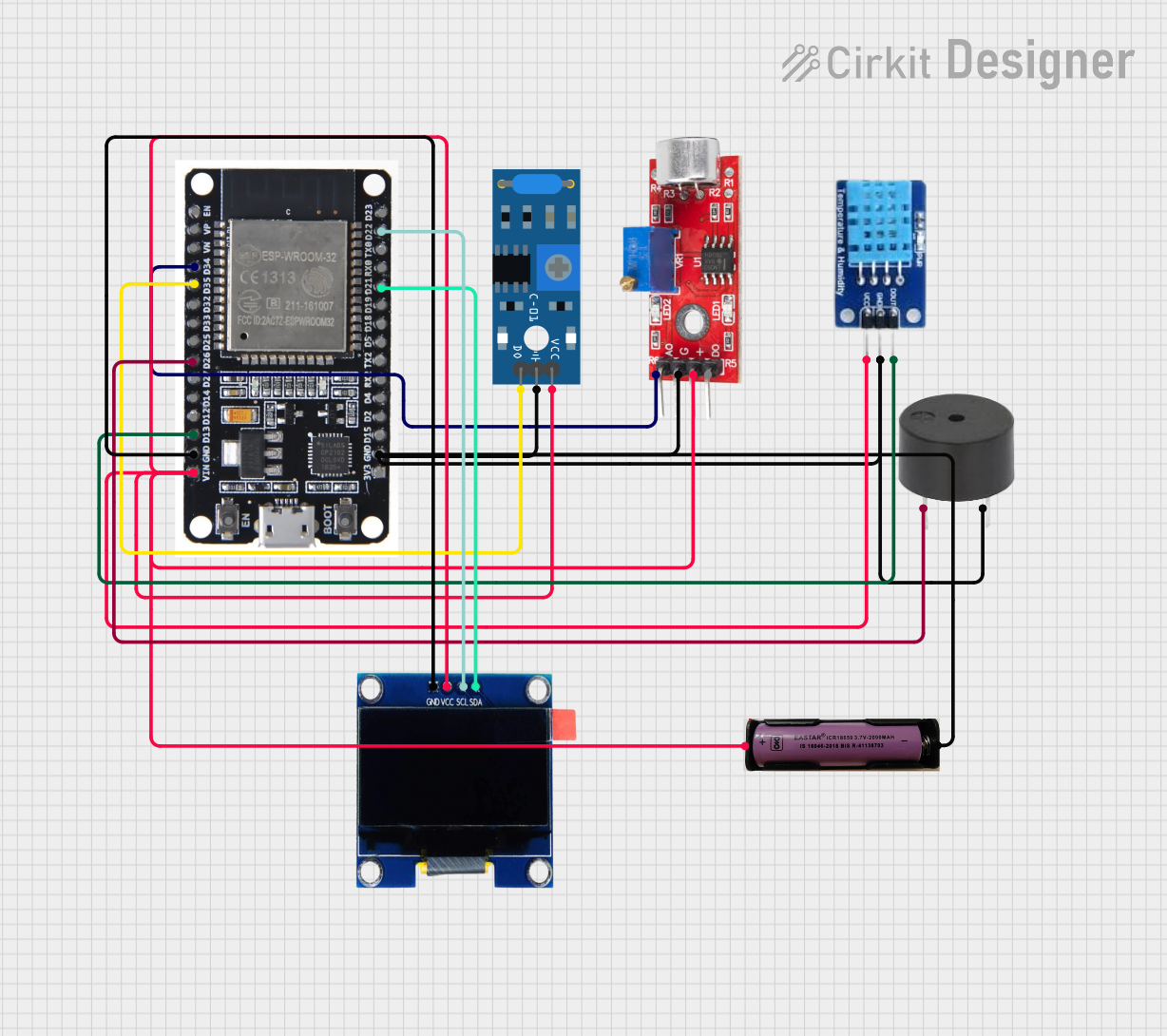
Explore Projects Built with Vibration sensor module alarm Motion sensor module vibration switch SW-420
 Open Project in Cirkit Designer
 Open Project in Cirkit Designer
 Open Project in Cirkit Designer
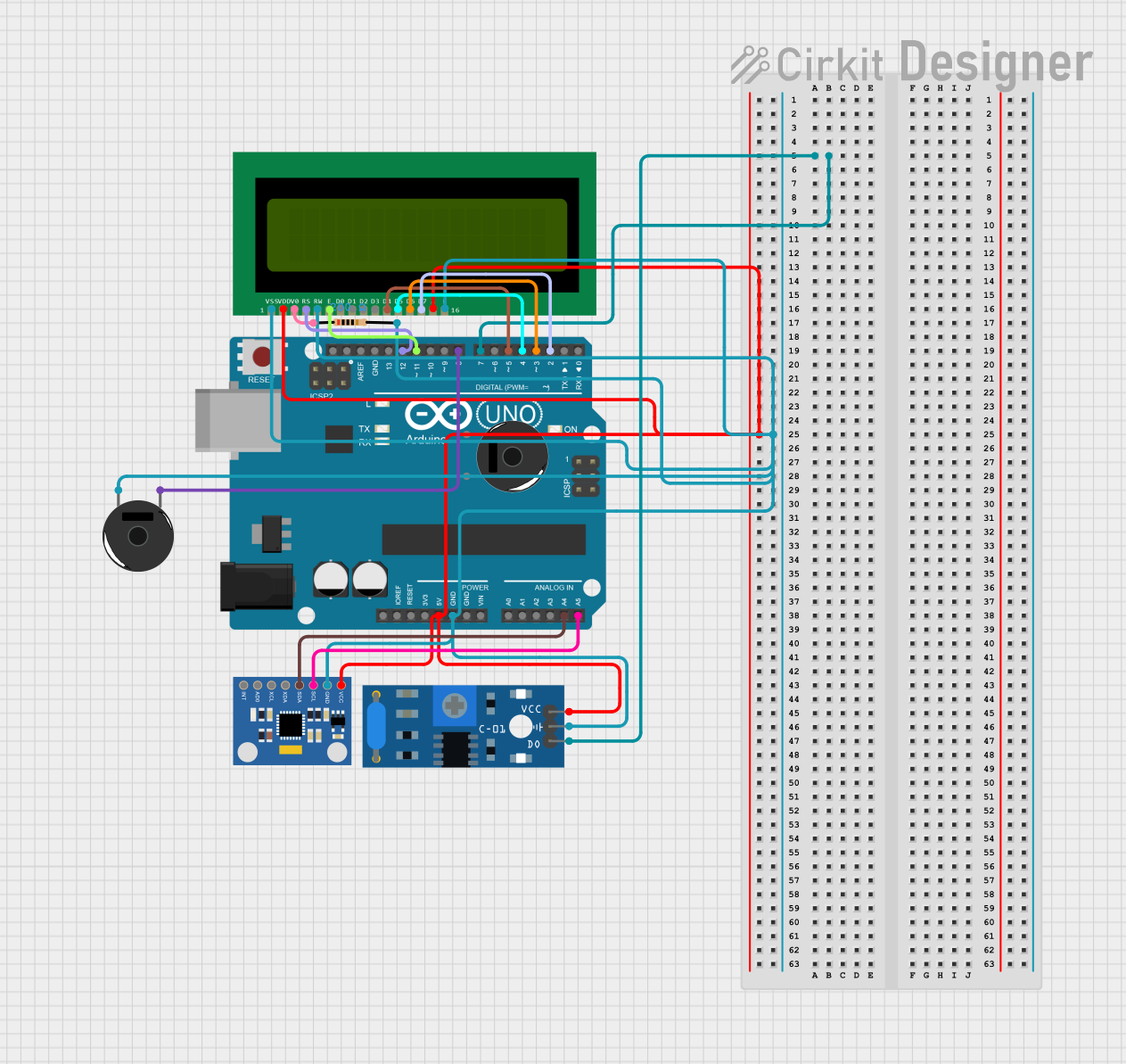 Open Project in Cirkit Designer
Explore Projects Built with Vibration sensor module alarm Motion sensor module vibration switch SW-420
Open Project in Cirkit DesignerOpen Project in Cirkit DesignerOpen Project in Cirkit DesignerOpen Project in Cirkit DesignerCommon Applications and Use Cases
- Anti-theft alarm systems
- Earthquake detection devices
- Smart home automation
- Industrial equipment monitoring
- Motion-triggered lighting systems
Technical Specifications
The SW-420 Vibration Sensor Module has the following key specifications:
| Parameter | Value |
|---|---|
| Operating Voltage | 3.3V to 5V |
| Output Type | Digital (High/Low) |
| Sensitivity Adjustment | Via onboard potentiometer |
| Dimensions | 32mm x 14mm x 8mm |
| Output Signal | High (no vibration), Low (vibration detected) |
| Operating Temperature | -40°C to +85°C |
Pin Configuration and Descriptions
The module has a 3-pin interface:
| Pin | Name | Description |
|---|---|---|
| 1 | VCC | Power supply input (3.3V to 5V) |
| 2 | GND | Ground connection |
| 3 | DO | Digital output signal (High/Low based on vibration) |
Usage Instructions
How to Use the Component in a Circuit
- Power the Module: Connect the
VCCpin to a 3.3V or 5V power source and theGNDpin to the ground of your circuit. - Connect the Output: Use the
DOpin to read the digital output signal. This pin will output a HIGH signal when no vibration is detected and a LOW signal when vibration is detected. - Adjust Sensitivity: Use the onboard potentiometer to adjust the sensitivity of the vibration detection. Turning the potentiometer clockwise increases sensitivity, while turning it counterclockwise decreases sensitivity.
- Integrate with a Microcontroller: Connect the
DOpin to a digital input pin of a microcontroller (e.g., Arduino UNO) to process the vibration signal.
Important Considerations and Best Practices
- Ensure the module is securely mounted to avoid false triggers caused by loose connections.
- Avoid placing the module near strong electromagnetic interference sources, as this may affect its performance.
- Use appropriate pull-up or pull-down resistors if required by your circuit design.
- For long-term reliability, avoid exposing the module to extreme temperatures or humidity.
Example Code for Arduino UNO
The following code demonstrates how to use the SW-420 Vibration Sensor Module with an Arduino UNO to detect vibrations and trigger an LED:
// Define the pin connections
const int vibrationPin = 2; // Digital pin connected to the DO pin of the module
const int ledPin = 13;      // Built-in LED pin on Arduino UNO

void setup() {
  pinMode(vibrationPin, INPUT); // Set the vibration sensor pin as input
  pinMode(ledPin, OUTPUT);      // Set the LED pin as output
  Serial.begin(9600);           // Initialize serial communication for debugging
}

void loop() {
  int vibrationState = digitalRead(vibrationPin); // Read the sensor output

  if (vibrationState == LOW) {
    // If vibration is detected, turn on the LED
    digitalWrite(ledPin, HIGH);
    Serial.println("Vibration detected!");
  } else {
    // If no vibration is detected, turn off the LED
    digitalWrite(ledPin, LOW);
    Serial.println("No vibration.");
  }

  delay(100); // Add a small delay to stabilize readings
}
Troubleshooting and FAQs
Common Issues and Solutions
No Output Signal Detected
- Solution: Verify the power connections to the module. Ensure the
VCCandGNDpins are properly connected to the power supply. - Solution: Check the sensitivity setting on the potentiometer. Increase the sensitivity if necessary.
- Solution: Verify the power connections to the module. Ensure the
False Triggers
- Solution: Ensure the module is securely mounted to avoid unintended vibrations.
- Solution: Reduce the sensitivity using the potentiometer to filter out minor vibrations.
Output Signal Always HIGH
- Solution: Verify that the module is not in a completely vibration-free environment. Test by gently tapping the module.
- Solution: Check the
DOpin connection to the microcontroller or circuit.
Output Signal Always LOW
- Solution: Ensure the module is not exposed to constant vibrations. Test by isolating the module from external motion.
- Solution: Inspect the module for physical damage or loose components.
FAQs
Q: Can the SW-420 module detect very small vibrations?
A: Yes, the sensitivity can be adjusted using the onboard potentiometer to detect even small vibrations.
Q: Is the module compatible with 3.3V systems?
A: Yes, the module operates within a voltage range of 3.3V to 5V, making it compatible with both 3.3V and 5V systems.
Q: Can I use multiple SW-420 modules in the same circuit?
A: Yes, multiple modules can be used, but ensure each module is properly powered and connected to separate input pins on the microcontroller.
Q: How do I know if the module is working?
A: The onboard LED will light up when vibration is detected, providing a visual indication of the module's operation.