
How to Use Voltage Regulator - Variable: Examples, Pinouts, and Specs
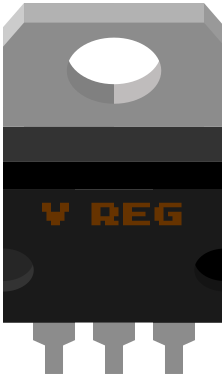
 Design with Voltage Regulator - Variable in Cirkit Designer
Introduction
The LM317 is a versatile, adjustable voltage regulator manufactured by Texas Instruments. It is designed to provide a stable and adjustable output voltage, making it ideal for a wide range of applications. The LM317 can regulate output voltages ranging from 1.25V to 37V with a maximum output current of 1.5A, provided proper heat dissipation is ensured. This component is widely used in power supply circuits, battery chargers, and other electronic systems requiring a stable and adjustable voltage source.
Explore Projects Built with Voltage Regulator - Variable
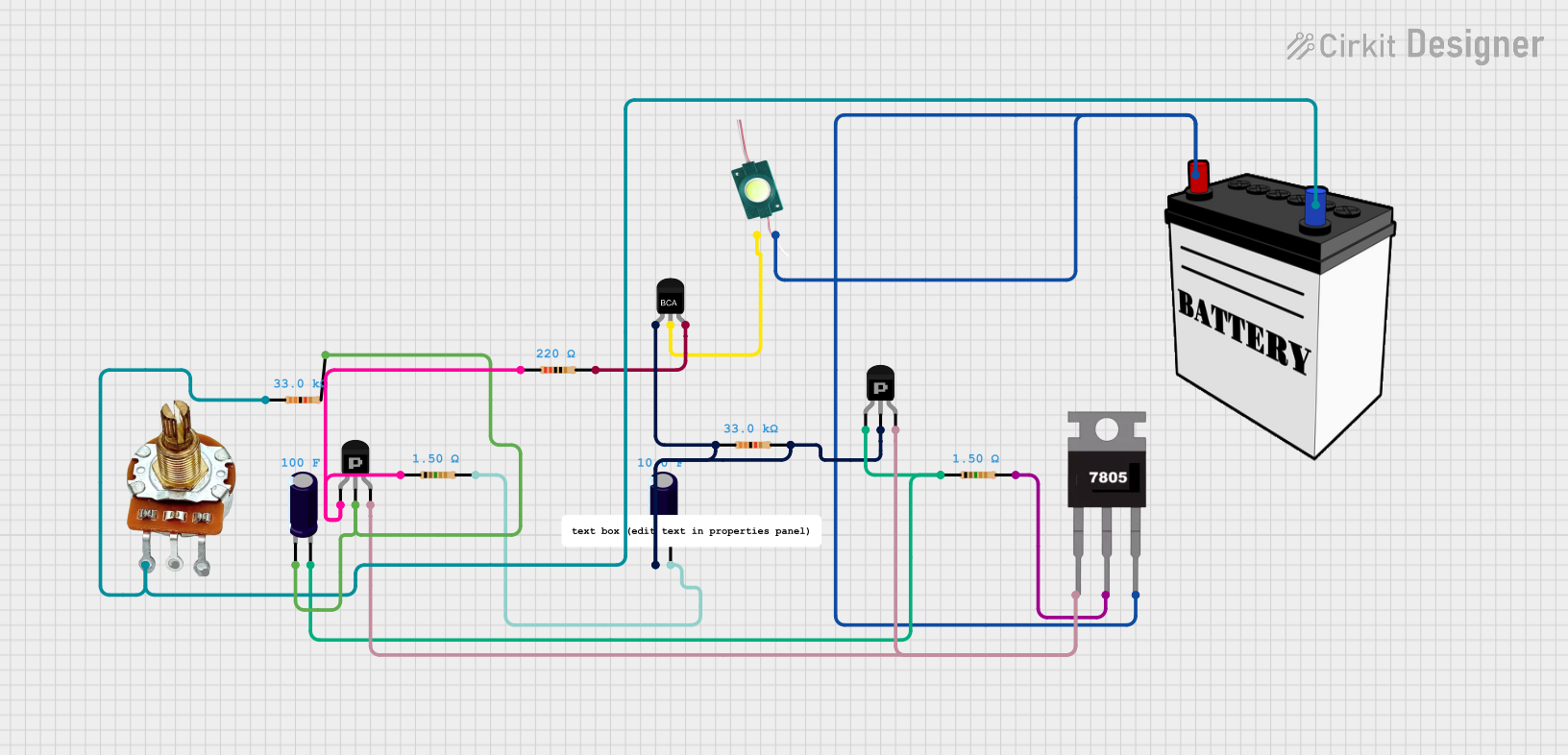 Open Project in Cirkit Designer
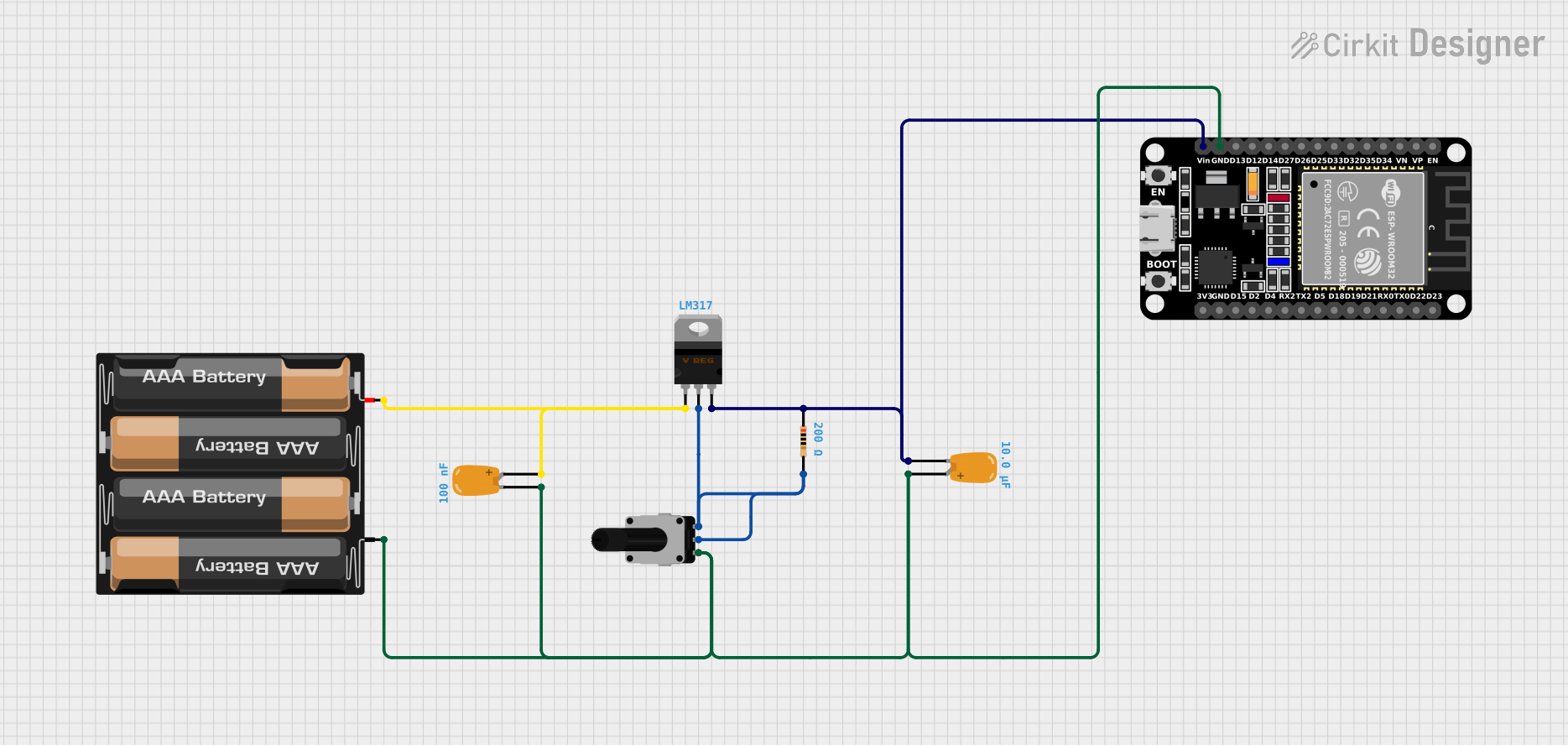 Open Project in Cirkit Designer
 Open Project in Cirkit Designer
 Open Project in Cirkit Designer
Explore Projects Built with Voltage Regulator - Variable
Open Project in Cirkit DesignerOpen Project in Cirkit DesignerOpen Project in Cirkit DesignerOpen Project in Cirkit DesignerCommon Applications and Use Cases
- Adjustable power supplies
- Battery chargers
- Voltage regulation in embedded systems
- Current regulation circuits
- LED drivers
Technical Specifications
The LM317 is a three-terminal adjustable voltage regulator with the following key specifications:
| Parameter | Value |
|---|---|
| Input Voltage Range | 3V to 40V |
| Output Voltage Range | 1.25V to 37V |
| Maximum Output Current | 1.5A |
| Line Regulation | 0.01%/V (typical) |
| Load Regulation | 0.1% (typical) |
| Thermal Shutdown | Yes |
| Short-Circuit Protection | Yes |
| Package Types | TO-220, TO-92, SOT-223 |
Pin Configuration and Descriptions
The LM317 has three pins, as described in the table below:
| Pin Number | Pin Name | Description |
|---|---|---|
| 1 | Adjust | Used to set the output voltage via an external resistor divider network. |
| 2 | Output | Regulated output voltage is provided at this pin. |
| 3 | Input | Input voltage is applied to this pin. Must be higher than the desired output. |
Usage Instructions
How to Use the LM317 in a Circuit
To use the LM317 as a voltage regulator, follow these steps:
- Connect the Input Voltage: Apply a DC voltage to the
Inputpin. Ensure the input voltage is at least 3V higher than the desired output voltage. - Set the Output Voltage: Use a resistor divider network between the
Adjustpin and theOutputpin to set the desired output voltage. The output voltage is determined by the formula: [ V_{OUT} = V_{REF} \times \left(1 + \frac{R_2}{R_1}\right) + I_{ADJ} \times R_2 ] where ( V_{REF} ) is typically 1.25V, ( R_1 ) is usually 240Ω, and ( I_{ADJ} ) is negligible (approximately 50µA). - Add Capacitors: Place a 0.1µF capacitor near the input pin and a 1µF capacitor near the output pin to improve stability and reduce noise.
- Heat Dissipation: Attach a heatsink to the LM317 if the power dissipation exceeds safe limits.
Example Circuit
Below is a basic circuit diagram for using the LM317 to regulate voltage:
Input Voltage (+) ----+---- LM317 (Input)
                      |
                     ---
                     --- 0.1µF
                      |
                     GND

LM317 (Output) ----+---- Resistor R1 (240Ω) ----+---- Output Voltage (+)
                   |                           |
                   |                           |
                   +---- Resistor R2 (Variable)|
                   |                           |
                  GND                         GND
Arduino UNO Example Code
The LM317 can be used to power an Arduino UNO with a stable voltage. Below is an example code snippet to read the regulated voltage using the Arduino's analog input:
// Define the analog pin connected to the output of the LM317
const int voltagePin = A0;

// Reference voltage for the Arduino ADC (5V for most boards)
const float referenceVoltage = 5.0;

// ADC resolution (10-bit for Arduino UNO)
const int adcResolution = 1024;

void setup() {
  Serial.begin(9600); // Initialize serial communication
}

void loop() {
  int adcValue = analogRead(voltagePin); // Read the ADC value
  float outputVoltage = (adcValue * referenceVoltage) / adcResolution;

  // Print the measured voltage to the Serial Monitor
  Serial.print("Output Voltage: ");
  Serial.print(outputVoltage);
  Serial.println(" V");

  delay(1000); // Wait for 1 second before the next reading
}
Important Considerations and Best Practices
- Ensure the input voltage is at least 3V higher than the desired output voltage.
- Use appropriate heatsinks to prevent overheating during high current operation.
- Add bypass capacitors to improve stability and reduce noise.
- Avoid shorting the output pin to ground, even though the LM317 has built-in short-circuit protection.
Troubleshooting and FAQs
Common Issues and Solutions
Output Voltage is Incorrect
- Verify the resistor values in the voltage divider network.
- Ensure the input voltage is at least 3V higher than the desired output voltage.
- Check for loose or incorrect connections.
Overheating
- Attach a heatsink to the LM317 to dissipate heat effectively.
- Reduce the load current if possible.
No Output Voltage
- Check the input voltage and ensure it is within the specified range.
- Verify the connections and ensure the capacitors are properly placed.
Output Voltage is Unstable
- Add bypass capacitors (0.1µF and 1µF) near the input and output pins.
- Ensure the ground connections are solid and free of noise.
FAQs
Q: Can the LM317 be used as a current regulator?
A: Yes, the LM317 can be configured as a constant current regulator by placing a resistor between the Output and Adjust pins. The current is determined by ( I = \frac{1.25}{R} ), where ( R ) is the resistor value.
Q: What is the maximum power dissipation of the LM317?
A: The maximum power dissipation depends on the package type and the heatsink used. For the TO-220 package, it is typically around 20W with adequate heatsinking.
Q: Can the LM317 regulate negative voltages?
A: No, the LM317 is designed for positive voltage regulation. For negative voltages, use the LM337.
Q: Is the LM317 suitable for high-frequency applications?
A: The LM317 is not optimized for high-frequency applications. It is best suited for low-frequency or DC voltage regulation.
By following this documentation, users can effectively utilize the LM317 in their electronic projects for reliable and adjustable voltage regulation.