
How to Use LED: Two Pin (yellow): Examples, Pinouts, and Specs
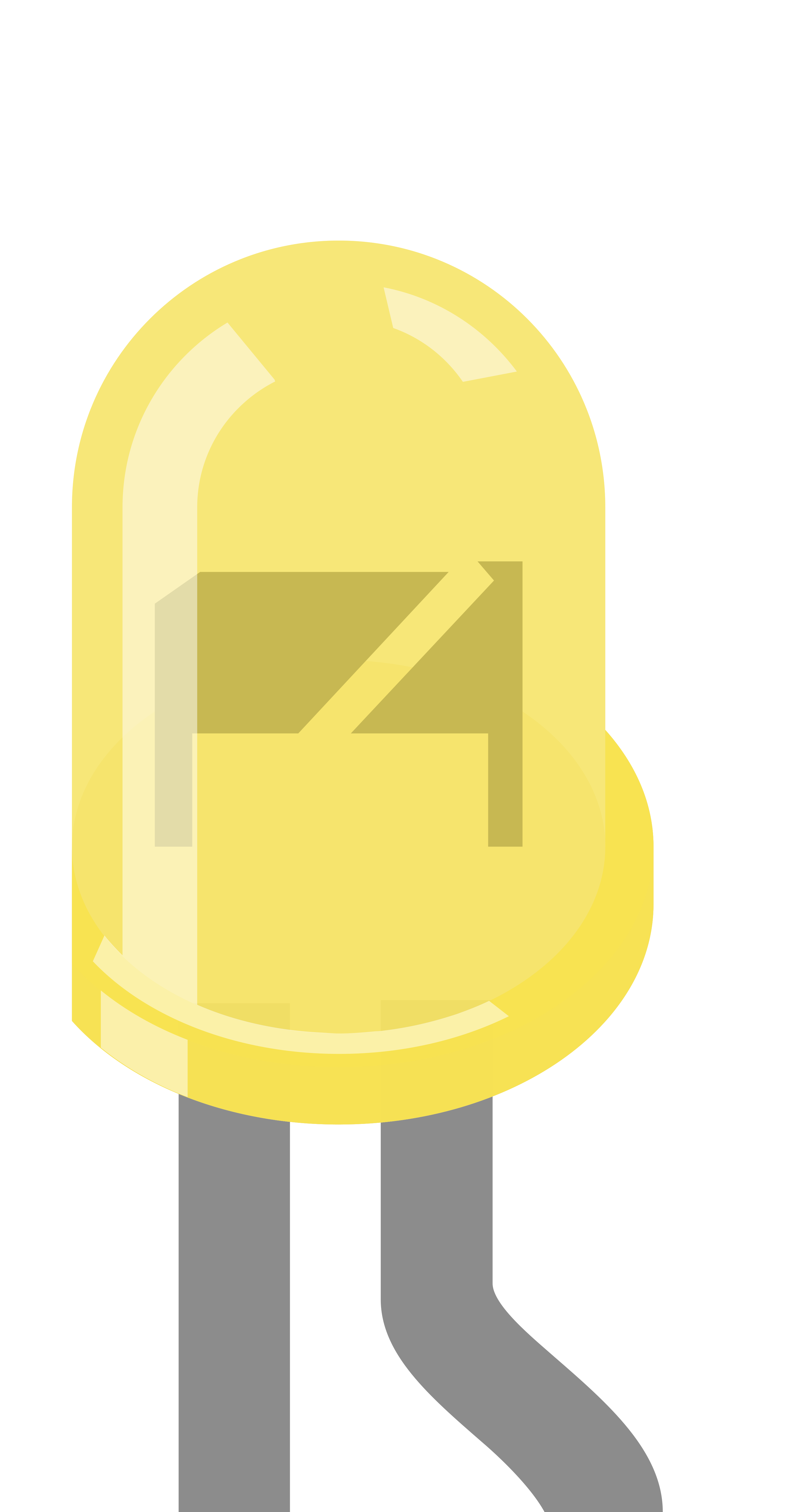
 Design with LED: Two Pin (yellow) in Cirkit Designer
Introduction
A yellow light-emitting diode (LED) is a semiconductor device that emits yellow light when an electric current flows through it. This two-pin LED is widely used in electronic circuits for status indication, visual signaling, and decorative lighting. Its compact size, low power consumption, and long lifespan make it a versatile component in various applications.
Explore Projects Built with LED: Two Pin (yellow)
 Open Project in Cirkit Designer
 Open Project in Cirkit Designer
 Open Project in Cirkit Designer
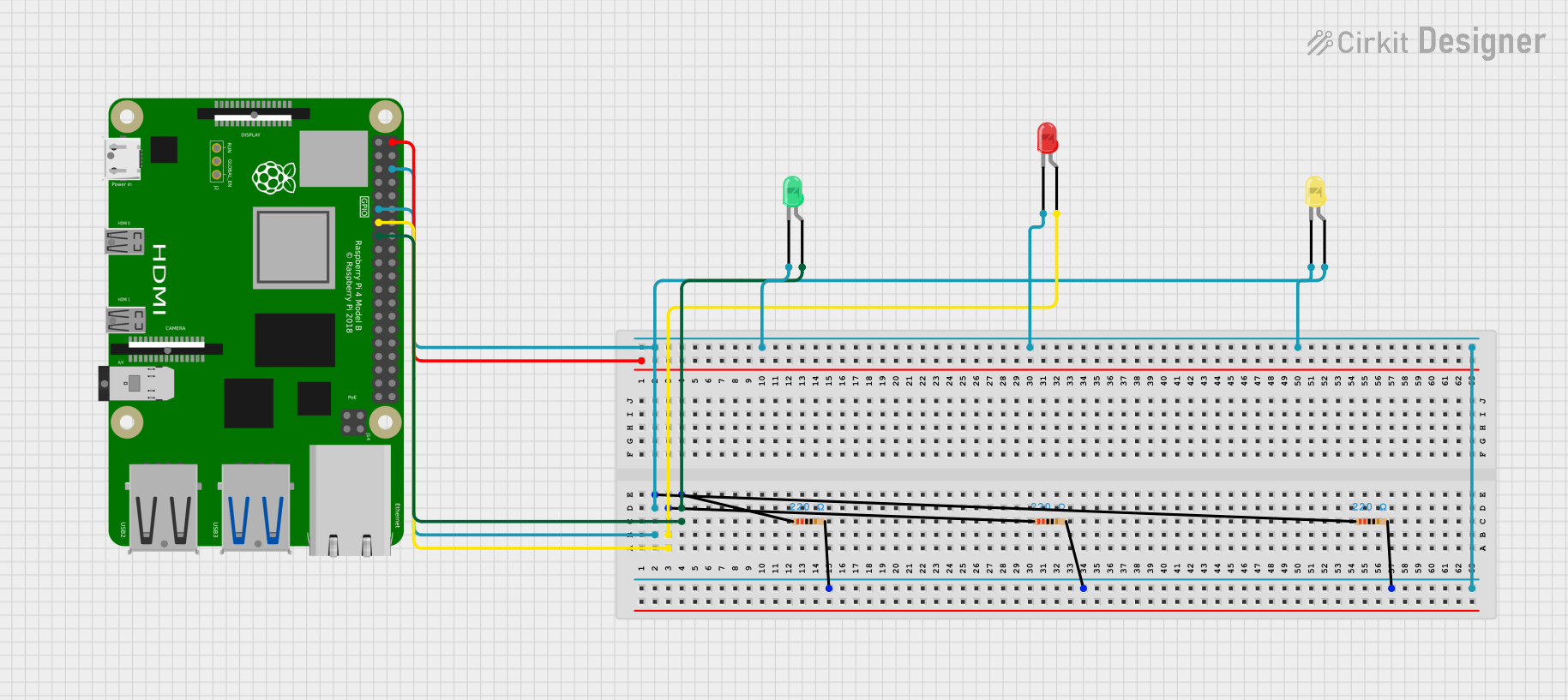 Open Project in Cirkit Designer
Explore Projects Built with LED: Two Pin (yellow)
Open Project in Cirkit DesignerOpen Project in Cirkit DesignerOpen Project in Cirkit DesignerOpen Project in Cirkit DesignerCommon Applications
- Status indicators in electronic devices
- Visual feedback in microcontroller projects
- Decorative or ambient lighting
- Signal transmission in optoelectronic circuits
Technical Specifications
Below are the key technical details for the yellow two-pin LED:
| Parameter | Value |
|---|---|
| Forward Voltage (Vf) | 2.0V - 2.2V |
| Forward Current (If) | 20mA (typical) |
| Maximum Current (Imax) | 30mA |
| Wavelength | 590nm (yellow light) |
| Viewing Angle | 20° - 30° |
| Power Dissipation | 60mW (maximum) |
| Operating Temperature | -40°C to +85°C |
| Storage Temperature | -40°C to +100°C |
Pin Configuration
The yellow LED has two pins, as described below:
| Pin | Description |
|---|---|
| Anode (+) | The longer pin, connected to the positive terminal. |
| Cathode (-) | The shorter pin, connected to the negative terminal. |
Note: The flat edge on the LED casing corresponds to the cathode (-) pin.
Usage Instructions
How to Use the LED in a Circuit
Determine the Resistor Value: To prevent damage, always use a current-limiting resistor in series with the LED. The resistor value can be calculated using Ohm's Law: [ R = \frac{V_{supply} - V_f}{I_f} ] Where:
- ( V_{supply} ) is the supply voltage
- ( V_f ) is the forward voltage of the LED (2.0V - 2.2V)
- ( I_f ) is the desired forward current (typically 20mA)
For example, with a 5V supply: [ R = \frac{5V - 2.1V}{0.02A} = 145\Omega ] Use the nearest standard resistor value, such as 150Ω.
Connect the LED:
- Connect the anode (+) to the positive terminal of the power supply or microcontroller pin.
- Connect the cathode (-) to the resistor, and then to the ground (GND).
Test the Circuit: Power the circuit and observe the yellow light emitted by the LED.
Important Considerations
- Polarity: LEDs are polarized components. Reversing the polarity may prevent the LED from lighting up or damage it.
- Current Limiting: Always use a resistor to limit the current through the LED. Exceeding the maximum current rating can permanently damage the LED.
- Brightness Control: Use pulse-width modulation (PWM) to adjust the brightness of the LED when connected to a microcontroller.
Example: Connecting to an Arduino UNO
Below is an example of how to connect and control a yellow LED using an Arduino UNO:
Circuit Setup
- Connect the anode (+) of the LED to digital pin 9 on the Arduino through a 150Ω resistor.
- Connect the cathode (-) of the LED to the GND pin on the Arduino.
Arduino Code
// Define the pin connected to the LED
const int ledPin = 9;

void setup() {
  // Set the LED pin as an output
  pinMode(ledPin, OUTPUT);
}

void loop() {
  // Turn the LED on
  digitalWrite(ledPin, HIGH);
  delay(1000); // Wait for 1 second

  // Turn the LED off
  digitalWrite(ledPin, LOW);
  delay(1000); // Wait for 1 second
}
Tip: Modify the
delay()values to change the blinking speed of the LED.
Troubleshooting and FAQs
Common Issues
LED Does Not Light Up:
Cause: Incorrect polarity.
Solution: Ensure the anode (+) is connected to the positive terminal and the cathode (-) to ground.
Cause: No current-limiting resistor.
Solution: Add a resistor in series with the LED to limit the current.
LED is Dim:
- Cause: Resistor value too high.
- Solution: Recalculate the resistor value for the desired brightness.
LED Burns Out:
- Cause: Excessive current.
- Solution: Use a resistor to limit the current to 20mA or less.
Flickering LED:
- Cause: Unstable power supply or loose connections.
- Solution: Check the power source and ensure all connections are secure.
FAQs
Q: Can I connect the LED directly to a 3.3V or 5V power supply?
A: No, you must use a current-limiting resistor to prevent excessive current from damaging the LED.
Q: How do I control the brightness of the LED?
A: Use PWM (Pulse Width Modulation) from a microcontroller like Arduino to adjust the brightness.
Q: Can I use this LED with a 12V power supply?
A: Yes, but you must calculate and use an appropriate resistor to limit the current.
Q: What happens if I reverse the polarity of the LED?
A: The LED will not light up, but it typically won't be damaged unless exposed to high reverse voltage.
By following this documentation, you can effectively use the yellow two-pin LED in your electronic projects!