
How to Use MOSFET-NCHANNEL: Examples, Pinouts, and Specs
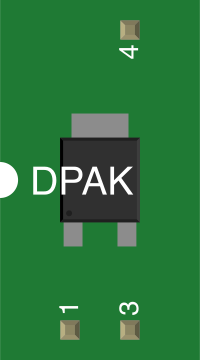
 Design with MOSFET-NCHANNEL in Cirkit Designer
Introduction
The FDD8580 is an N-Channel MOSFET manufactured by onsemi. It is a type of field-effect transistor that uses an n-type semiconductor for the channel. This component allows precise control of current flow between the drain and source terminals based on the voltage applied to the gate terminal. N-Channel MOSFETs like the FDD8580 are widely used in switching and amplification applications due to their high efficiency and fast switching capabilities.
Explore Projects Built with MOSFET-NCHANNEL
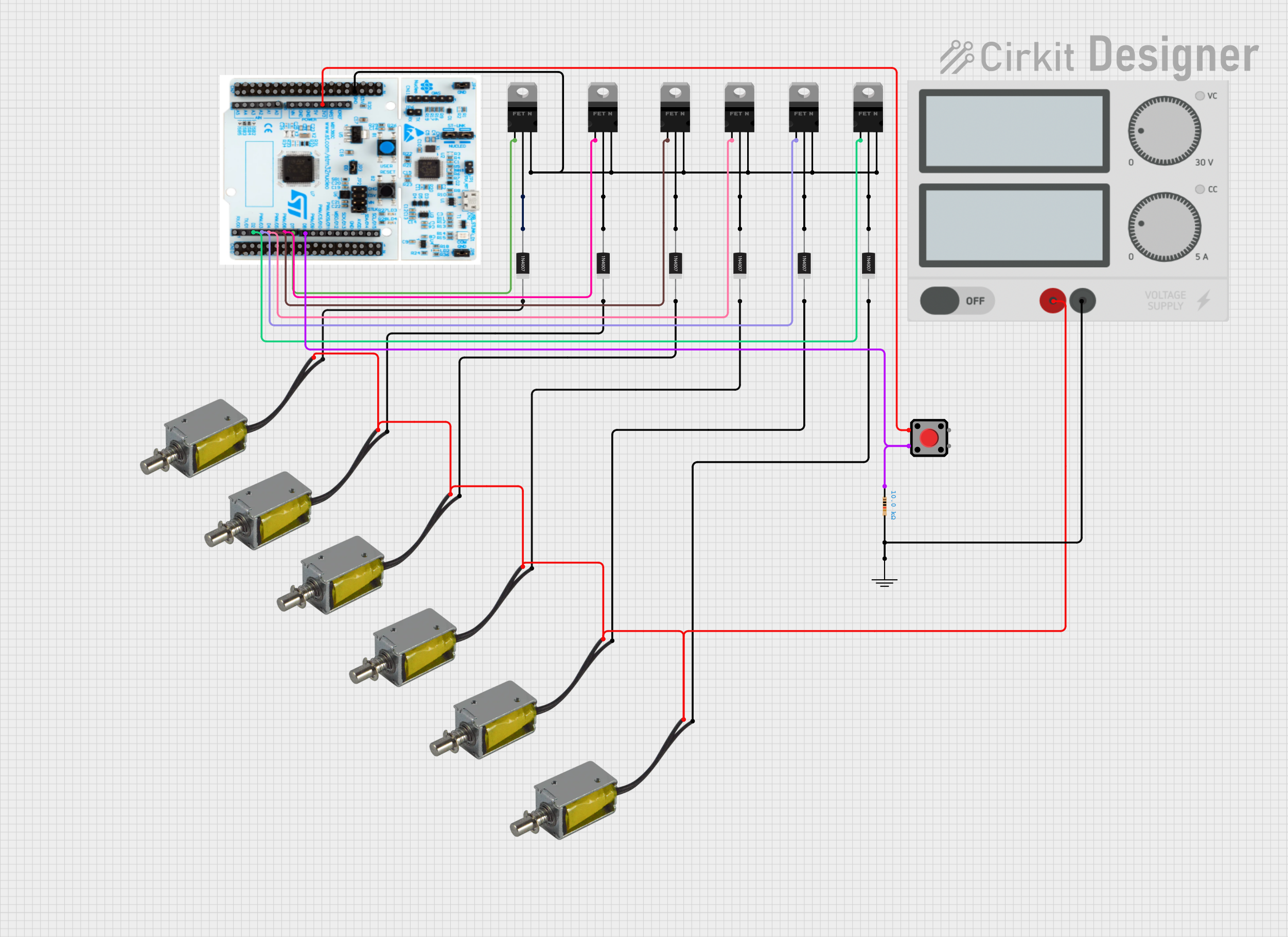 Open Project in Cirkit Designer
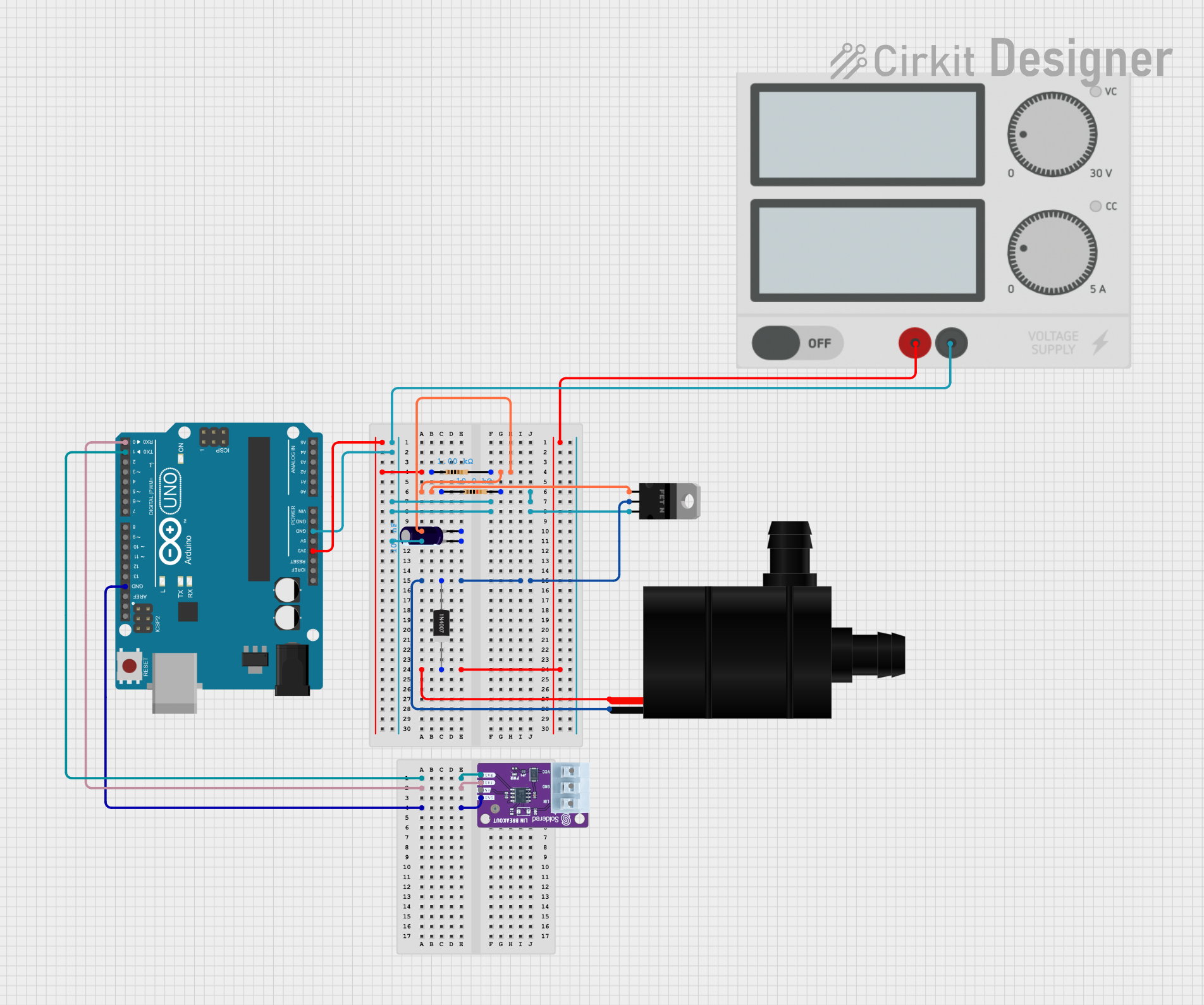 Open Project in Cirkit Designer
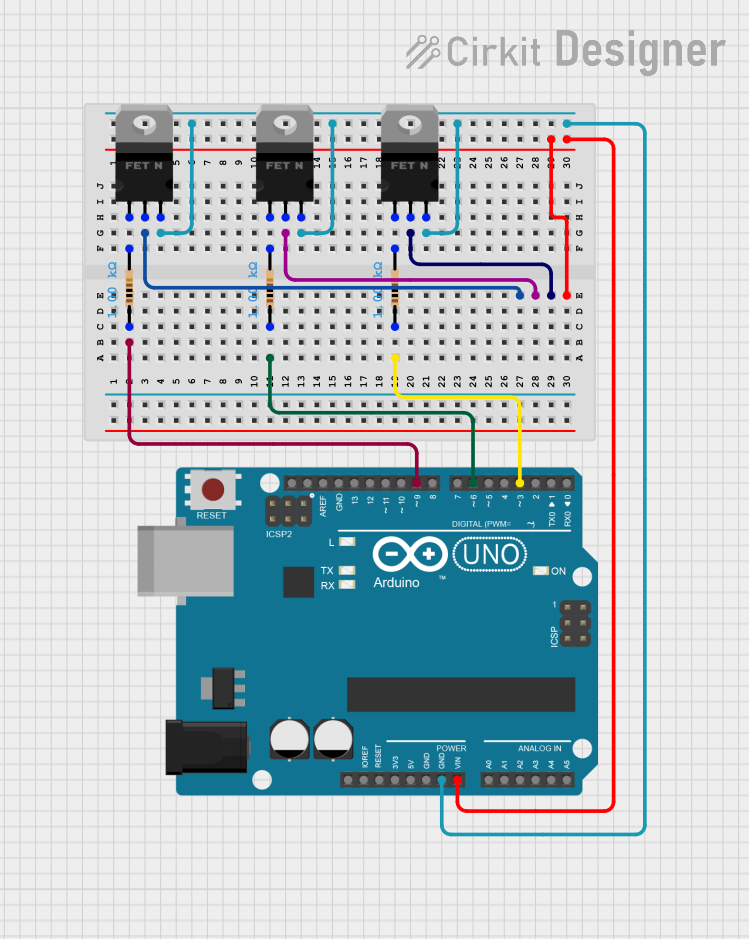 Open Project in Cirkit Designer
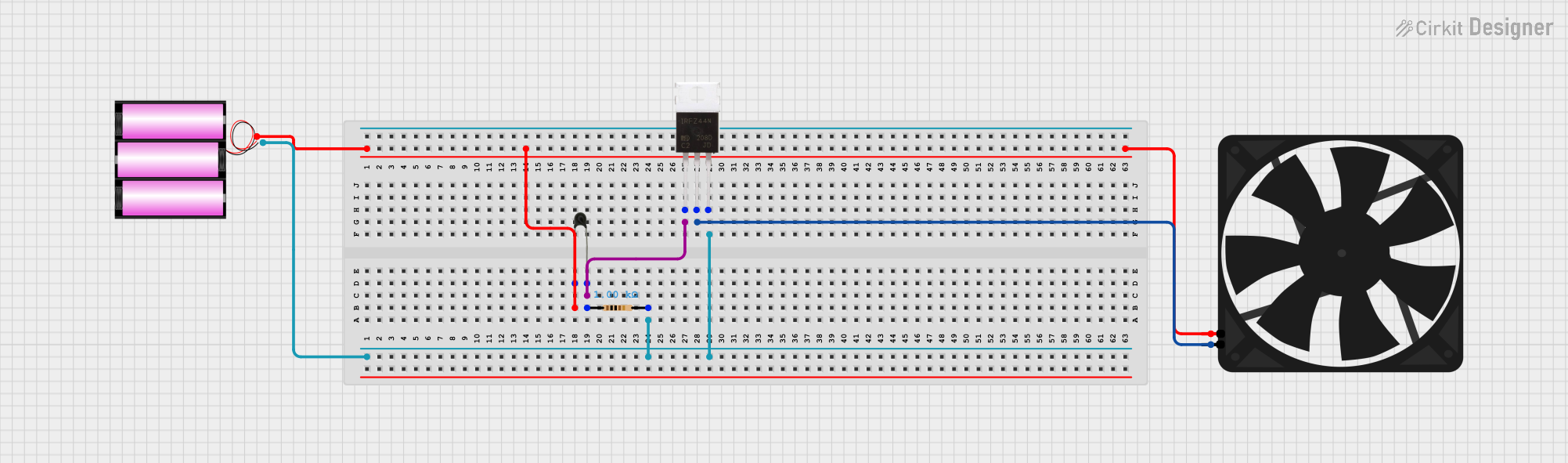 Open Project in Cirkit Designer
Explore Projects Built with MOSFET-NCHANNEL
Open Project in Cirkit DesignerOpen Project in Cirkit DesignerOpen Project in Cirkit DesignerOpen Project in Cirkit DesignerCommon Applications
- DC-DC converters
- Motor drivers
- Power management in electronic devices
- LED drivers
- High-speed switching circuits
Technical Specifications
Key Specifications
| Parameter | Value |
|---|---|
| Manufacturer | onsemi |
| Part Number | FDD8580 |
| Type | N-Channel MOSFET |
| Maximum Drain-Source Voltage (VDS) | 30V |
| Maximum Gate-Source Voltage (VGS) | ±20V |
| Continuous Drain Current (ID) | 40A |
| Power Dissipation (PD) | 50W |
| RDS(on) (Drain-Source On Resistance) | 4.5mΩ (typical) |
| Gate Threshold Voltage (VGS(th)) | 1V - 3V |
| Operating Temperature Range | -55°C to +175°C |
| Package Type | TO-252 (DPAK) |
Pin Configuration
The FDD8580 is available in a TO-252 (DPAK) package with three pins. The pin configuration is as follows:
| Pin Number | Pin Name | Description |
|---|---|---|
| 1 | Gate | Controls the MOSFET switching |
| 2 | Drain | Current flows into this terminal |
| 3 | Source | Current flows out of this terminal |
Usage Instructions
How to Use the FDD8580 in a Circuit
- Power Supply: Ensure the voltage across the drain and source (VDS) does not exceed 30V, and the gate-source voltage (VGS) stays within ±20V.
- Gate Drive: Use a gate driver or a microcontroller to apply a voltage to the gate terminal. A voltage of 10V is typically recommended for full enhancement (turning the MOSFET fully on).
- Load Connection: Connect the load between the drain terminal and the positive supply voltage. The source terminal should be connected to ground.
- Gate Resistor: Use a resistor (typically 10Ω to 100Ω) in series with the gate to limit inrush current and prevent damage to the gate.
- Flyback Diode: For inductive loads (e.g., motors), connect a flyback diode across the load to protect the MOSFET from voltage spikes.
Example Circuit with Arduino UNO
The FDD8580 can be controlled using an Arduino UNO to switch a DC motor. Below is an example circuit and code:
Circuit Connections
- Gate: Connect to Arduino digital pin (e.g., D9) through a 100Ω resistor.
- Drain: Connect to one terminal of the motor.
- Source: Connect to ground.
- Motor: Connect the other terminal to the positive supply voltage (e.g., 12V).
- Flyback Diode: Place a diode (e.g., 1N4007) across the motor terminals, with the cathode connected to the positive supply.
Arduino Code
// MOSFET Control Example with Arduino UNO
// This code demonstrates how to control an N-Channel MOSFET (FDD8580)
// to drive a DC motor using PWM signals.

const int mosfetGatePin = 9; // Pin connected to the MOSFET gate

void setup() {
  pinMode(mosfetGatePin, OUTPUT); // Set the MOSFET gate pin as output
}

void loop() {
  analogWrite(mosfetGatePin, 128); // Set PWM duty cycle to 50% (motor at half speed)
  delay(5000); // Run motor for 5 seconds

  analogWrite(mosfetGatePin, 0); // Turn off the motor
  delay(5000); // Wait for 5 seconds
}
Important Considerations
- Heat Dissipation: The FDD8580 can dissipate up to 50W of power. Use a heatsink or proper thermal management to prevent overheating.
- Gate Voltage: Ensure the gate voltage is within the specified range to avoid damaging the MOSFET.
- Switching Speed: Minimize parasitic inductance and capacitance in the circuit to achieve optimal switching performance.
Troubleshooting and FAQs
Common Issues
MOSFET Overheating
- Cause: Insufficient heatsinking or excessive current.
- Solution: Use a heatsink or reduce the load current.
MOSFET Not Turning On
- Cause: Gate voltage is too low.
- Solution: Ensure the gate voltage is at least 10V for full enhancement.
MOSFET Always On
- Cause: Gate is not properly discharged.
- Solution: Add a pull-down resistor (10kΩ) between the gate and source.
Voltage Spikes
- Cause: Inductive load without a flyback diode.
- Solution: Add a flyback diode across the load.
FAQs
Q: Can the FDD8580 be used for high-frequency switching?
A: Yes, the FDD8580 is suitable for high-frequency switching applications due to its low RDS(on) and fast switching characteristics.
Q: What is the maximum current the FDD8580 can handle?
A: The FDD8580 can handle a continuous drain current of up to 40A, provided proper thermal management is in place.
Q: Can I drive the FDD8580 directly from a 3.3V microcontroller?
A: No, a 3.3V signal may not fully enhance the MOSFET. Use a gate driver or level shifter to provide a higher gate voltage (e.g., 10V).
Q: Is the FDD8580 suitable for battery-powered applications?
A: Yes, its low RDS(on) minimizes power loss, making it ideal for battery-powered circuits.