
How to Use Motor AK70-10: Examples, Pinouts, and Specs
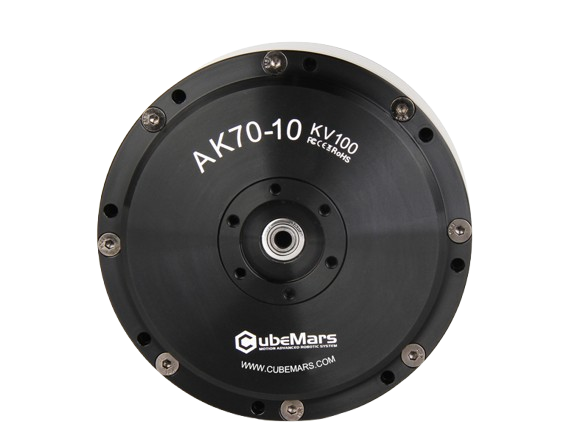
 Design with Motor AK70-10 in Cirkit Designer
Introduction
The Motor AK70-10, manufactured by BLDC, is a compact, high-efficiency electric motor designed for a wide range of applications. Its robust design and reliable performance make it suitable for both industrial and consumer use. This motor is particularly well-suited for robotics, automation systems, electric vehicles, and other applications requiring precise motion control and high torque output.
Explore Projects Built with Motor AK70-10
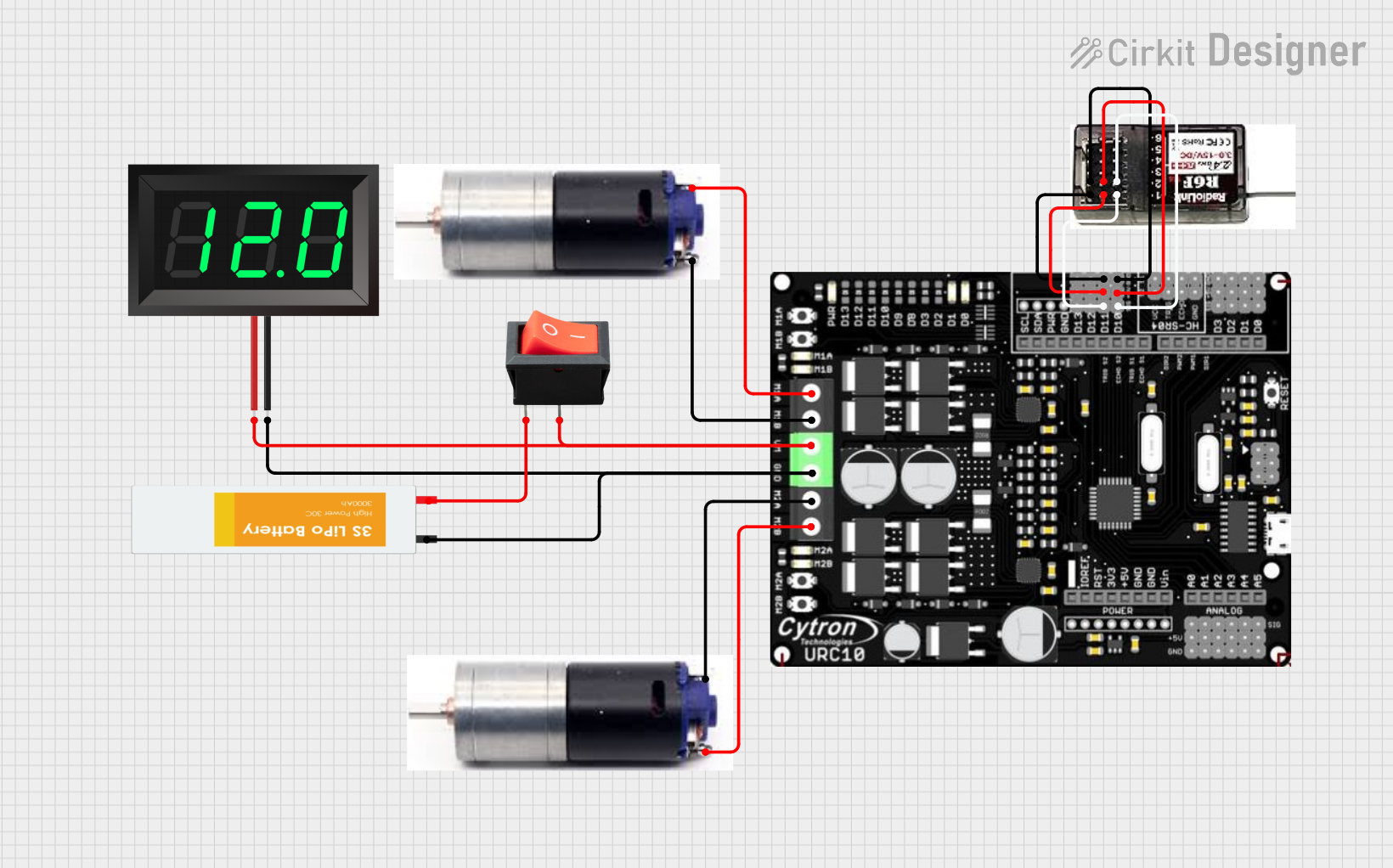 Open Project in Cirkit Designer
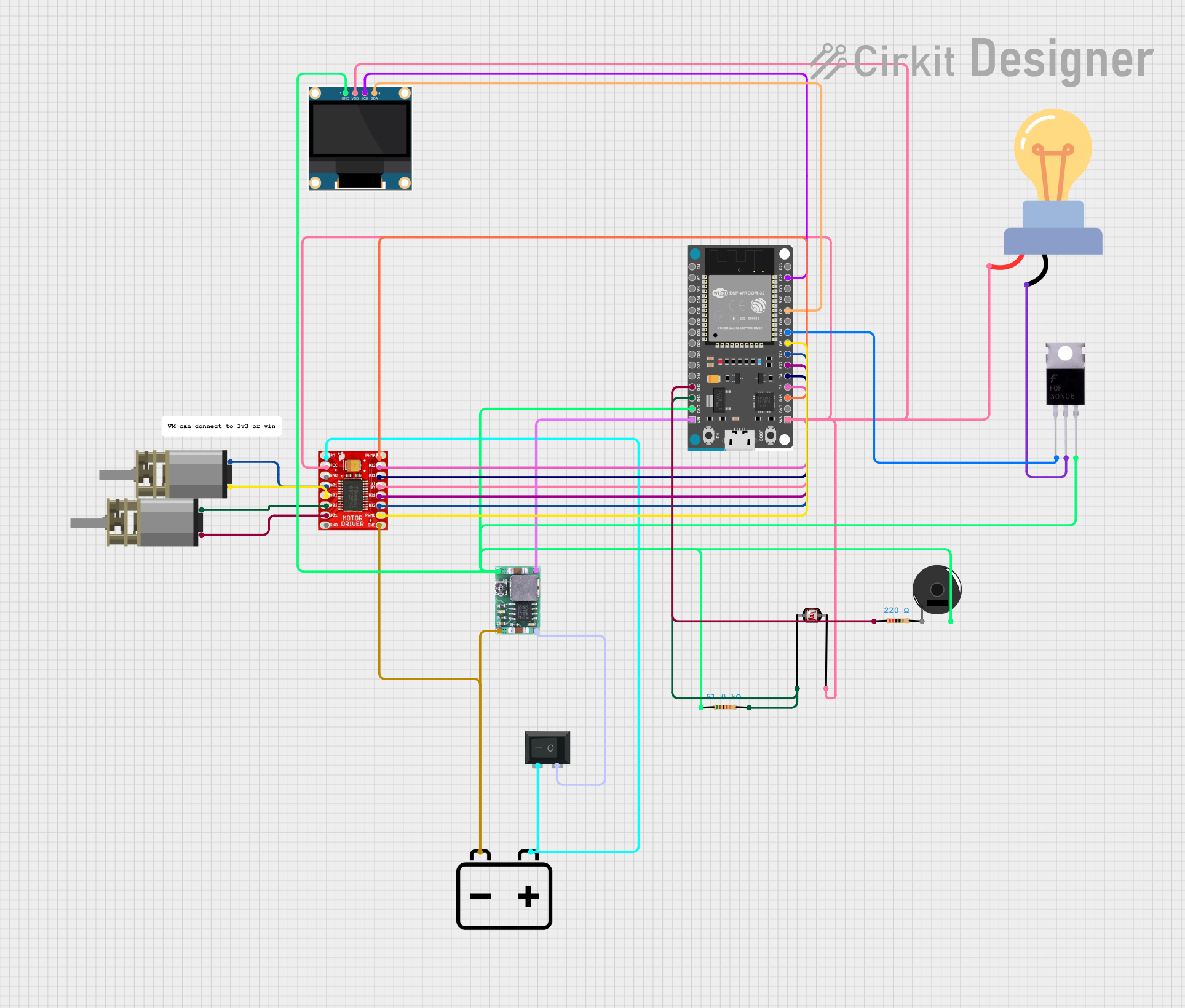 Open Project in Cirkit Designer
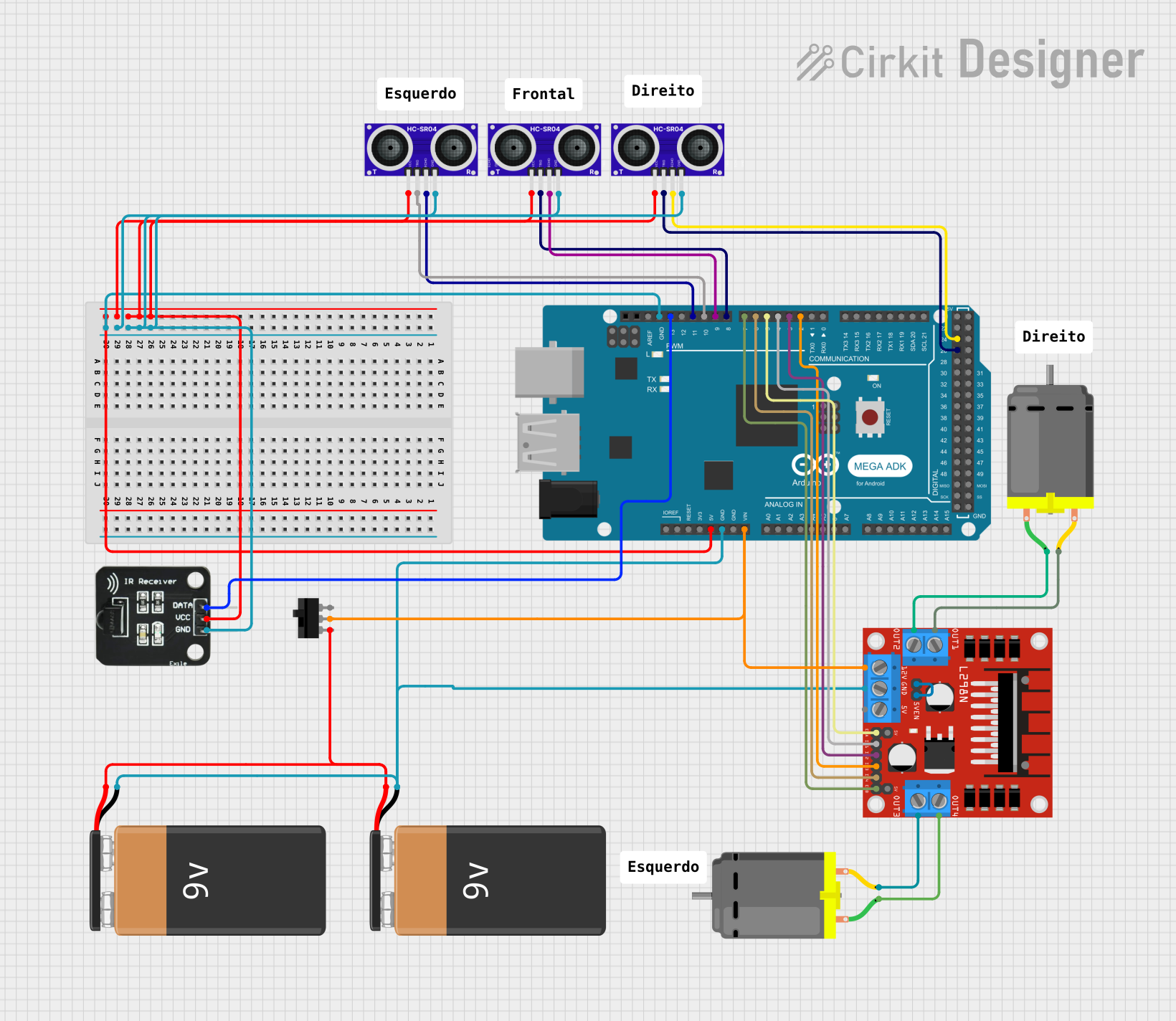 Open Project in Cirkit Designer
 Open Project in Cirkit Designer
Explore Projects Built with Motor AK70-10
Open Project in Cirkit DesignerOpen Project in Cirkit DesignerOpen Project in Cirkit DesignerOpen Project in Cirkit DesignerCommon Applications:
- Robotics and automation systems
- Electric vehicles and drones
- Industrial machinery
- Consumer appliances
- Precision motion control systems
Technical Specifications
The Motor AK70-10 is engineered to deliver high performance while maintaining energy efficiency. Below are its key technical specifications:
| Parameter | Value |
|---|---|
| Manufacturer | BLDC |
| Part ID | Motor AK70-10 |
| Motor Type | Brushless DC (BLDC) Motor |
| Rated Voltage | 48V DC |
| Rated Torque | 10 Nm |
| Maximum Torque | 20 Nm |
| Rated Speed | 100 RPM |
| Maximum Speed | 200 RPM |
| Power Output | 500W |
| Efficiency | ≥ 85% |
| Weight | 2.5 kg |
| Dimensions | 70 mm (diameter) x 100 mm (length) |
| Operating Temperature | -20°C to 60°C |
| Shaft Diameter | 10 mm |
Pin Configuration and Descriptions
The Motor AK70-10 features a standard 3-phase BLDC motor connection along with additional feedback pins for precise control. Below is the pin configuration:
| Pin Name | Description |
|---|---|
| Phase A | First phase of the motor winding |
| Phase B | Second phase of the motor winding |
| Phase C | Third phase of the motor winding |
| Hall Sensor 1 | Hall effect sensor output for rotor position feedback |
| Hall Sensor 2 | Hall effect sensor output for rotor position feedback |
| Hall Sensor 3 | Hall effect sensor output for rotor position feedback |
| Vcc | Power supply for Hall sensors (typically 5V) |
| GND | Ground connection for Hall sensors |
Usage Instructions
To use the Motor AK70-10 in a circuit, follow these steps:
Power Supply: Ensure the motor is powered by a 48V DC power source capable of supplying sufficient current for your application. Use a motor driver or controller compatible with BLDC motors.
Motor Driver Connection:
- Connect the motor's three-phase wires (Phase A, Phase B, Phase C) to the corresponding outputs of the motor driver.
- Connect the Hall sensor wires (Hall Sensor 1, 2, 3, Vcc, and GND) to the motor driver's feedback inputs.
Controller Setup:
- Configure the motor driver or controller with the appropriate parameters, such as rated voltage, speed, and torque limits.
- If using a microcontroller (e.g., Arduino UNO), ensure the motor driver is compatible and can be controlled via PWM or other communication protocols.
Arduino UNO Example Code: Below is an example of how to control the Motor AK70-10 using an Arduino UNO and a compatible motor driver:
// Example code to control Motor AK70-10 with Arduino UNO // Ensure the motor driver supports PWM control and is properly connected. const int pwmPin = 9; // PWM pin connected to motor driver's speed control input const int dirPin = 8; // Direction pin connected to motor driver's direction input void setup() { pinMode(pwmPin, OUTPUT); // Set PWM pin as output pinMode(dirPin, OUTPUT); // Set direction pin as output } void loop() { // Rotate motor in forward direction at 50% speed digitalWrite(dirPin, HIGH); // Set direction to forward analogWrite(pwmPin, 128); // Set speed (128/255 = 50%) delay(5000); // Run for 5 seconds // Rotate motor in reverse direction at 75% speed digitalWrite(dirPin, LOW); // Set direction to reverse analogWrite(pwmPin, 192); // Set speed (192/255 = 75%) delay(5000); // Run for 5 seconds }Testing:
- Gradually increase the motor speed to ensure smooth operation.
- Monitor the motor's temperature and performance during operation.
Important Considerations:
- Always use a motor driver or controller rated for the Motor AK70-10's voltage and current requirements.
- Ensure proper heat dissipation to prevent overheating during prolonged use.
- Verify the Hall sensor connections for accurate rotor position feedback.
- Avoid sudden changes in speed or direction to minimize mechanical stress.
Troubleshooting and FAQs
Common Issues and Solutions:
Motor Does Not Start:
- Cause: Incorrect wiring or insufficient power supply.
- Solution: Double-check all connections and ensure the power supply meets the motor's requirements.
Motor Vibrates or Runs Erratically:
- Cause: Incorrect phase wiring or Hall sensor misalignment.
- Solution: Verify the phase connections and ensure the Hall sensors are properly connected.
Overheating:
- Cause: Prolonged operation at high torque or insufficient cooling.
- Solution: Reduce the load on the motor and improve heat dissipation.
Low Efficiency:
- Cause: Poor motor driver configuration or excessive mechanical load.
- Solution: Optimize the motor driver settings and reduce unnecessary load.
FAQs:
Q: Can the Motor AK70-10 be used with a 24V power supply?
- A: No, the motor is designed for a 48V DC power supply. Using a lower voltage may result in reduced performance or failure to operate.
Q: What type of motor driver is recommended for the Motor AK70-10?
- A: A BLDC motor driver with a 48V rating and sufficient current capacity (e.g., 15A) is recommended.
Q: How do I determine the correct PWM frequency for this motor?
- A: Consult the motor driver's datasheet for the recommended PWM frequency. Typically, frequencies between 10 kHz and 20 kHz work well for BLDC motors.
Q: Can I use the Motor AK70-10 for high-speed applications?
- A: The motor is optimized for high torque at low to moderate speeds. For high-speed applications, consider a motor with a higher maximum RPM rating.
By following this documentation, users can effectively integrate the Motor AK70-10 into their projects and achieve reliable performance.