
How to Use GPS NEO 6M: Examples, Pinouts, and Specs
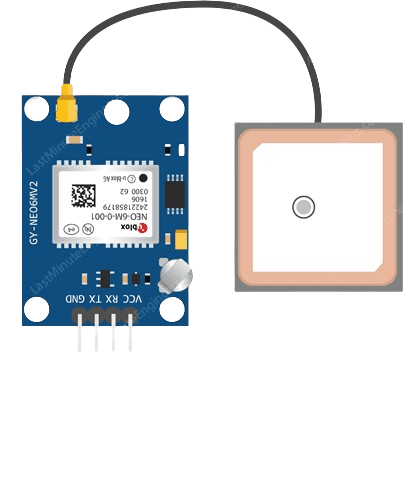
 Design with GPS NEO 6M in Cirkit Designer
Introduction
The GPS NEO 6M is a compact GPS module designed to provide accurate positioning data using the Global Positioning System. It features a high-sensitivity receiver, low power consumption, and a built-in antenna, making it ideal for a wide range of applications. This module is commonly used in robotics, drones, navigation systems, and other projects requiring precise location tracking. Its ease of integration and reliable performance make it a popular choice for both hobbyists and professionals.
Explore Projects Built with GPS NEO 6M
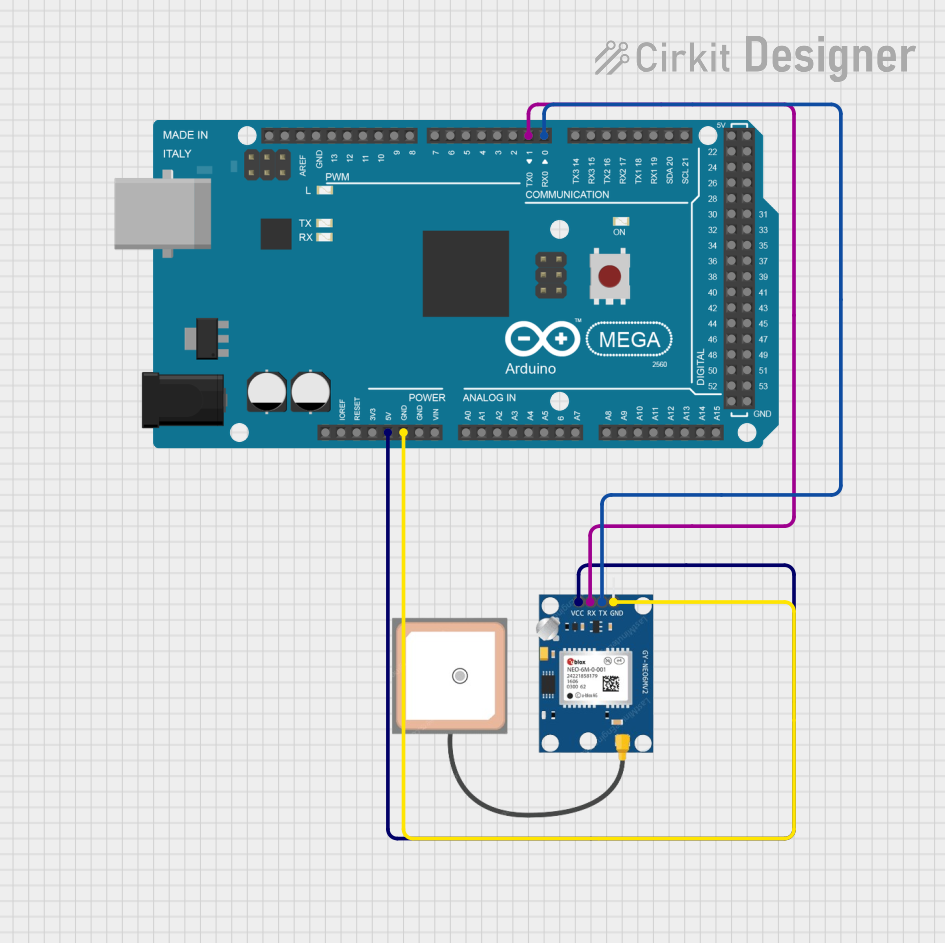 Open Project in Cirkit Designer
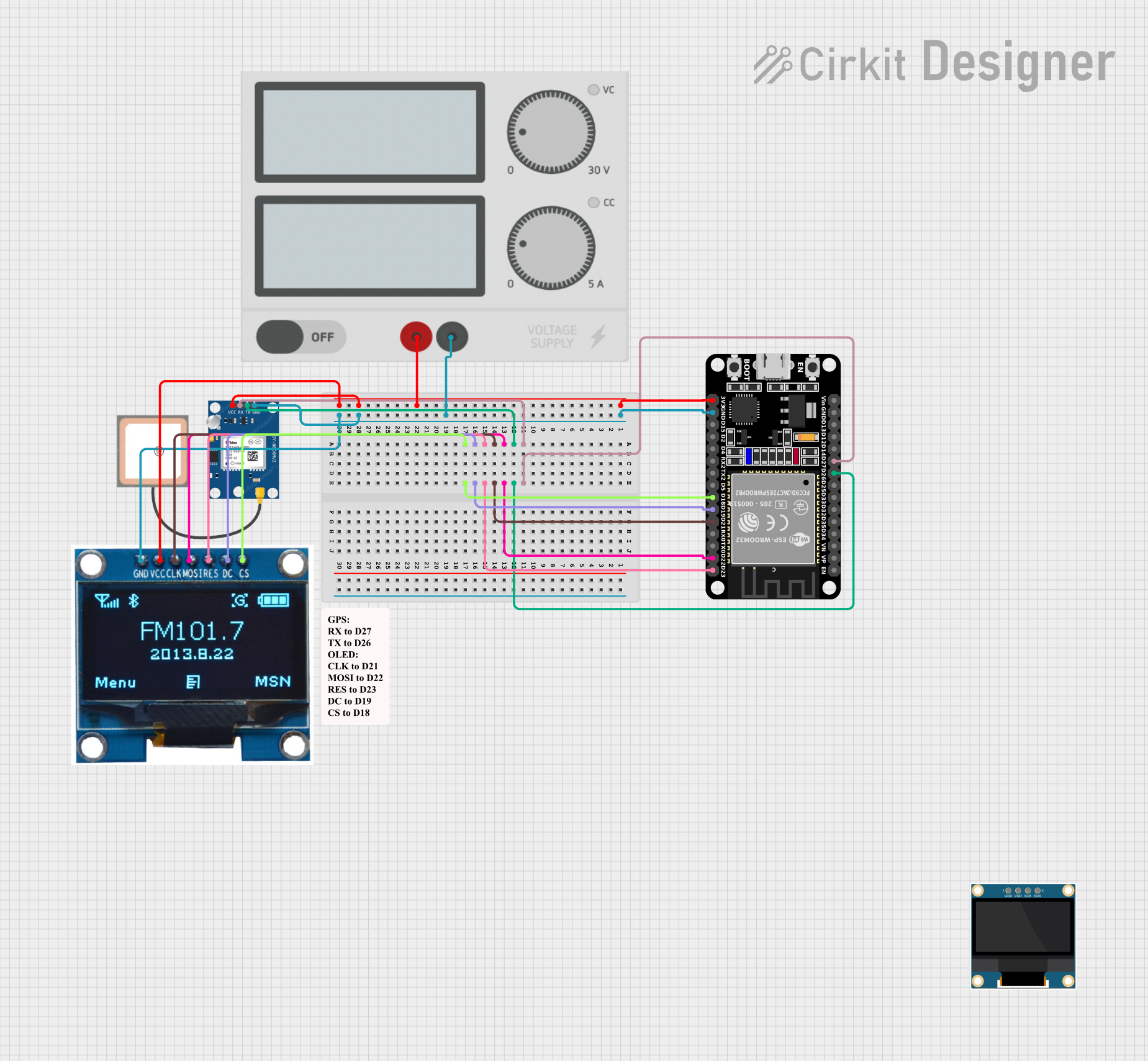 Open Project in Cirkit Designer
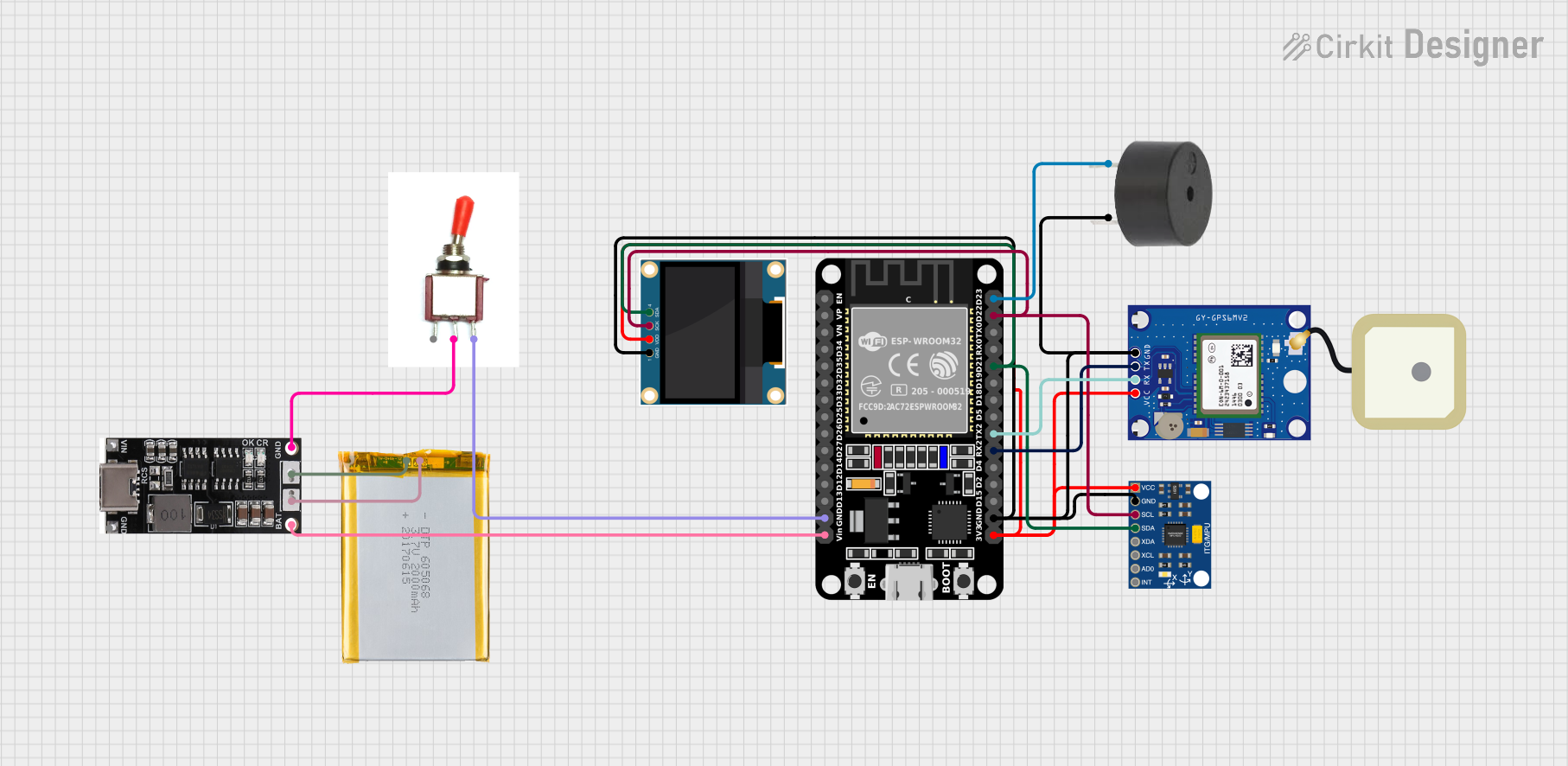 Open Project in Cirkit Designer
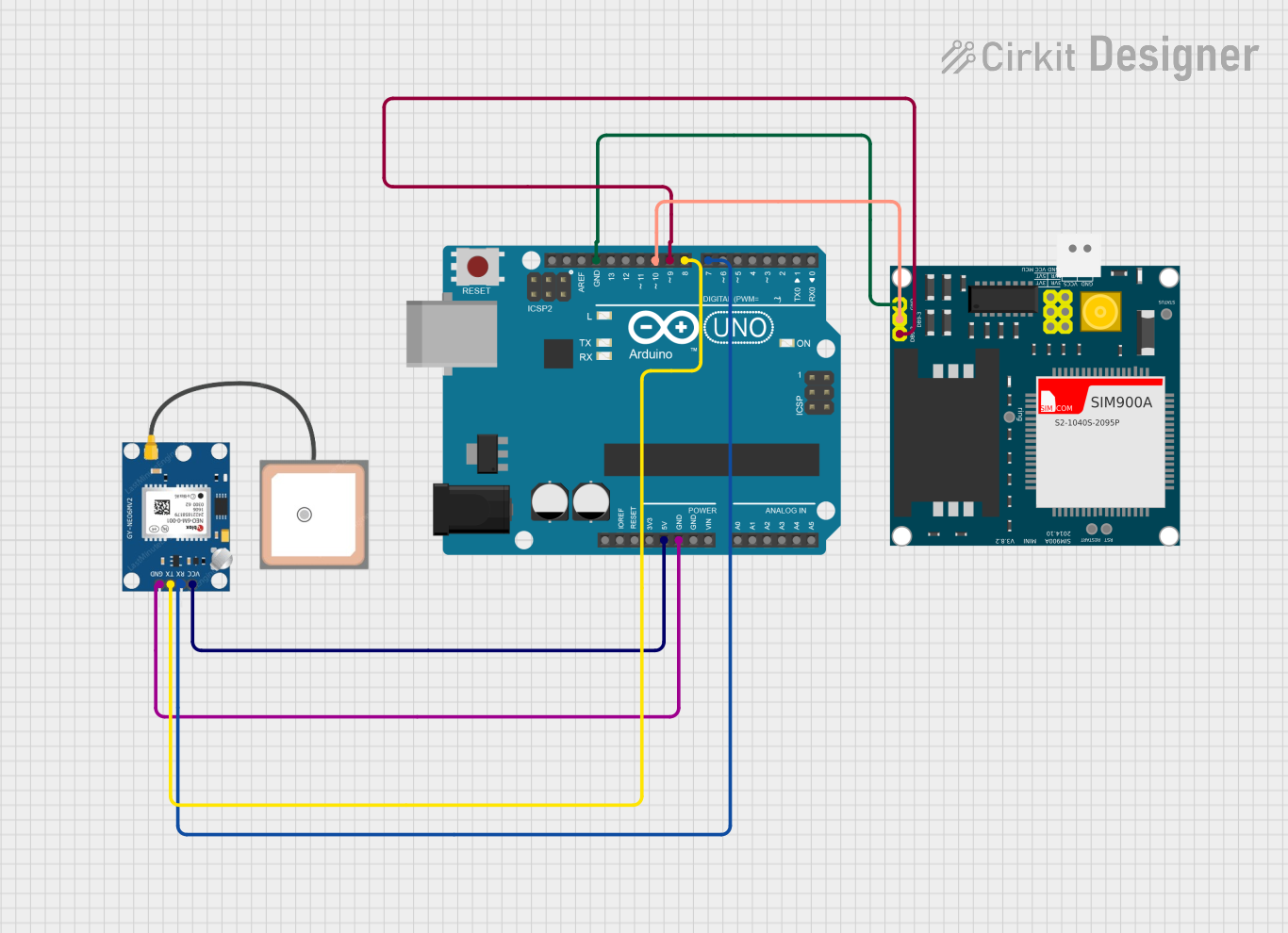 Open Project in Cirkit Designer
Explore Projects Built with GPS NEO 6M
Open Project in Cirkit DesignerOpen Project in Cirkit DesignerOpen Project in Cirkit DesignerOpen Project in Cirkit DesignerTechnical Specifications
- Model: NEO 6M
- Input Voltage: 3.3V to 5V
- Current Consumption: ~45mA
- Communication Protocol: UART (default baud rate: 9600 bps)
- Positioning Accuracy: 2.5 meters (CEP)
- Update Rate: 1 Hz (default), configurable up to 5 Hz
- Antenna: Built-in ceramic antenna with u.FL connector for external antenna
- Backup Power: Supports a rechargeable battery for maintaining data (RTC and ephemeris)
- Operating Temperature: -40°C to +85°C
- Dimensions: 25mm x 35mm x 6mm
Pin Configuration and Descriptions
The GPS NEO 6M module typically has four pins for interfacing:
| Pin | Name | Description |
|---|---|---|
| 1 | VCC | Power input (3.3V to 5V). Supplies power to the module. |
| 2 | GND | Ground. Connect to the ground of the power supply or circuit. |
| 3 | TX | Transmit pin. Sends serial data to the microcontroller or other devices. |
| 4 | RX | Receive pin. Receives serial data from the microcontroller or other devices. |
Usage Instructions
How to Use the GPS NEO 6M in a Circuit
- Power the Module: Connect the VCC pin to a 3.3V or 5V power source and the GND pin to the ground.
- Connect to a Microcontroller:
- Connect the TX pin of the GPS module to the RX pin of the microcontroller.
- Connect the RX pin of the GPS module to the TX pin of the microcontroller.
- Antenna Placement: Ensure the module's built-in antenna has a clear view of the sky for optimal signal reception. If needed, connect an external antenna via the u.FL connector.
- Configure the Module: Use a microcontroller or serial terminal to configure the module's settings (e.g., baud rate, update rate) if required.
- Read GPS Data: The module outputs NMEA sentences (e.g., GPGGA, GPRMC) containing location, time, and other data. Parse these sentences to extract the required information.
Important Considerations and Best Practices
- Power Supply: Ensure a stable power supply to avoid performance issues.
- Signal Reception: For best results, use the module outdoors or near a window with a clear view of the sky.
- Backup Battery: Use a backup battery to maintain RTC and ephemeris data, which reduces the time to first fix (TTFF).
- UART Communication: Match the baud rate of the GPS module with the microcontroller for proper communication.
Example: Using GPS NEO 6M with Arduino UNO
Below is an example of how to interface the GPS NEO 6M with an Arduino UNO and read GPS data.
Circuit Connections
- GPS NEO 6M VCC → Arduino 5V
- GPS NEO 6M GND → Arduino GND
- GPS NEO 6M TX → Arduino RX (Pin 0)
- GPS NEO 6M RX → Arduino TX (Pin 1)
Arduino Code
#include <SoftwareSerial.h>

// Define RX and TX pins for SoftwareSerial
SoftwareSerial gpsSerial(4, 3); // RX = Pin 4, TX = Pin 3

void setup() {
  Serial.begin(9600);          // Initialize Serial Monitor at 9600 baud
  gpsSerial.begin(9600);       // Initialize GPS module at 9600 baud
  Serial.println("GPS NEO 6M Test");
}

void loop() {
  // Check if data is available from the GPS module
  while (gpsSerial.available()) {
    char c = gpsSerial.read(); // Read one character from GPS
    Serial.print(c);           // Print the character to Serial Monitor
  }
}
Notes:
- Use
SoftwareSerialto avoid conflicts with the Arduino's hardware serial pins. - The code above outputs raw NMEA sentences to the Serial Monitor. Use a GPS parsing library (e.g., TinyGPS++) to extract specific data like latitude, longitude, and time.
Troubleshooting and FAQs
Common Issues and Solutions
No GPS Data Received:
- Ensure the module has a clear view of the sky.
- Verify the TX and RX connections between the GPS module and the microcontroller.
- Check the baud rate settings of the GPS module and microcontroller.
Long Time to First Fix (TTFF):
- Use a backup battery to maintain RTC and ephemeris data.
- Ensure the module is stationary during startup for faster satellite acquisition.
Intermittent Signal Loss:
- Avoid using the module indoors or near tall buildings.
- Check for electromagnetic interference from nearby devices.
Incorrect Data Output:
- Verify the parsing logic if using a GPS library.
- Ensure the microcontroller's UART settings match the GPS module's configuration.
FAQs
Q: Can the GPS NEO 6M work indoors?
A: While it may work indoors near windows, signal reception is significantly better outdoors with a clear view of the sky.
Q: How do I change the baud rate of the GPS module?
A: Use a serial terminal or microcontroller to send configuration commands (UBX protocol) to the module.
Q: What is the default update rate of the GPS NEO 6M?
A: The default update rate is 1 Hz, but it can be configured up to 5 Hz for faster updates.
Q: Can I use an external antenna with the GPS NEO 6M?
A: Yes, the module has a u.FL connector for attaching an external active antenna to improve signal reception.