
How to Use Eye Track VR v4 mini: Examples, Pinouts, and Specs
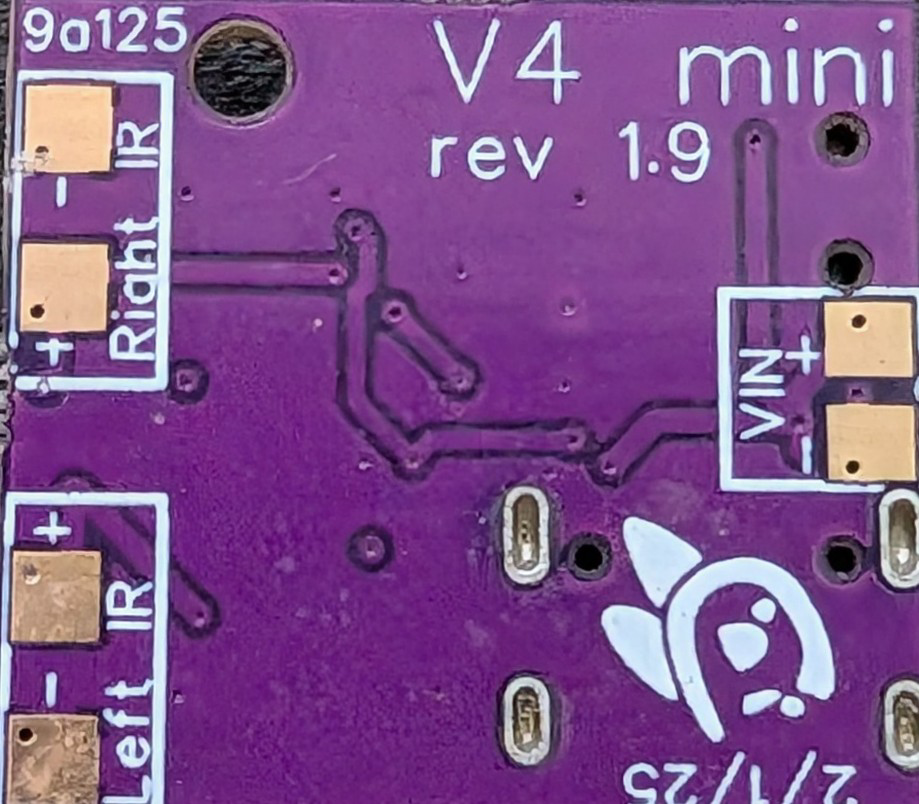
 Design with Eye Track VR v4 mini in Cirkit Designer
Introduction
The Eye Track VR v4 Mini (Manufacturer Part ID: ETVR V4 Mini) is a compact and high-performance eye-tracking device designed specifically for virtual reality (VR) applications. Manufactured by Eye Track VR, this component enables precise gaze detection and interaction, enhancing the immersive experience in VR environments. Its small form factor makes it ideal for integration into VR headsets, AR glasses, and other wearable devices.
Explore Projects Built with Eye Track VR v4 mini
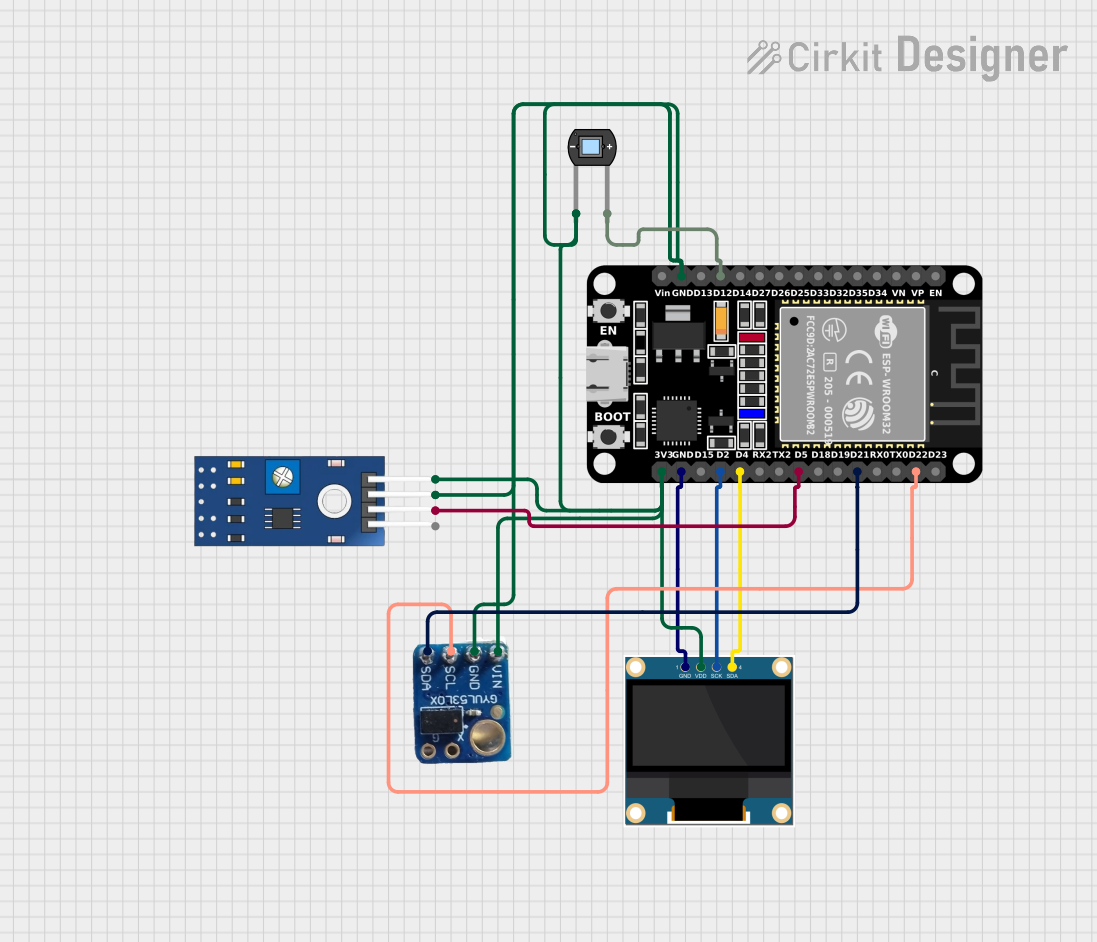 Open Project in Cirkit Designer
 Open Project in Cirkit Designer
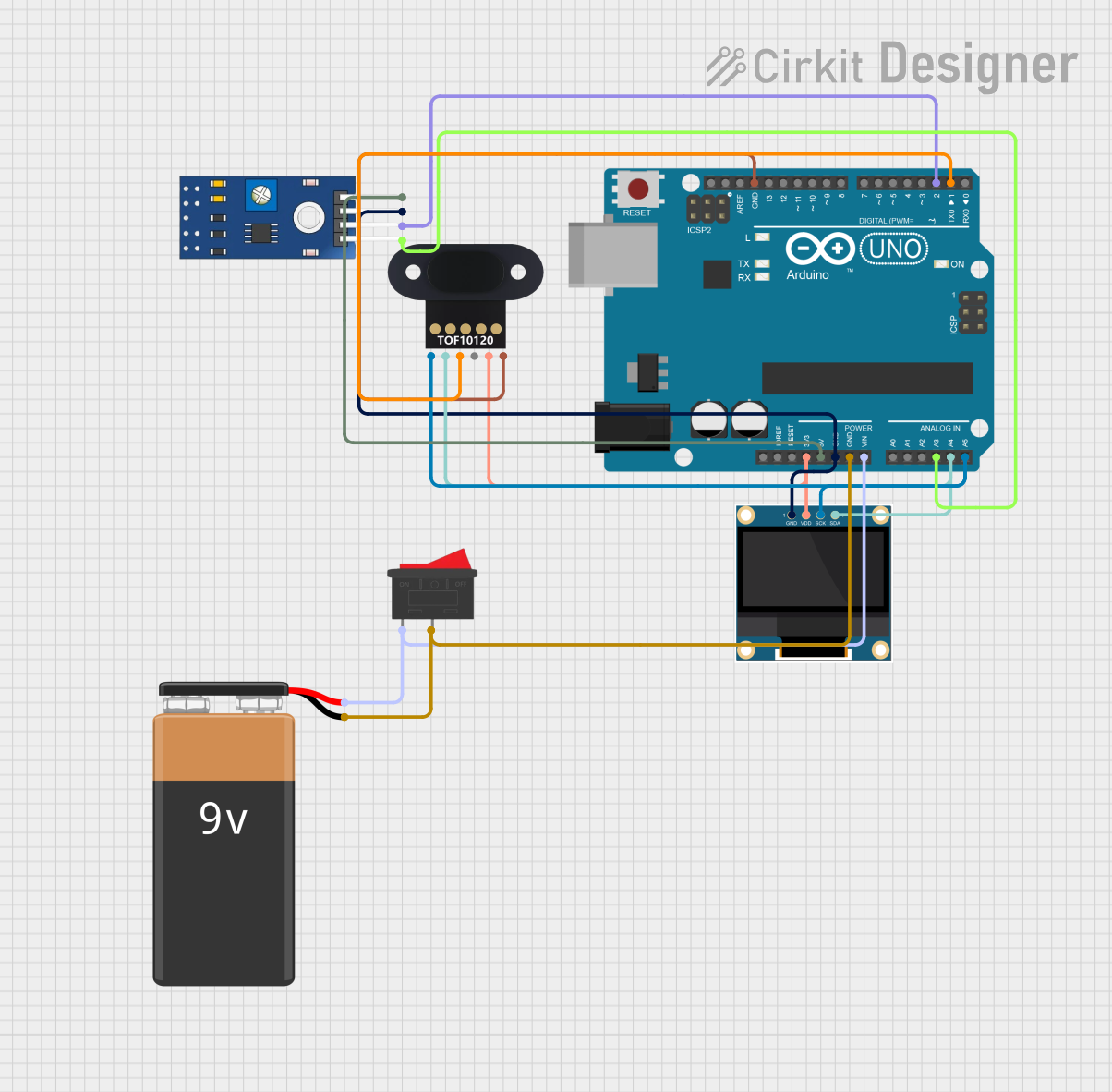 Open Project in Cirkit Designer
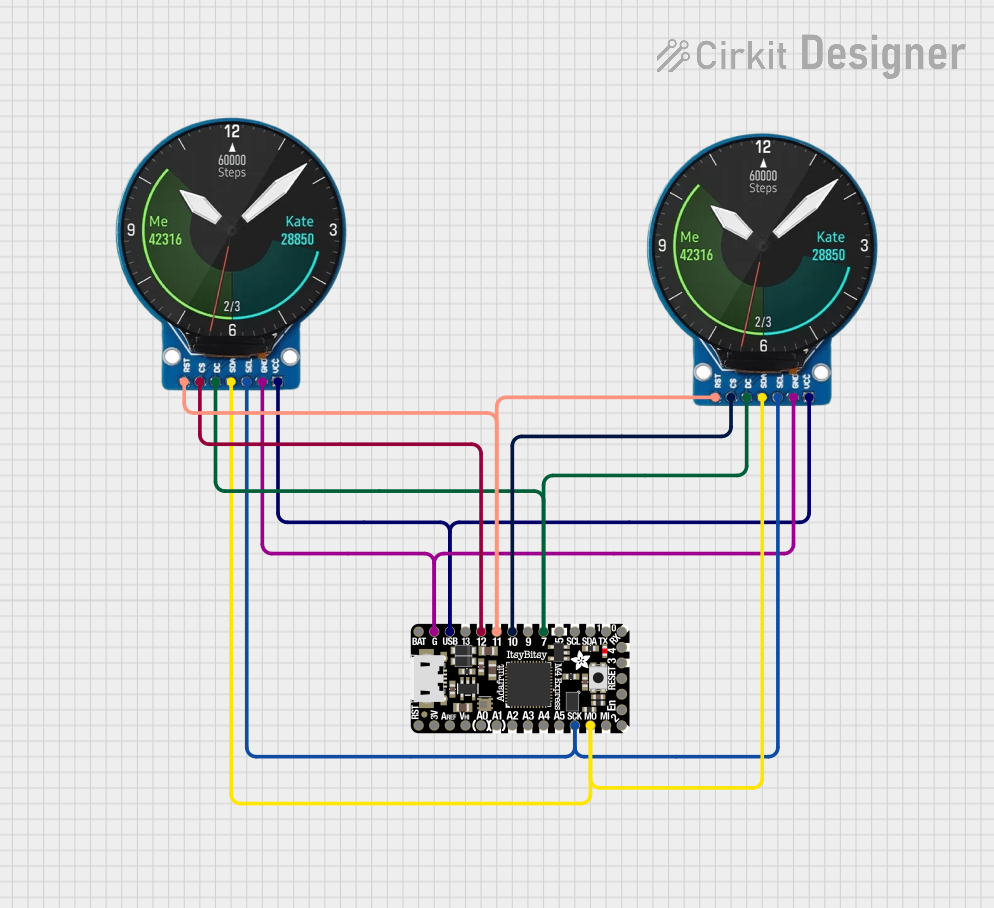 Open Project in Cirkit Designer
Explore Projects Built with Eye Track VR v4 mini
Open Project in Cirkit DesignerOpen Project in Cirkit DesignerOpen Project in Cirkit DesignerOpen Project in Cirkit DesignerCommon Applications and Use Cases
- Virtual Reality (VR): Enhances user interaction by tracking gaze direction for immersive experiences.
- Augmented Reality (AR): Enables intuitive control and interaction in AR applications.
- Gaming: Provides gaze-based controls for next-generation gaming experiences.
- Medical Research: Used in cognitive studies and vision-related research.
- Accessibility Tools: Assists users with disabilities by enabling hands-free control.
Technical Specifications
Key Technical Details
| Parameter | Value |
|---|---|
| Manufacturer | Eye Track VR |
| Part ID | ETVR V4 Mini |
| Power Supply Voltage | 3.3V to 5V |
| Power Consumption | 150mW (typical) |
| Communication Interface | I2C, UART |
| Sampling Rate | Up to 120 Hz |
| Field of View (FoV) | 90° horizontal, 70° vertical |
| Accuracy | ±0.5° |
| Operating Temperature | -10°C to 50°C |
| Dimensions | 25mm x 15mm x 5mm |
| Weight | 3 grams |
Pin Configuration and Descriptions
| Pin Number | Pin Name | Description |
|---|---|---|
| 1 | VCC | Power supply input (3.3V to 5V) |
| 2 | GND | Ground connection |
| 3 | SDA | I2C data line |
| 4 | SCL | I2C clock line |
| 5 | TX | UART transmit line |
| 6 | RX | UART receive line |
| 7 | INT | Interrupt output for event notifications |
| 8 | NC | Not connected (reserved for future use) |
Usage Instructions
How to Use the Component in a Circuit
- Power Supply: Connect the VCC pin to a 3.3V or 5V power source and the GND pin to ground.
- Communication Interface:
- For I2C communication, connect the SDA and SCL pins to the corresponding I2C pins on your microcontroller.
- For UART communication, connect the TX and RX pins to the UART pins on your microcontroller.
- Interrupt Pin (Optional): Use the INT pin to receive event notifications, such as gaze detection or calibration completion.
- Pull-Up Resistors: Ensure that the I2C lines (SDA and SCL) have appropriate pull-up resistors (typically 4.7kΩ).
- Mounting: Secure the Eye Track VR v4 Mini in your VR headset or device using adhesive or screws, ensuring the sensor is aligned with the user's eyes.
Important Considerations and Best Practices
- Calibration: Perform an initial calibration to ensure accurate gaze tracking. Most VR software includes built-in calibration routines.
- Ambient Light: Avoid direct exposure to bright light sources, as they may interfere with the sensor's accuracy.
- Cable Management: Use short, shielded cables to minimize noise and interference in the communication lines.
- Firmware Updates: Check the manufacturer's website for firmware updates to improve performance and compatibility.
Example Code for Arduino UNO (I2C Communication)
#include <Wire.h> // Include the Wire library for I2C communication

#define ETVR_I2C_ADDRESS 0x42 // Default I2C address for Eye Track VR v4 Mini

void setup() {
  Wire.begin(); // Initialize I2C communication
  Serial.begin(9600); // Initialize serial communication for debugging

  // Send initialization command to the Eye Track VR v4 Mini
  Wire.beginTransmission(ETVR_I2C_ADDRESS);
  Wire.write(0x01); // Example command: Start tracking
  Wire.endTransmission();

  Serial.println("Eye Track VR v4 Mini initialized.");
}

void loop() {
  Wire.requestFrom(ETVR_I2C_ADDRESS, 4); // Request 4 bytes of gaze data

  if (Wire.available() == 4) {
    int x = Wire.read(); // Read horizontal gaze position
    int y = Wire.read(); // Read vertical gaze position
    int pupilSize = Wire.read(); // Read pupil size
    int status = Wire.read(); // Read status byte

    // Print the gaze data to the serial monitor
    Serial.print("Gaze X: ");
    Serial.print(x);
    Serial.print(", Gaze Y: ");
    Serial.print(y);
    Serial.print(", Pupil Size: ");
    Serial.print(pupilSize);
    Serial.print(", Status: ");
    Serial.println(status);
  }

  delay(100); // Delay to reduce I2C bus load
}
Troubleshooting and FAQs
Common Issues and Solutions
No Data Received:
- Cause: Incorrect I2C address or wiring.
- Solution: Verify the I2C address (default is
0x42) and check the connections.
Inaccurate Gaze Tracking:
- Cause: Misalignment of the sensor or improper calibration.
- Solution: Ensure the sensor is properly aligned with the user's eyes and perform a calibration.
Interference or Noise:
- Cause: Long or unshielded cables.
- Solution: Use short, shielded cables and ensure proper grounding.
Device Not Detected:
- Cause: Insufficient power supply or faulty connections.
- Solution: Check the power supply voltage (3.3V to 5V) and ensure all connections are secure.
FAQs
Q: Can the Eye Track VR v4 Mini be used with Raspberry Pi?
A: Yes, the device supports I2C and UART communication, which are compatible with Raspberry Pi.Q: What is the maximum sampling rate?
A: The device supports a sampling rate of up to 120 Hz.Q: Does the device require external drivers?
A: No, the device is plug-and-play with most microcontrollers and VR platforms. However, specific software may require additional libraries.Q: Can it track both eyes simultaneously?
A: No, the Eye Track VR v4 Mini is designed for single-eye tracking. For dual-eye tracking, consider other models from Eye Track VR.
This concludes the documentation for the Eye Track VR v4 Mini. For further assistance, refer to the manufacturer's website or contact their support team.