
How to Use 5 EXAR RS232 to TTL Module Dual Channel: Examples, Pinouts, and Specs
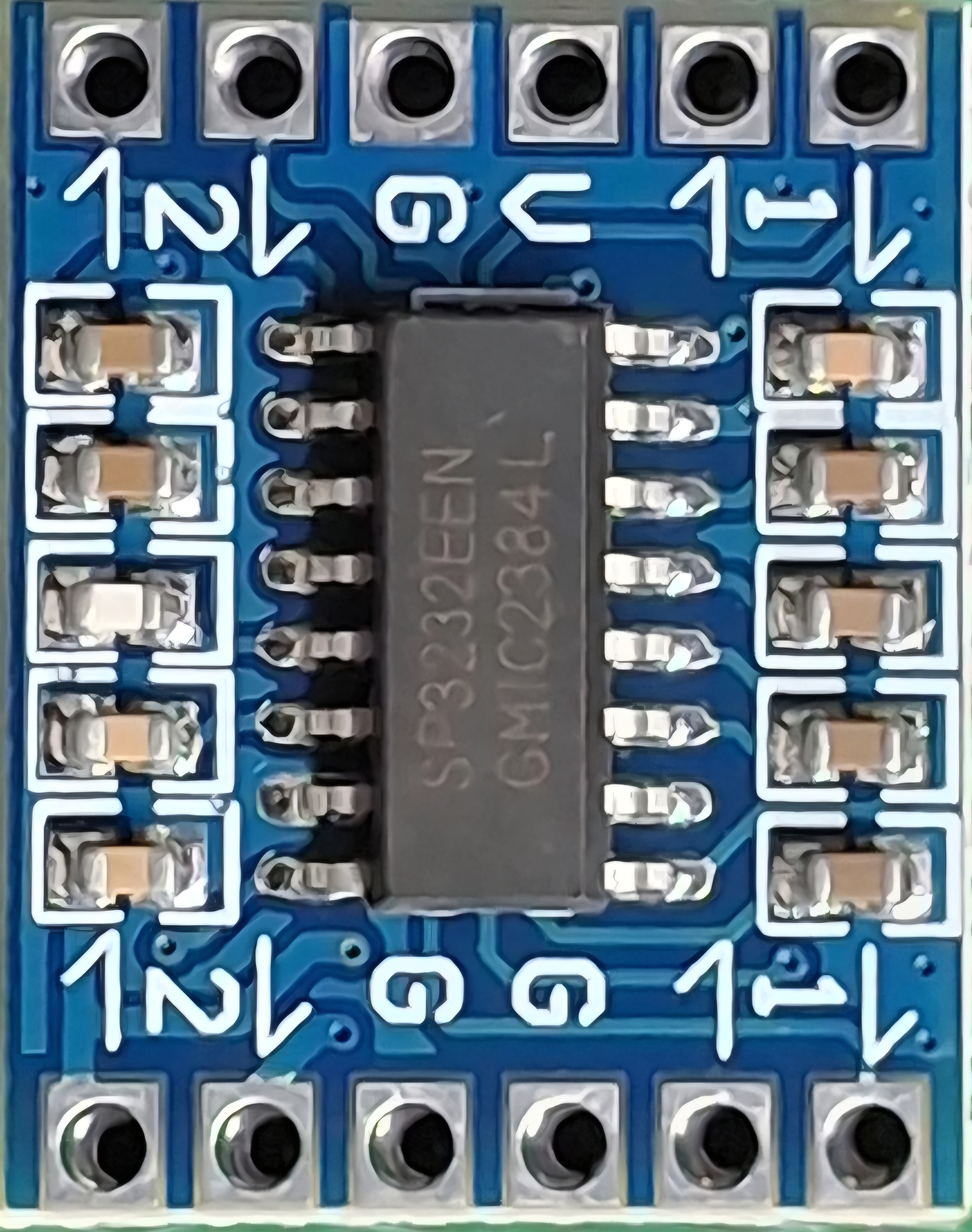
 Design with 5 EXAR RS232 to TTL Module Dual Channel in Cirkit Designer
Introduction
The EXAR RS232 to TTL Module Dual Channel is a versatile interface module designed to convert RS232 signals to TTL voltage levels. This module enables seamless communication between devices that operate on different voltage standards, such as microcontrollers, computers, and other serial communication devices. With its dual-channel capability, it supports bidirectional communication on two independent data lines, making it ideal for applications requiring multiple serial connections.
Explore Projects Built with 5 EXAR RS232 to TTL Module Dual Channel
 Open Project in Cirkit Designer
 Open Project in Cirkit Designer
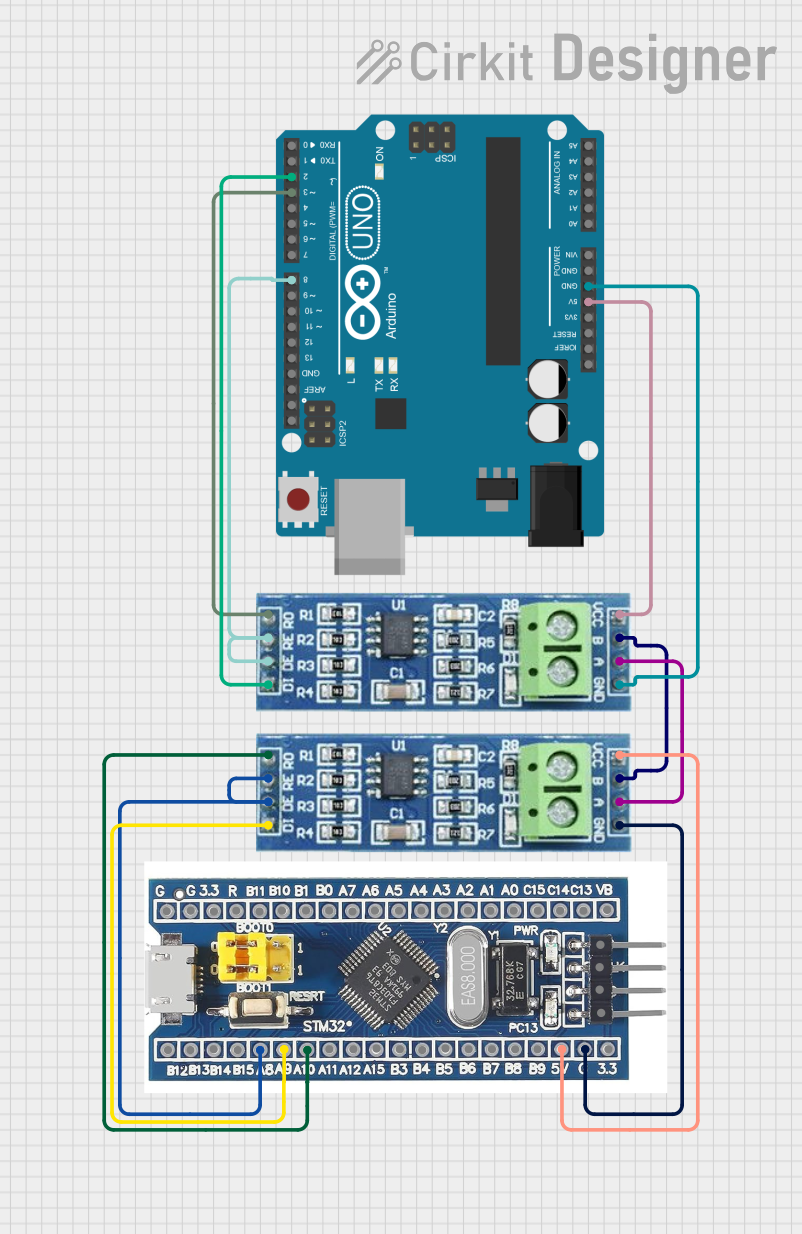 Open Project in Cirkit Designer
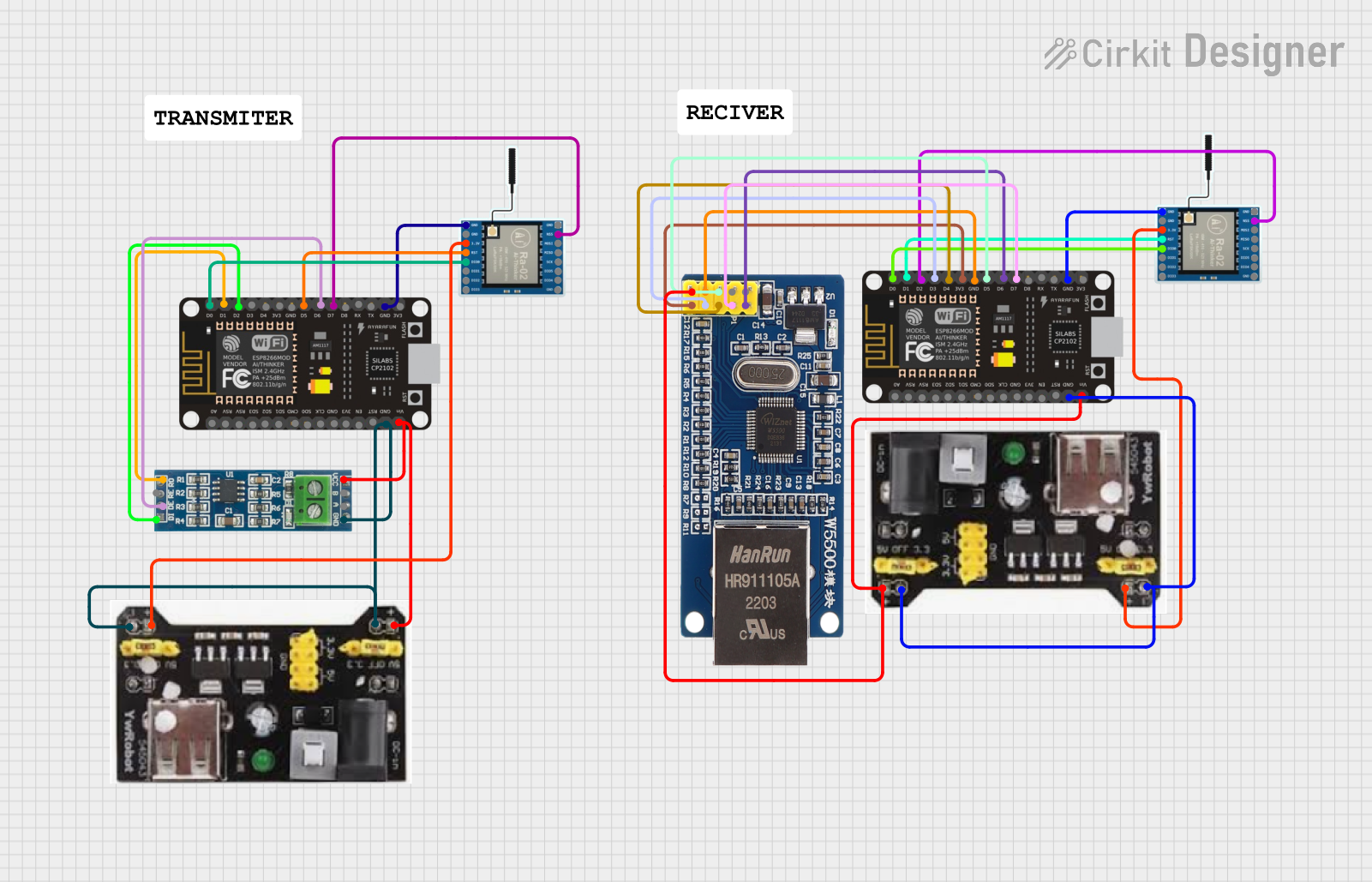 Open Project in Cirkit Designer
Explore Projects Built with 5 EXAR RS232 to TTL Module Dual Channel
Open Project in Cirkit DesignerOpen Project in Cirkit DesignerOpen Project in Cirkit DesignerOpen Project in Cirkit DesignerCommon Applications and Use Cases
- Interfacing microcontrollers (e.g., Arduino, Raspberry Pi) with RS232 devices
- Serial communication with legacy hardware such as modems, printers, or industrial equipment
- Debugging and monitoring serial data
- Building custom communication bridges between TTL and RS232 devices
Technical Specifications
Key Technical Details
- Voltage Levels:
- RS232 Input: ±12V typical
- TTL Output: 0V (LOW) to 5V (HIGH)
- Operating Voltage: 3.3V to 5V DC (logic side)
- Baud Rate: Up to 250 kbps
- Channels: Dual (TX and RX for two independent lines)
- Connector Type: DB9 female for RS232, pin headers for TTL
- Dimensions: Compact PCB design for easy integration
- Power Consumption: Low power, typically <10 mA
Pin Configuration and Descriptions
TTL Side (Pin Header)
| Pin Name | Description |
|---|---|
| VCC | Power input (3.3V to 5V DC) |
| GND | Ground |
| TX1 | Transmit data (Channel 1, TTL side) |
| RX1 | Receive data (Channel 1, TTL side) |
| TX2 | Transmit data (Channel 2, TTL side) |
| RX2 | Receive data (Channel 2, TTL side) |
RS232 Side (DB9 Connector)
| Pin Name | Description |
|---|---|
| TX1 | Transmit data (Channel 1, RS232 side) |
| RX1 | Receive data (Channel 1, RS232 side) |
| TX2 | Transmit data (Channel 2, RS232 side) |
| RX2 | Receive data (Channel 2, RS232 side) |
| GND | Ground |
Usage Instructions
How to Use the Component in a Circuit
Power the Module:
Connect the VCC pin to a 3.3V or 5V power source and the GND pin to the ground of your circuit.Connect TTL Devices:
- Connect the TX1 and RX1 pins to the RX and TX pins of your first TTL device, respectively.
- Similarly, connect TX2 and RX2 to the RX and TX pins of your second TTL device.
Connect RS232 Devices:
- Use the DB9 connector to interface with RS232 devices. Ensure that the TX and RX lines are correctly matched.
Verify Connections:
Double-check all connections to ensure proper signal flow between RS232 and TTL devices.Test Communication:
Use a serial terminal or microcontroller code to test data transmission and reception.
Important Considerations and Best Practices
- Ensure that the module's VCC voltage matches the logic level of your TTL device (3.3V or 5V).
- Avoid connecting the module to RS232 devices with voltage levels exceeding ±15V to prevent damage.
- Use proper grounding to avoid noise or communication errors.
- For Arduino users, use the
SoftwareSeriallibrary if additional serial ports are needed.
Example Code for Arduino UNO
#include <SoftwareSerial.h>

// Define RX and TX pins for SoftwareSerial
SoftwareSerial mySerial(10, 11); // RX = pin 10, TX = pin 11

void setup() {
  Serial.begin(9600); // Initialize hardware serial for debugging
  mySerial.begin(9600); // Initialize software serial for RS232 communication

  Serial.println("RS232 to TTL Module Test");
}

void loop() {
  // Check if data is available from RS232 device
  if (mySerial.available()) {
    char data = mySerial.read(); // Read data from RS232 device
    Serial.print("Received: ");
    Serial.println(data); // Print received data to Serial Monitor
  }

  // Send data to RS232 device
  if (Serial.available()) {
    char data = Serial.read(); // Read data from Serial Monitor
    mySerial.write(data); // Send data to RS232 device
  }
}
Troubleshooting and FAQs
Common Issues and Solutions
No Data Transmission:
- Cause: Incorrect wiring or mismatched TX/RX connections.
- Solution: Verify that TX on the TTL side is connected to RX on the RS232 side, and vice versa.
Communication Errors or Noise:
- Cause: Poor grounding or long cable lengths.
- Solution: Ensure a common ground between devices and use shorter cables.
Module Not Powering On:
- Cause: Insufficient or incorrect power supply.
- Solution: Check that the VCC pin is receiving 3.3V or 5V and that the GND pin is properly connected.
Data Corruption at High Baud Rates:
- Cause: Exceeding the module's baud rate capability.
- Solution: Reduce the baud rate to 9600 or 115200 for reliable communication.
FAQs
Can this module work with 3.3V logic devices?
Yes, the module supports both 3.3V and 5V logic levels.What is the maximum cable length for RS232 communication?
RS232 supports cable lengths up to 15 meters (50 feet) under typical conditions.Can I use this module with an Arduino Mega?
Yes, you can connect the module to any available hardware or software serial port on the Arduino Mega.Does the module require external capacitors?
No, the module has built-in capacitors for signal conditioning and level shifting.