
How to Use JST XH 4P Female: Examples, Pinouts, and Specs
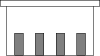
 Design with JST XH 4P Female in Cirkit Designer
Introduction
The JST XH 4P Female connector is a 4-pin female connector widely used in electronic circuits for connecting wires. It features a compact design and a reliable locking mechanism, ensuring secure and stable connections. This connector is part of the JST XH series, known for its durability and ease of use. It is commonly used in applications such as battery connections, PCB interfaces, and small electronic devices.
Explore Projects Built with JST XH 4P Female
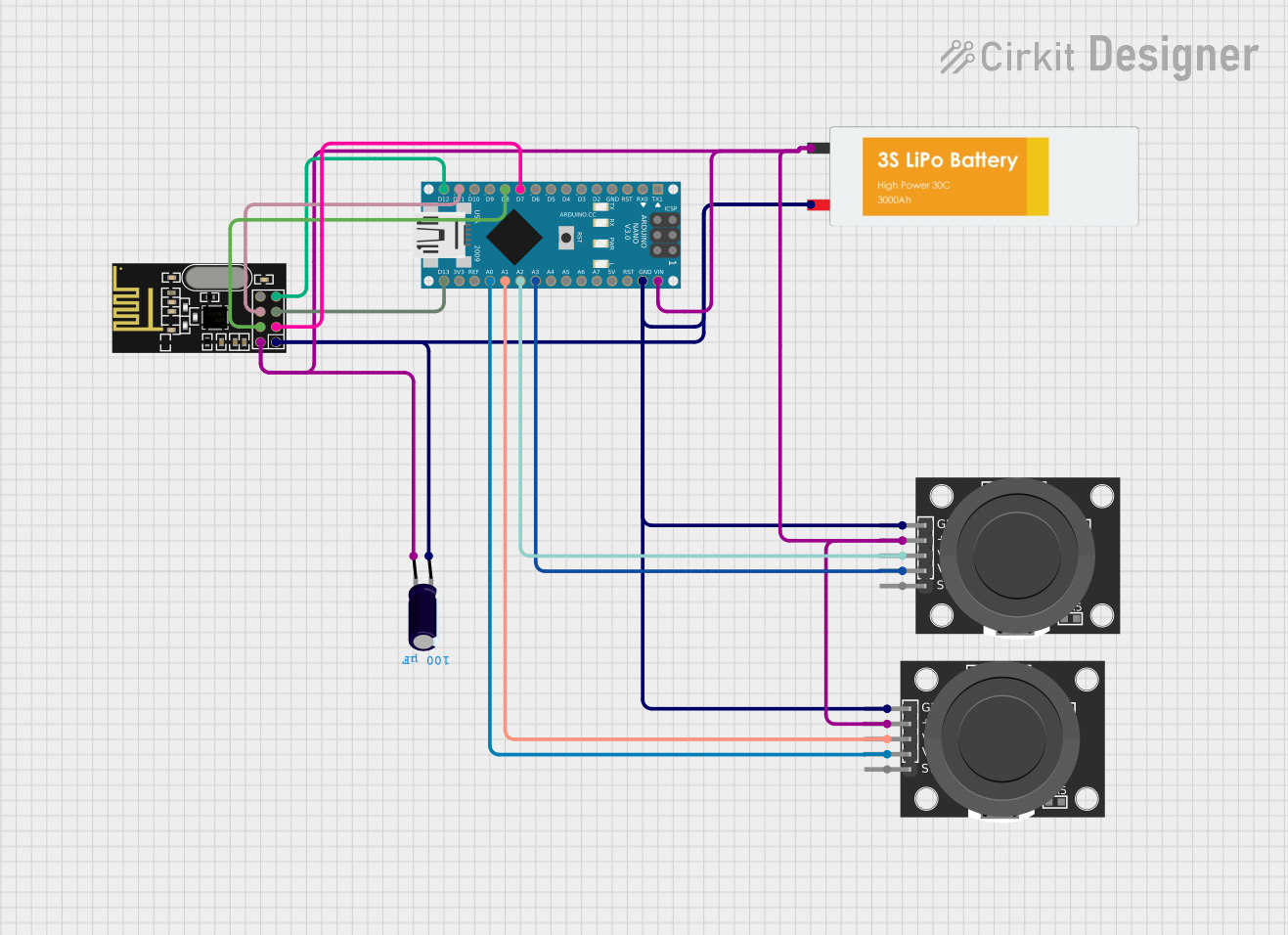 Open Project in Cirkit Designer
 Open Project in Cirkit Designer
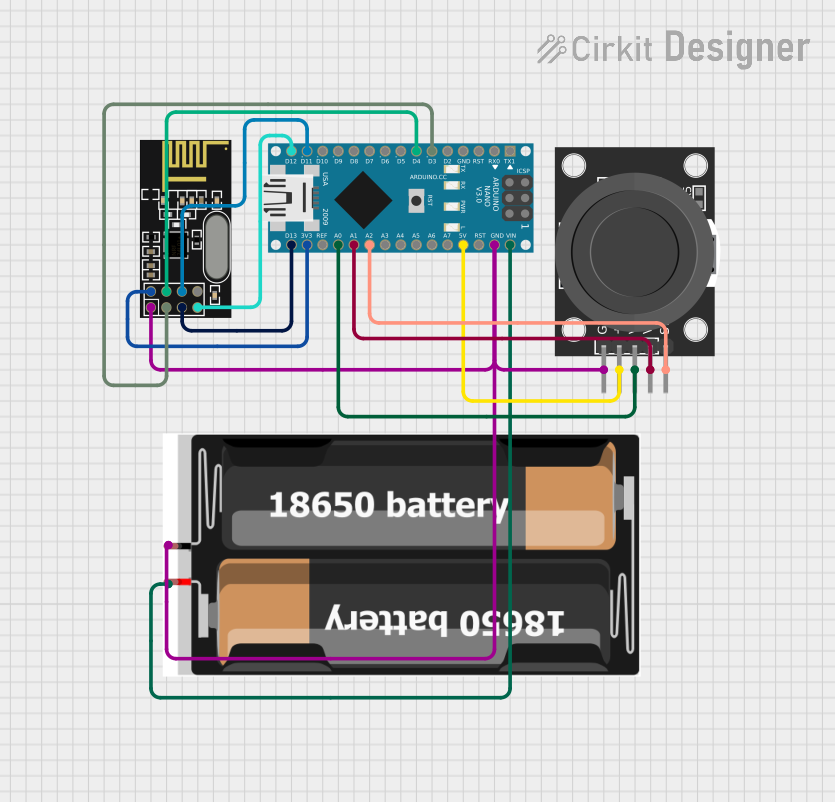 Open Project in Cirkit Designer
 Open Project in Cirkit Designer
Explore Projects Built with JST XH 4P Female
Open Project in Cirkit DesignerOpen Project in Cirkit DesignerOpen Project in Cirkit DesignerOpen Project in Cirkit DesignerCommon Applications and Use Cases
- Battery pack connections in RC models, drones, and robotics
- Power and signal connections in small electronic devices
- PCB-to-wire connections in consumer electronics
- LED strip wiring and other low-power applications
Technical Specifications
The JST XH 4P Female connector is designed to meet the needs of compact and reliable wire-to-board or wire-to-wire connections. Below are its key technical details:
Key Technical Details
- Number of Pins: 4
- Pitch (Pin Spacing): 2.5 mm
- Rated Voltage: 250V AC/DC
- Rated Current: 3A (maximum)
- Contact Resistance: ≤ 10 mΩ
- Insulation Resistance: ≥ 1000 MΩ
- Operating Temperature Range: -25°C to +85°C
- Material:
- Housing: Nylon 66 (UL94V-0 flame-retardant)
- Contacts: Phosphor bronze with tin plating
- Wire Gauge Compatibility: 22-28 AWG
Pin Configuration and Descriptions
The JST XH 4P Female connector has four pins, each corresponding to a specific connection. Below is the pin configuration:
| Pin Number | Description | Typical Use |
|---|---|---|
| 1 | VCC (Power Supply) | Positive voltage input |
| 2 | GND (Ground) | Ground connection |
| 3 | Signal/Data Line 1 | Data or control signal |
| 4 | Signal/Data Line 2 | Data or control signal |
Note: The pin assignments may vary depending on the application. Always refer to the specific circuit diagram or datasheet for your project.
Usage Instructions
The JST XH 4P Female connector is straightforward to use, but proper handling is essential to ensure reliable connections and avoid damage.
How to Use the Component in a Circuit
Wire Preparation:
- Strip the insulation from the wires to expose approximately 2-3 mm of the conductor.
- Use wires within the compatible gauge range (22-28 AWG) for optimal performance.
Crimping the Contacts:
- Use a compatible crimping tool to attach the metal contacts to the stripped wires.
- Ensure the crimped contacts are secure and free of loose strands.
Inserting the Contacts:
- Insert the crimped contacts into the connector housing until they click into place.
- Verify that the contacts are fully seated and aligned.
Connecting to a PCB or Male Connector:
- Align the JST XH 4P Female connector with the corresponding male connector or PCB header.
- Push the connector gently until the locking mechanism engages.
Testing the Connection:
- Verify the connection using a multimeter to ensure proper continuity and voltage levels.
Important Considerations and Best Practices
- Avoid excessive force when inserting or removing the connector to prevent damage.
- Ensure the wires are properly crimped and seated to avoid loose connections.
- Use heat shrink tubing or cable ties to organize and protect the wires if necessary.
- Double-check the pin assignments to prevent incorrect connections, which could damage your circuit.
Example: Connecting to an Arduino UNO
The JST XH 4P Female connector can be used to connect sensors or modules to an Arduino UNO. Below is an example of how to use it with a temperature sensor:
Circuit Diagram
- Pin 1 (VCC) → Arduino 5V
- Pin 2 (GND) → Arduino GND
- Pin 3 (Signal/Data Line 1) → Arduino Analog Pin A0
- Pin 4 (Signal/Data Line 2) → Not connected (optional)
Arduino Code Example
// Example code for reading a temperature sensor connected via JST XH 4P Female
const int sensorPin = A0; // Pin connected to Signal/Data Line 1
float voltage, temperature;

void setup() {
  Serial.begin(9600); // Initialize serial communication
}

void loop() {
  int sensorValue = analogRead(sensorPin); // Read the analog value
  voltage = sensorValue * (5.0 / 1023.0); // Convert to voltage
  temperature = (voltage - 0.5) * 100.0; // Convert voltage to temperature (Celsius)

  // Print the temperature to the Serial Monitor
  Serial.print("Temperature: ");
  Serial.print(temperature);
  Serial.println(" °C");

  delay(1000); // Wait 1 second before the next reading
}
Note: The above code assumes the use of a temperature sensor with a linear voltage output (e.g., LM35). Adjust the calculations as needed for your specific sensor.
Troubleshooting and FAQs
Common Issues Users Might Face
Loose or Intermittent Connections:
- Cause: Improper crimping or incomplete insertion of contacts.
- Solution: Re-crimp the contacts and ensure they are fully seated in the housing.
Connector Does Not Lock Properly:
- Cause: Misalignment or damaged locking mechanism.
- Solution: Check the alignment and inspect the connector for damage. Replace if necessary.
Incorrect Pin Assignments:
- Cause: Misinterpretation of the pin configuration.
- Solution: Double-check the pin assignments in your circuit diagram or datasheet.
Overheating or Melting:
- Cause: Exceeding the rated current or voltage.
- Solution: Ensure the current and voltage do not exceed the specified ratings.
Solutions and Tips for Troubleshooting
- Use a multimeter to verify continuity and check for short circuits.
- Inspect the connector and wires for physical damage or wear.
- If the connector is difficult to insert, ensure there are no obstructions or bent pins.
By following these guidelines and best practices, the JST XH 4P Female connector can provide reliable and durable connections for your electronic projects.