
How to Use TMP102: Examples, Pinouts, and Specs
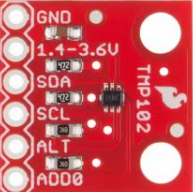
 Design with TMP102 in Cirkit Designer
Introduction
The TMP102, manufactured by Texas Instruments, is a high-accuracy digital temperature sensor that communicates via the I2C interface. It is designed to provide precise temperature readings in a compact package, making it ideal for a wide range of applications. With a temperature range of -40°C to +125°C and low power consumption, the TMP102 is particularly well-suited for battery-operated devices and systems requiring efficient thermal monitoring.
Explore Projects Built with TMP102
 Open Project in Cirkit Designer
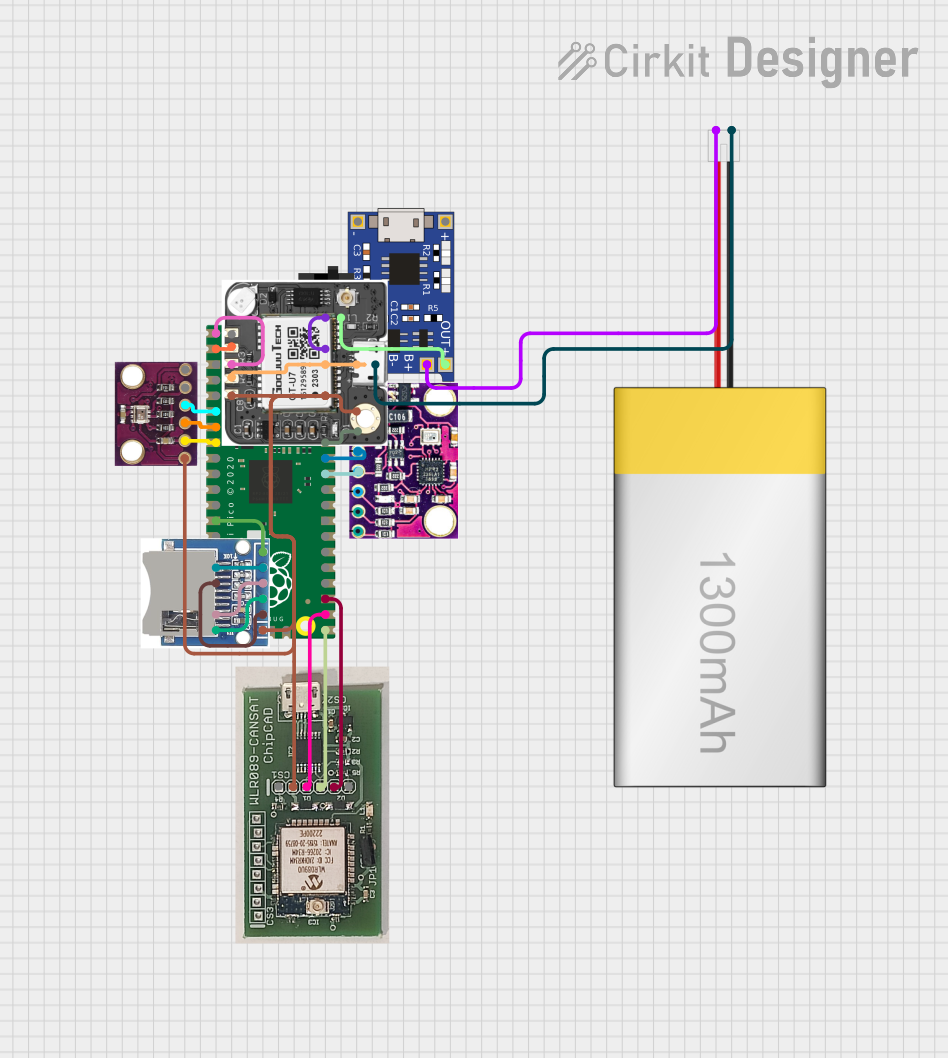 Open Project in Cirkit Designer
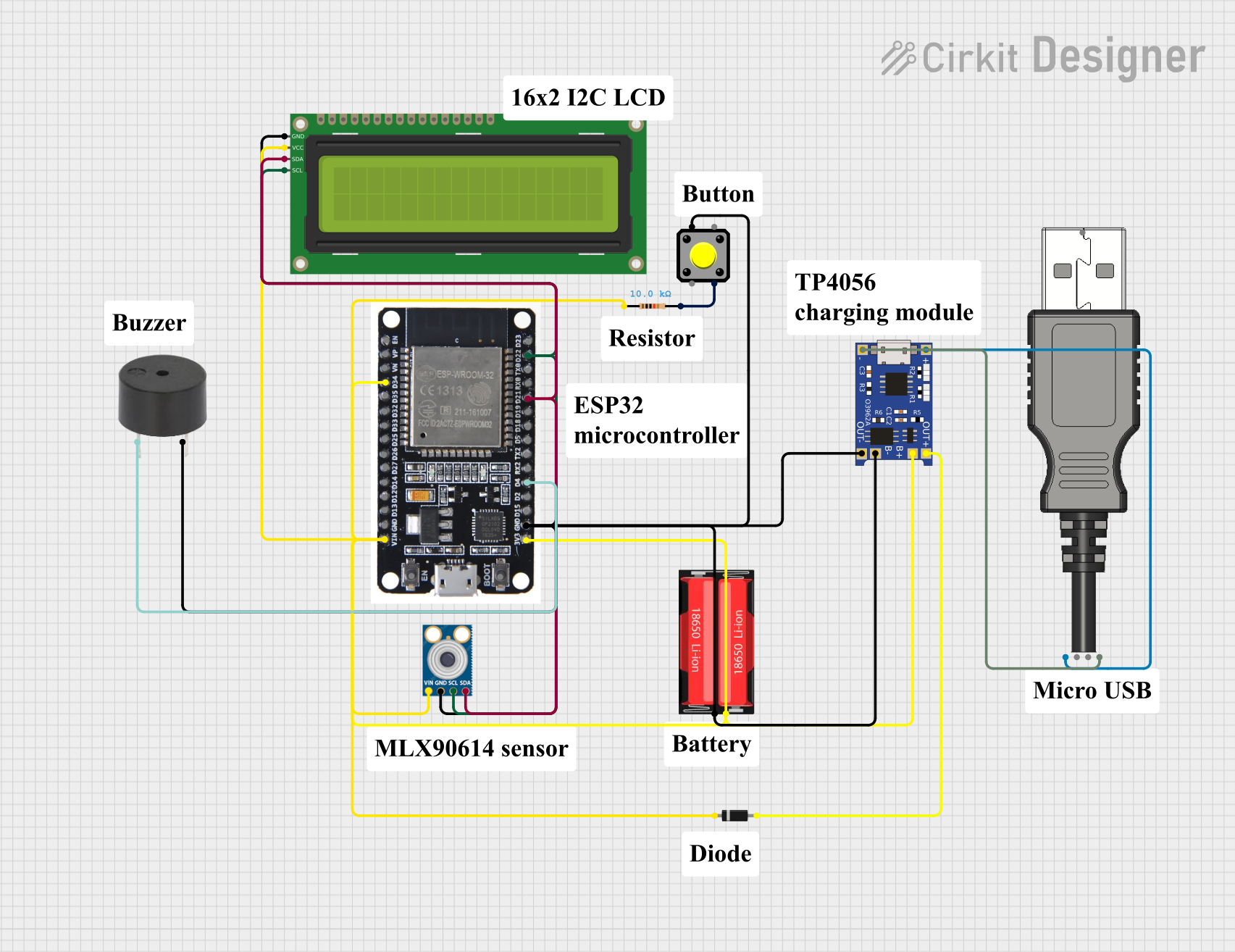 Open Project in Cirkit Designer
 Open Project in Cirkit Designer
Explore Projects Built with TMP102
Open Project in Cirkit DesignerOpen Project in Cirkit DesignerOpen Project in Cirkit DesignerOpen Project in Cirkit DesignerCommon Applications
- Consumer electronics (e.g., smartphones, laptops)
- Industrial temperature monitoring
- HVAC systems
- Medical devices
- Battery management systems
- IoT devices and wearables
Technical Specifications
The TMP102 offers a combination of high accuracy, low power consumption, and ease of integration. Below are its key technical details:
Key Specifications
| Parameter | Value |
|---|---|
| Supply Voltage (Vcc) | 1.4V to 3.6V |
| Temperature Range | -40°C to +125°C |
| Accuracy | ±0.5°C (typical, -25°C to 85°C) |
| Interface | I2C (2-wire) |
| Resolution | 12-bit (0.0625°C per LSB) |
| Power Consumption | 10 µA (typical, active mode) |
| Shutdown Current | 0.5 µA (typical) |
| Package | SOT563 (small outline) |
Pin Configuration and Descriptions
The TMP102 is available in a 6-pin SOT563 package. Below is the pinout and description:
| Pin Number | Pin Name | Description |
|---|---|---|
| 1 | GND | Ground |
| 2 | V+ | Power supply input (1.4V to 3.6V) |
| 3 | SDA | Serial data line for I2C communication |
| 4 | SCL | Serial clock line for I2C communication |
| 5 | ALERT | Alert output for temperature threshold interrupt |
| 6 | ADD0 | Address select pin for I2C address configuration |
Usage Instructions
The TMP102 is straightforward to use in a circuit, thanks to its I2C interface. Below are the steps and considerations for integrating the TMP102 into your design.
Circuit Connection
- Power Supply: Connect the
V+pin to a 1.4V to 3.6V power source and theGNDpin to ground. - I2C Communication: Connect the
SDAandSCLpins to the corresponding I2C lines of your microcontroller. Use pull-up resistors (typically 4.7kΩ) on both lines. - Address Configuration: Use the
ADD0pin to set the I2C address:- Connect
ADD0to GND for address0x48. - Connect
ADD0to V+ for address0x49.
- Connect
- Alert Pin (Optional): The
ALERTpin can be used to trigger an interrupt when the temperature exceeds a user-defined threshold.
Example Code for Arduino UNO
Below is an example of how to interface the TMP102 with an Arduino UNO to read temperature data:
#include <Wire.h> // Include the Wire library for I2C communication

#define TMP102_ADDRESS 0x48 // I2C address of the TMP102 (ADD0 connected to GND)

void setup() {
  Wire.begin(); // Initialize I2C communication
  Serial.begin(9600); // Start serial communication for debugging
}

void loop() {
  float temperature = readTemperature(); // Read temperature from TMP102
  Serial.print("Temperature: ");
  Serial.print(temperature);
  Serial.println(" °C");
  delay(1000); // Wait 1 second before the next reading
}

float readTemperature() {
  Wire.beginTransmission(TMP102_ADDRESS); // Start communication with TMP102
  Wire.write(0x00); // Point to the temperature register
  Wire.endTransmission();

  Wire.requestFrom(TMP102_ADDRESS, 2); // Request 2 bytes of data
  if (Wire.available() == 2) {
    // Read the two bytes and combine them into a 12-bit value
    int16_t rawData = (Wire.read() << 8) | Wire.read();
    rawData >>= 4; // Shift to remove unused bits
    if (rawData & 0x800) { // Check if the temperature is negative
      rawData |= 0xF000; // Sign-extend for negative values
    }
    return rawData * 0.0625; // Convert to Celsius (0.0625°C per LSB)
  }
  return NAN; // Return NaN if data is unavailable
}
Best Practices
- Use decoupling capacitors (e.g., 0.1 µF) near the
V+pin to stabilize the power supply. - Ensure proper pull-up resistors are used on the I2C lines.
- Avoid placing the TMP102 near heat sources to ensure accurate temperature readings.
- Use the
ALERTpin for real-time temperature monitoring in critical applications.
Troubleshooting and FAQs
Common Issues and Solutions
No Data from TMP102
- Cause: Incorrect I2C address or wiring.
- Solution: Verify the
ADD0pin configuration and ensure proper connections toSDAandSCL.
Inaccurate Temperature Readings
- Cause: Heat sources near the sensor or insufficient decoupling.
- Solution: Relocate the sensor away from heat sources and add a decoupling capacitor.
I2C Communication Failure
- Cause: Missing pull-up resistors or incorrect clock speed.
- Solution: Add 4.7kΩ pull-up resistors to
SDAandSCL. Ensure the I2C clock speed is 100 kHz or 400 kHz.
FAQs
Q: Can the TMP102 measure negative temperatures?
A: Yes, the TMP102 can measure temperatures as low as -40°C. Negative values are represented in two's complement format.
Q: What is the maximum distance for I2C communication with the TMP102?
A: The maximum distance depends on the pull-up resistor values and the capacitance of the I2C bus. For reliable communication, keep the distance short (typically less than 1 meter).
Q: Can I use the TMP102 with a 5V microcontroller?
A: Yes, but you must use level shifters or ensure the I2C lines are pulled up to a voltage within the TMP102's operating range (1.4V to 3.6V).
Q: How do I configure the temperature alert thresholds?
A: The TMP102 allows you to set high and low temperature thresholds via its configuration registers. Refer to the TMP102 datasheet for details on register configuration.
This concludes the documentation for the TMP102. For further details, refer to the official Texas Instruments datasheet.