
How to Use STM32F411 BlackPill: Examples, Pinouts, and Specs
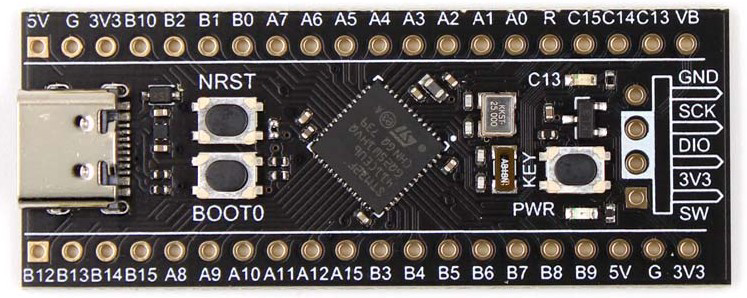
 Design with STM32F411 BlackPill in Cirkit Designer
Introduction
The STM32F411 BlackPill is a compact development board designed by STMicroelectronics, featuring the STM32F411 microcontroller. This microcontroller is part of the STM32 family, known for its high performance, low power consumption, and rich feature set. The BlackPill board is a popular choice for embedded systems and IoT projects due to its small form factor, versatile GPIO pins, and support for multiple communication protocols.
Explore Projects Built with STM32F411 BlackPill
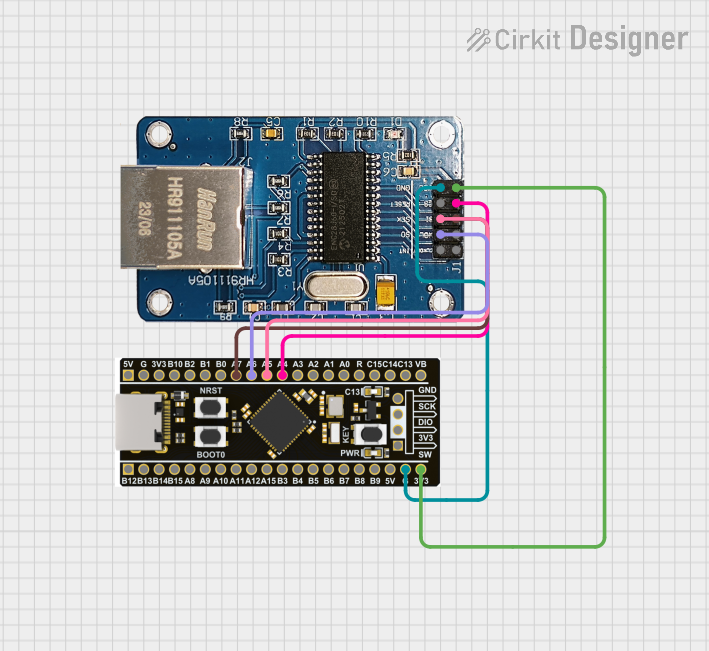 Open Project in Cirkit Designer
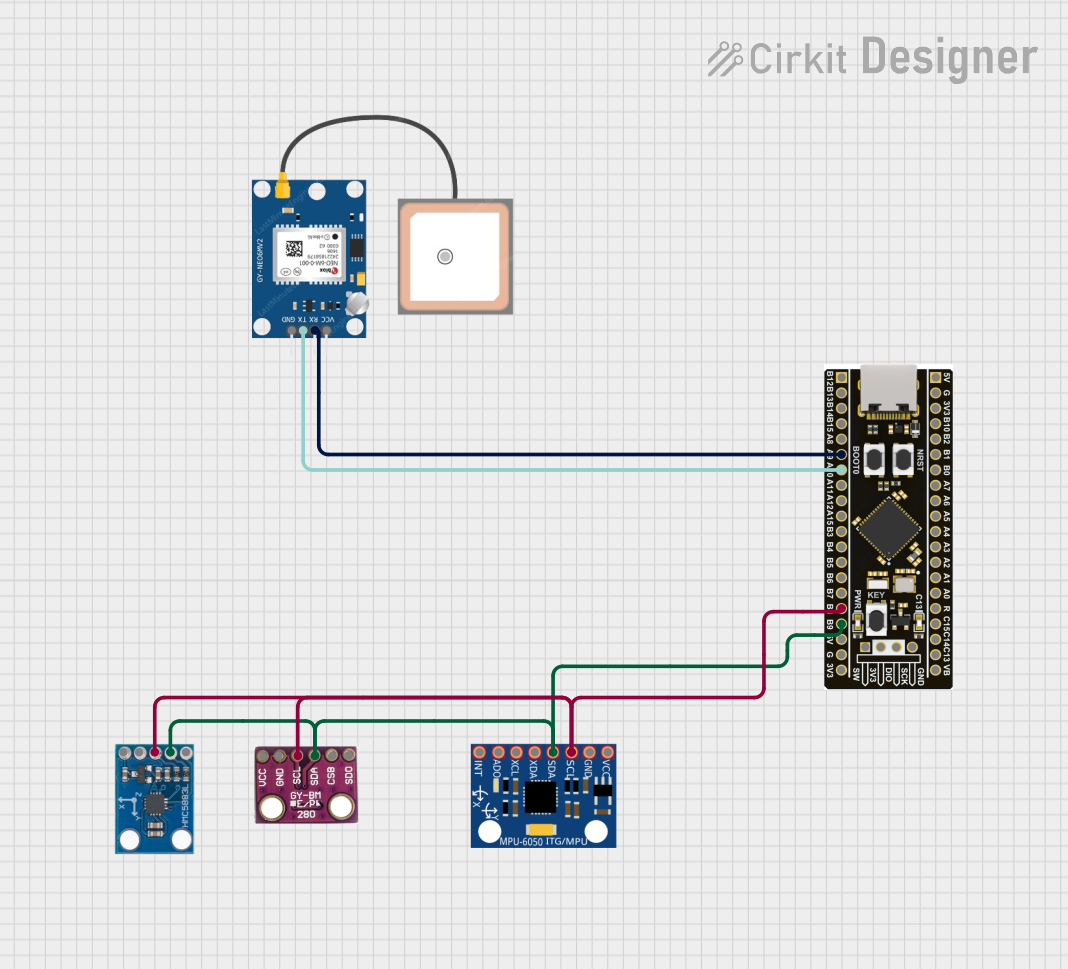 Open Project in Cirkit Designer
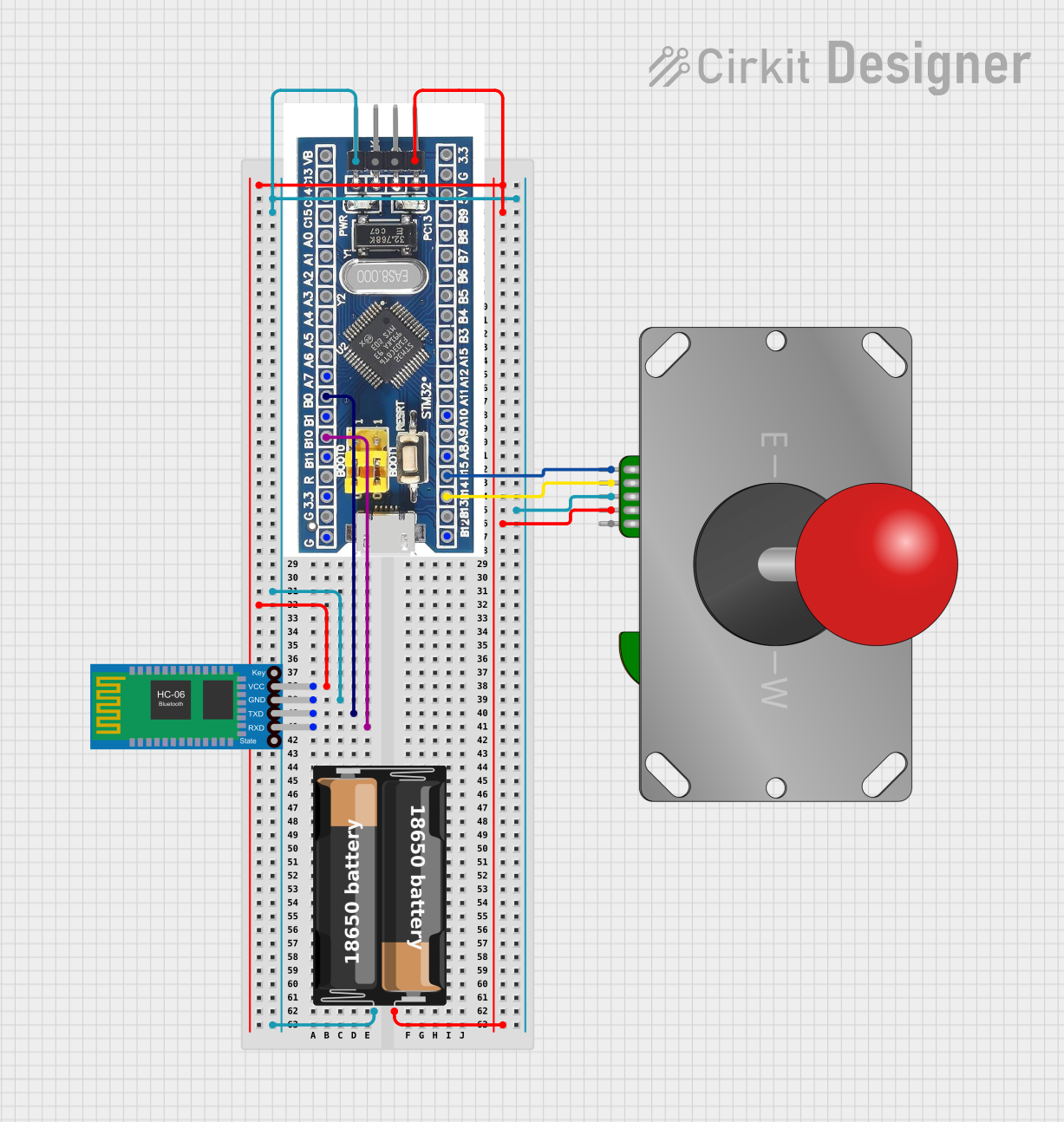 Open Project in Cirkit Designer
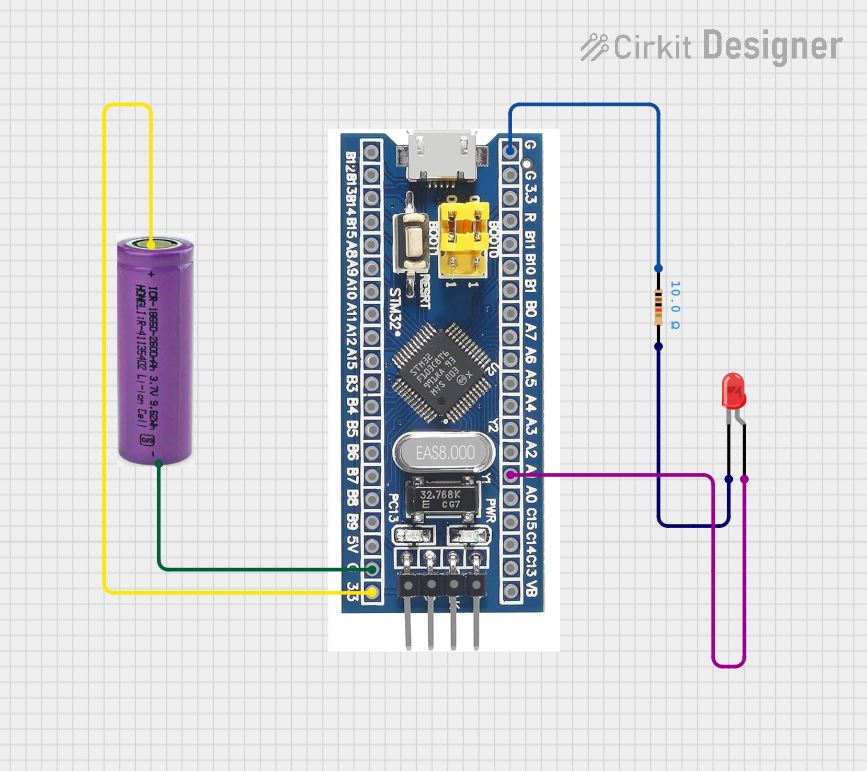 Open Project in Cirkit Designer
Explore Projects Built with STM32F411 BlackPill
Open Project in Cirkit DesignerOpen Project in Cirkit DesignerOpen Project in Cirkit DesignerOpen Project in Cirkit DesignerCommon Applications and Use Cases
- Embedded systems development
- Internet of Things (IoT) devices
- Robotics and automation
- Data acquisition and processing
- Prototyping for consumer electronics
- Educational purposes for learning ARM Cortex-M4 architecture
Technical Specifications
Key Technical Details
| Specification | Value |
|---|---|
| Microcontroller | STM32F411CEU6 (ARM Cortex-M4, 32-bit) |
| Operating Voltage | 3.3V |
| Clock Speed | Up to 100 MHz |
| Flash Memory | 512 KB |
| SRAM | 128 KB |
| GPIO Pins | 37 (multipurpose, including analog and PWM) |
| Communication Interfaces | UART, I2C, SPI, CAN, USB OTG |
| ADC Resolution | 12-bit (up to 16 channels) |
| DAC | 1 channel, 12-bit |
| Power Supply Input | 5V via USB or external source |
| Dimensions | 53 mm x 22 mm |
Pin Configuration and Descriptions
The STM32F411 BlackPill features a dual-row pin header layout. Below is a summary of the pin configuration:
| Pin Number | Pin Name | Functionality |
|---|---|---|
| 1 | GND | Ground |
| 2 | 3.3V | 3.3V Power Output |
| 3 | 5V | 5V Power Input |
| 4 | PA0 | GPIO, ADC (Channel 0), EXTI0 |
| 5 | PA1 | GPIO, ADC (Channel 1), EXTI1 |
| 6 | PA2 | GPIO, USART2_TX, ADC (Channel 2) |
| 7 | PA3 | GPIO, USART2_RX, ADC (Channel 3) |
| 8 | PA4 | GPIO, SPI1_NSS, DAC_OUT1 |
| 9 | PA5 | GPIO, SPI1_SCK, ADC (Channel 5) |
| 10 | PA6 | GPIO, SPI1_MISO, ADC (Channel 6) |
| ... | ... | ... (Refer to the full datasheet for more) |
For a complete pinout diagram, refer to the official STM32F411 datasheet.
Usage Instructions
How to Use the STM32F411 BlackPill in a Circuit
Powering the Board:
- Connect the board to a 5V power source via the USB Micro-B port or an external power supply.
- Ensure the power supply provides sufficient current (at least 500 mA).
Programming the Board:
- Use a USB cable to connect the board to your computer.
- Install the STM32CubeIDE or an alternative IDE like PlatformIO.
- Flash the firmware using the built-in USB bootloader or an external ST-Link programmer.
Connecting Peripherals:
- Use the GPIO pins for interfacing with sensors, actuators, or other devices.
- Configure the pins in software for the desired functionality (e.g., digital I/O, PWM, ADC).
Communication Protocols:
- Utilize UART, I2C, SPI, or CAN for communication with external devices.
- The USB OTG port can also be used for data transfer or as a virtual COM port.
Important Considerations and Best Practices
- Voltage Levels: The GPIO pins operate at 3.3V logic levels. Avoid connecting 5V signals directly to the pins to prevent damage.
- Decoupling Capacitors: Add decoupling capacitors near the power pins when designing custom circuits to ensure stable operation.
- Boot Mode Selection: Use the BOOT0 pin to select between bootloader mode and normal operation.
- Heat Management: While the board is efficient, prolonged high-performance operation may generate heat. Ensure proper ventilation.
Example Code for Arduino IDE
The STM32F411 BlackPill can be programmed using the Arduino IDE with the STM32 core installed. Below is an example of blinking an LED connected to pin PA5:
// Include the necessary library for STM32
#include <Arduino.h>

// Define the LED pin (PA5 is typically connected to the onboard LED)
#define LED_PIN PA5

void setup() {
  // Set the LED pin as an output
  pinMode(LED_PIN, OUTPUT);
}

void loop() {
  // Turn the LED on
  digitalWrite(LED_PIN, HIGH);
  delay(500); // Wait for 500 milliseconds

  // Turn the LED off
  digitalWrite(LED_PIN, LOW);
  delay(500); // Wait for 500 milliseconds
}
Troubleshooting and FAQs
Common Issues and Solutions
Board Not Detected by Computer:
- Ensure the USB cable is functional and supports data transfer.
- Check if the BOOT0 pin is set correctly for normal operation.
- Install the necessary USB drivers for STM32 devices.
Program Fails to Upload:
- Verify that the correct board and port are selected in the IDE.
- If using the USB bootloader, ensure the board is in bootloader mode (set BOOT0 high).
- Try using an external ST-Link programmer if the USB bootloader is unresponsive.
GPIO Pins Not Functioning as Expected:
- Double-check the pin configuration in your code.
- Ensure no conflicting peripherals are assigned to the same pin.
Overheating:
- Reduce the clock speed or optimize your code to lower power consumption.
- Ensure the board is not exposed to high ambient temperatures.
FAQs
Q: Can I power the board with 3.3V directly?
A: Yes, you can power the board via the 3.3V pin, but ensure the supply is stable and regulated.
Q: Does the STM32F411 BlackPill support debugging?
A: Yes, the board supports debugging via the SWD interface. Use an ST-Link programmer for debugging.
Q: Can I use the board with PlatformIO?
A: Absolutely! PlatformIO provides excellent support for STM32 boards, including the STM32F411 BlackPill.
Q: Is the STM32F411 BlackPill compatible with Arduino libraries?
A: Many Arduino libraries are compatible, but some may require modifications due to differences in architecture.
This concludes the documentation for the STM32F411 BlackPill. For further details, refer to the official datasheet and user manual provided by STMicroelectronics.