
How to Use SIM7600-H Hat: Examples, Pinouts, and Specs
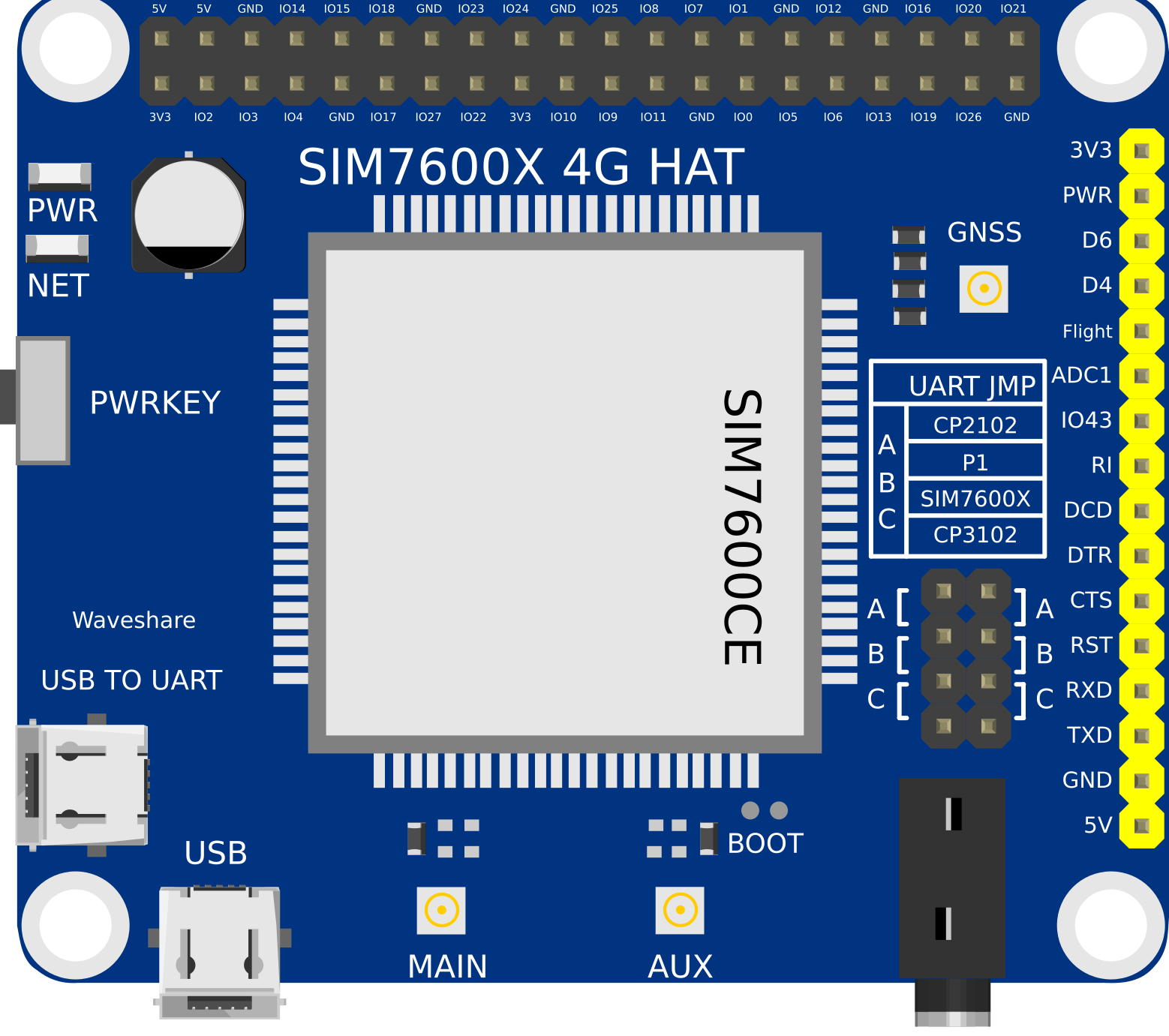
 Design with SIM7600-H Hat in Cirkit Designer
Introduction
The SIM7600-H Hat is a GSM/GPRS/LTE module designed for IoT applications, offering reliable cellular connectivity for data transmission and communication. It supports multiple frequency bands, making it versatile for global use. Additionally, the module includes GPS functionality, enabling location tracking and navigation. This makes the SIM7600-H Hat an excellent choice for remote monitoring, control systems, and mobile IoT projects.
Explore Projects Built with SIM7600-H Hat
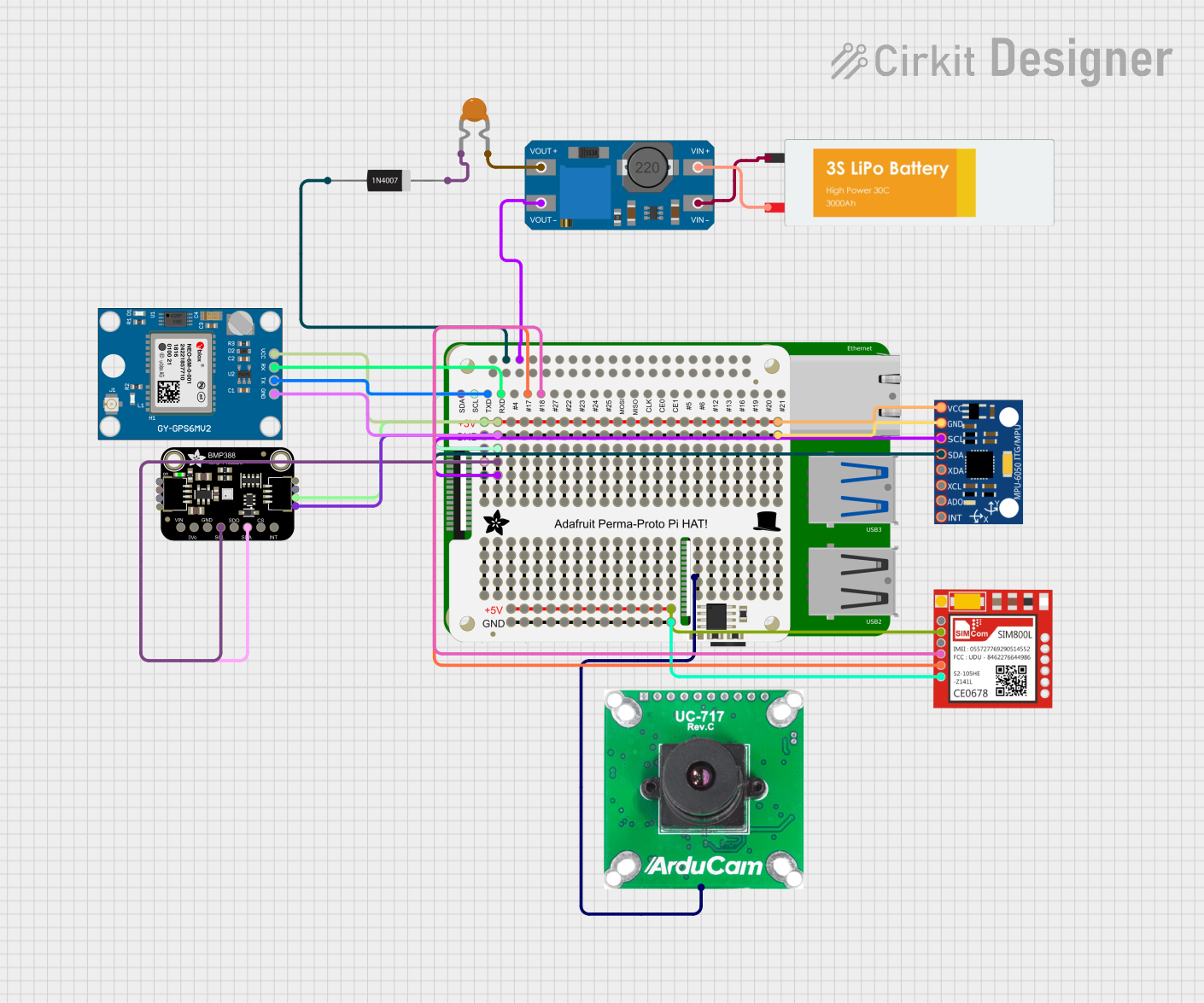 Open Project in Cirkit Designer
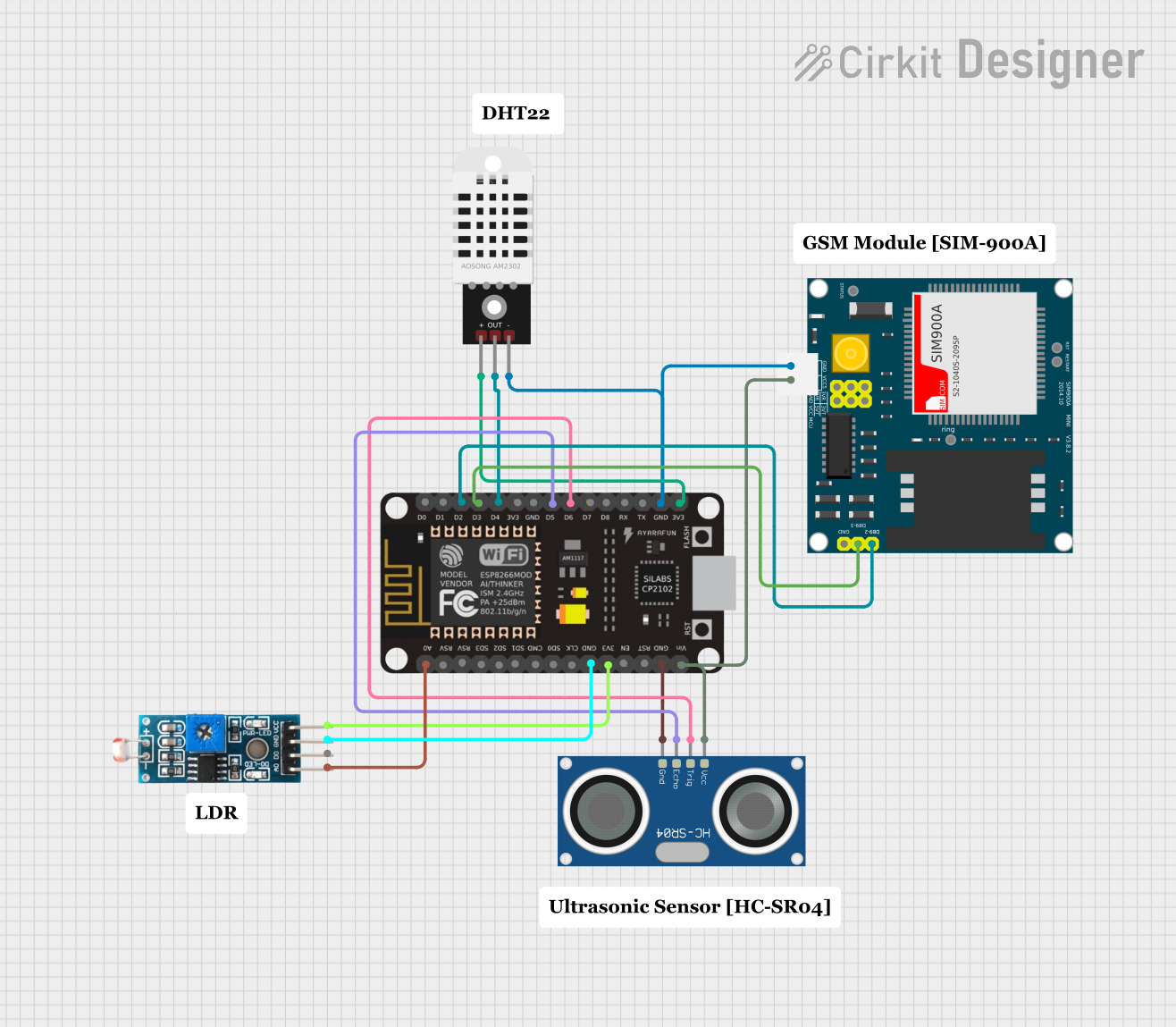 Open Project in Cirkit Designer
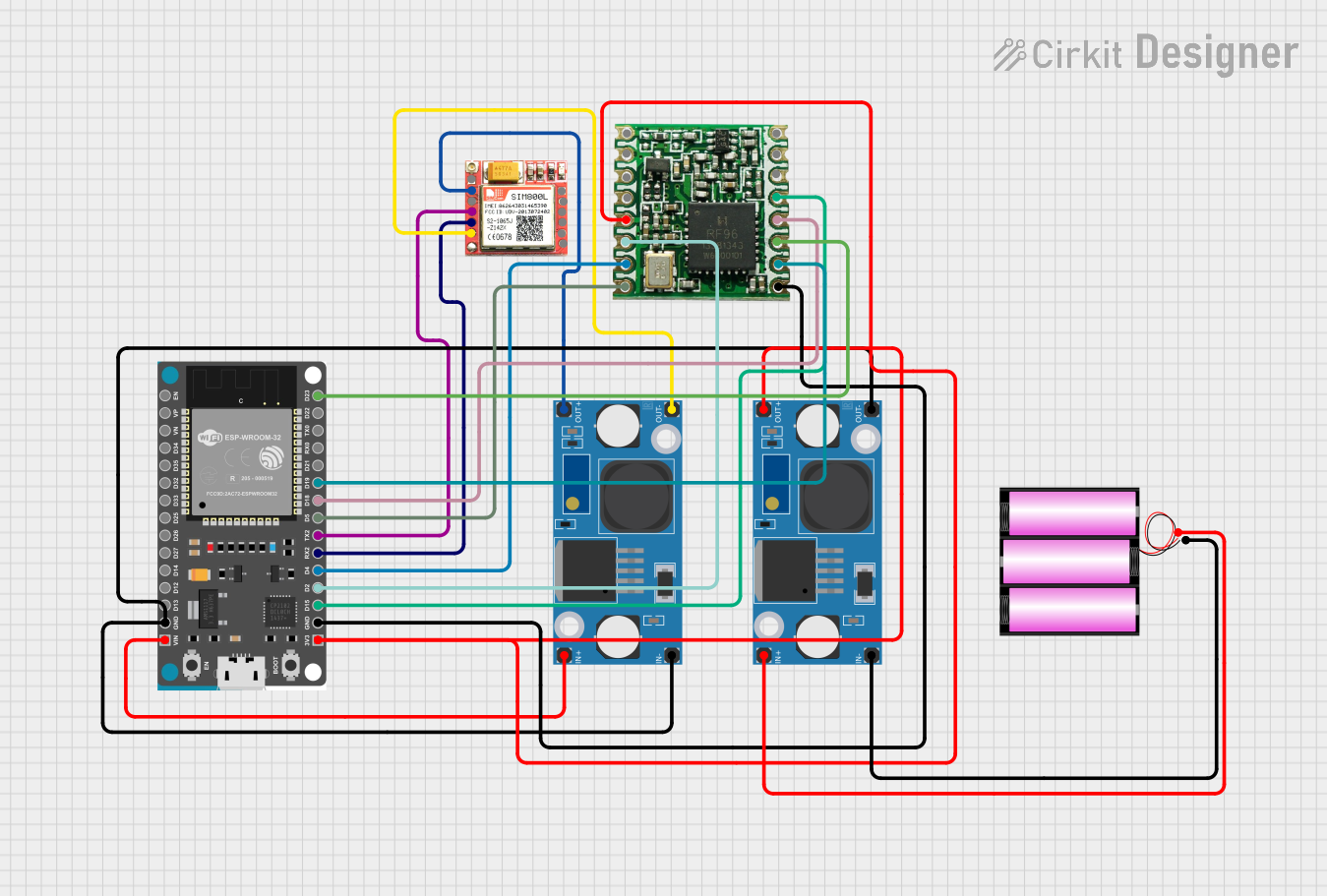 Open Project in Cirkit Designer
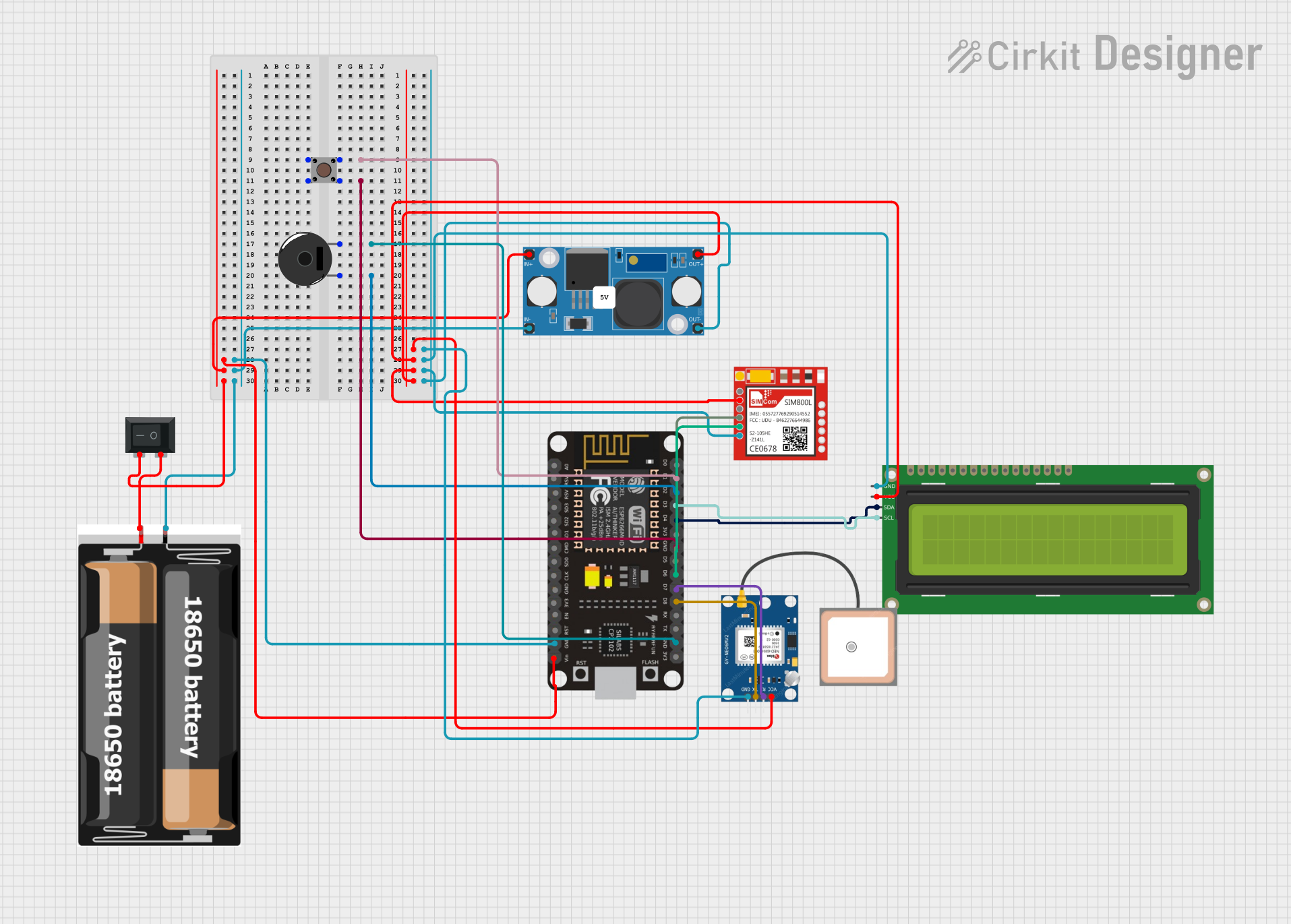 Open Project in Cirkit Designer
Explore Projects Built with SIM7600-H Hat
Open Project in Cirkit DesignerOpen Project in Cirkit DesignerOpen Project in Cirkit DesignerOpen Project in Cirkit DesignerCommon Applications
- Remote monitoring and control systems
- GPS-based tracking and navigation
- Smart agriculture and environmental monitoring
- Industrial IoT (IIoT) applications
- Smart home and automation systems
- Vehicle telematics and fleet management
Technical Specifications
Key Technical Details
| Parameter | Specification |
|---|---|
| Cellular Connectivity | GSM/GPRS/LTE |
| Frequency Bands | LTE: B1/B3/B5/B7/B8/B20/B28, GSM: 850/900/1800/1900 MHz |
| GPS Support | Yes (GNSS: GPS, GLONASS, BeiDou, Galileo, QZSS) |
| Operating Voltage | 5V (via Raspberry Pi GPIO or external power) |
| Power Consumption | Idle: ~10mA, Active: ~500mA (varies with usage) |
| Communication Interfaces | UART, USB, GPIO |
| Dimensions | 65mm x 56mm x 20mm |
| Operating Temperature | -40°C to +85°C |
Pin Configuration and Descriptions
| Pin Name | Pin Number | Description |
|---|---|---|
| 5V | 2 | Power input (5V) |
| GND | 6 | Ground |
| TXD | 8 | UART Transmit (to Raspberry Pi RXD) |
| RXD | 10 | UART Receive (to Raspberry Pi TXD) |
| PWRKEY | GPIO17 | Power key for turning the module on/off |
| NETLIGHT | GPIO25 | Network status indicator |
| GPS_TXD | GPIO15 | GPS UART Transmit |
| GPS_RXD | GPIO16 | GPS UART Receive |
Usage Instructions
How to Use the SIM7600-H Hat in a Circuit
Hardware Setup:
- Attach the SIM7600-H Hat to a Raspberry Pi or connect it to an external microcontroller via UART.
- Insert a valid SIM card into the SIM card slot on the module.
- Connect an LTE antenna to the SMA connector for cellular connectivity.
- If GPS functionality is required, connect a GPS antenna to the GPS SMA connector.
Powering the Module:
- Ensure the module is powered with 5V via the Raspberry Pi GPIO or an external power source.
- Use the
PWRKEYpin to turn the module on by holding it low for 1 second.
Communication:
- Use UART or USB to communicate with the module. For UART, connect the
TXDandRXDpins to the corresponding pins on your microcontroller. - Configure the baud rate to 115200 for UART communication.
- Use UART or USB to communicate with the module. For UART, connect the
AT Commands:
- The SIM7600-H Hat is controlled using AT commands. For example:
AT- Check if the module is responsive.AT+CSQ- Check signal quality.AT+CGATT?- Check if the module is attached to the network.AT+CGPS=1- Enable GPS functionality.
- The SIM7600-H Hat is controlled using AT commands. For example:
Important Considerations and Best Practices
- Ensure the SIM card has an active data plan for internet connectivity.
- Use proper antennas for LTE and GPS to achieve optimal performance.
- Avoid powering the module directly from a microcontroller's GPIO pins, as it may not provide sufficient current.
- Place the module in an area with good cellular and GPS signal reception.
- Use level shifters if interfacing with a 3.3V microcontroller.
Example Code for Arduino UNO
Below is an example of how to send an SMS using the SIM7600-H Hat with an Arduino UNO:
#include <SoftwareSerial.h>

// Define RX and TX pins for SoftwareSerial
SoftwareSerial sim7600(7, 8); // RX = Pin 7, TX = Pin 8

void setup() {
  Serial.begin(9600);          // Initialize Serial Monitor
  sim7600.begin(115200);       // Initialize SIM7600 UART communication

  delay(1000);                 // Wait for the module to initialize
  sendATCommand("AT");         // Check if the module is responsive
  sendATCommand("AT+CMGF=1");  // Set SMS mode to text
  sendATCommand("AT+CMGS=\"+1234567890\""); // Replace with recipient's number
  sim7600.print("Hello, this is a test SMS from SIM7600-H Hat!");
  sim7600.write(26);           // Send Ctrl+Z to send the SMS
}

void loop() {
  // Continuously check for responses from the module
  if (sim7600.available()) {
    Serial.write(sim7600.read());
  }
}

void sendATCommand(String command) {
  sim7600.println(command);    // Send AT command to the module
  delay(1000);                 // Wait for the module to respond
  while (sim7600.available()) {
    Serial.write(sim7600.read()); // Print the response to Serial Monitor
  }
}
Troubleshooting and FAQs
Common Issues and Solutions
Module Not Powering On:
- Ensure the
PWRKEYpin is held low for at least 1 second to turn on the module. - Verify the power supply provides sufficient current (at least 2A peak).
- Ensure the
No Network Connection:
- Check if the SIM card is inserted correctly and has an active data plan.
- Use the
AT+CSQcommand to check signal strength. A value above 10 is recommended. - Ensure the LTE antenna is securely connected.
GPS Not Working:
- Verify the GPS antenna is connected to the correct SMA connector.
- Place the module in an open area with a clear view of the sky for better GPS signal reception.
- Use the
AT+CGPSINFOcommand to check GPS data.
No Response to AT Commands:
- Confirm the baud rate is set to 115200.
- Check the UART connections (TXD and RXD) between the module and the microcontroller.
- Ensure the module is powered on and responsive by sending the
ATcommand.
FAQs
Q: Can the SIM7600-H Hat be used with a Raspberry Pi?
A: Yes, the module is designed to work seamlessly with Raspberry Pi via GPIO or USB.
Q: What is the maximum data rate supported by the module?
A: The SIM7600-H Hat supports LTE Cat-4 with a maximum download speed of 150 Mbps and upload speed of 50 Mbps.
Q: Does the module support voice calls?
A: Yes, the SIM7600-H Hat supports voice calls in addition to SMS and data transmission.
Q: Can I use the module without GPS functionality?
A: Yes, GPS is optional and can be disabled if not required for your application.