
How to Use RC Rear Power Supply (Top): Examples, Pinouts, and Specs
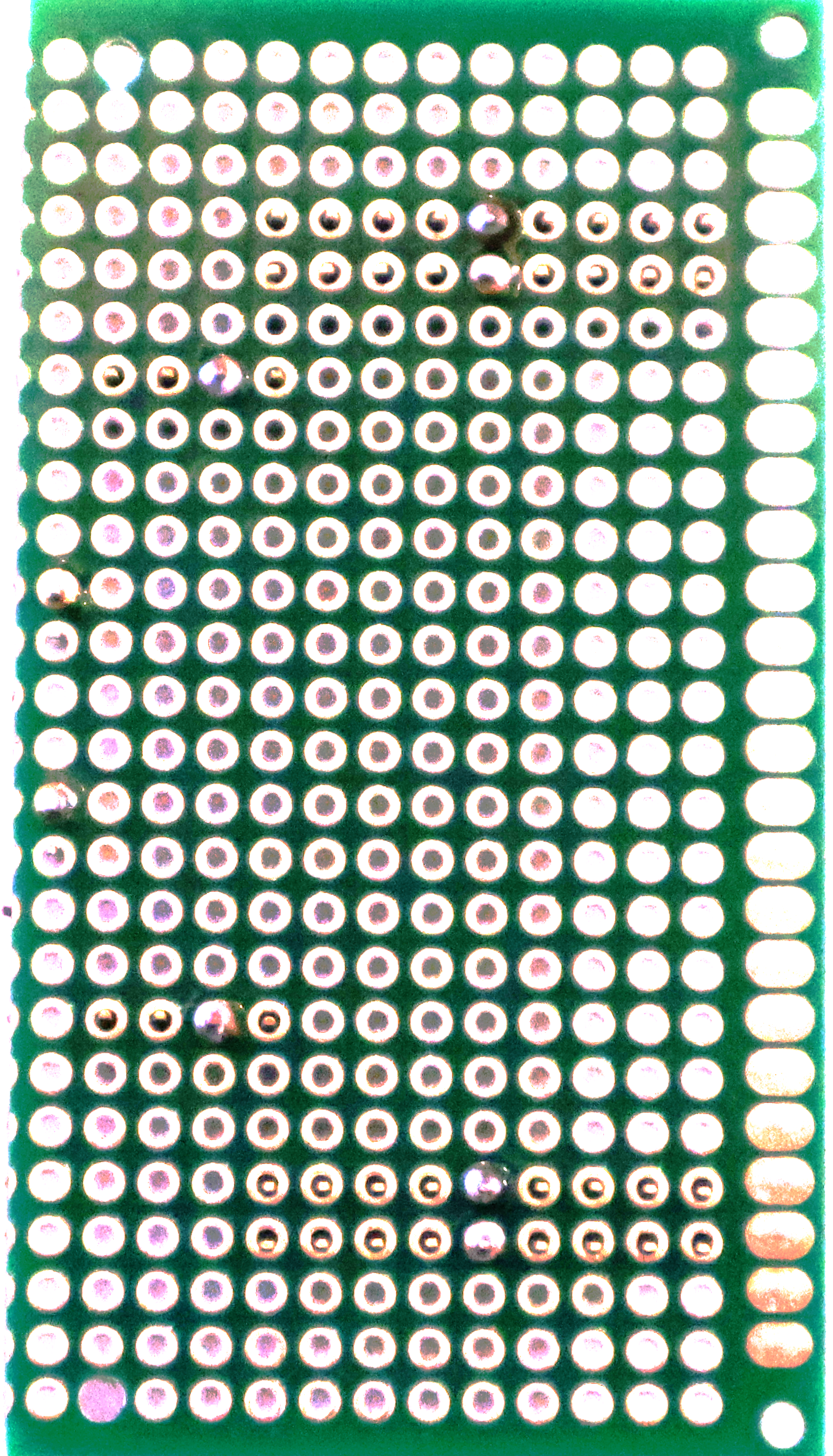
 Design with RC Rear Power Supply (Top) in Cirkit Designer
Introduction
The RC Rear Power Supply (Top) is a specialized power supply unit designed to provide reliable and efficient electrical power to remote control (RC) systems. It is engineered to support multiple output voltages and current ratings, making it suitable for powering various components within an RC system, such as motors, receivers, and auxiliary devices. Its compact design and robust performance make it an essential component for RC enthusiasts and professionals alike.
Explore Projects Built with RC Rear Power Supply (Top)
 Open Project in Cirkit Designer
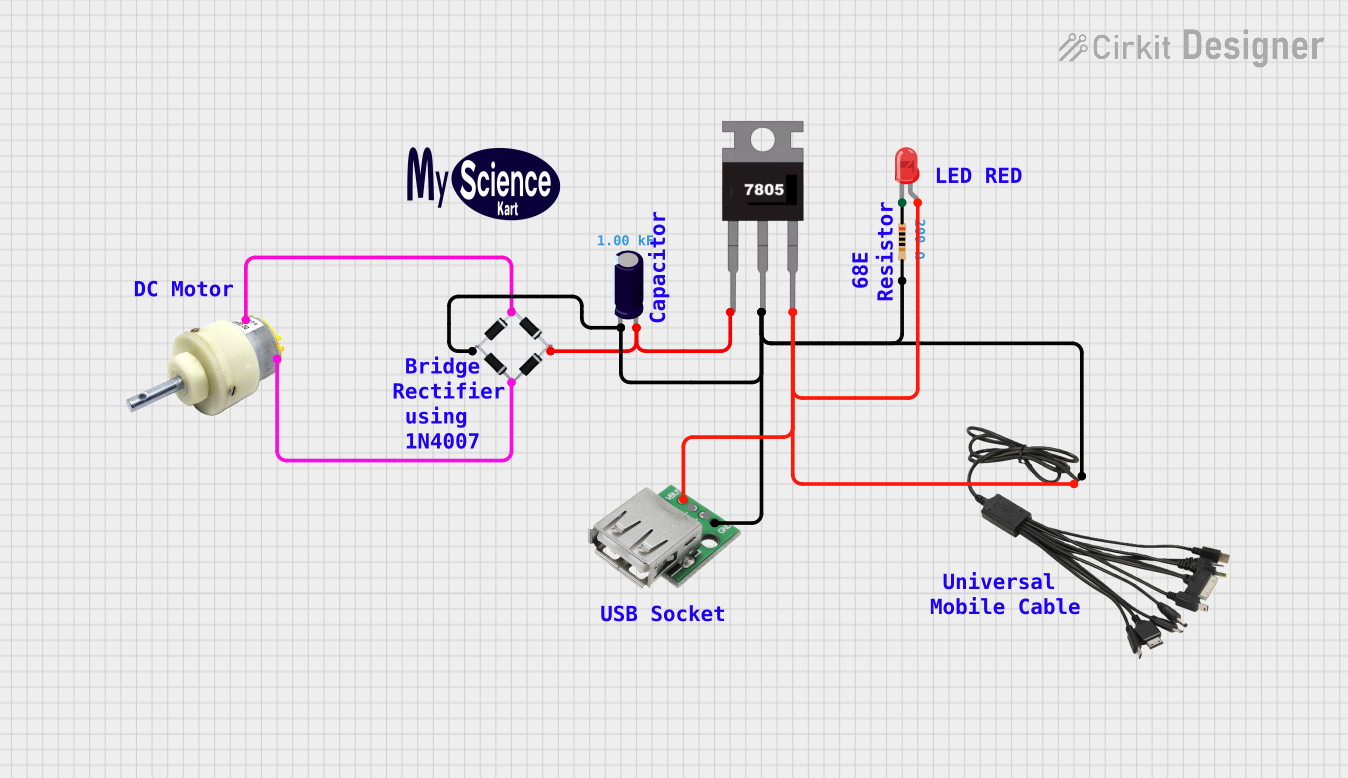 Open Project in Cirkit Designer
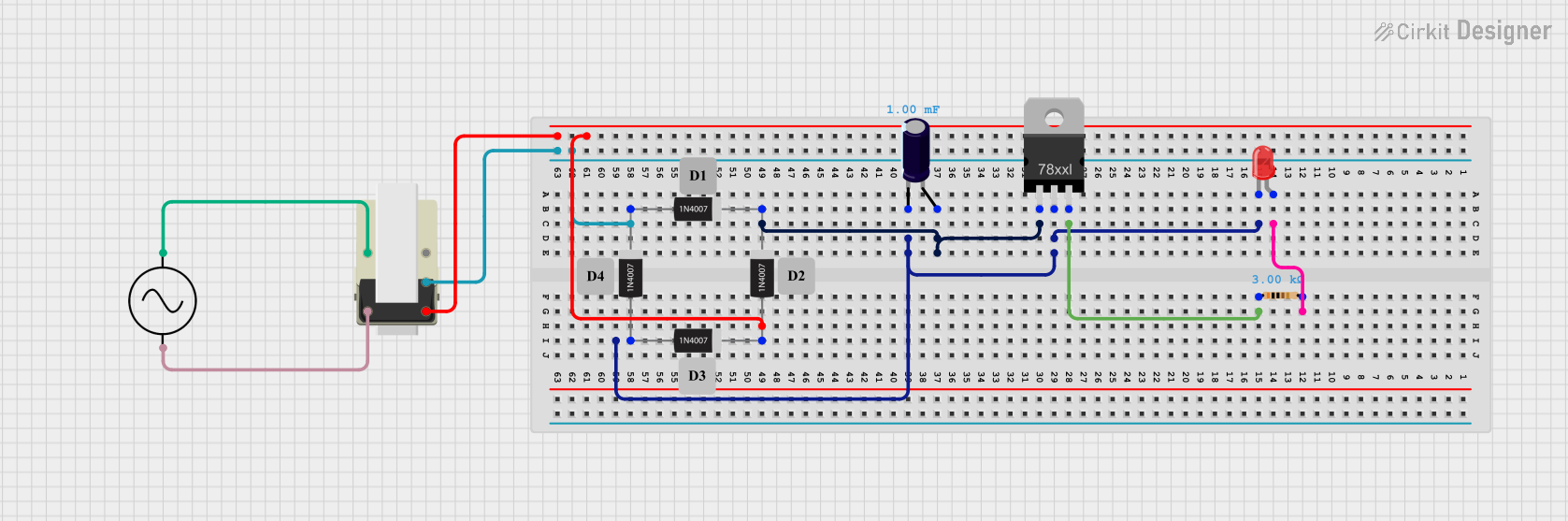 Open Project in Cirkit Designer
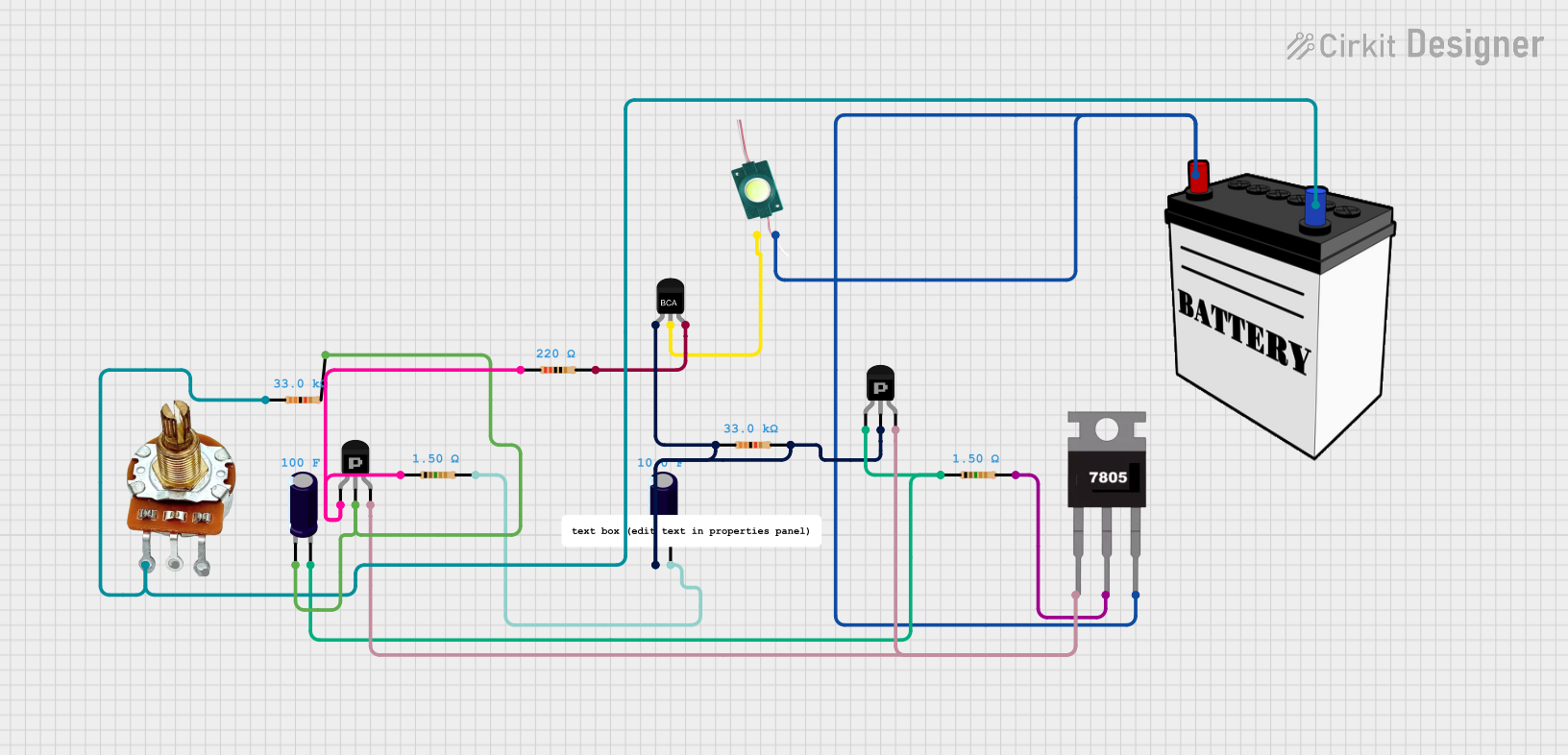 Open Project in Cirkit Designer
Explore Projects Built with RC Rear Power Supply (Top)
Open Project in Cirkit DesignerOpen Project in Cirkit DesignerOpen Project in Cirkit DesignerOpen Project in Cirkit DesignerCommon Applications and Use Cases
- Powering RC vehicles, including cars, boats, and drones.
- Supplying power to RC receivers, servos, and motor controllers.
- Supporting auxiliary devices like LED lights or telemetry modules in RC systems.
- Providing stable power in custom RC projects or prototypes.
Technical Specifications
Key Technical Details
- Input Voltage Range: 7.4V to 14.8V DC (compatible with 2S to 4S LiPo batteries).
- Output Voltages:
- 5V DC (regulated, for receivers and servos).
- 12V DC (regulated, for auxiliary devices).
- Maximum Output Current:
- 5V Output: 3A.
- 12V Output: 2A.
- Efficiency: Up to 90% (depending on load conditions).
- Operating Temperature: -10°C to 60°C.
- Dimensions: 50mm x 30mm x 15mm.
- Weight: 25g.
Pin Configuration and Descriptions
The RC Rear Power Supply (Top) features a set of input and output connectors for easy integration into RC systems. Below is the pin configuration:
Input Connector
| Pin Number | Label | Description |
|---|---|---|
| 1 | VIN+ | Positive input voltage (7.4V to 14.8V). |
| 2 | VIN- | Negative input voltage (ground). |
Output Connector
| Pin Number | Label | Description |
|---|---|---|
| 1 | 5V+ | Regulated 5V output (positive). |
| 2 | 5V- | Ground for 5V output. |
| 3 | 12V+ | Regulated 12V output (positive). |
| 4 | 12V- | Ground for 12V output. |
Usage Instructions
How to Use the Component in a Circuit
Connect the Input Voltage:
- Attach the VIN+ and VIN- pins to a compatible power source, such as a 2S to 4S LiPo battery.
- Ensure the input voltage is within the specified range (7.4V to 14.8V DC).
Connect the Outputs:
- Use the 5V+ and 5V- pins to power low-voltage components like RC receivers or servos.
- Use the 12V+ and 12V- pins to power auxiliary devices requiring 12V, such as LED lights or telemetry modules.
Verify Connections:
- Double-check all connections to ensure proper polarity and avoid short circuits.
Power On:
- Turn on the power source and verify that the connected components are functioning correctly.
Important Considerations and Best Practices
- Heat Dissipation: Ensure adequate ventilation around the power supply to prevent overheating, especially under high load conditions.
- Current Limits: Do not exceed the maximum output current ratings (3A for 5V and 2A for 12V) to avoid damage to the power supply or connected components.
- Polarity: Always verify the polarity of input and output connections to prevent reverse polarity damage.
- Battery Compatibility: Use only compatible LiPo batteries within the specified voltage range.
Example: Connecting to an Arduino UNO
The RC Rear Power Supply (Top) can be used to power an Arduino UNO via its 5V output. Below is an example setup and code:
Circuit Setup
- Connect the 5V+ pin of the power supply to the 5V pin on the Arduino UNO.
- Connect the 5V- pin of the power supply to the GND pin on the Arduino UNO.
- Ensure the input voltage to the power supply is within the specified range.
Example Code
// Example code to blink an LED connected to pin 13 of the Arduino UNO
// Ensure the RC Rear Power Supply (Top) is providing 5V to the Arduino UNO

void setup() {
  pinMode(13, OUTPUT); // Set pin 13 as an output
}

void loop() {
  digitalWrite(13, HIGH); // Turn the LED on
  delay(1000);            // Wait for 1 second
  digitalWrite(13, LOW);  // Turn the LED off
  delay(1000);            // Wait for 1 second
}
Troubleshooting and FAQs
Common Issues and Solutions
No Output Voltage:
- Cause: Input voltage is not within the specified range.
- Solution: Verify the input voltage and ensure it is between 7.4V and 14.8V DC.
Overheating:
- Cause: Excessive current draw or poor ventilation.
- Solution: Reduce the load on the power supply and ensure proper airflow around the unit.
Connected Devices Not Working:
- Cause: Incorrect wiring or polarity.
- Solution: Double-check all connections and ensure correct polarity.
Voltage Drop Under Load:
- Cause: Exceeding the maximum current rating.
- Solution: Reduce the load to stay within the specified current limits.
FAQs
Can I use this power supply with a 3S LiPo battery?
- Yes, the RC Rear Power Supply (Top) is compatible with 3S LiPo batteries, as their voltage (11.1V nominal) falls within the input range.
Is the power supply protected against short circuits?
- Yes, the unit includes basic short-circuit protection, but it is recommended to avoid intentional short circuits.
Can I power both 5V and 12V devices simultaneously?
- Yes, as long as the total current draw does not exceed the respective output limits (3A for 5V and 2A for 12V).
What happens if I reverse the input polarity?
- Reversing the input polarity may damage the power supply. Always verify connections before powering on.
This documentation provides all the necessary details to effectively use the RC Rear Power Supply (Top) in your RC projects.