
How to Use SG90 Servo Motr: Examples, Pinouts, and Specs
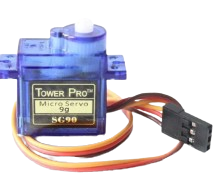
 Design with SG90 Servo Motr in Cirkit Designer
Introduction
The SG90 Servo Motor by AC (Manufacturer Part ID: Servo Motor) is a small, lightweight servo motor designed for precise angular movement. It is widely used in robotics, RC vehicles, and hobby projects due to its compact size, affordability, and ease of use. The SG90 operates using Pulse Width Modulation (PWM) signals, allowing users to control its position with high accuracy.
Explore Projects Built with SG90 Servo Motr
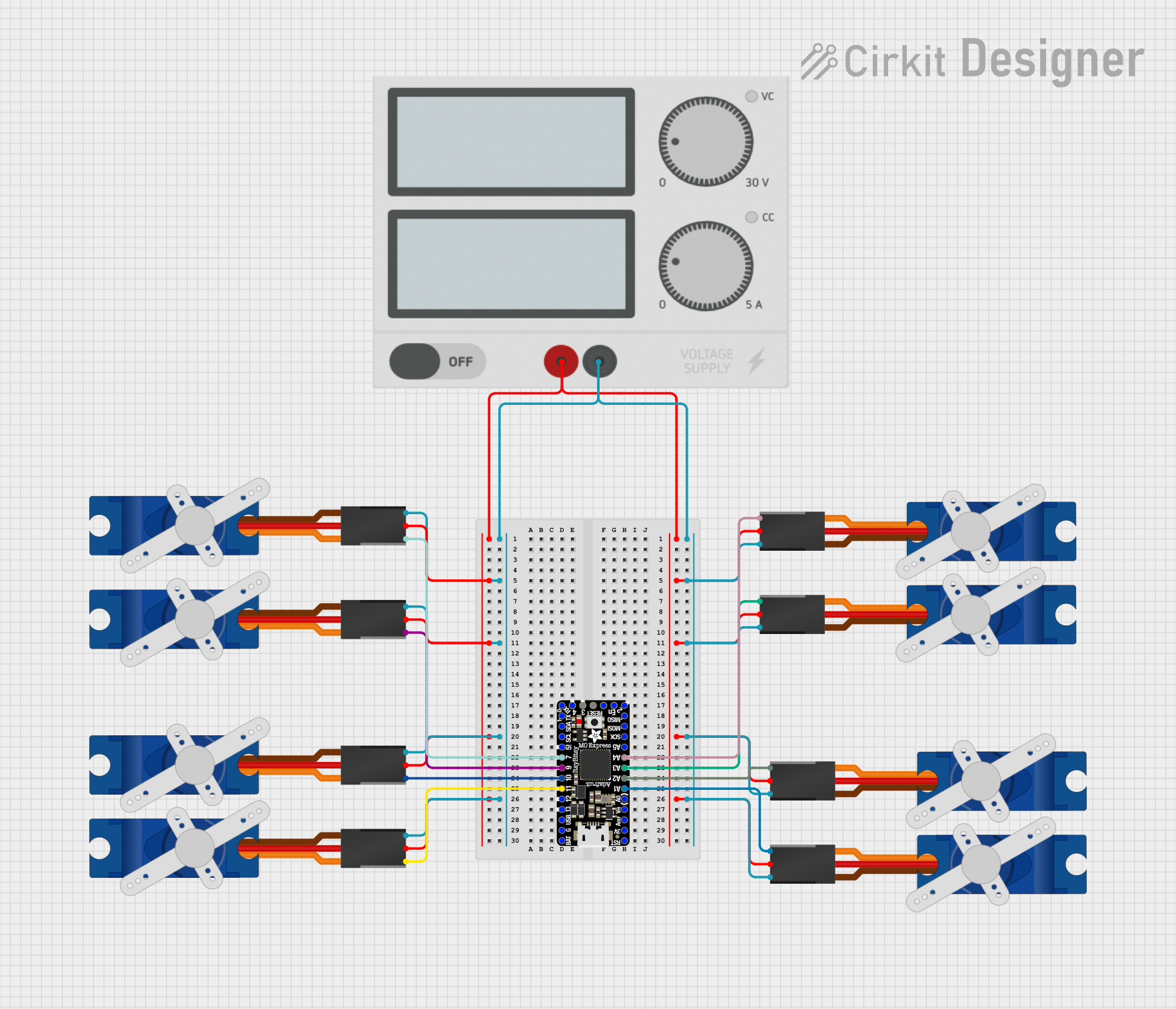 Open Project in Cirkit Designer
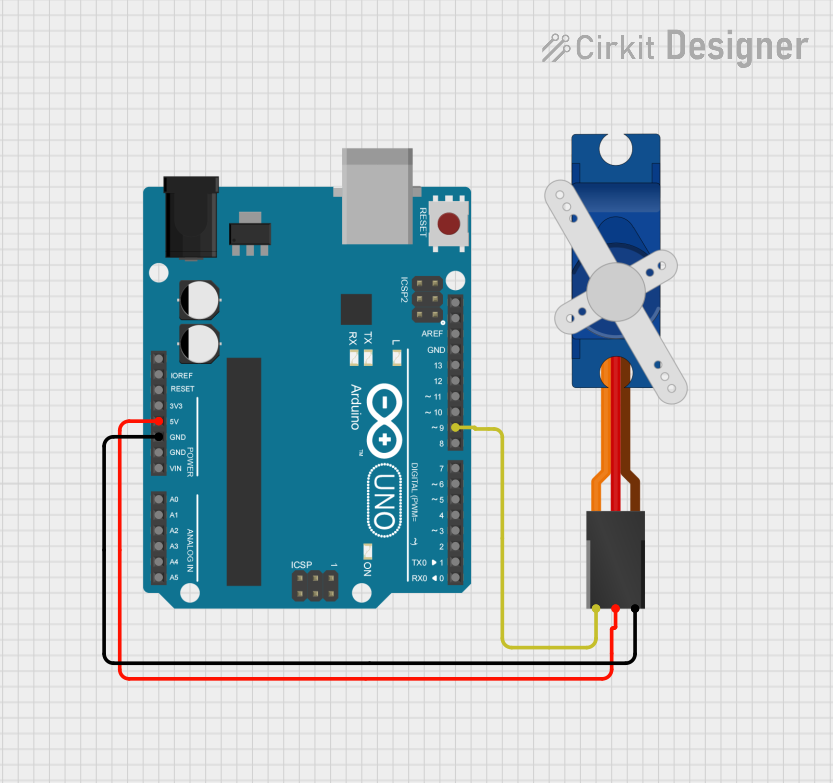 Open Project in Cirkit Designer
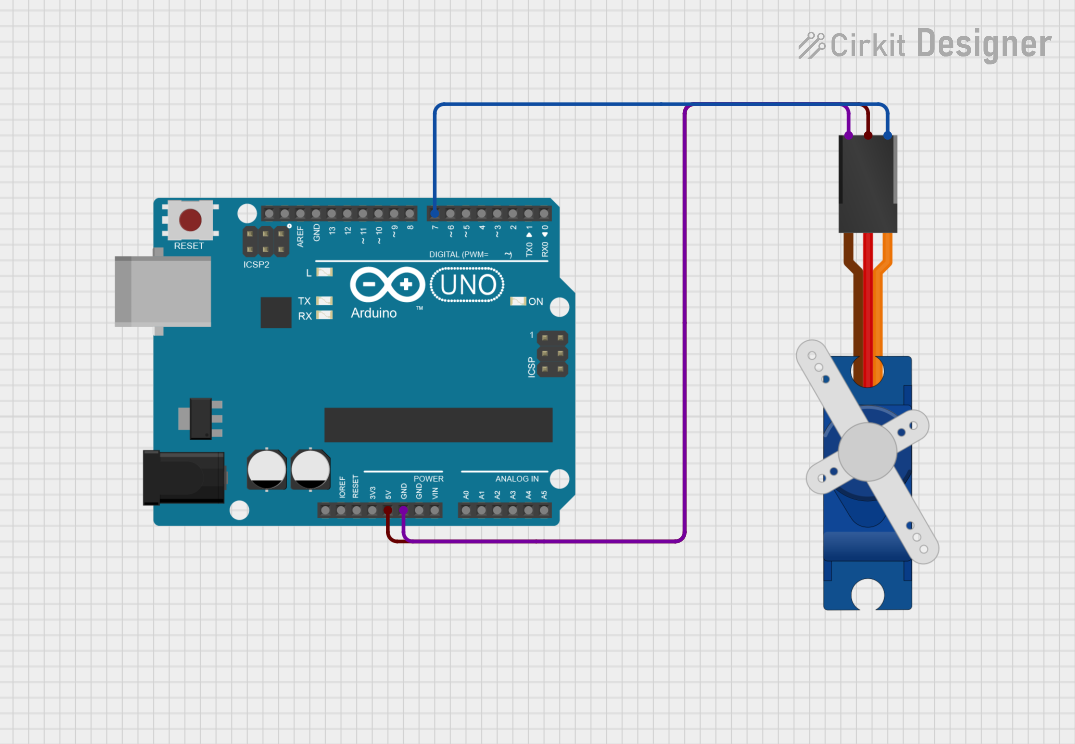 Open Project in Cirkit Designer
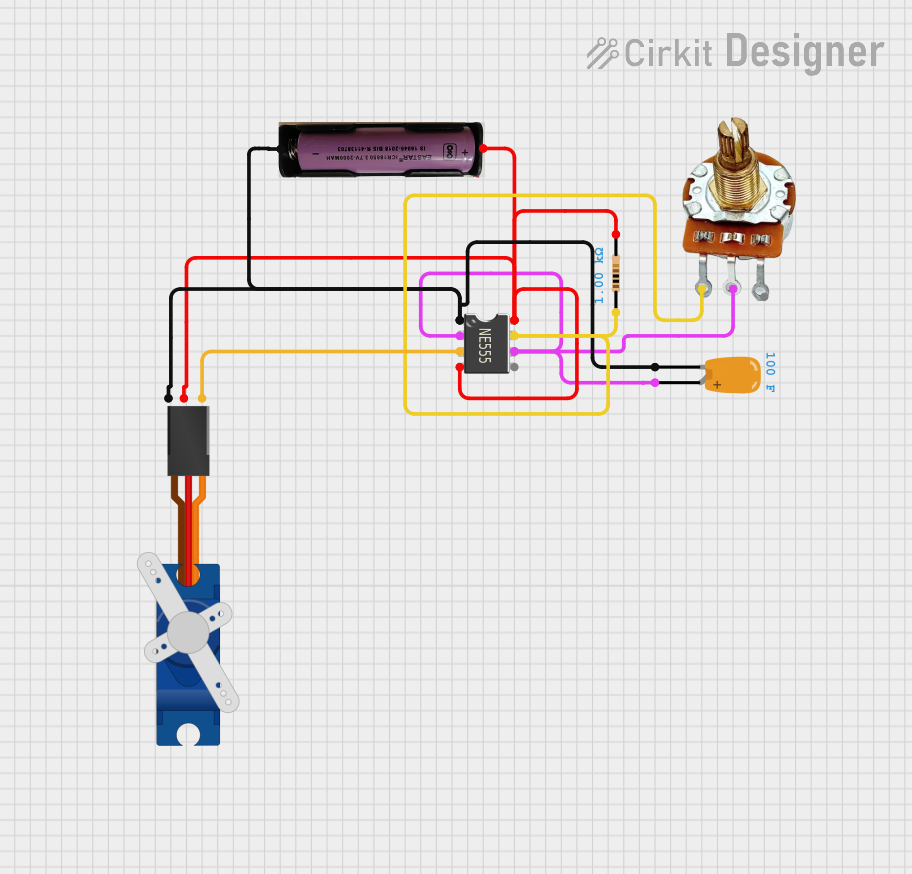 Open Project in Cirkit Designer
Explore Projects Built with SG90 Servo Motr
Open Project in Cirkit DesignerOpen Project in Cirkit DesignerOpen Project in Cirkit DesignerOpen Project in Cirkit DesignerCommon Applications
- Robotic arms and grippers
- RC vehicles (cars, boats, planes)
- Pan-tilt camera systems
- Automated mechanisms in hobby projects
- Educational electronics and prototyping
Technical Specifications
The SG90 Servo Motor is designed for low-power applications and offers reliable performance in a compact form factor. Below are its key technical details:
General Specifications
| Parameter | Value |
|---|---|
| Operating Voltage | 4.8V to 6.0V |
| Stall Torque | 1.8 kg·cm (4.8V) |
| Operating Speed | 0.1 s/60° (4.8V) |
| Control Signal | PWM (Pulse Width Modulation) |
| Angle Range | 0° to 180° |
| Weight | 9g |
| Dimensions | 22.2mm x 11.8mm x 31mm |
Pin Configuration
The SG90 Servo Motor has a 3-pin connector for power, ground, and control signal. Below is the pinout description:
| Pin Number | Wire Color | Function | Description |
|---|---|---|---|
| 1 | Brown | GND | Ground connection |
| 2 | Red | VCC | Power supply (4.8V to 6.0V) |
| 3 | Orange | Signal (PWM) | Control signal for position control |
Usage Instructions
The SG90 Servo Motor is simple to use and can be controlled with a microcontroller, such as an Arduino UNO, using PWM signals. Below are the steps to use the SG90 in a circuit:
Circuit Connection
- Connect the Brown wire to the GND pin of the power supply or microcontroller.
- Connect the Red wire to the 5V pin of the power supply or microcontroller.
- Connect the Orange wire to a PWM-capable pin on the microcontroller (e.g., Pin 9 on an Arduino UNO).
Arduino Code Example
The following example demonstrates how to control the SG90 Servo Motor using an Arduino UNO. The motor will sweep back and forth between 0° and 180°.
#include <Servo.h> // Include the Servo library

Servo myServo; // Create a Servo object to control the SG90

void setup() {
  myServo.attach(9); // Attach the servo to pin 9 (PWM-capable pin)
}

void loop() {
  // Sweep from 0° to 180°
  for (int angle = 0; angle <= 180; angle++) {
    myServo.write(angle); // Set the servo position to the current angle
    delay(15); // Wait 15ms for the servo to reach the position
  }

  // Sweep back from 180° to 0°
  for (int angle = 180; angle >= 0; angle--) {
    myServo.write(angle); // Set the servo position to the current angle
    delay(15); // Wait 15ms for the servo to reach the position
  }
}
Important Considerations
- Power Supply: Ensure the power supply can provide sufficient current (at least 500mA) to avoid erratic behavior.
- PWM Signal: Use a PWM signal with a frequency of 50Hz (20ms period) for proper operation.
- Mechanical Load: Avoid overloading the servo to prevent damage to the internal gears.
Troubleshooting and FAQs
Common Issues
Servo Not Moving
- Cause: Incorrect wiring or insufficient power supply.
- Solution: Double-check the wiring and ensure the power supply provides at least 4.8V and 500mA.
Erratic Movement
- Cause: Noise in the PWM signal or insufficient current.
- Solution: Use a decoupling capacitor near the servo's power pins and ensure the power supply is stable.
Limited Range of Motion
- Cause: Incorrect PWM signal or mechanical obstruction.
- Solution: Verify the PWM signal is within the correct range (1ms to 2ms pulse width) and check for physical obstructions.
FAQs
Can I power the SG90 directly from an Arduino UNO?
- Yes, but it is recommended to use an external power supply if the servo is under load, as the Arduino's 5V pin may not provide sufficient current.
What is the maximum angle the SG90 can rotate?
- The SG90 can rotate between 0° and 180°.
Can I use the SG90 with a Raspberry Pi?
- Yes, but you will need to generate a 50Hz PWM signal using a library like
RPi.GPIOor an external PWM controller.
- Yes, but you will need to generate a 50Hz PWM signal using a library like
By following this documentation, you can effectively integrate the SG90 Servo Motor into your projects and troubleshoot common issues with ease.