
How to Use vibrator motor: Examples, Pinouts, and Specs
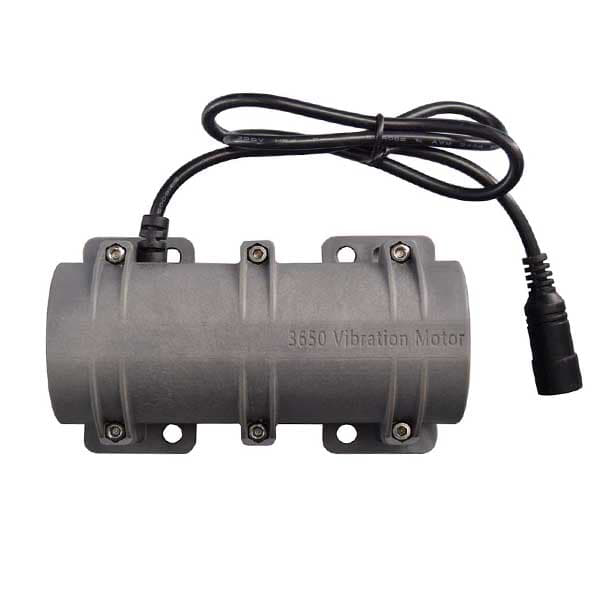
 Design with vibrator motor in Cirkit Designer
Introduction
A vibrator motor is a small electric motor designed to create vibrations. It achieves this by using an unbalanced weight attached to its shaft, which generates a vibrating motion when the motor rotates. Vibrator motors are widely used in mobile devices, gaming controllers, wearables, and other applications to provide haptic feedback, enhancing user interaction and experience. They are compact, efficient, and easy to integrate into various electronic systems.
Explore Projects Built with vibrator motor
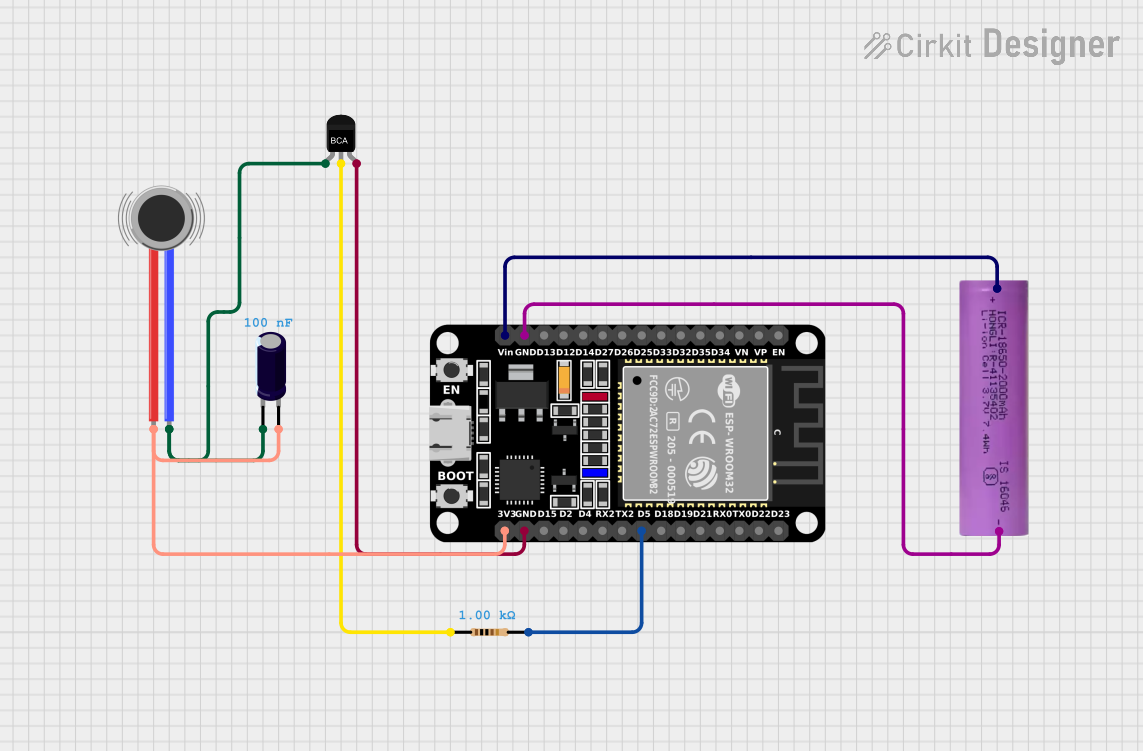 Open Project in Cirkit Designer
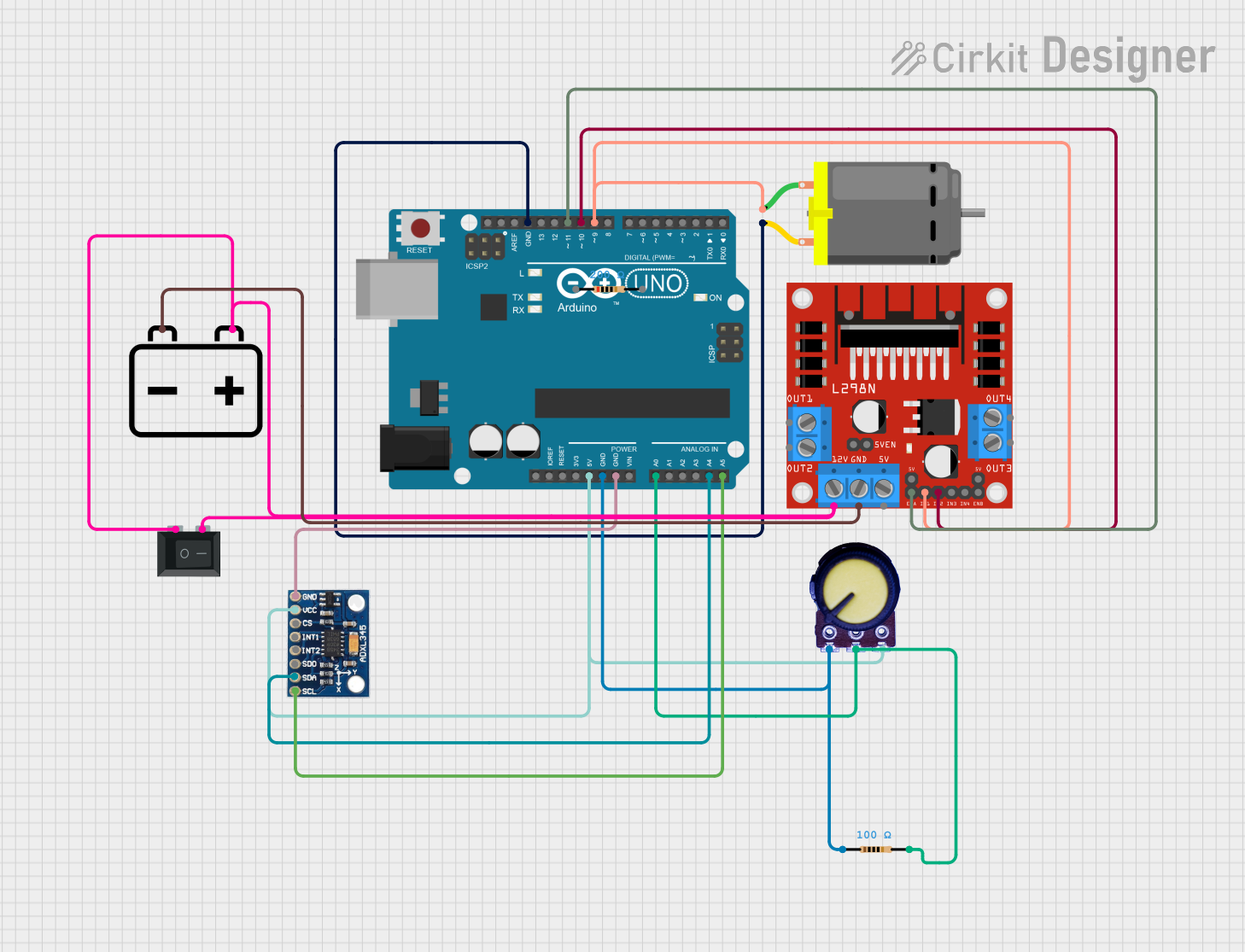 Open Project in Cirkit Designer
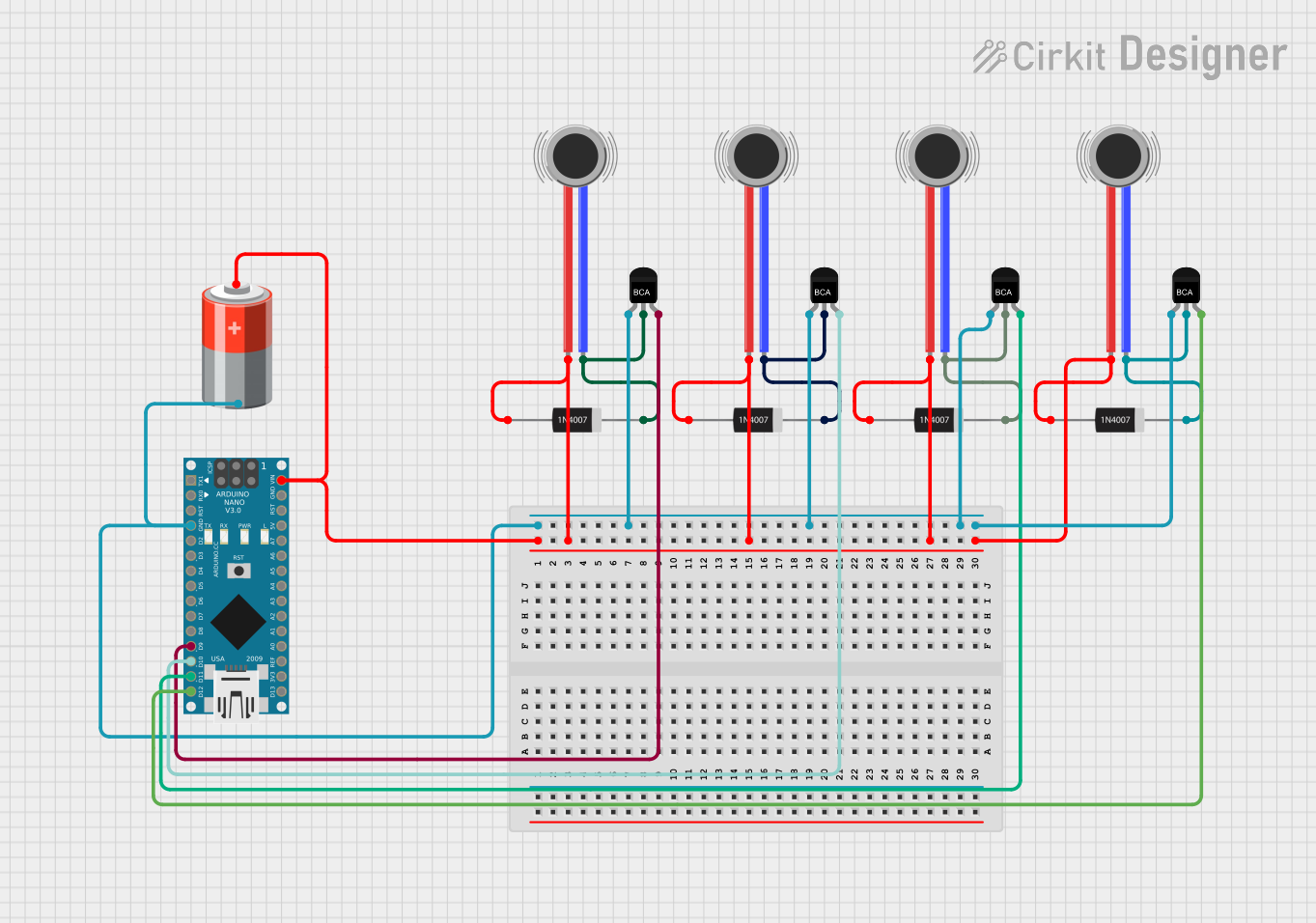 Open Project in Cirkit Designer
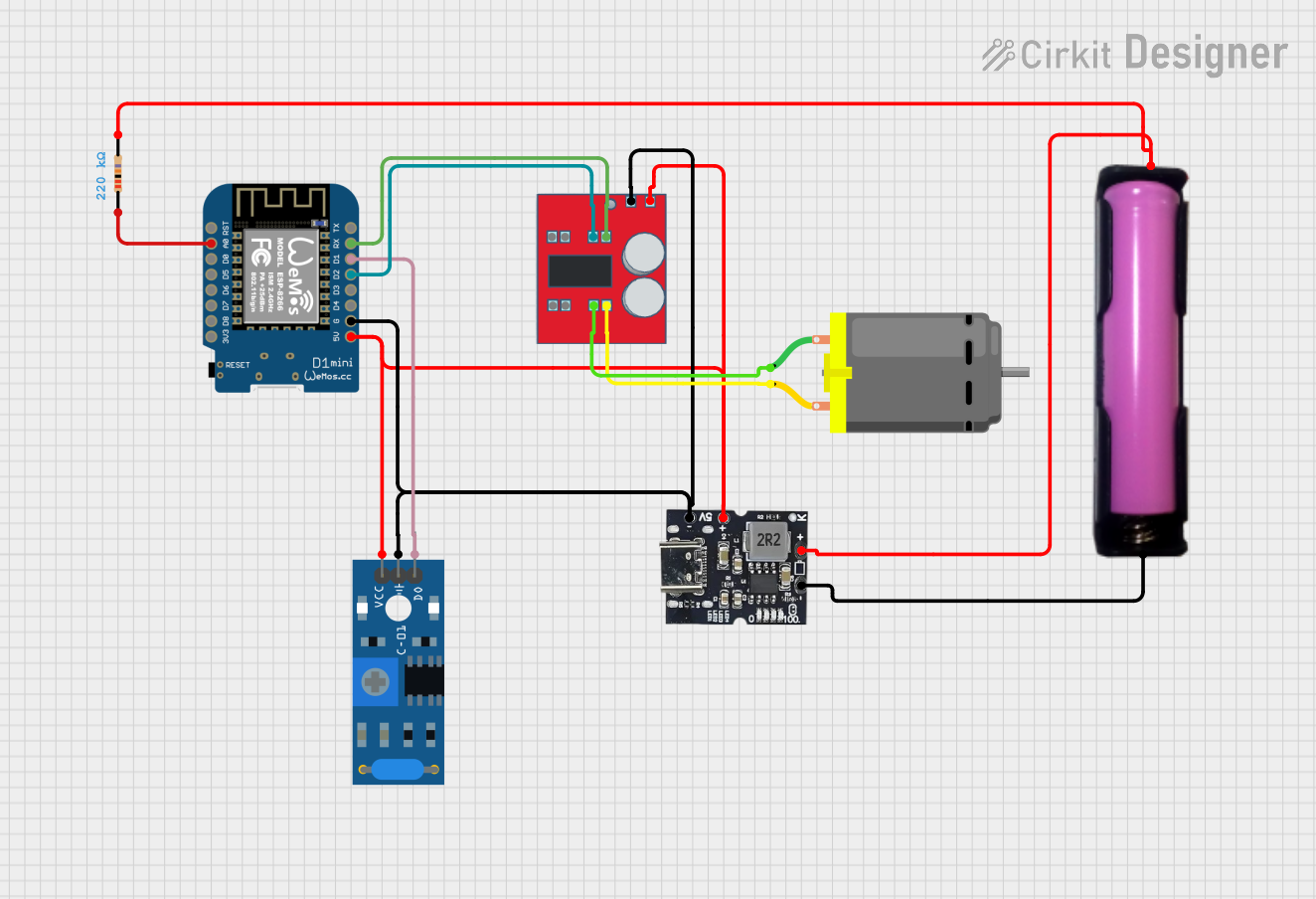 Open Project in Cirkit Designer
Explore Projects Built with vibrator motor
Open Project in Cirkit DesignerOpen Project in Cirkit DesignerOpen Project in Cirkit DesignerOpen Project in Cirkit DesignerTechnical Specifications
Below are the general technical specifications for a typical vibrator motor. Note that specific values may vary depending on the manufacturer and model.
General Specifications
- Operating Voltage: 1.5V to 5V DC (commonly 3V DC)
- Operating Current: 70mA to 150mA (depending on load and voltage)
- Vibration Frequency: 100 Hz to 250 Hz
- Dimensions: Typically 4mm to 10mm in diameter
- Weight: 1g to 5g
- Type: Cylindrical or coin-shaped
Pin Configuration and Descriptions
Vibrator motors typically have two terminals for electrical connections:
| Pin Name | Description |
|---|---|
| V+ | Positive terminal (connect to power supply) |
| GND | Ground terminal (connect to circuit ground) |
Usage Instructions
How to Use the Vibrator Motor in a Circuit
- Power Supply: Ensure the motor is powered within its specified voltage range (e.g., 3V DC). Exceeding the voltage rating may damage the motor.
- Connection: Connect the V+ terminal to the positive side of the power supply and the GND terminal to the ground.
- Control: To control the motor, you can use a transistor or MOSFET as a switch. This allows you to turn the motor on and off using a microcontroller or other control circuit.
- PWM Control: For variable vibration intensity, use Pulse Width Modulation (PWM) to adjust the motor's speed.
Example Circuit with Arduino UNO
Below is an example of how to control a vibrator motor using an Arduino UNO and an NPN transistor (e.g., 2N2222):
Components Required:
- Vibrator motor
- Arduino UNO
- NPN transistor (e.g., 2N2222)
- 1kΩ resistor
- Diode (e.g., 1N4007)
- External power supply (e.g., 3V battery or DC source)
- Connecting wires
Circuit Diagram:
- Connect the motor's V+ terminal to the collector of the NPN transistor.
- Connect the motor's GND terminal to the ground of the external power supply.
- Connect the emitter of the transistor to the ground of the Arduino and external power supply.
- Place a diode across the motor terminals (cathode to V+ and anode to GND) to protect against back EMF.
- Connect a 1kΩ resistor between the Arduino digital pin (e.g., pin 9) and the base of the transistor.
Arduino Code:
// Vibrator Motor Control with Arduino UNO
// This code demonstrates how to control a vibrator motor using PWM.

const int motorPin = 9; // Pin connected to the transistor base

void setup() {
  pinMode(motorPin, OUTPUT); // Set motorPin as an output
}

void loop() {
  analogWrite(motorPin, 128); // Set motor speed to 50% (PWM value: 128)
  delay(1000);                // Run motor for 1 second
  analogWrite(motorPin, 0);   // Turn off motor
  delay(1000);                // Wait for 1 second
}
Important Considerations and Best Practices
- Back EMF Protection: Always use a flyback diode across the motor terminals to protect the circuit from voltage spikes caused by the motor's inductive load.
- Heat Dissipation: Ensure proper ventilation or heat sinking for the transistor or MOSFET used to control the motor.
- Power Supply: Use a stable power supply to avoid fluctuations that could affect motor performance.
- Mounting: Securely mount the motor to prevent it from moving excessively during operation, which could affect the vibration effect.
Troubleshooting and FAQs
Common Issues and Solutions
Motor Does Not Vibrate:
- Check the power supply voltage and ensure it is within the motor's operating range.
- Verify all connections, especially the V+ and GND terminals.
- Ensure the transistor or MOSFET is functioning correctly and receiving the proper control signal.
Motor Vibrates Weakly:
- Check if the power supply can provide sufficient current for the motor.
- Inspect the PWM signal to ensure it is configured correctly for the desired speed.
Excessive Heat in Circuit:
- Ensure the transistor or MOSFET is rated for the motor's current.
- Add a heat sink or use a higher-rated component if necessary.
Noise or Unstable Operation:
- Verify that the motor is securely mounted to avoid mechanical noise.
- Check for loose connections or insufficient power supply filtering.
FAQs
Q: Can I connect the vibrator motor directly to an Arduino pin?
A: No, the Arduino pins cannot supply enough current to drive the motor directly. Use a transistor or MOSFET as a switch.
Q: How do I adjust the vibration intensity?
A: Use PWM to control the motor's speed, which directly affects the vibration intensity.
Q: Can I use a coin-shaped vibrator motor instead of a cylindrical one?
A: Yes, coin-shaped motors work similarly but may have different mounting and vibration characteristics. Ensure compatibility with your circuit.
Q: What happens if I exceed the motor's voltage rating?
A: Exceeding the voltage rating can damage the motor or reduce its lifespan. Always operate within the specified voltage range.