
How to Use LM3914: Examples, Pinouts, and Specs
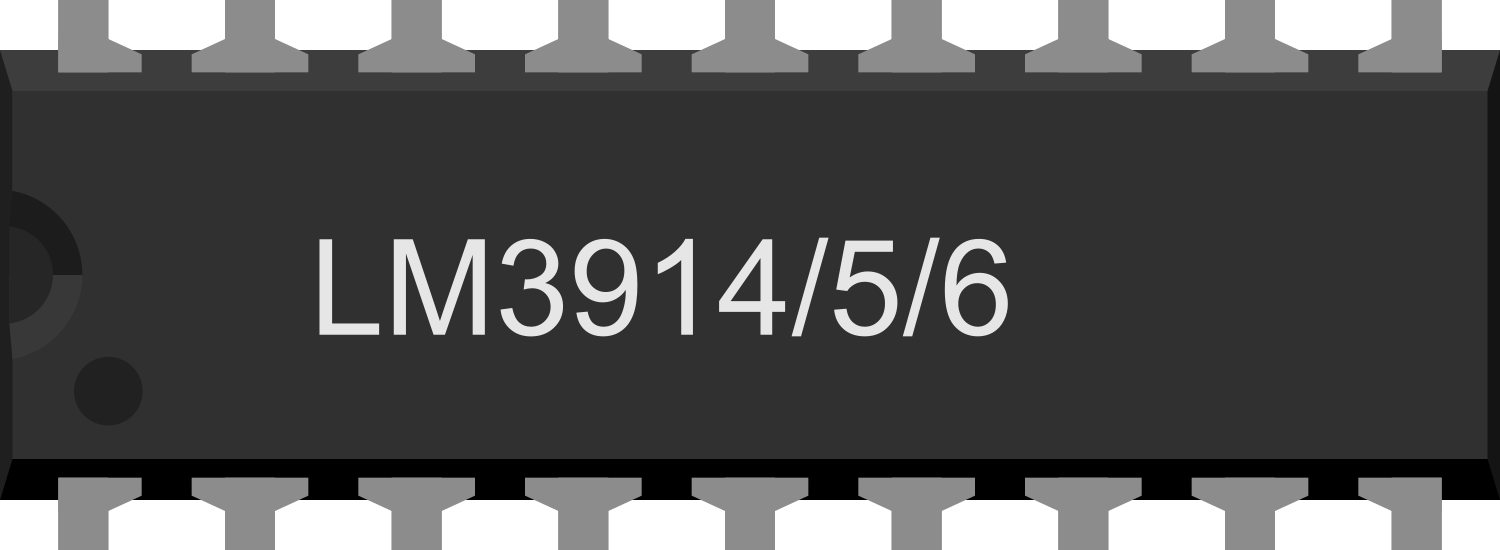
 Design with LM3914 in Cirkit Designer
Introduction
The LM3914 is an LED bar graph or LED dot display driver that can control up to 10 LEDs, providing a visual representation of analog signals. It is capable of operating in either bar mode (all LEDs up to a certain level are lit) or dot mode (only one LED at the corresponding level is lit). The component is highly versatile and can be configured for linear or logarithmic scale operation, making it ideal for applications such as audio level meters, battery level indicators, and voltage monitoring systems.
Explore Projects Built with LM3914
 Open Project in Cirkit Designer
 Open Project in Cirkit Designer
 Open Project in Cirkit Designer
 Open Project in Cirkit Designer
Explore Projects Built with LM3914
Open Project in Cirkit DesignerOpen Project in Cirkit DesignerOpen Project in Cirkit DesignerOpen Project in Cirkit DesignerCommon Applications
- Audio level indicators (VU meters)
- Battery charge level displays
- Voltage level monitoring
- Signal strength indicators
- Industrial process monitoring
Technical Specifications
The LM3914 is designed to simplify the process of driving LEDs for visual feedback. Below are its key technical details:
| Parameter | Value |
|---|---|
| Operating Voltage Range | 3V to 25V |
| LED Drive Current | Adjustable, up to 30mA per LED |
| Input Signal Range | 0V to 1.2V (expandable with resistors) |
| Power Dissipation | 1365mW (maximum) |
| Operating Temperature Range | 0°C to 70°C |
| Modes of Operation | Bar mode or Dot mode |
Pin Configuration and Descriptions
The LM3914 is available in a 18-pin Dual Inline Package (DIP). Below is the pinout and description:
| Pin Number | Pin Name | Description |
|---|---|---|
| 1 | LED1 | Output for LED 1 |
| 2 | LED2 | Output for LED 2 |
| 3 | LED3 | Output for LED 3 |
| 4 | LED4 | Output for LED 4 |
| 5 | LED5 | Output for LED 5 |
| 6 | LED6 | Output for LED 6 |
| 7 | LED7 | Output for LED 7 |
| 8 | LED8 | Output for LED 8 |
| 9 | LED9 | Output for LED 9 |
| 10 | LED10 | Output for LED 10 |
| 11 | VLED | LED supply voltage (can be separate from VCC) |
| 12 | RLO | Low reference voltage for the input signal |
| 13 | RHI | High reference voltage for the input signal |
| 14 | REF OUT | Reference voltage output (used for external circuits) |
| 15 | REF ADJ | Reference voltage adjustment (sets the LED current and input voltage range) |
| 16 | SIG IN | Signal input (analog voltage to be displayed) |
| 17 | MODE SELECT | Selects between bar mode (connected to VCC) or dot mode (left unconnected) |
| 18 | VCC | Power supply voltage |
Usage Instructions
How to Use the LM3914 in a Circuit
- Power Supply: Connect the VCC pin (Pin 18) to a power source within the operating voltage range (3V to 25V). Connect the GND pin (Pin 9) to ground.
- LED Connections: Connect up to 10 LEDs to the LED output pins (Pins 1–10). Ensure the cathodes of the LEDs are connected to ground.
- Signal Input: Apply the analog signal to the SIG IN pin (Pin 16). The voltage range of the signal should match the reference voltage range set by RLO (Pin 12) and RHI (Pin 13).
- Reference Voltage: Use REF ADJ (Pin 15) to set the reference voltage range. This determines the input voltage range and LED current.
- Mode Selection: To operate in bar mode, connect the MODE SELECT pin (Pin 17) to VCC. Leave it unconnected for dot mode.
- LED Current Adjustment: The LED current can be adjusted by connecting a resistor between REF OUT (Pin 14) and REF ADJ (Pin 15). The formula for LED current is: [ I_{LED} = \frac{12.5}{R_{REF}} ] where ( R_{REF} ) is the resistor value in ohms.
Example Circuit with Arduino UNO
The LM3914 can be used with an Arduino UNO to display an analog signal, such as a potentiometer's position. Below is an example:
Circuit Connections
- Connect the LM3914's VCC (Pin 18) to the Arduino's 5V pin.
- Connect GND (Pin 9) to the Arduino's GND.
- Connect the SIG IN (Pin 16) to an analog output pin of the Arduino (e.g., A0).
- Connect LEDs to Pins 1–10 of the LM3914, with their cathodes connected to ground.
- Use a 10kΩ potentiometer to provide an adjustable input signal.
Arduino Code
// LM3914 Example with Arduino UNO
// This code demonstrates how to drive the LM3914 using an analog signal
// from a potentiometer connected to pin A0.

const int signalPin = A0; // Analog input pin for the potentiometer

void setup() {
  pinMode(signalPin, INPUT); // Set the signal pin as input
}

void loop() {
  int sensorValue = analogRead(signalPin); // Read the potentiometer value
  int outputValue = map(sensorValue, 0, 1023, 0, 255);
  // Map the 10-bit ADC value (0-1023) to an 8-bit range (0-255)

  analogWrite(9, outputValue); // Output the signal to the LM3914
  delay(10); // Small delay for stability
}
Important Considerations
- Ensure the input signal voltage does not exceed the reference voltage range.
- Use appropriate resistors to limit the current through the LEDs.
- For higher LED brightness, ensure the power dissipation of the LM3914 is within safe limits.
Troubleshooting and FAQs
Common Issues
LEDs Not Lighting Up:
- Check the power supply connections to the LM3914.
- Verify that the input signal voltage is within the reference voltage range.
- Ensure the LEDs are connected with the correct polarity.
Incorrect LED Behavior:
- Verify the reference voltage settings (RLO and RHI).
- Check the resistor value used for LED current adjustment.
Overheating:
- Ensure the total current through the LEDs does not exceed the power dissipation limit.
- Use a heatsink if necessary.
FAQs
Q: Can I use fewer than 10 LEDs with the LM3914?
A: Yes, you can use fewer LEDs by leaving the unused LED pins unconnected.
Q: How do I switch between bar and dot mode?
A: Connect the MODE SELECT pin (Pin 17) to VCC for bar mode. Leave it unconnected for dot mode.
Q: Can the LM3914 drive other types of displays?
A: The LM3914 is specifically designed for LEDs. However, it can drive other low-current devices with proper interfacing.
Q: What is the maximum input signal voltage?
A: The maximum input signal voltage is determined by the reference voltage range set by RLO and RHI.