
How to Use Dual SPDT Analog Switch: Examples, Pinouts, and Specs
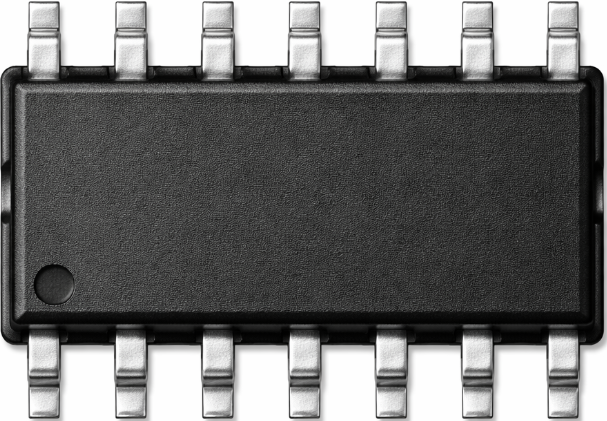
 Design with Dual SPDT Analog Switch in Cirkit Designer
Introduction
The TS5A23157 is a Dual Single Pole Double Throw (SPDT) analog switch manufactured by Texas Instruments. This component is designed to route analog signals between two different paths, offering two independent switches that can control the connection of a single input to one of two outputs. It is ideal for applications requiring low on-resistance, low power consumption, and high signal integrity.
Explore Projects Built with Dual SPDT Analog Switch
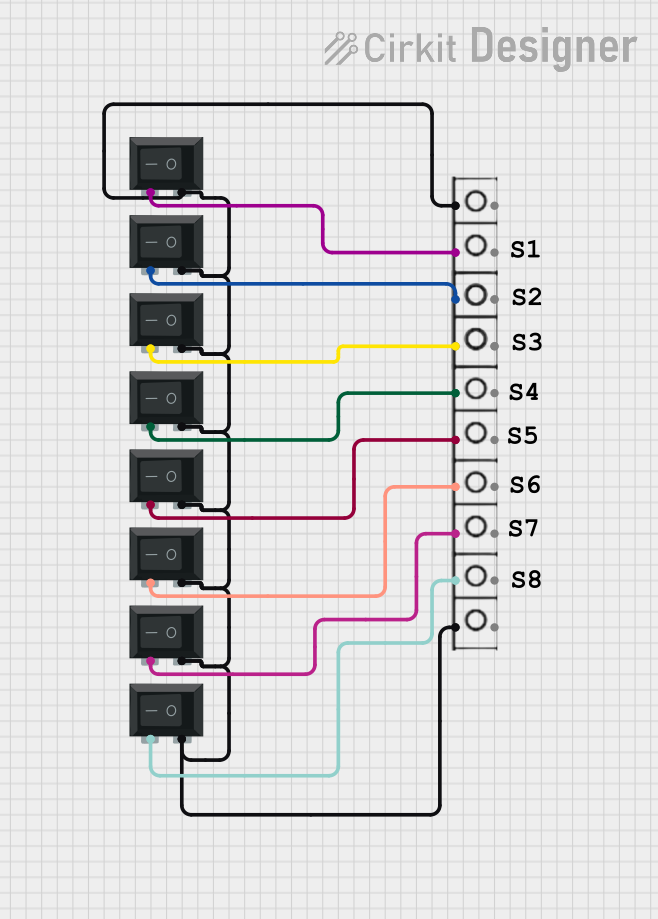 Open Project in Cirkit Designer
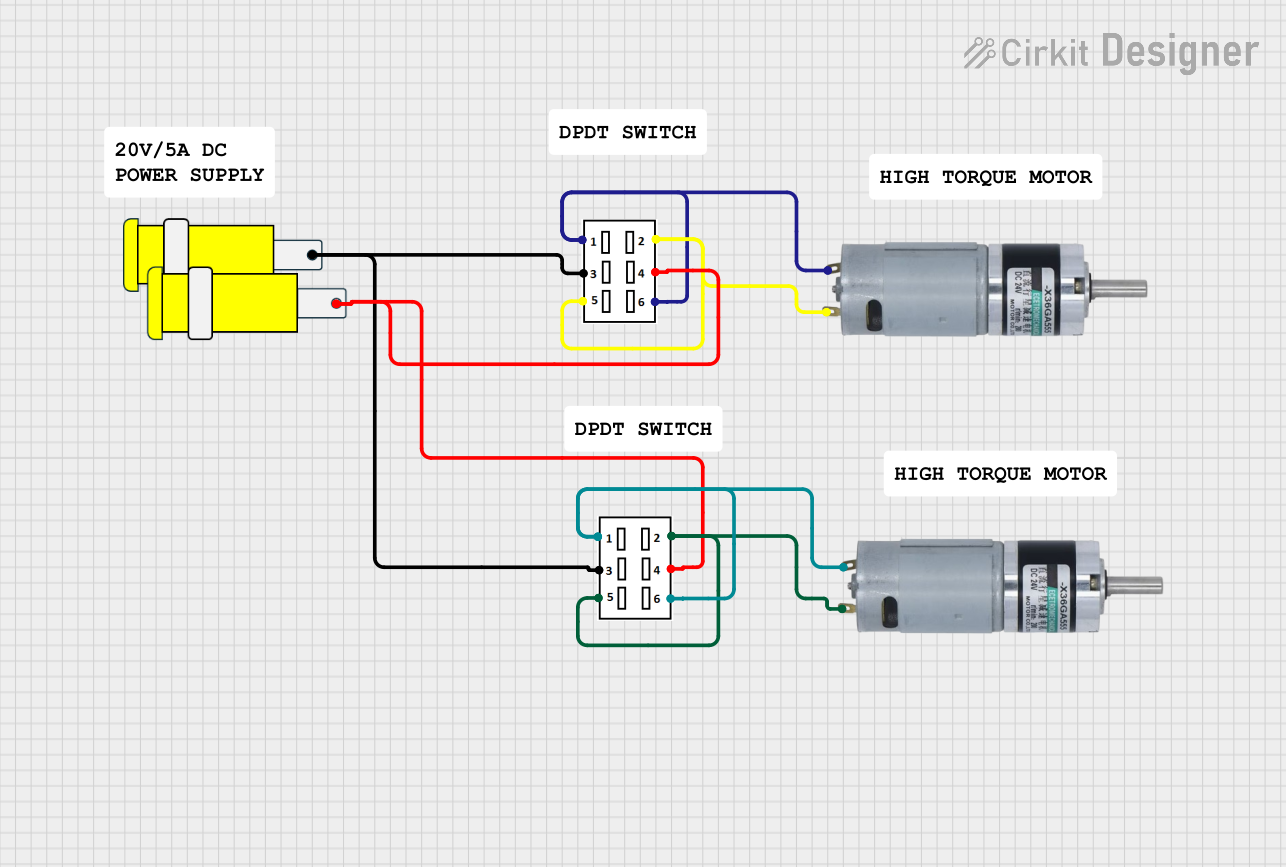 Open Project in Cirkit Designer
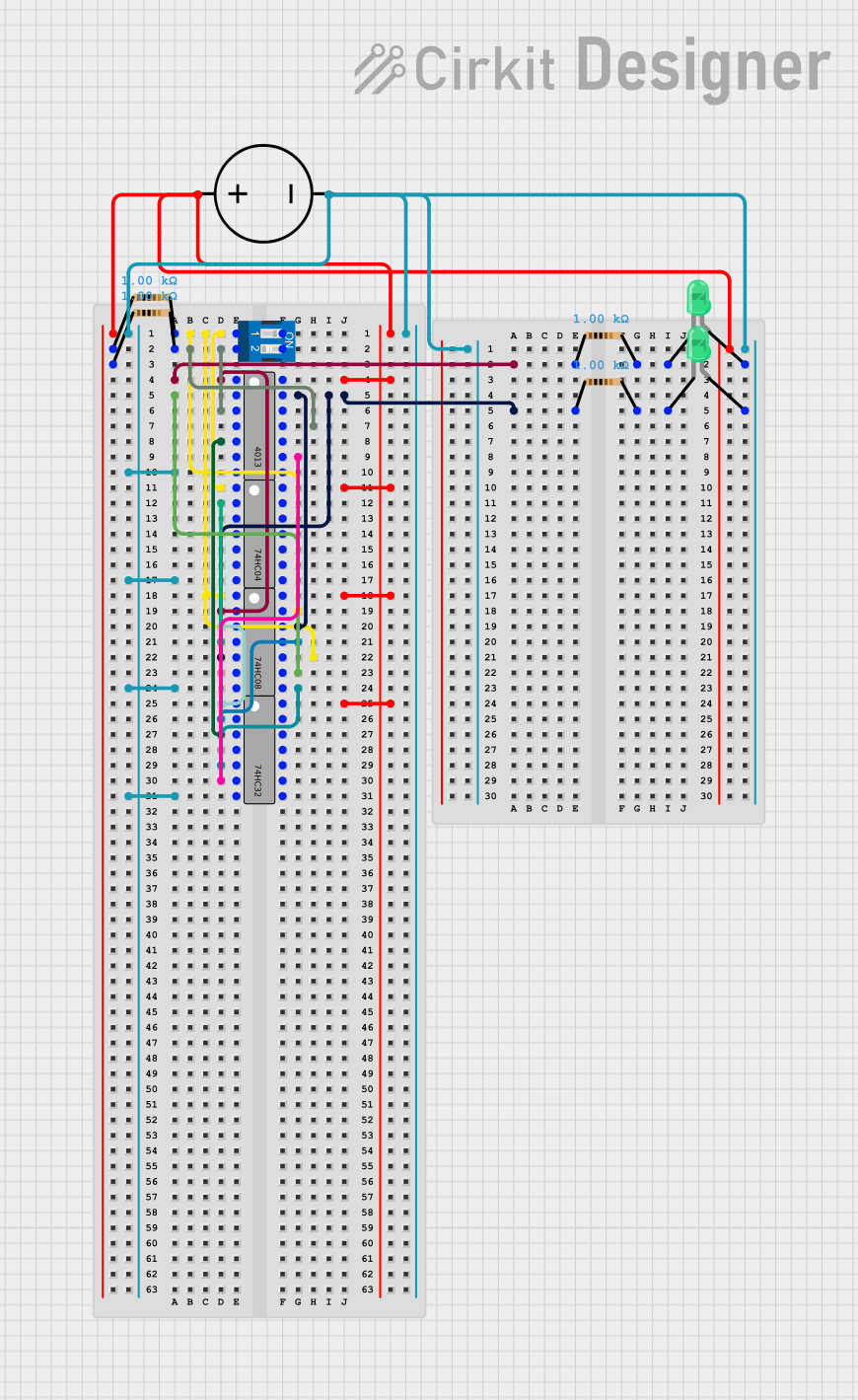 Open Project in Cirkit Designer
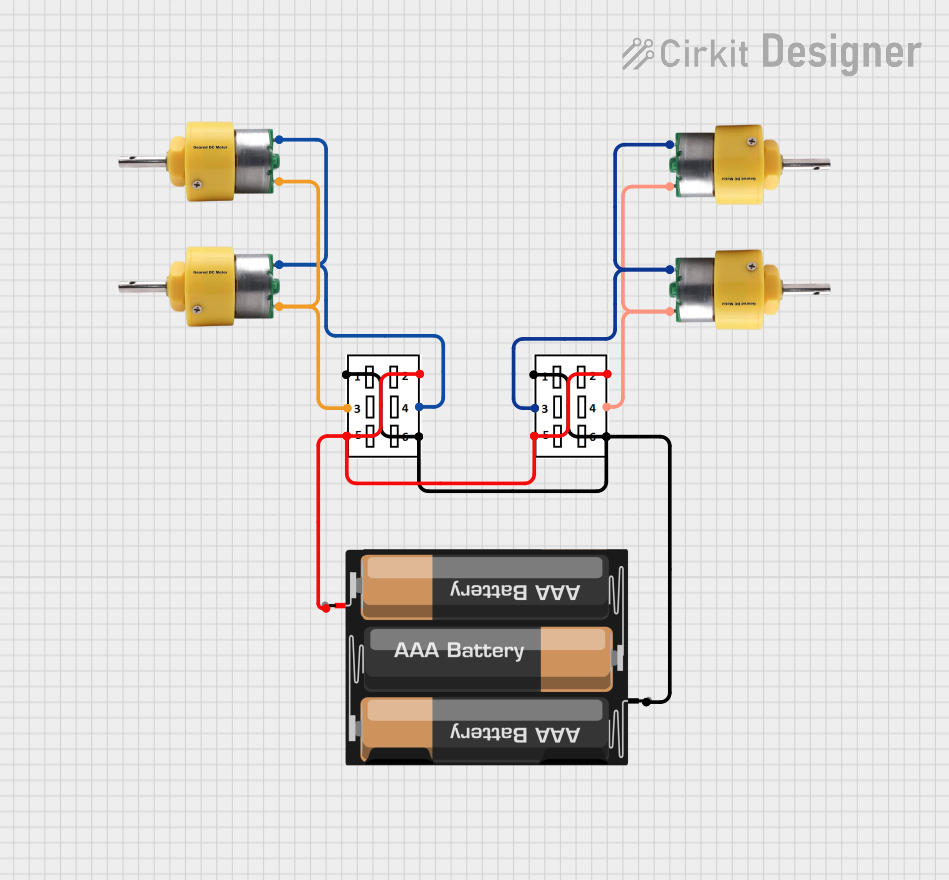 Open Project in Cirkit Designer
Explore Projects Built with Dual SPDT Analog Switch
Open Project in Cirkit DesignerOpen Project in Cirkit DesignerOpen Project in Cirkit DesignerOpen Project in Cirkit DesignerCommon Applications and Use Cases
- Signal routing in audio and video systems
- Multiplexing and demultiplexing of analog signals
- Portable and battery-powered devices
- Test and measurement equipment
- Communication systems
Technical Specifications
Key Technical Details
- Supply Voltage (Vcc): 1.65 V to 5.5 V
- On-Resistance (Ron): 0.8 Ω (typical at 5 V)
- Bandwidth: 300 MHz
- Switching Time: 20 ns (typical at 5 V)
- Control Logic Voltage Levels:
- Low: 0 V to 0.5 V
- High: 1.4 V to Vcc
- Operating Temperature Range: -40°C to +85°C
- Package Options: TSSOP-10, QFN-10
Pin Configuration and Descriptions
The TS5A23157 is available in a 10-pin package. Below is the pinout and description:
| Pin Number | Pin Name | Description |
|---|---|---|
| 1 | IN1 | Control input for switch 1 |
| 2 | COM1 | Common terminal for switch 1 |
| 3 | NO1 | Normally open terminal for switch 1 |
| 4 | NC1 | Normally closed terminal for switch 1 |
| 5 | Vcc | Positive supply voltage |
| 6 | GND | Ground |
| 7 | NC2 | Normally closed terminal for switch 2 |
| 8 | NO2 | Normally open terminal for switch 2 |
| 9 | COM2 | Common terminal for switch 2 |
| 10 | IN2 | Control input for switch 2 |
Usage Instructions
How to Use the Component in a Circuit
Power Supply:
- Connect the Vcc pin to a stable power supply within the range of 1.65 V to 5.5 V.
- Connect the GND pin to the circuit ground.
Control Logic:
- Use the IN1 and IN2 pins to control the state of the switches.
- Apply a logic HIGH to connect the COMx pin to the NOx pin.
- Apply a logic LOW to connect the COMx pin to the NCx pin.
Signal Routing:
- Connect the input signal to the COMx pin.
- Route the signal to either the NOx or NCx pin based on the control logic.
Decoupling Capacitor:
- Place a 0.1 µF decoupling capacitor close to the Vcc pin to ensure stable operation.
Important Considerations and Best Practices
- Ensure that the input signal voltage does not exceed the supply voltage (Vcc).
- Minimize trace lengths to reduce parasitic capacitance and maintain signal integrity.
- Use pull-down resistors on the control pins if they are left floating to avoid undefined states.
- For high-frequency signals, ensure proper PCB layout to minimize crosstalk and signal degradation.
Example: Connecting to an Arduino UNO
The TS5A23157 can be easily controlled using an Arduino UNO. Below is an example of how to toggle one of the switches:
Circuit Connections
- Connect Vcc to the Arduino's 5V pin.
- Connect GND to the Arduino's GND pin.
- Connect IN1 to Arduino digital pin 7.
- Connect COM1 to the input signal.
- Connect NO1 and NC1 to the desired output paths.
Arduino Code
// Define the control pin for the TS5A23157
const int controlPin = 7;

void setup() {
  // Set the control pin as an output
  pinMode(controlPin, OUTPUT);
}

void loop() {
  // Connect COM1 to NO1 by setting the control pin HIGH
  digitalWrite(controlPin, HIGH);
  delay(1000); // Wait for 1 second

  // Connect COM1 to NC1 by setting the control pin LOW
  digitalWrite(controlPin, LOW);
  delay(1000); // Wait for 1 second
}
Troubleshooting and FAQs
Common Issues and Solutions
Switch Not Responding to Control Signals:
- Verify that the control signal voltage levels are within the specified range (0 V to Vcc).
- Check for loose or incorrect connections on the control pins.
Signal Distortion or Loss:
- Ensure that the input signal voltage does not exceed the supply voltage.
- Minimize trace lengths and use proper PCB layout techniques to reduce parasitic effects.
Unexpected Behavior:
- Check for floating control pins. Use pull-down resistors if necessary.
- Verify that the power supply is stable and within the specified range.
FAQs
Q: Can the TS5A23157 handle digital signals?
A: Yes, the TS5A23157 can route both analog and digital signals, provided the signal voltage is within the supply voltage range.
Q: What is the maximum frequency the switch can handle?
A: The TS5A23157 has a bandwidth of 300 MHz, making it suitable for high-frequency applications.
Q: Can I use the TS5A23157 with a 3.3 V power supply?
A: Yes, the TS5A23157 operates with supply voltages as low as 1.65 V, so it is compatible with 3.3 V systems.
Q: Is the TS5A23157 bidirectional?
A: Yes, the TS5A23157 is a bidirectional switch, meaning signals can flow in either direction through the switch.