
How to Use 433MHz RF Transmitter: Examples, Pinouts, and Specs
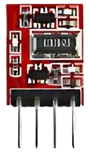
 Design with 433MHz RF Transmitter in Cirkit Designer
Introduction
The 433MHz RF Transmitter is a compact and efficient device designed to transmit radio frequency signals at 433 MHz. It is widely used in wireless communication systems for short-range applications such as remote controls, sensor data transmission, home automation, and wireless security systems. This transmitter is ideal for projects requiring low-power, cost-effective wireless communication.
Explore Projects Built with 433MHz RF Transmitter
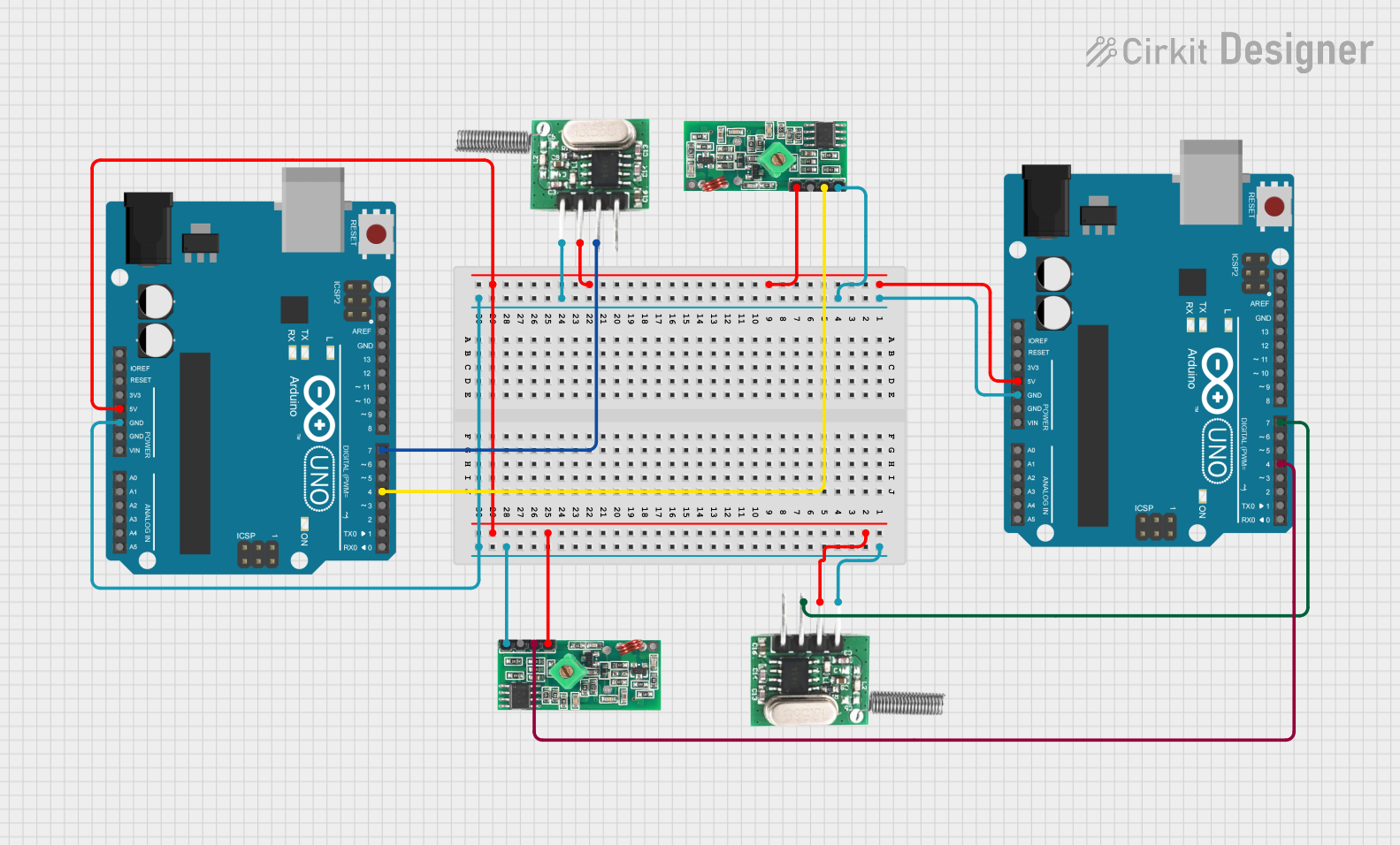 Open Project in Cirkit Designer
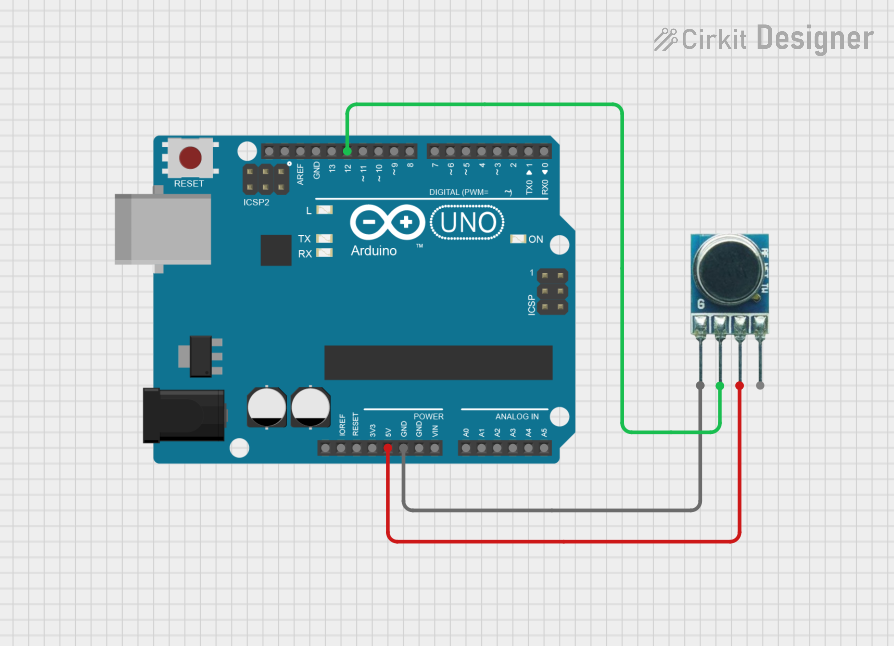 Open Project in Cirkit Designer
 Open Project in Cirkit Designer
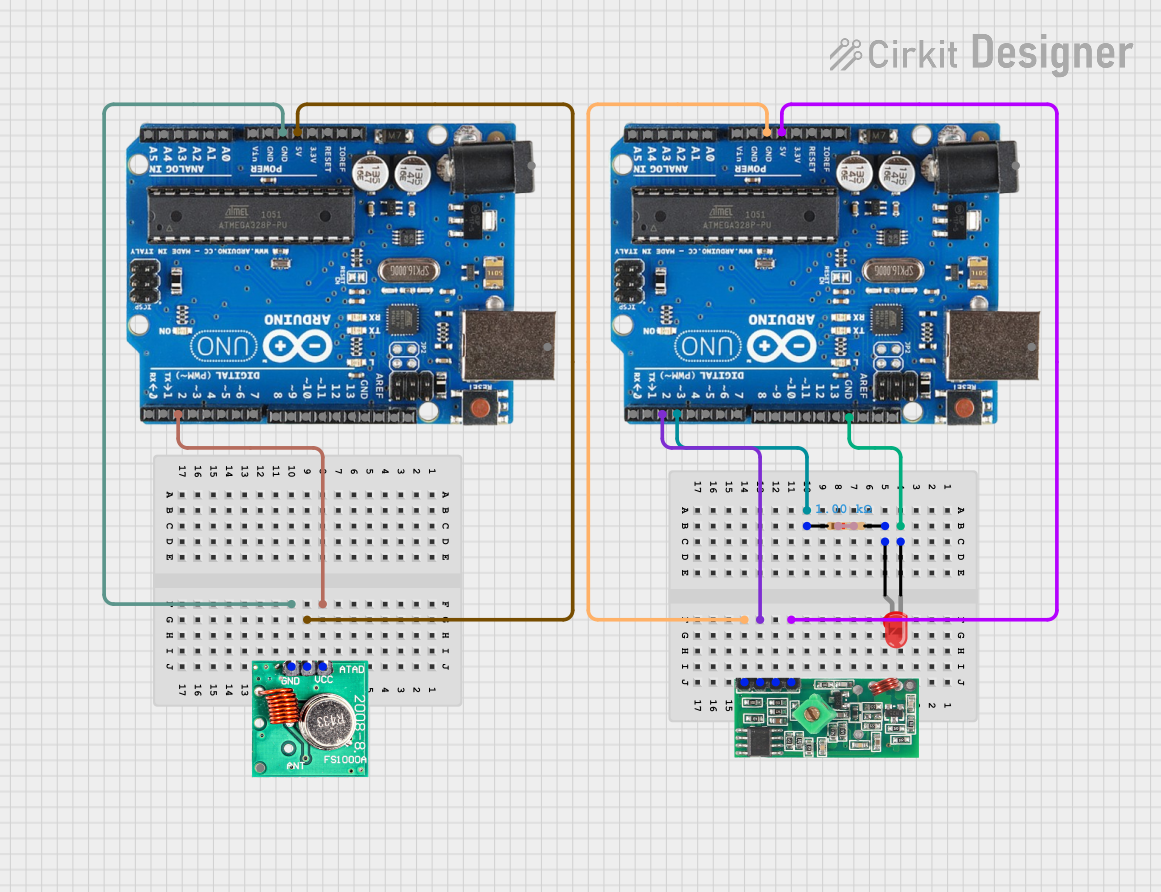 Open Project in Cirkit Designer
Explore Projects Built with 433MHz RF Transmitter
Open Project in Cirkit DesignerOpen Project in Cirkit DesignerOpen Project in Cirkit DesignerOpen Project in Cirkit DesignerTechnical Specifications
Below are the key technical details and pin configuration for the 433MHz RF Transmitter:
Key Technical Details
| Parameter | Value |
|---|---|
| Operating Frequency | 433 MHz |
| Operating Voltage | 3V - 12V |
| Operating Current | ≤ 40 mA |
| Transmission Distance | Up to 100 meters (line of sight) |
| Modulation Type | Amplitude Shift Keying (ASK) |
| Data Rate | Up to 10 kbps |
| Dimensions | ~19mm x 19mm x 7mm |
Pin Configuration and Descriptions
| Pin Number | Pin Name | Description |
|---|---|---|
| 1 | VCC | Power supply pin (3V - 12V). Connect to the positive terminal of the power source. |
| 2 | DATA | Data input pin. Connect to the microcontroller or data source. |
| 3 | GND | Ground pin. Connect to the negative terminal of the power source. |
Usage Instructions
How to Use the 433MHz RF Transmitter in a Circuit
- Power Supply: Connect the
VCCpin to a power source (3V - 12V) and theGNDpin to ground. - Data Input: Connect the
DATApin to the data output pin of a microcontroller or other data source. - Antenna: Attach a 17 cm wire to the antenna pad (if available) to improve transmission range.
- Pairing with Receiver: Use a compatible 433MHz RF Receiver module to receive the transmitted signals.
Important Considerations and Best Practices
- Ensure the transmitter and receiver are operating at the same frequency (433 MHz).
- Use a regulated power supply to avoid noise and interference.
- Keep the transmitter and receiver modules away from metal objects to minimize signal attenuation.
- For optimal range, ensure a clear line of sight between the transmitter and receiver.
- Use proper encoding/decoding techniques (e.g., Manchester encoding) to ensure reliable data transmission.
Example: Using the 433MHz RF Transmitter with Arduino UNO
Below is an example of how to use the 433MHz RF Transmitter with an Arduino UNO to send a simple signal:
// Include the RadioHead library for RF communication
#include <RH_ASK.h>
#include <SPI.h> // Required for RadioHead library

// Initialize the RF transmitter object
RH_ASK rf_driver;

void setup() {
  // Initialize the RF driver
  if (!rf_driver.init()) {
    Serial.println("RF Transmitter initialization failed!");
    while (1); // Halt execution if initialization fails
  }
  Serial.begin(9600); // Start serial communication for debugging
}

void loop() {
  const char *message = "Hello, World!"; // Message to transmit

  // Send the message via the RF transmitter
  rf_driver.send((uint8_t *)message, strlen(message));
  rf_driver.waitPacketSent(); // Wait until the message is fully sent

  Serial.println("Message sent: Hello, World!");
  delay(1000); // Wait 1 second before sending the next message
}
Notes:
- Install the RadioHead library in the Arduino IDE before using the above code.
- Connect the
DATApin of the transmitter to Arduino pin 12 (default for the RadioHead library).
Troubleshooting and FAQs
Common Issues and Solutions
No Signal Received by the Receiver:
- Ensure the transmitter and receiver are operating at the same frequency (433 MHz).
- Check the connections for loose wires or incorrect pin assignments.
- Verify that the antenna is properly connected to the transmitter.
Short Transmission Range:
- Use a 17 cm wire as an antenna to improve the range.
- Ensure there are no obstacles or interference sources between the transmitter and receiver.
Data Corruption or Noise:
- Use proper encoding/decoding techniques to ensure reliable data transmission.
- Avoid placing the transmitter near high-frequency noise sources (e.g., motors, power supplies).
Transmitter Overheating:
- Ensure the operating voltage does not exceed 12V.
- Check for excessive current draw and use a regulated power supply.
FAQs
Q1: Can I use the 433MHz RF Transmitter without an antenna?
A1: While it is possible, the transmission range will be significantly reduced. It is recommended to use a 17 cm wire as an antenna for optimal performance.
Q2: What is the maximum data rate supported by the transmitter?
A2: The transmitter supports a maximum data rate of up to 10 kbps.
Q3: Can I use multiple transmitters in the same area?
A3: Yes, but ensure that each transmitter uses a unique data encoding scheme to avoid interference.
Q4: Is the 433MHz RF Transmitter compatible with other frequencies?
A4: No, this transmitter is specifically designed to operate at 433 MHz. Use a transmitter designed for the desired frequency if needed.
By following this documentation, you can effectively integrate the 433MHz RF Transmitter into your wireless communication projects.