
How to Use 32 A MCB: Examples, Pinouts, and Specs
 Design with 32 A MCB in Cirkit Designer
Introduction
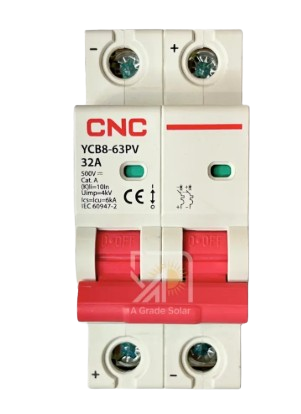
- A 32 Amp Miniature Circuit Breaker (MCB) is a safety device designed to protect electrical circuits from damage caused by overcurrent, such as overloads or short circuits. It automatically interrupts the flow of electricity when the current exceeds the rated limit, ensuring the safety of wiring and connected devices.
- Common applications include residential, commercial, and industrial electrical systems, where it is used to safeguard lighting circuits, power outlets, and appliances.
Explore Projects Built with 32 A MCB
 Open Project in Cirkit Designer
 Open Project in Cirkit Designer
 Open Project in Cirkit Designer
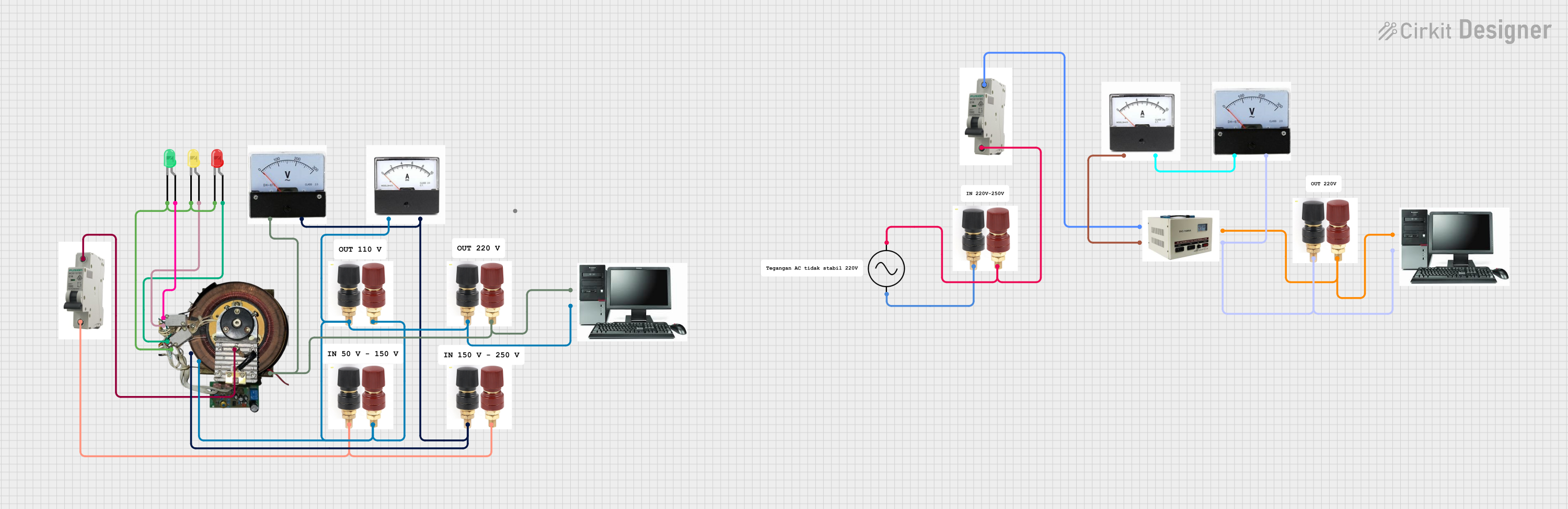 Open Project in Cirkit Designer
Explore Projects Built with 32 A MCB
Open Project in Cirkit DesignerOpen Project in Cirkit DesignerOpen Project in Cirkit DesignerOpen Project in Cirkit DesignerTechnical Specifications
- Rated Current (In): 32 A
- Rated Voltage (Un): 230/400 V AC
- Breaking Capacity: 6 kA (typical)
- Tripping Curve: Type B, C, or D (depending on application)
- Frequency: 50/60 Hz
- Number of Poles: 1P, 2P, 3P, or 4P
- Mounting: DIN rail (35 mm standard)
- Operating Temperature Range: -5°C to +40°C
- Standards Compliance: IEC/EN 60898-1
Pin Configuration and Descriptions
The 32 A MCB does not have traditional "pins" like an IC but instead features terminals for electrical connections. Below is a description of the terminals:
| Terminal Name | Description |
|---|---|
| Line (Input) | Connects to the incoming power supply (live wire). |
| Load (Output) | Connects to the outgoing circuit or device being protected. |
| Neutral (if applicable) | For 2P, 3P, or 4P MCBs, connects to the neutral wire of the circuit. |
Usage Instructions
How to Use the 32 A MCB in a Circuit
- Determine the Load Requirements: Ensure the total current of the connected devices does not exceed 32 A. Select the appropriate tripping curve (B, C, or D) based on the type of load:
- Type B: For resistive loads (e.g., lighting, heating).
- Type C: For inductive loads (e.g., motors, transformers).
- Type D: For high inrush current loads (e.g., industrial equipment).
- Install on a DIN Rail: Mount the MCB securely on a standard 35 mm DIN rail in the distribution box.
- Connect the Wires:
- Connect the live wire from the power supply to the Line (Input) terminal.
- Connect the live wire of the load to the Load (Output) terminal.
- For multi-pole MCBs, connect the neutral and additional phases as required.
- Tighten Connections: Ensure all terminal screws are securely tightened to prevent loose connections.
- Switch On: Flip the MCB switch to the "ON" position to energize the circuit.
Important Considerations and Best Practices
- Always ensure the MCB's rated current matches the circuit's requirements to avoid nuisance tripping or insufficient protection.
- Use proper wire sizes to handle the current load safely (e.g., 6 mm² copper wire for 32 A circuits).
- Avoid exposing the MCB to excessive moisture, dust, or high temperatures.
- Periodically inspect the MCB for signs of wear or damage and replace it if necessary.
Troubleshooting and FAQs
Common Issues and Solutions
| Issue | Possible Cause | Solution |
|---|---|---|
| MCB trips frequently | Overload or short circuit in the circuit | Check the connected devices for faults or reduce the load. |
| MCB does not trip during a fault | Faulty MCB or incorrect installation | Verify wiring and replace the MCB if necessary. |
| MCB cannot be switched on | Persistent fault in the circuit | Inspect the circuit for short circuits or overloads before resetting. |
| Loose connections at terminals | Improper tightening of screws | Re-tighten the terminal screws securely. |
FAQs
Can I use a 32 A MCB for a lower current circuit?
Yes, but it is not recommended as the MCB may not provide adequate protection for lower current circuits. Use an MCB with a rating closer to the circuit's current.What is the difference between Type B, C, and D MCBs?
The difference lies in their tripping characteristics:- Type B: Trips at 3-5 times the rated current (for resistive loads).
- Type C: Trips at 5-10 times the rated current (for inductive loads).
- Type D: Trips at 10-20 times the rated current (for high inrush current loads).
How do I reset a tripped MCB?
First, identify and resolve the cause of the trip (e.g., overload or short circuit). Then, switch the MCB to the "OFF" position and back to the "ON" position.Can I use a 32 A MCB for three-phase circuits?
Yes, but you must use a 3P or 4P MCB designed for three-phase systems. Ensure the MCB's voltage and current ratings match the circuit requirements.