
How to Use YF-S401 water flow sensor: Examples, Pinouts, and Specs
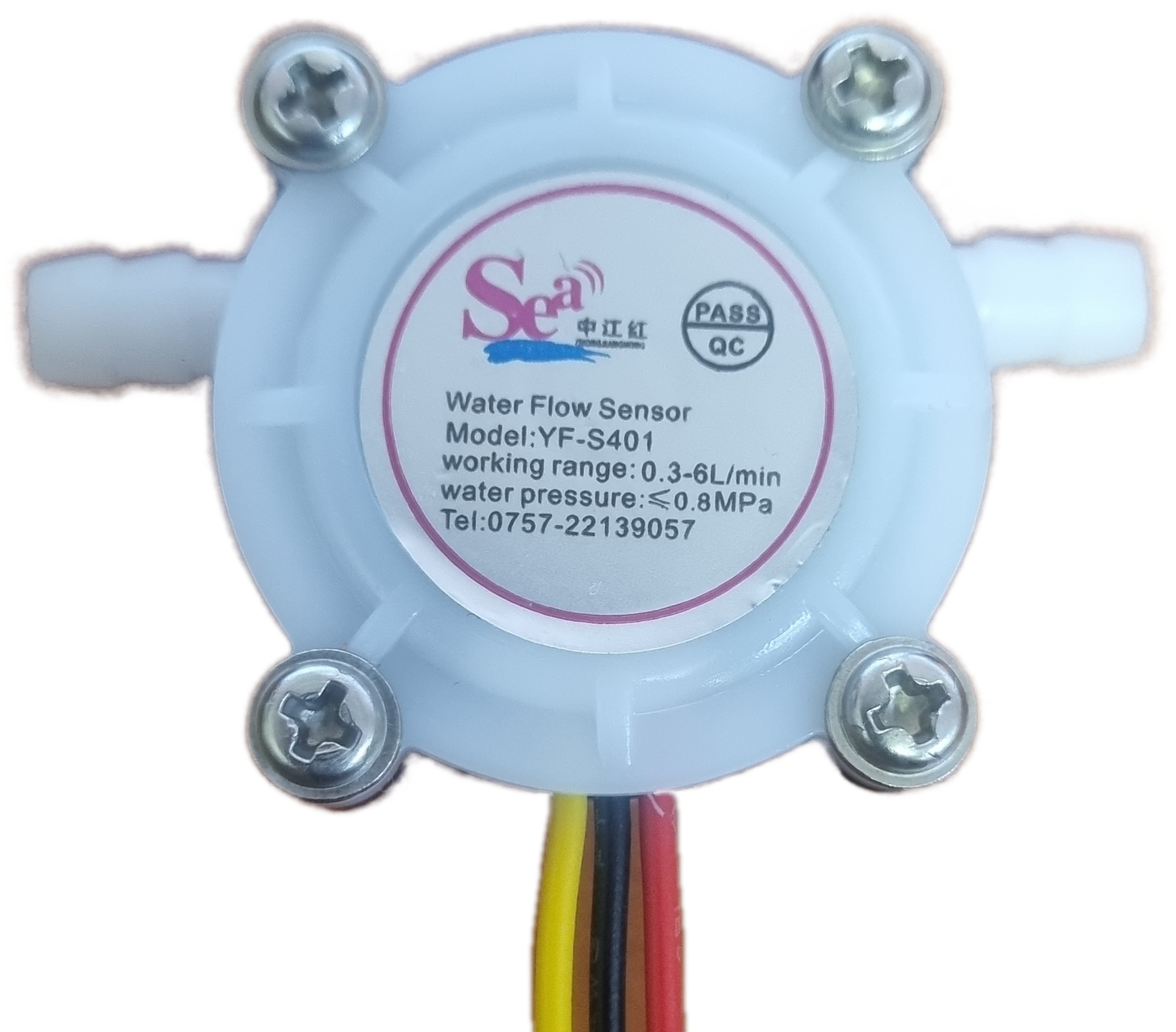
 Design with YF-S401 water flow sensor in Cirkit Designer
Introduction
The YF-S401 Water Flow Sensor, manufactured by SEA, is a compact and reliable device designed to measure the flow rate of water in a pipe. It operates using a Hall effect sensor that detects the movement of a rotor within the sensor housing. The sensor outputs a pulse signal proportional to the flow rate, which can be easily interpreted by microcontrollers or other electronic systems.
Explore Projects Built with YF-S401 water flow sensor
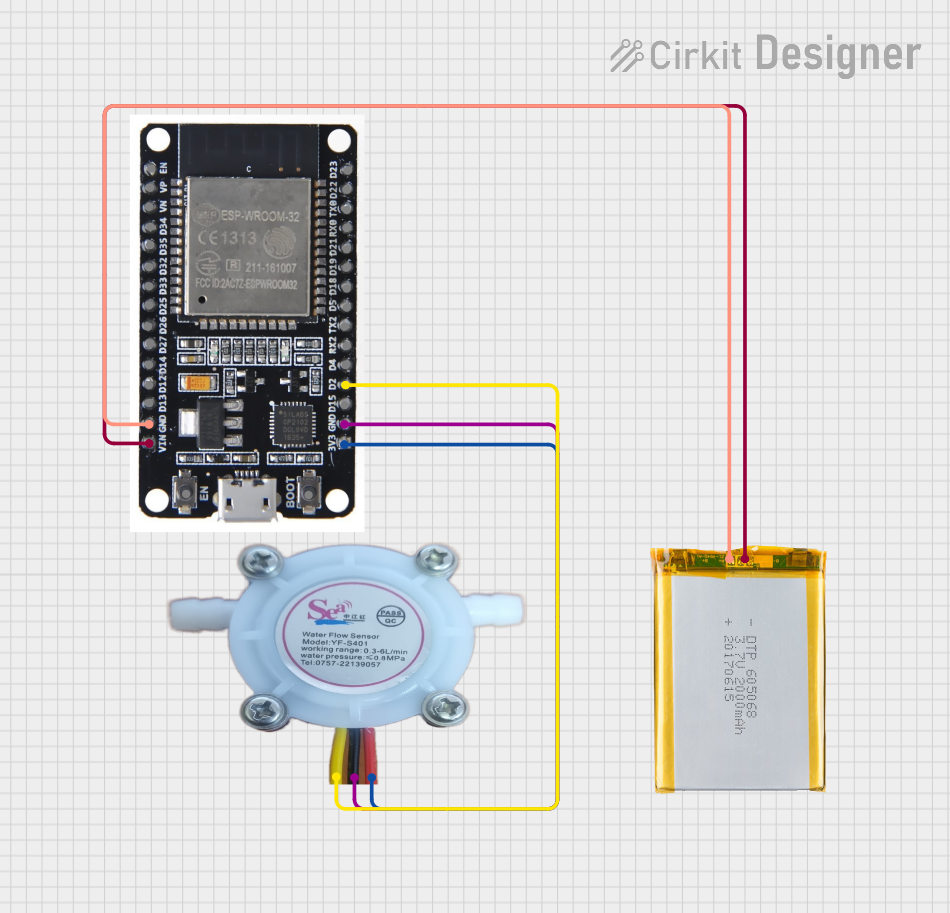 Open Project in Cirkit Designer
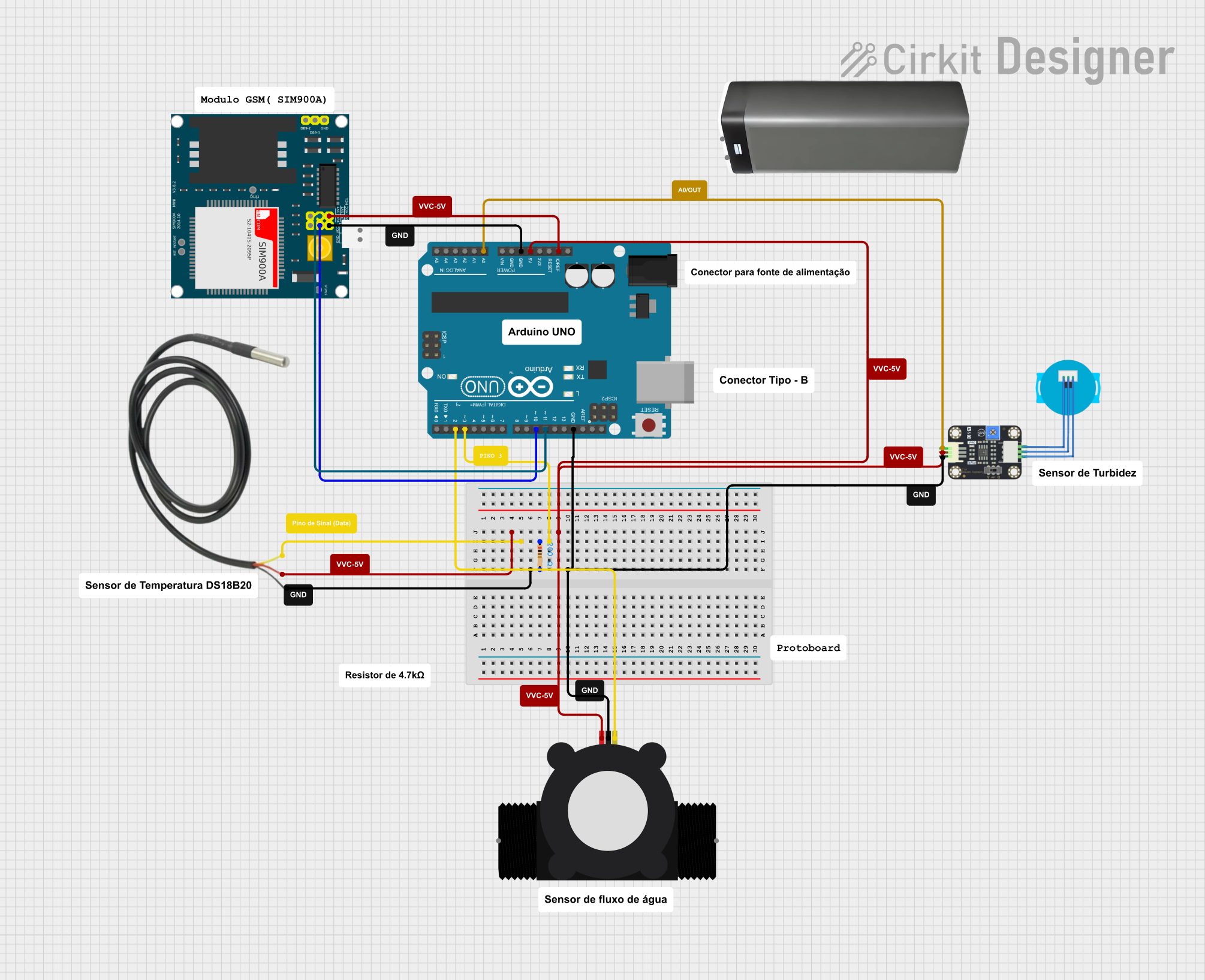 Open Project in Cirkit Designer
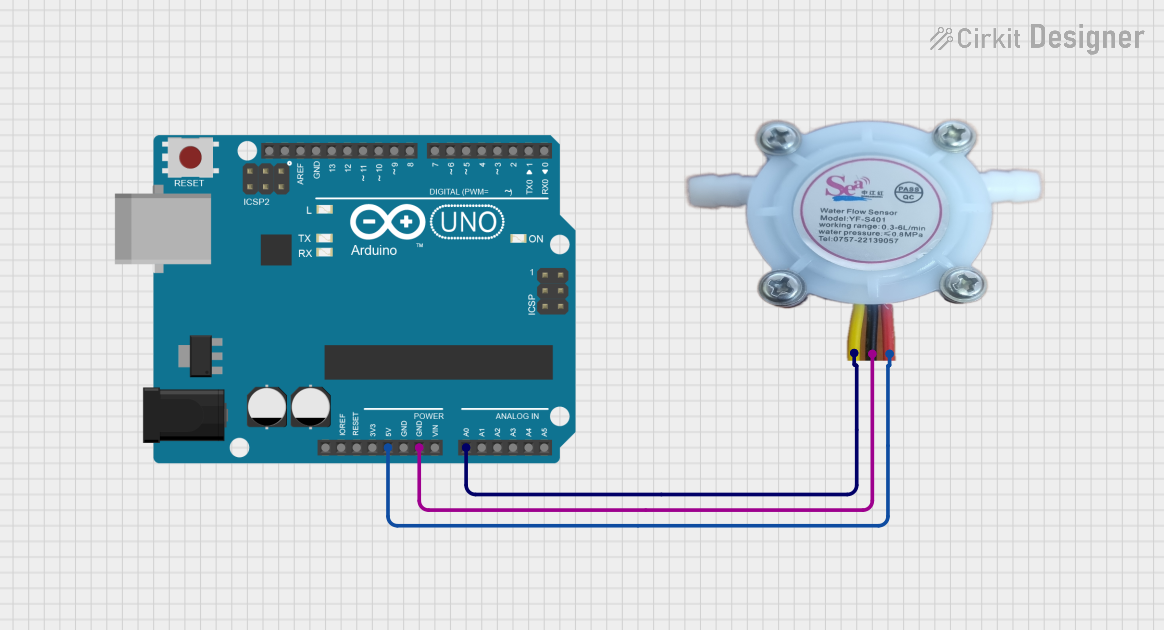 Open Project in Cirkit Designer
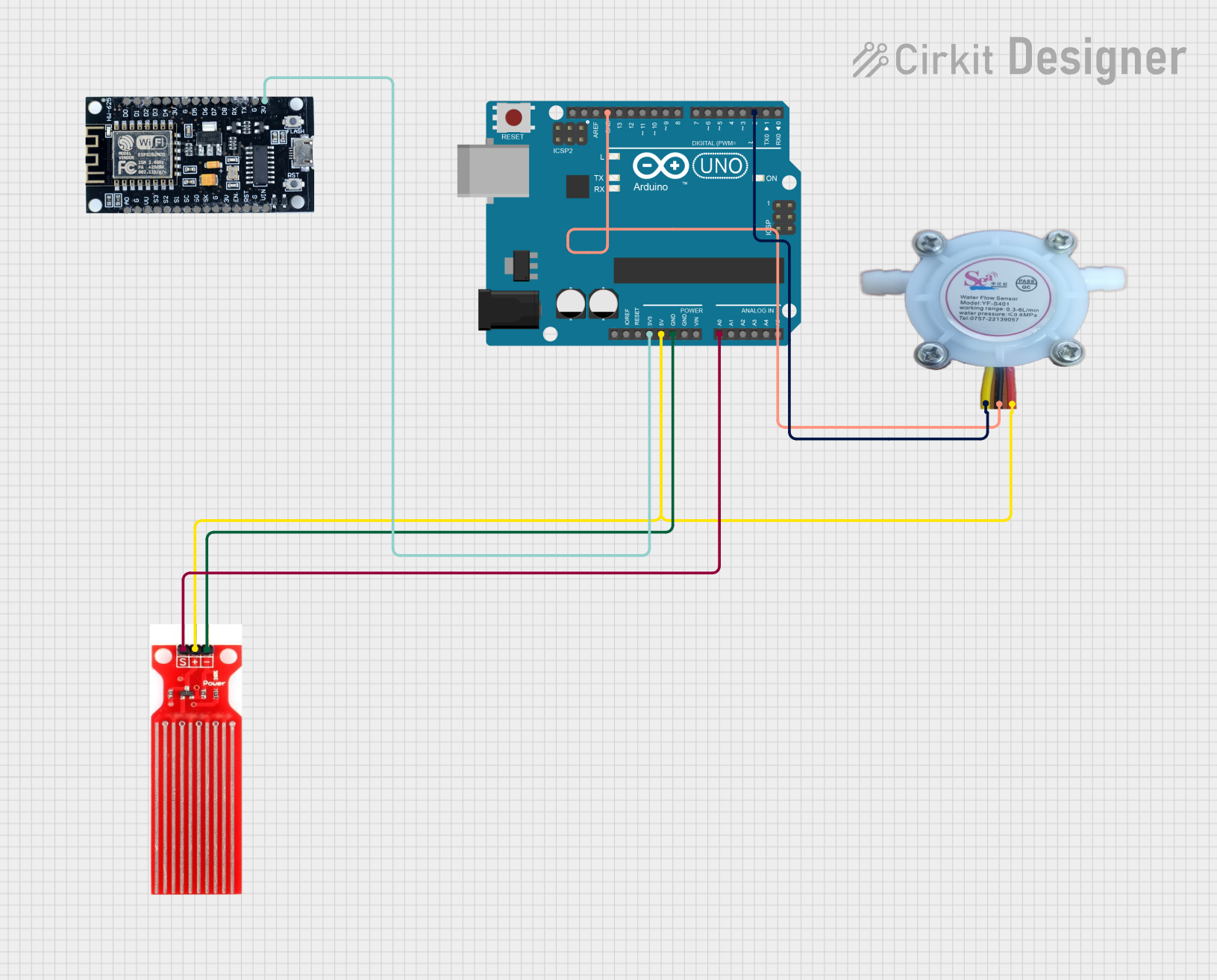 Open Project in Cirkit Designer
Explore Projects Built with YF-S401 water flow sensor
Open Project in Cirkit DesignerOpen Project in Cirkit DesignerOpen Project in Cirkit DesignerOpen Project in Cirkit DesignerCommon Applications
- Water dispensers and vending machines
- Smart irrigation systems
- Industrial water flow monitoring
- Home automation and water usage tracking
- Leak detection systems
Technical Specifications
The following table outlines the key technical details of the YF-S401 water flow sensor:
| Parameter | Specification |
|---|---|
| Manufacturer | SEA |
| Part ID | YF-S401 |
| Operating Voltage | 5V to 18V DC |
| Operating Current | ≤ 15 mA (at 5V DC) |
| Flow Rate Range | 1 to 30 liters per minute (L/min) |
| Output Signal | Pulse signal (square wave) |
| Pulse Frequency | 7.5 Hz per liter per minute (approx.) |
| Maximum Water Pressure | 1.75 MPa |
| Operating Temperature | -25°C to 80°C |
| Sensor Body Material | Nylon (food-grade) |
| Connector Type | 3-pin JST |
Pin Configuration
The YF-S401 has a 3-pin connector with the following pinout:
| Pin | Name | Description |
|---|---|---|
| 1 | VCC | Power supply input (5V to 18V DC) |
| 2 | GND | Ground |
| 3 | Signal | Pulse output signal proportional to flow rate |
Usage Instructions
How to Use the YF-S401 in a Circuit
- Power Supply: Connect the VCC pin to a DC power source (5V to 18V). Ensure the power supply is stable and within the specified range.
- Ground Connection: Connect the GND pin to the ground of your circuit.
- Signal Output: Connect the Signal pin to a microcontroller's digital input pin or a frequency counter to measure the pulse output.
- Flow Rate Calculation: The sensor outputs a pulse signal where the frequency is proportional to the flow rate. Use the formula below to calculate the flow rate: [ \text{Flow Rate (L/min)} = \frac{\text{Pulse Frequency (Hz)}}{7.5} ]
Important Considerations
- Water Quality: Ensure the water is clean and free of debris to prevent clogging or damage to the rotor.
- Orientation: Install the sensor in the correct orientation as indicated by the arrow on the sensor body, which shows the direction of water flow.
- Pressure Limits: Do not exceed the maximum water pressure of 1.75 MPa to avoid damaging the sensor.
- Debouncing: Use software debouncing techniques to filter out noise in the pulse signal for accurate readings.
Example Code for Arduino UNO
Below is an example of how to interface the YF-S401 with an Arduino UNO to measure and display the flow rate:
// YF-S401 Water Flow Sensor Example Code
// Connect the Signal pin to Arduino digital pin 2
// Connect VCC to 5V and GND to GND on the Arduino

volatile int pulseCount = 0; // Variable to store pulse count
float flowRate = 0.0;        // Variable to store flow rate in L/min
unsigned long lastTime = 0;  // Variable to store the last time flow was calculated

void setup() {
  pinMode(2, INPUT_PULLUP);  // Set pin 2 as input with pull-up resistor
  attachInterrupt(digitalPinToInterrupt(2), countPulse, RISING);
  // Attach interrupt to count pulses on rising edge
  Serial.begin(9600);        // Initialize serial communication
}

void loop() {
  unsigned long currentTime = millis(); // Get current time in milliseconds
  if (currentTime - lastTime >= 1000) { // Calculate flow rate every second
    noInterrupts();                     // Disable interrupts temporarily
    flowRate = (pulseCount / 7.5);      // Calculate flow rate in L/min
    pulseCount = 0;                     // Reset pulse count
    interrupts();                       // Re-enable interrupts
    Serial.print("Flow Rate: ");
    Serial.print(flowRate);
    Serial.println(" L/min");
    lastTime = currentTime;             // Update last time
  }
}

// Interrupt service routine to count pulses
void countPulse() {
  pulseCount++; // Increment pulse count on each rising edge
}
Notes:
- Ensure the sensor is properly connected and water is flowing through it before running the code.
- The
INPUT_PULLUPmode ensures the signal pin is not floating when no signal is present.
Troubleshooting and FAQs
Common Issues and Solutions
No Pulse Signal Output
- Cause: Incorrect wiring or insufficient power supply.
- Solution: Double-check the wiring and ensure the VCC pin is receiving 5V to 18V DC.
Inaccurate Flow Rate Readings
- Cause: Noise in the signal or incorrect flow rate calculation.
- Solution: Use software debouncing and verify the formula used for flow rate calculation.
Sensor Not Detecting Flow
- Cause: Clogged rotor or incorrect installation orientation.
- Solution: Clean the sensor and ensure it is installed in the correct direction.
Water Leakage
- Cause: Improper sealing or damaged sensor body.
- Solution: Check the O-ring seals and ensure the sensor is securely installed.
FAQs
Q1: Can the YF-S401 measure other liquids besides water?
A1: The sensor is designed for water and may not provide accurate readings for other liquids. Additionally, non-water liquids may damage the sensor.
Q2: What is the maximum cable length for the signal output?
A2: For best performance, keep the cable length under 20 meters. Use shielded cables for longer distances to reduce noise.
Q3: Can the sensor be used outdoors?
A3: The sensor is not waterproof and should be protected from direct exposure to water or extreme weather conditions.
Q4: How do I calibrate the sensor?
A4: The sensor is pre-calibrated by the manufacturer. If needed, you can adjust the flow rate calculation formula based on your specific setup.
By following this documentation, you can effectively integrate the YF-S401 water flow sensor into your projects for accurate and reliable water flow measurement.