Introduction
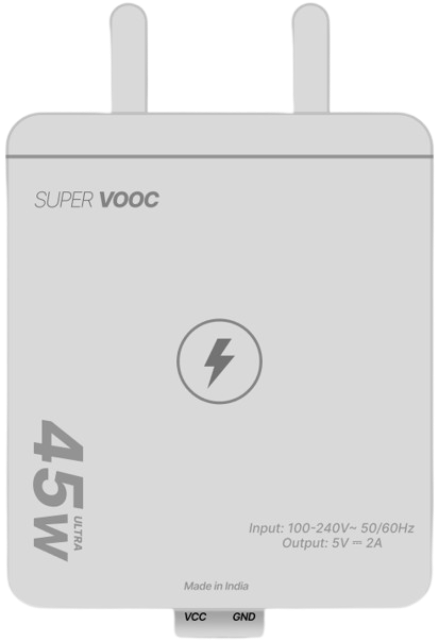
The Adapter 5V 2A is a power supply device designed to convert standard AC voltage (typically 100-240V AC) into a stable 5V DC output. It is capable of delivering up to 2A of current, making it suitable for powering a wide range of electronic devices, including microcontrollers, single-board computers, sensors, and small appliances. Its compact design and reliable performance make it a popular choice for both hobbyist and professional applications.
Common Applications and Use Cases
- Powering microcontrollers (e.g., Arduino, Raspberry Pi)
- Charging USB-powered devices
- Supplying power to IoT devices and sensors
- Driving small DC motors or LED strips
- General-purpose DC power supply for prototyping and testing circuits
Technical Specifications
The following table outlines the key technical details of the Adapter 5V 2A:
Pin Configuration and Descriptions
The Adapter 5V 2A typically uses a barrel jack connector. The pin configuration is as follows:
Usage Instructions
How to Use the Adapter in a Circuit
- Verify Compatibility: Ensure the device or circuit you are powering requires a 5V DC input and does not exceed 2A of current.
- Connect the Adapter:
- Plug the adapter into a standard AC outlet.
- Connect the barrel jack to the power input of your device or circuit. Ensure the polarity matches (center positive and outer negative).
- Power On: Turn on the device or circuit. The adapter will provide a stable 5V DC output.
Important Considerations and Best Practices
- Check Polarity: Always confirm the polarity of the barrel jack before connecting to avoid damage to your device.
- Avoid Overloading: Do not connect devices that draw more than 2A, as this may cause the adapter to overheat or shut down.
- Ventilation: Ensure the adapter has adequate ventilation to prevent overheating during prolonged use.
- Use with Arduino UNO: The Adapter 5V 2A can be used to power an Arduino UNO via the DC barrel jack. Ensure the Arduino's onboard voltage regulator is functioning properly.
Example: Using the Adapter with Arduino UNO
To power an Arduino UNO with the Adapter 5V 2A, follow these steps:
- Plug the adapter into an AC outlet.
- Connect the barrel jack to the Arduino UNO's DC power input.
- Upload the following example code to the Arduino UNO to blink an LED:
// Example code to blink an LED connected to pin 13 on Arduino UNO
void setup() {
  pinMode(13, OUTPUT); // Set pin 13 as an output pin
}

void loop() {
  digitalWrite(13, HIGH); // Turn the LED on
  delay(1000);            // Wait for 1 second
  digitalWrite(13, LOW);  // Turn the LED off
  delay(1000);            // Wait for 1 second
}
Troubleshooting and FAQs
Common Issues and Solutions
Adapter Not Powering the Device:
- Cause: Loose connection or incorrect polarity.
- Solution: Check the barrel jack connection and ensure the polarity matches the device's requirements.
Device Not Functioning Properly:
- Cause: Insufficient current supply.
- Solution: Verify that the device's current requirement does not exceed 2A.
Adapter Overheating:
- Cause: Prolonged use at maximum load or poor ventilation.
- Solution: Reduce the load or ensure proper ventilation around the adapter.
No Output Voltage:
- Cause: Internal fault or tripped protection circuit.
- Solution: Disconnect the adapter, allow it to cool, and try again. If the issue persists, replace the adapter.
FAQs
Q1: Can I use this adapter to charge my smartphone?
A1: Yes, if your smartphone supports 5V charging and the current requirement is within 2A. However, ensure the connector type is compatible.
Q2: Is this adapter suitable for powering LED strips?
A2: Yes, as long as the LED strip operates at 5V and the total current draw does not exceed 2A.
Q3: What happens if I connect a device that requires more than 2A?
A3: The adapter's overcurrent protection will activate, shutting down the output to prevent damage.
Q4: Can I use this adapter with a Raspberry Pi?
A4: Yes, the Adapter 5V 2A is suitable for powering most Raspberry Pi models. Ensure the connector type matches or use an appropriate adapter cable.
By following this documentation, you can safely and effectively use the Adapter 5V 2A in your projects.

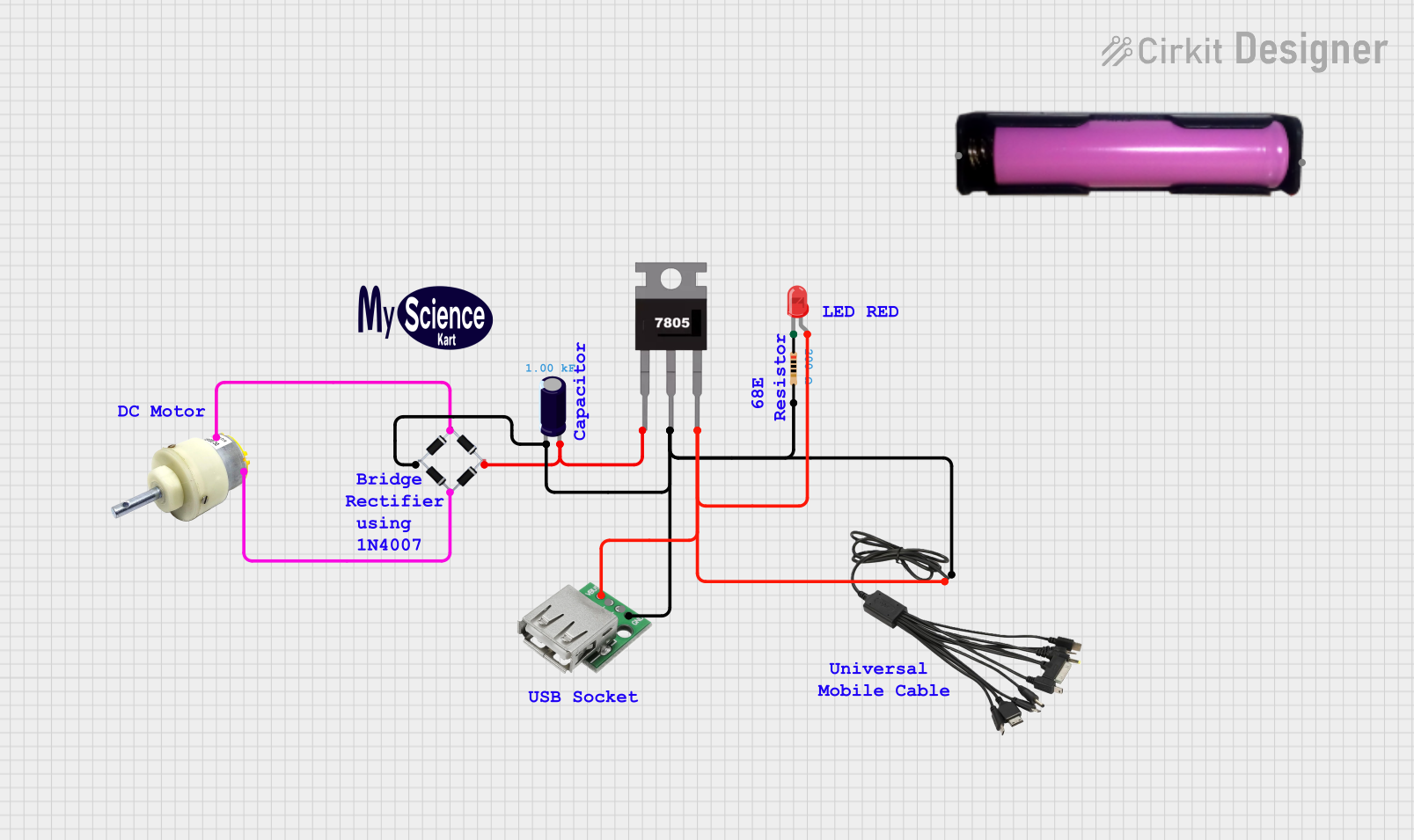
 Open Project in Cirkit Designer