
How to Use SparkFun LilyPad Power Supply: Examples, Pinouts, and Specs
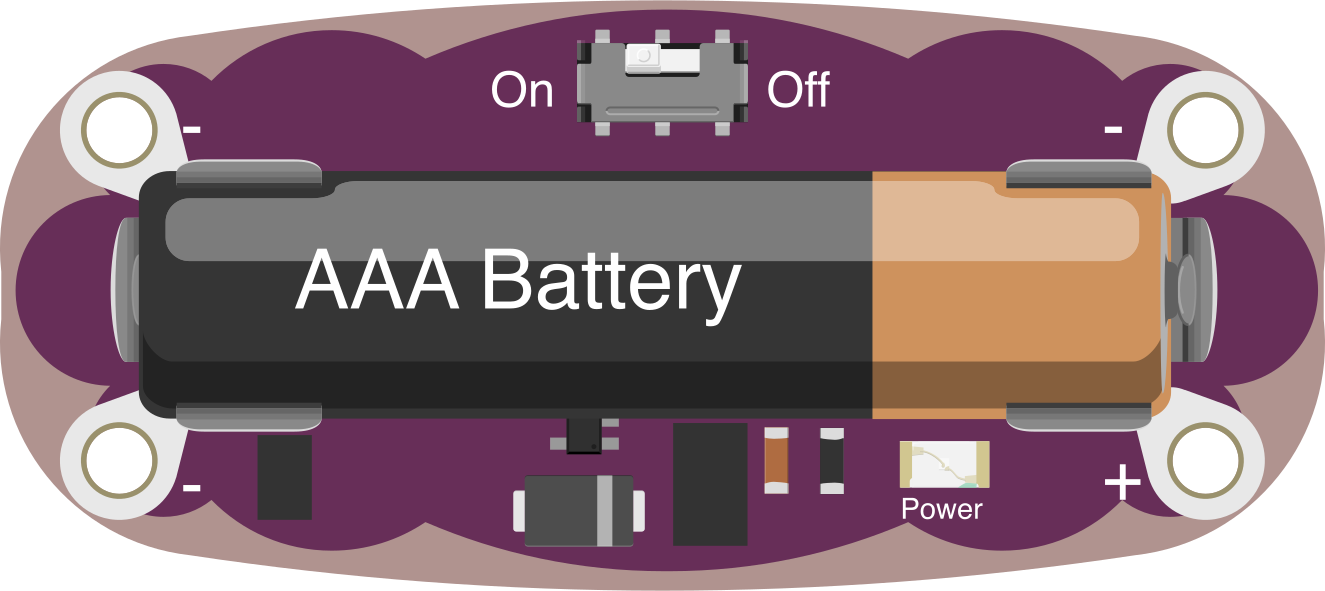
 Design with SparkFun LilyPad Power Supply in Cirkit Designer
Introduction
The SparkFun LilyPad Power Supply (DEV-11259) is a compact and lightweight power supply module designed specifically for wearable electronics and LilyPad Arduino projects. Manufactured by SparkFun Electronics, this module provides a reliable and efficient source of power for e-textile applications. It is designed to integrate seamlessly into wearable projects, offering a convenient way to power your circuits using a coin cell battery or other compatible power sources.
Explore Projects Built with SparkFun LilyPad Power Supply
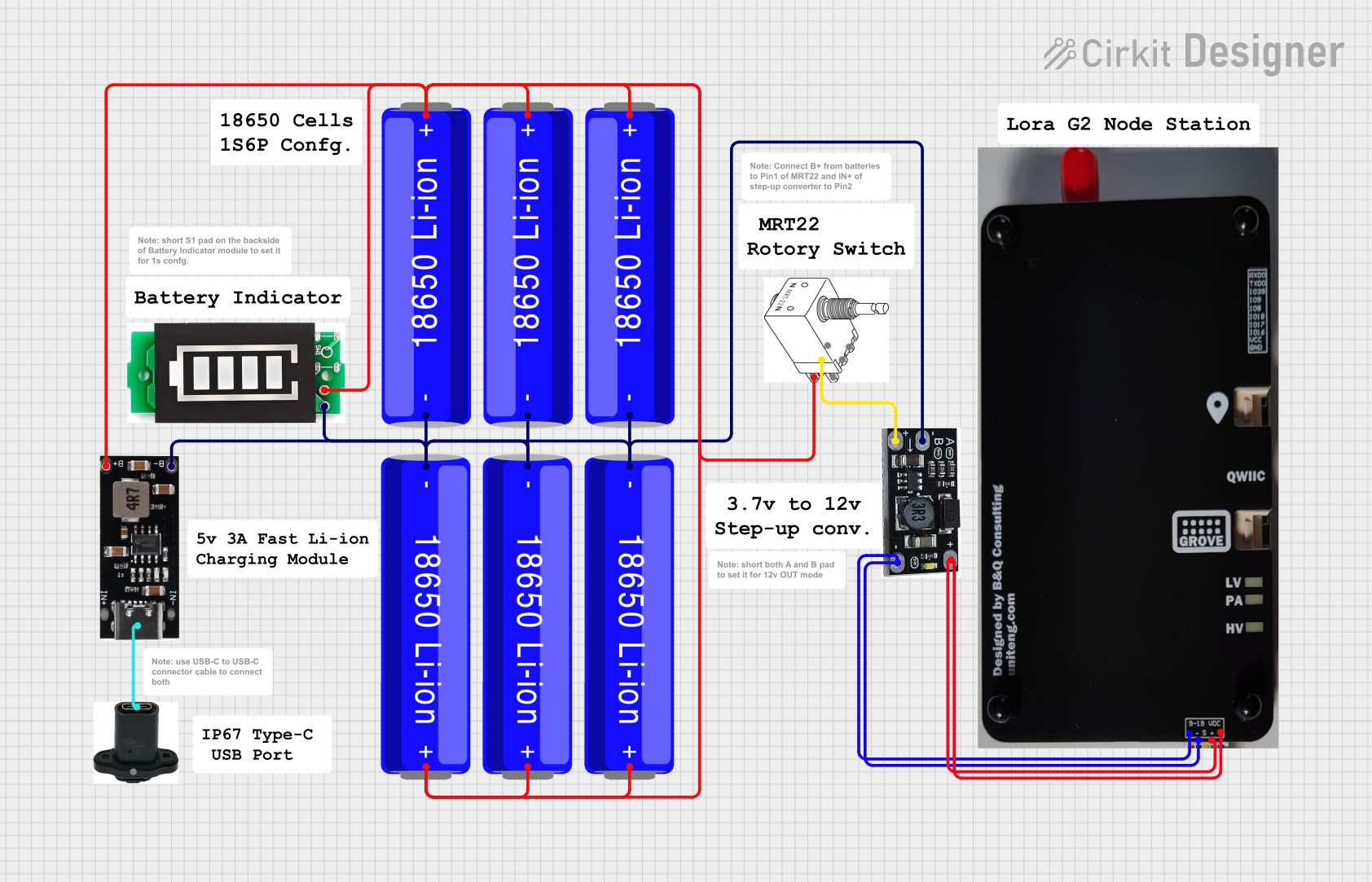 Open Project in Cirkit Designer
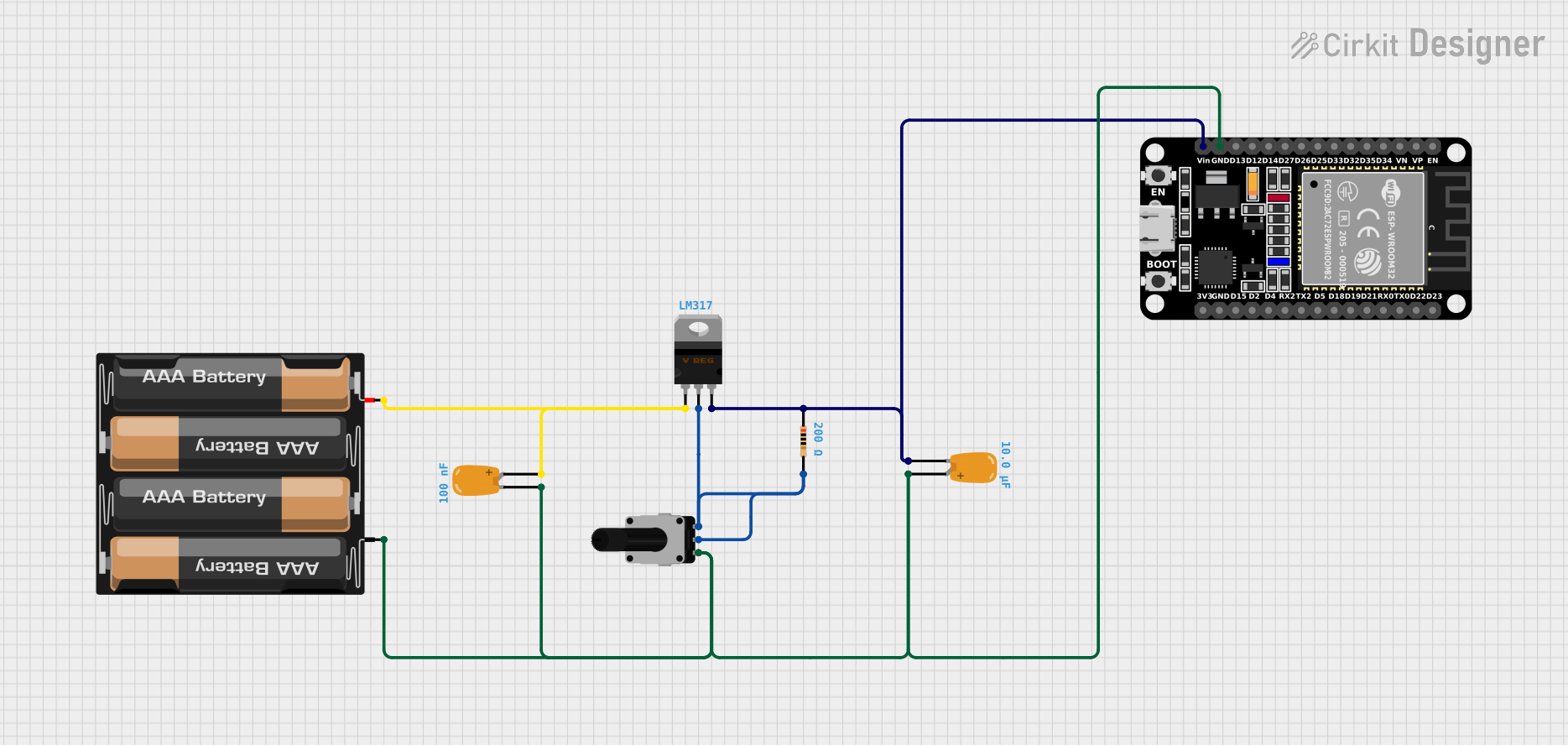 Open Project in Cirkit Designer
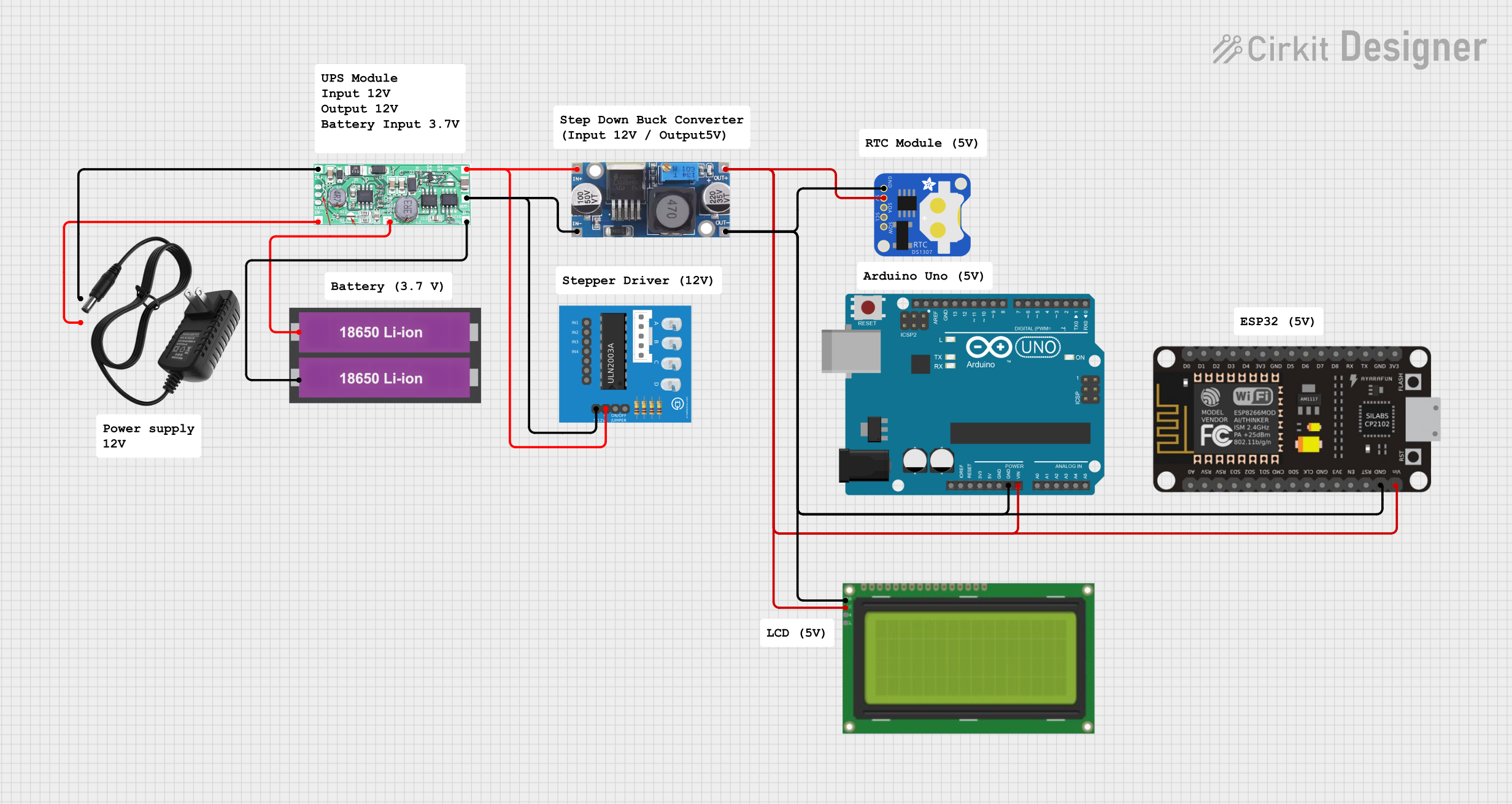 Open Project in Cirkit Designer
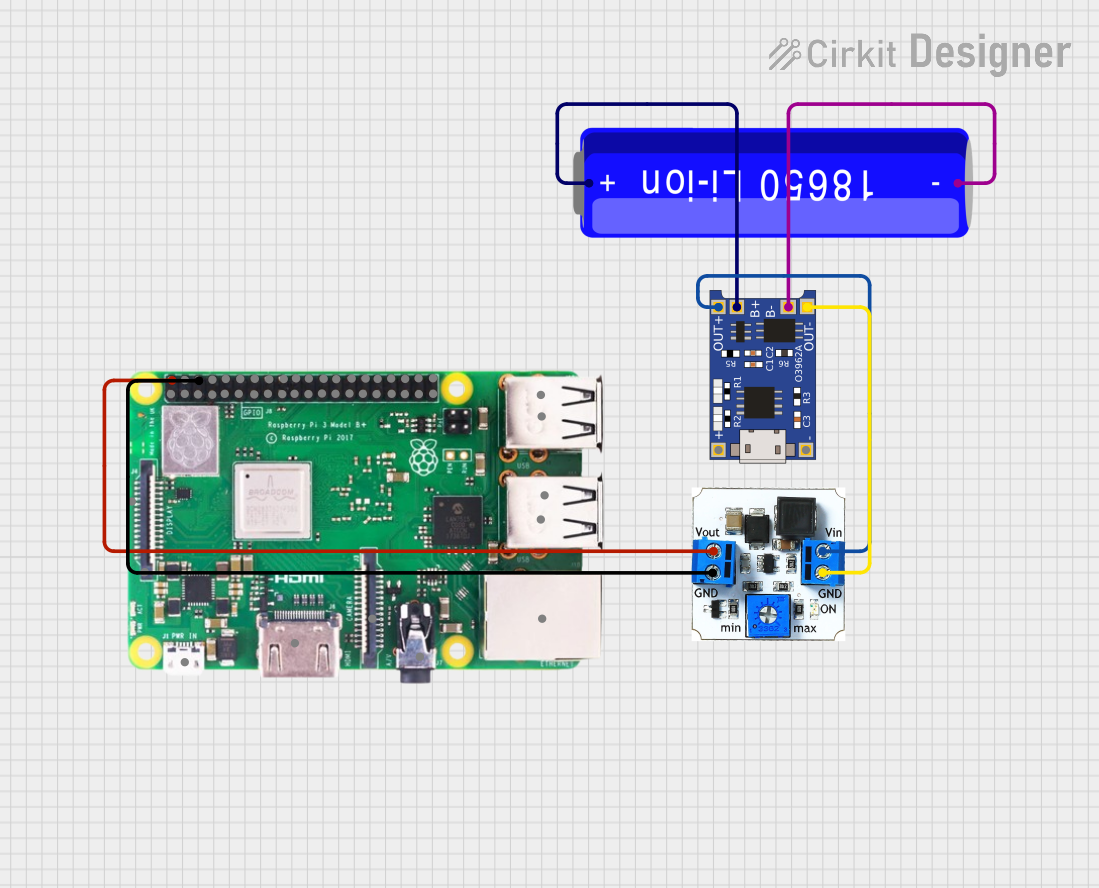 Open Project in Cirkit Designer
Explore Projects Built with SparkFun LilyPad Power Supply
Open Project in Cirkit DesignerOpen Project in Cirkit DesignerOpen Project in Cirkit DesignerOpen Project in Cirkit DesignerCommon Applications and Use Cases
- Powering LilyPad Arduino boards and modules in wearable projects
- E-textile designs requiring a compact and lightweight power source
- Prototyping and experimenting with small, portable electronics
- Projects requiring low-power consumption and minimal weight
Technical Specifications
Below are the key technical details of the SparkFun LilyPad Power Supply:
| Parameter | Specification |
|---|---|
| Input Voltage Range | 2.7V to 5.5V |
| Output Voltage | 5V (regulated) |
| Output Current | Up to 150mA |
| Dimensions | 20mm diameter |
| Weight | ~1.5g |
| Battery Compatibility | Coin cell batteries (e.g., CR2032) |
| Connector Type | JST connector for external power sources |
Pin Configuration and Descriptions
The LilyPad Power Supply has a simple pin layout for easy integration into circuits:
| Pin Name | Description |
|---|---|
+ |
Positive output terminal (5V regulated output) |
- |
Ground terminal (common ground for the circuit) |
SW |
Switch pin to enable or disable the power supply (connect to ground to disable) |
Usage Instructions
How to Use the Component in a Circuit
Power Source Connection:
- Insert a compatible coin cell battery (e.g., CR2032) into the battery holder.
- Alternatively, connect an external power source (2.7V to 5.5V) to the JST connector.
Connecting to a Circuit:
- Connect the
+pin to the positive power rail of your circuit. - Connect the
-pin to the ground rail of your circuit. - If you want to control the power supply using a switch, connect the
SWpin to ground to disable the output.
- Connect the
Powering a LilyPad Arduino:
- Connect the
+pin to theVCCpin of the LilyPad Arduino. - Connect the
-pin to theGNDpin of the LilyPad Arduino.
- Connect the
Important Considerations and Best Practices
- Battery Selection: Use only compatible coin cell batteries or external power sources within the specified voltage range to avoid damaging the module.
- Current Limitations: The module can supply up to 150mA of current. Ensure your circuit does not exceed this limit.
- Switch Usage: Use the
SWpin to add an external switch for convenient power control. - Heat Management: Avoid overloading the module, as excessive current draw may cause overheating.
Example: Connecting to an Arduino UNO
Although the LilyPad Power Supply is designed for wearable projects, it can also be used to power an Arduino UNO. Below is an example of how to connect it:
- Connect the
+pin of the LilyPad Power Supply to the5Vpin of the Arduino UNO. - Connect the
-pin of the LilyPad Power Supply to theGNDpin of the Arduino UNO.
Here is a simple Arduino sketch to test the power supply:
// Simple Blink Sketch for Testing Power Supply
// This code blinks the built-in LED on pin 13 of the Arduino UNO.

void setup() {
  pinMode(13, OUTPUT); // Set pin 13 as an output
}

void loop() {
  digitalWrite(13, HIGH); // Turn the LED on
  delay(1000);            // Wait for 1 second
  digitalWrite(13, LOW);  // Turn the LED off
  delay(1000);            // Wait for 1 second
}
Troubleshooting and FAQs
Common Issues and Solutions
| Issue | Possible Cause | Solution |
|---|---|---|
| No output voltage | Battery is not inserted or is depleted | Check the battery and replace it if necessary. |
| Output voltage is unstable | Overcurrent or incompatible power source | Ensure the circuit draws less than 150mA and the input voltage is 2.7V-5.5V. |
| Power supply overheats | Excessive current draw | Reduce the load on the power supply to within the 150mA limit. |
| Circuit does not power on | SW pin is connected to ground |
Disconnect the SW pin from ground to enable the power supply. |
FAQs
Can I use a rechargeable battery with this module?
- Yes, as long as the battery voltage is within the 2.7V to 5.5V range.
What happens if I exceed the 150mA current limit?
- Exceeding the current limit may cause the module to overheat or shut down. Always ensure your circuit stays within the specified limit.
Can I use this power supply with non-LilyPad projects?
- Absolutely! The module can be used with any low-power electronics project requiring a 5V regulated output.
Is the module waterproof?
- No, the LilyPad Power Supply is not waterproof. Avoid exposing it to moisture or liquids.
By following this documentation, you can effectively integrate the SparkFun LilyPad Power Supply into your wearable electronics and other low-power projects.