
How to Use STM32 NUCLEO-L432KC: Examples, Pinouts, and Specs
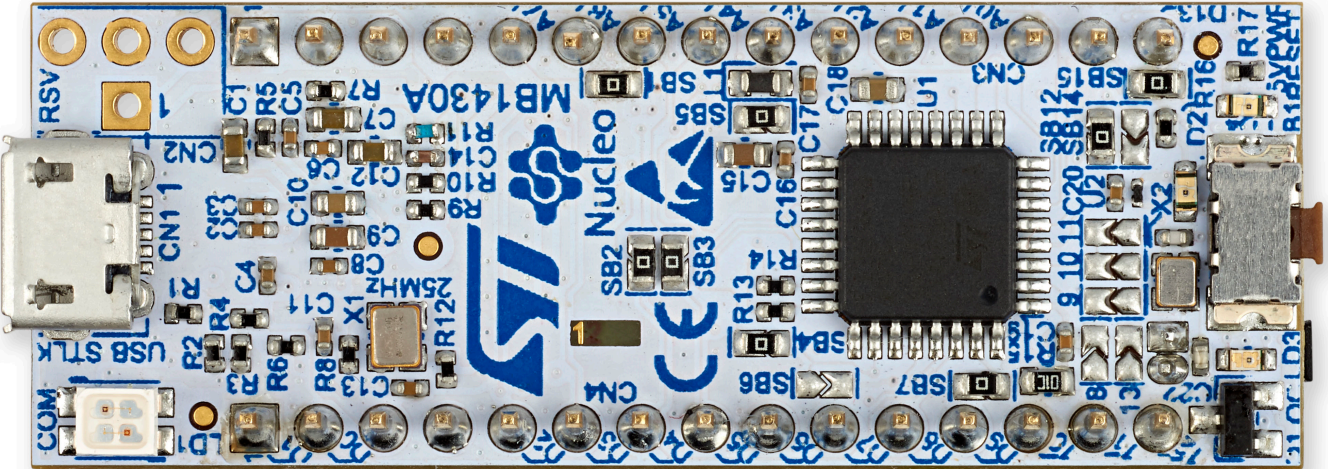
 Design with STM32 NUCLEO-L432KC in Cirkit Designer
Introduction
The STM32 NUCLEO-L432KC is a compact development board manufactured by STMicroelectronics. It features the STM32L432KC microcontroller, which is based on the ARM Cortex-M4 architecture. This board is designed for prototyping and developing low-power applications, offering a wide range of connectivity options and integrated peripherals. Its small form factor and compatibility with Arduino™ Uno V3 connectors make it a versatile choice for both beginners and experienced developers.
Explore Projects Built with STM32 NUCLEO-L432KC
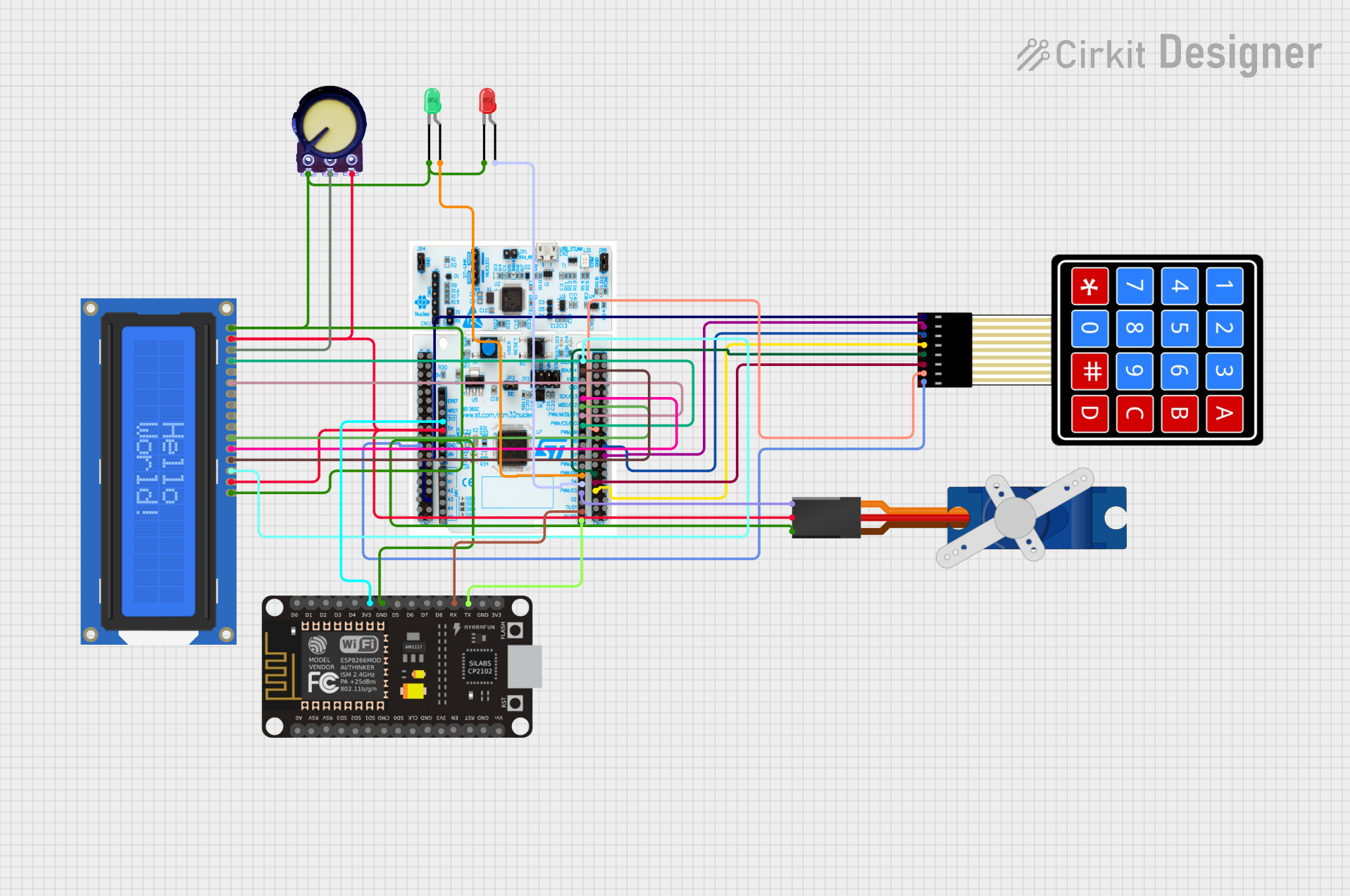 Open Project in Cirkit Designer
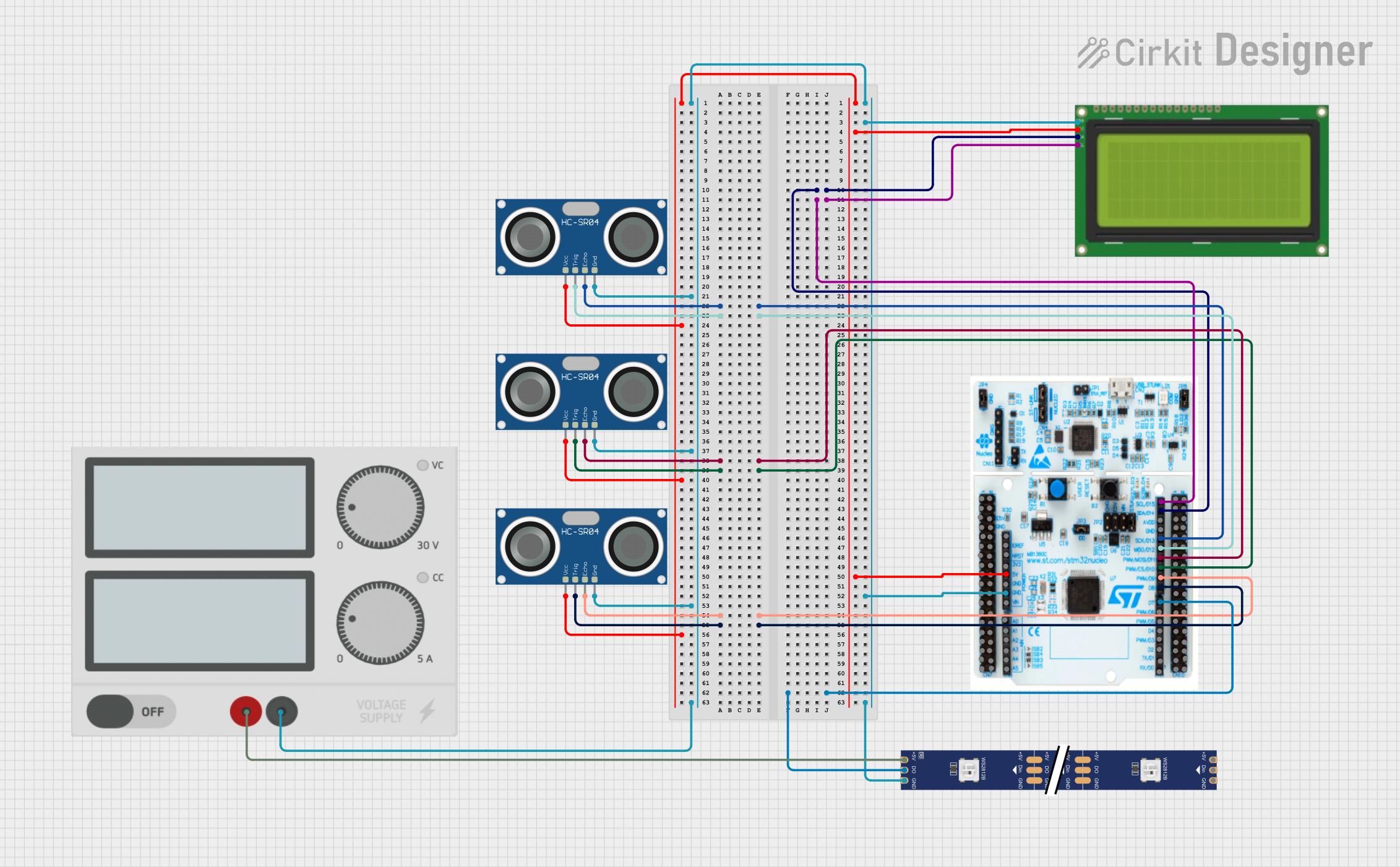 Open Project in Cirkit Designer
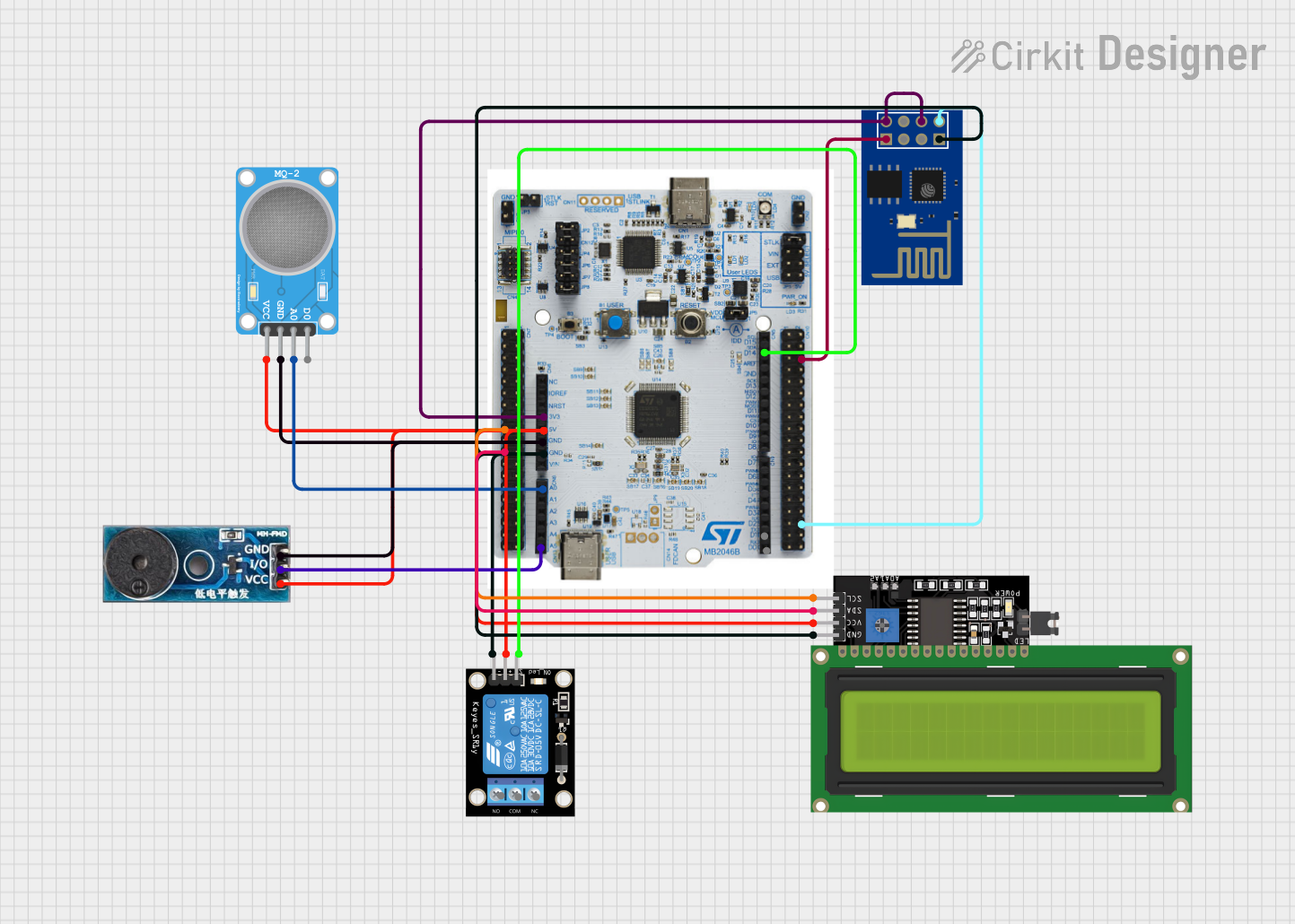 Open Project in Cirkit Designer
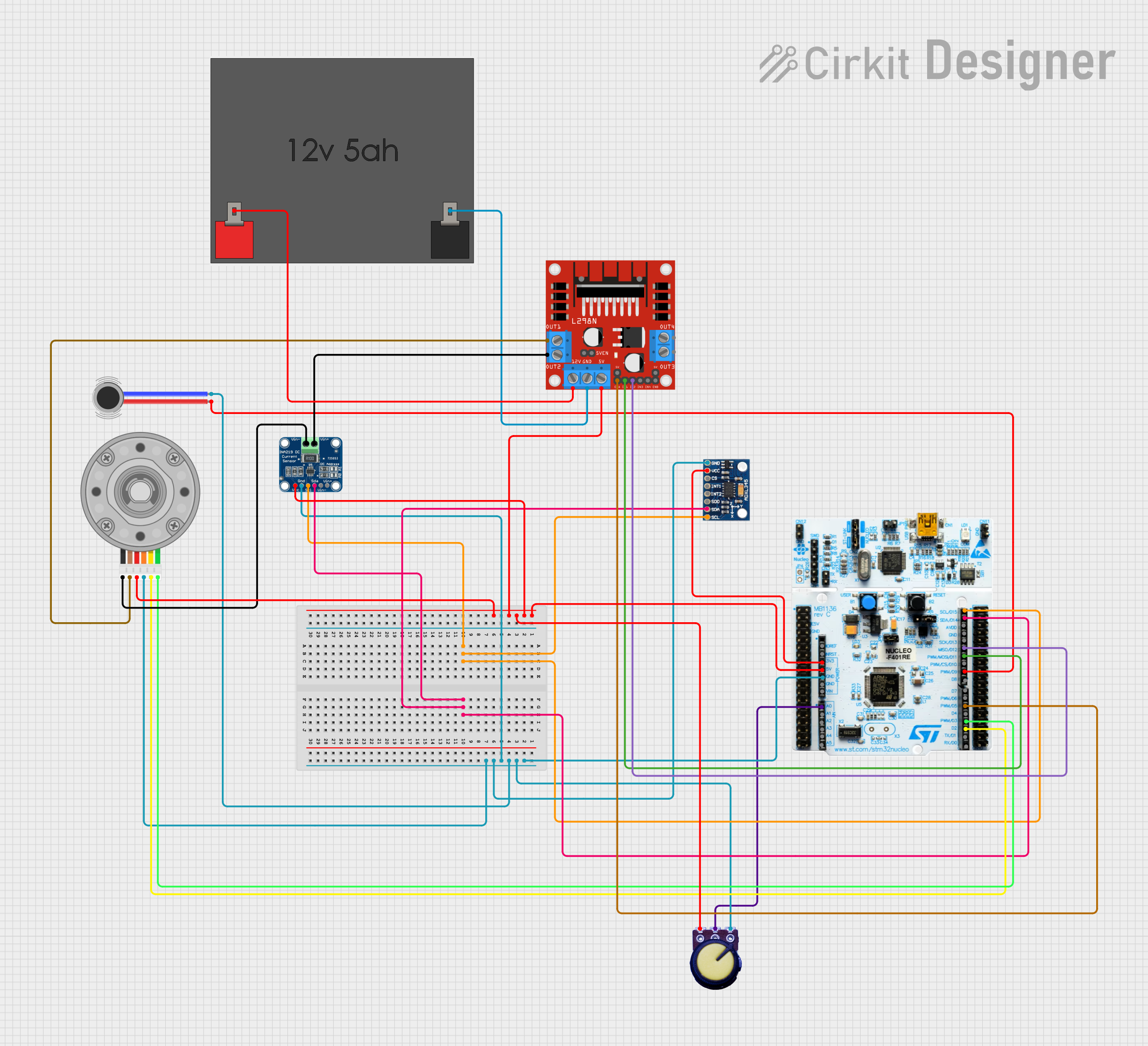 Open Project in Cirkit Designer
Explore Projects Built with STM32 NUCLEO-L432KC
Open Project in Cirkit DesignerOpen Project in Cirkit DesignerOpen Project in Cirkit DesignerOpen Project in Cirkit DesignerCommon Applications and Use Cases
- IoT (Internet of Things) devices
- Low-power embedded systems
- Wearable technology
- Sensor interfacing and data acquisition
- Prototyping for industrial and consumer electronics
Technical Specifications
Key Technical Details
| Parameter | Value |
|---|---|
| Microcontroller | STM32L432KC (ARM Cortex-M4, 32-bit) |
| Operating Voltage | 3.3V |
| Input Voltage Range | 7V to 12V (via VIN pin) |
| Flash Memory | 256 KB |
| SRAM | 64 KB |
| Clock Speed | Up to 80 MHz |
| Communication Interfaces | UART, I2C, SPI, CAN, USB |
| GPIO Pins | 25 (including analog inputs) |
| Analog Inputs | 12-bit ADC, up to 10 channels |
| PWM Outputs | Up to 7 channels |
| Debugging Interface | ST-LINK/V2-1 (integrated) |
| Dimensions | 43 mm x 17.5 mm |
| Power Consumption | Ultra-low power (down to 7 µA in STOP mode) |
Pin Configuration and Descriptions
The STM32 NUCLEO-L432KC features a dual-row pin header layout. Below is a summary of the pin configuration:
Power Pins
| Pin Name | Description |
|---|---|
| VIN | External power input (7V-12V) |
| 3.3V | Regulated 3.3V output |
| GND | Ground |
GPIO and Communication Pins
| Pin Name | Description |
|---|---|
| PA0-PA15 | General-purpose I/O pins |
| PB0-PB7 | General-purpose I/O pins |
| PC0-PC1 | General-purpose I/O pins |
| USART1 | UART communication (TX/RX) |
| I2C1 | I2C communication (SCL/SDA) |
| SPI1 | SPI communication (MOSI/MISO/SCK) |
| USB | USB data lines (DP/DM) |
Analog Pins
| Pin Name | Description |
|---|---|
| ADC_IN0 | Analog input channel 0 |
| ADC_IN1 | Analog input channel 1 |
| ADC_IN2 | Analog input channel 2 |
| ADC_IN3 | Analog input channel 3 |
| ADC_IN4 | Analog input channel 4 |
Usage Instructions
How to Use the STM32 NUCLEO-L432KC in a Circuit
Powering the Board:
- Connect the board to a computer via the micro-USB port for power and programming.
- Alternatively, supply power through the VIN pin (7V-12V) or the 3.3V pin (regulated).
Programming the Board:
- Use the integrated ST-LINK/V2-1 debugger to program the microcontroller.
- Compatible IDEs include STM32CubeIDE, Keil MDK, and IAR Embedded Workbench.
Connecting Peripherals:
- Use the GPIO pins for digital input/output.
- Connect sensors or other analog devices to the ADC pins.
- Use the UART, I2C, or SPI interfaces for communication with external modules.
Arduino Compatibility:
- The board supports Arduino™ Uno V3 connectors, allowing you to use Arduino shields.
Important Considerations and Best Practices
- Ensure the input voltage does not exceed the specified range to avoid damaging the board.
- Use pull-up or pull-down resistors for GPIO pins when required.
- For low-power applications, utilize the STM32L432KC's power-saving modes (e.g., STOP or SLEEP).
- Always verify pin assignments and configurations in your code to avoid conflicts.
Example Code for Arduino IDE
The STM32 NUCLEO-L432KC can be programmed using the Arduino IDE. Below is an example of blinking an LED connected to pin PA5:
// Define the LED pin
#define LED_PIN PA5

void setup() {
  // Initialize the LED pin as an output
  pinMode(LED_PIN, OUTPUT);
}

void loop() {
  // Turn the LED on
  digitalWrite(LED_PIN, HIGH);
  delay(1000); // Wait for 1 second

  // Turn the LED off
  digitalWrite(LED_PIN, LOW);
  delay(1000); // Wait for 1 second
}
Troubleshooting and FAQs
Common Issues and Solutions
The board is not detected by the computer:
- Ensure the USB cable is functional and supports data transfer.
- Verify that the ST-LINK drivers are installed on your computer.
Unable to upload code to the board:
- Check the connection between the board and the computer.
- Ensure the correct board and port are selected in the IDE.
- Press the reset button on the board before uploading.
Peripherals are not working as expected:
- Double-check the pin connections and configurations in your code.
- Verify that the peripheral's power requirements are met.
The board overheats or does not power on:
- Ensure the input voltage is within the specified range.
- Check for short circuits or incorrect wiring.
FAQs
Q: Can I use the STM32 NUCLEO-L432KC with Arduino libraries?
A: Yes, the board is compatible with the Arduino IDE and supports many Arduino libraries.
Q: How do I enable low-power modes?
A: Use the STM32 HAL or LL libraries to configure the microcontroller's power-saving features.
Q: Can I use the board for battery-powered applications?
A: Yes, the STM32L432KC microcontroller is optimized for low-power operation, making it suitable for battery-powered projects.
Q: Is the board compatible with all Arduino shields?
A: The board supports Arduino™ Uno V3 connectors, but some shields may require additional configuration or may not be fully compatible.
This concludes the documentation for the STM32 NUCLEO-L432KC. For further details, refer to the official datasheet and user manual provided by STMicroelectronics.