
How to Use Waveshare-29035: Examples, Pinouts, and Specs
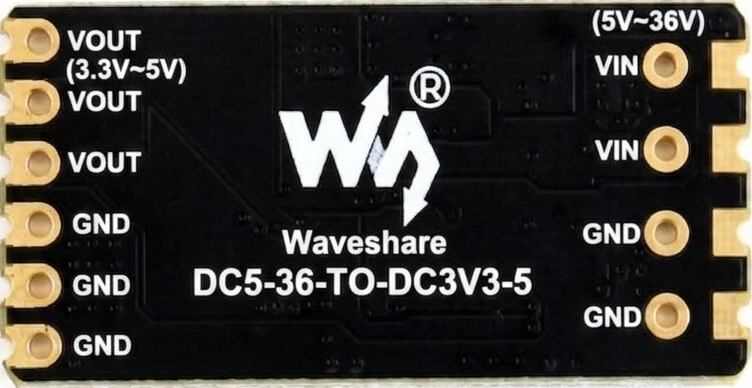
 Design with Waveshare-29035 in Cirkit Designer
Introduction
The Waveshare-29035 is a versatile electronic component, typically a display module or interface board, designed for use in a wide range of projects. It is commonly used in applications involving Raspberry Pi, Arduino, and other microcontroller platforms. This module often features a high-resolution screen, touch capabilities, and supports multiple communication protocols such as SPI or I2C. Its compact design and robust functionality make it ideal for creating interactive user interfaces, dashboards, and visual feedback systems.
Explore Projects Built with Waveshare-29035
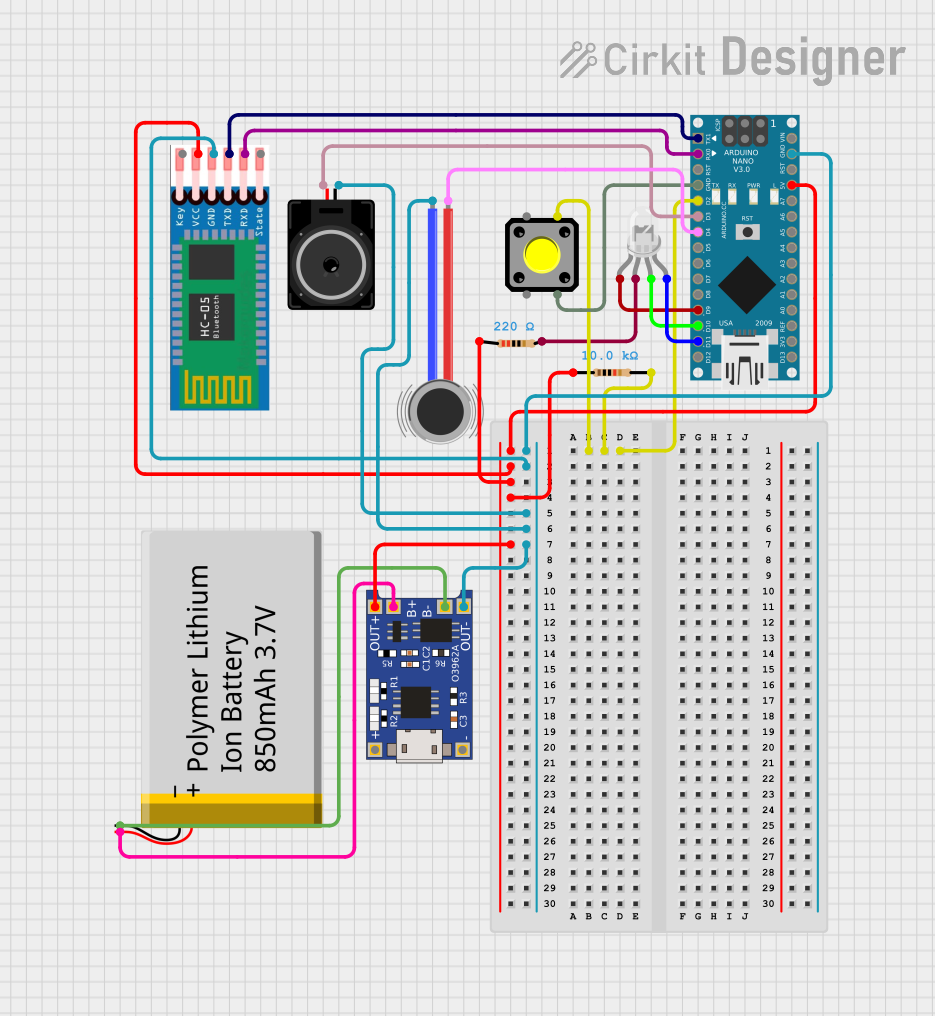 Open Project in Cirkit Designer
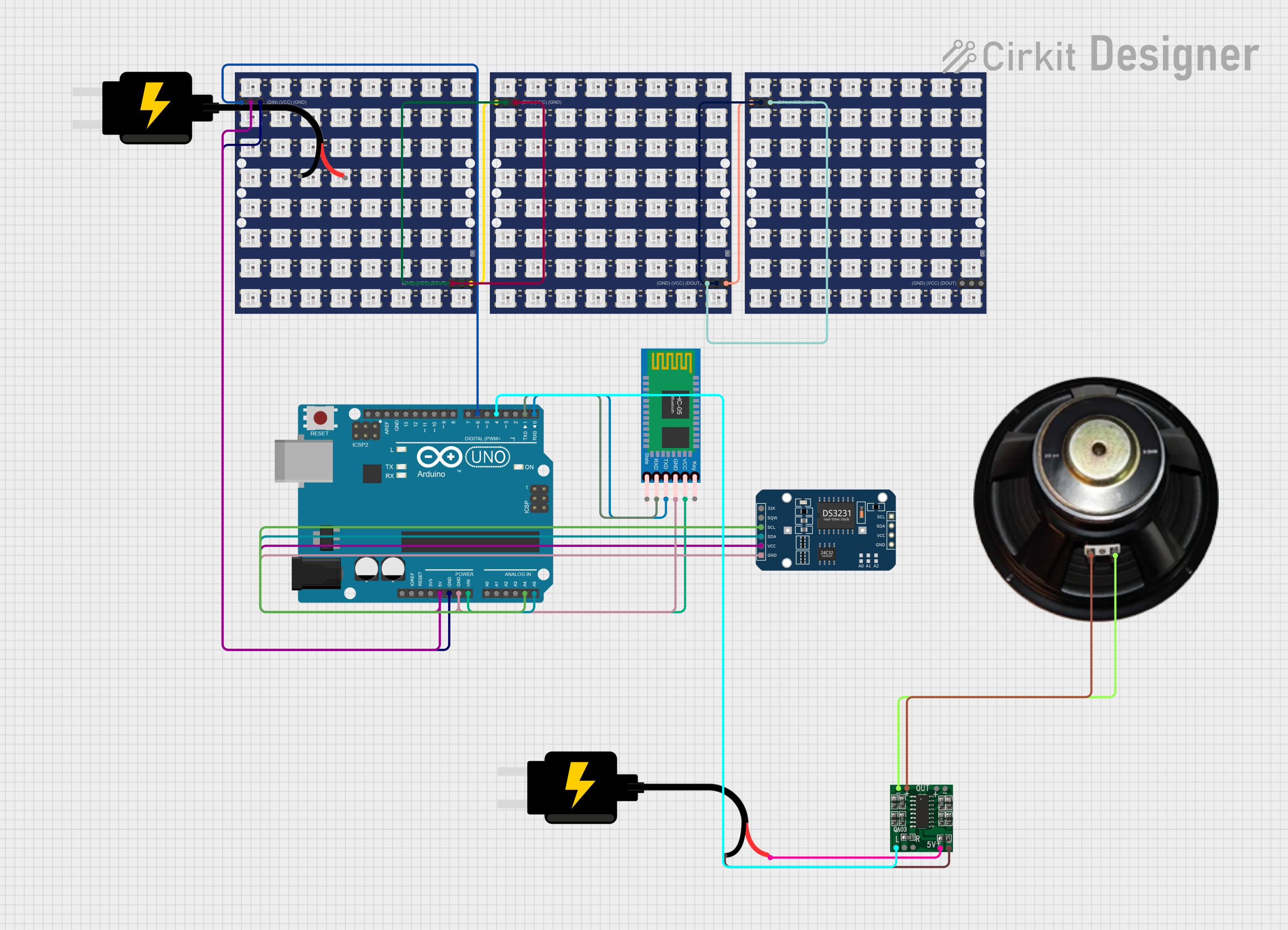 Open Project in Cirkit Designer
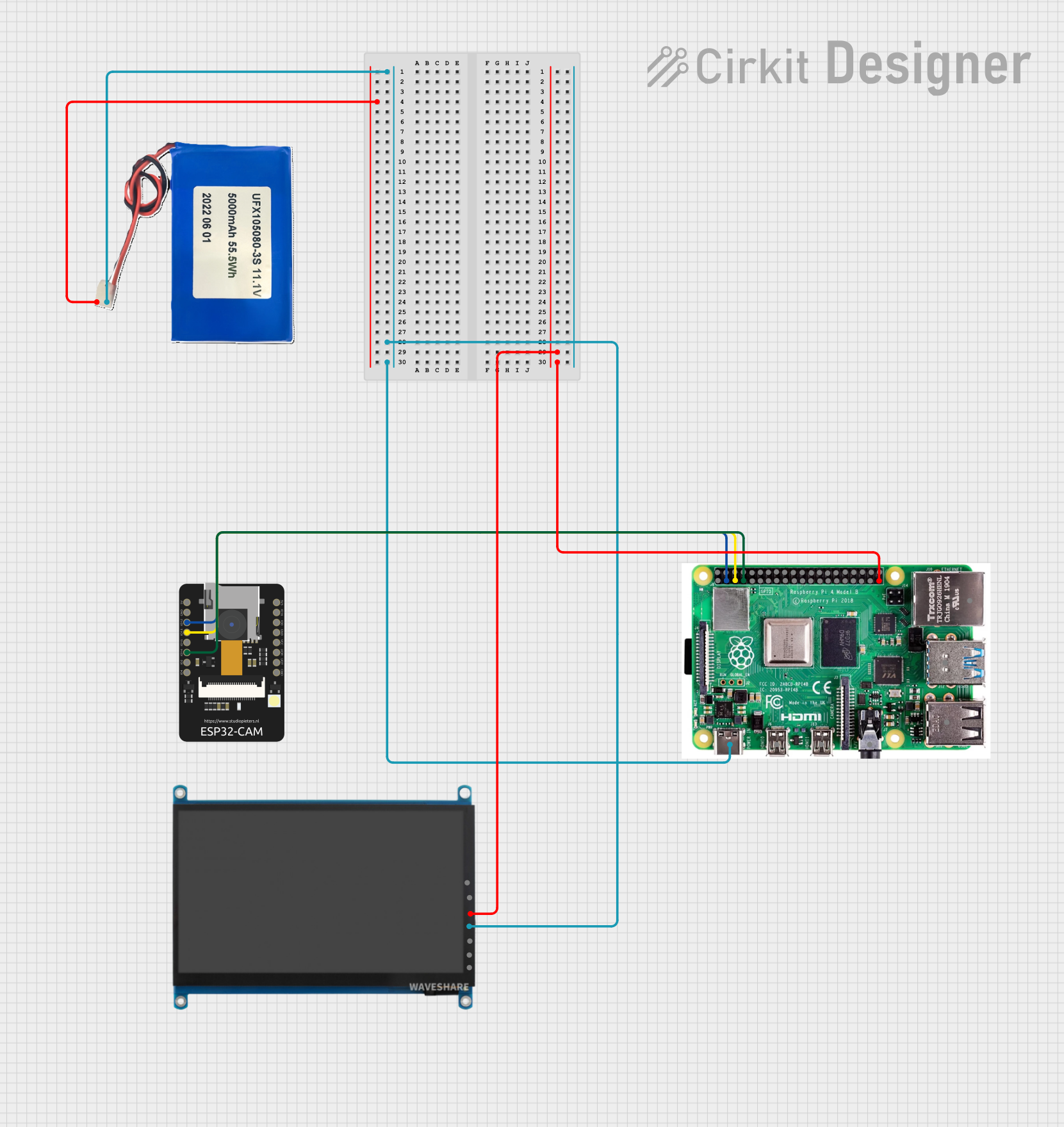 Open Project in Cirkit Designer
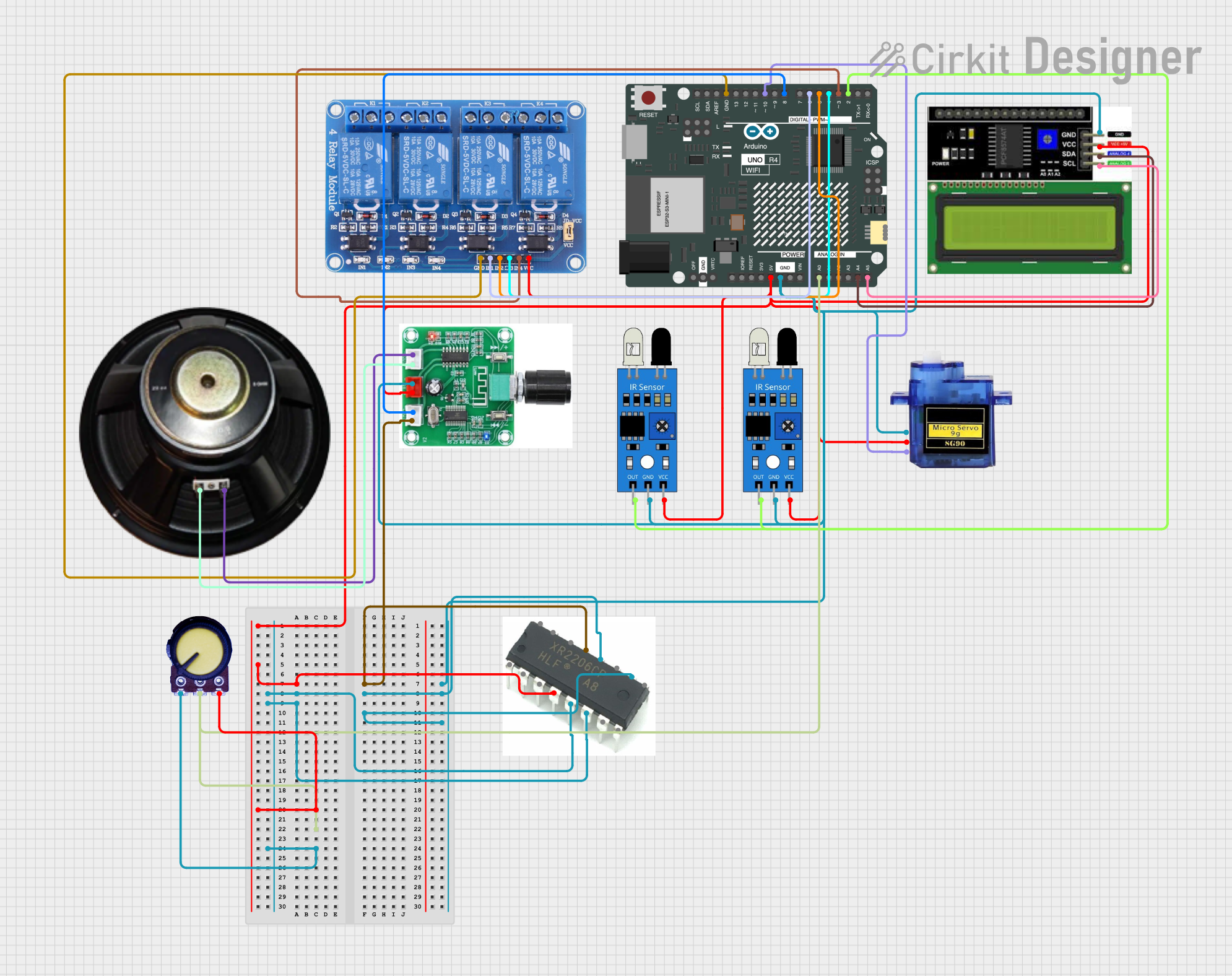 Open Project in Cirkit Designer
Explore Projects Built with Waveshare-29035
Open Project in Cirkit DesignerOpen Project in Cirkit DesignerOpen Project in Cirkit DesignerOpen Project in Cirkit DesignerCommon Applications:
- Interactive user interfaces for embedded systems
- IoT dashboards and control panels
- Data visualization for sensors and devices
- Educational and prototyping projects
- Portable or handheld devices
Technical Specifications
Below are the key technical details for the Waveshare-29035 module:
General Specifications:
- Display Type: E-Paper (E-Ink) display
- Resolution: 296 × 128 pixels
- Display Size: 2.9 inches
- Color: Black, White, and Red (Tri-color)
- Interface: SPI (Serial Peripheral Interface)
- Operating Voltage: 3.3V / 5V
- Power Consumption: Ultra-low power (only consumes power during updates)
- Refresh Time: ~2 seconds (full refresh)
- Dimensions: 79mm × 36.7mm × 4.2mm
Pin Configuration:
The Waveshare-29035 module uses a standard SPI interface. Below is the pinout description:
| Pin | Name | Description |
|---|---|---|
| 1 | VCC | Power supply input (3.3V or 5V) |
| 2 | GND | Ground connection |
| 3 | DIN | SPI data input (MOSI - Master Out Slave In) |
| 4 | CLK | SPI clock input |
| 5 | CS | Chip select signal (active low) |
| 6 | DC | Data/Command control pin (High for data, Low for command) |
| 7 | RST | Reset pin (active low) |
| 8 | BUSY | Busy status output (High when the display is busy refreshing) |
Usage Instructions
Connecting the Waveshare-29035 to an Arduino UNO:
To use the Waveshare-29035 module with an Arduino UNO, follow these steps:
- Wiring: Connect the module to the Arduino UNO as per the table below:
| Waveshare-29035 Pin | Arduino UNO Pin |
|---|---|
| VCC | 5V |
| GND | GND |
| DIN | D11 (MOSI) |
| CLK | D13 (SCK) |
| CS | D10 |
| DC | D9 |
| RST | D8 |
| BUSY | D7 |
Install Libraries: Download and install the Waveshare E-Paper library from the Arduino Library Manager or the Waveshare GitHub repository.
Upload Example Code: Use the following example code to display text or graphics on the screen:
#include <SPI.h>
#include <EPD2in9.h> // Include the Waveshare E-Paper library

EPD2in9 epd; // Create an instance of the E-Paper display

void setup() {
  // Initialize the E-Paper display
  if (epd.Init() != 0) {
    Serial.println("e-Paper init failed");
    return;
  }

  // Clear the display
  epd.Clear();

  // Display text
  epd.DisplayStringAt(10, 20, "Hello, Waveshare!", &Font16, EPD_BLACK);

  // Refresh the display
  epd.DisplayFrame();
}

void loop() {
  // The display retains the image even without power, so no need for updates here
}
Important Considerations:
- Power Supply: Ensure the module is powered with a stable 3.3V or 5V supply.
- Refresh Time: The display requires ~2 seconds for a full refresh. Avoid frequent updates to preserve the display's lifespan.
- SPI Configuration: Ensure the SPI pins on your microcontroller match the module's pinout.
- Library Compatibility: Use the official Waveshare library for optimal performance.
Troubleshooting and FAQs
Common Issues:
The display does not turn on or respond.
- Solution: Check the power supply connections (VCC and GND). Ensure the voltage matches the module's requirements (3.3V or 5V).
The display shows distorted or incomplete images.
- Solution: Verify the SPI connections (DIN, CLK, CS, DC). Ensure the wiring matches the pinout table.
The display refresh is slow or unresponsive.
- Solution: Check the BUSY pin status. Wait for the BUSY pin to go LOW before sending new commands.
The Arduino IDE shows a library error.
- Solution: Ensure the Waveshare E-Paper library is installed correctly. Update to the latest version if needed.
FAQs:
Can I use this module with a Raspberry Pi? Yes, the Waveshare-29035 is compatible with Raspberry Pi. Use the SPI interface and the official Waveshare Python library.
Does the display retain the image after power-off? Yes, the E-Paper display retains the last image even when powered off, making it ideal for low-power applications.
Can I update only part of the display? Yes, partial refresh is supported, but it may depend on the library and firmware version.
By following this documentation, you can effectively integrate the Waveshare-29035 module into your projects and troubleshoot common issues.