
How to Use Rocker Switch: Examples, Pinouts, and Specs
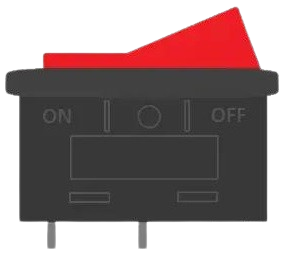
 Design with Rocker Switch in Cirkit Designer
Introduction
A rocker switch is a type of electrical switch that operates by rocking a lever back and forth. It is widely used to control the flow of electrical power to devices, offering a simple and intuitive on/off functionality. Rocker switches are commonly found in household appliances, power tools, automotive dashboards, and industrial equipment due to their durability and ease of use.
Explore Projects Built with Rocker Switch
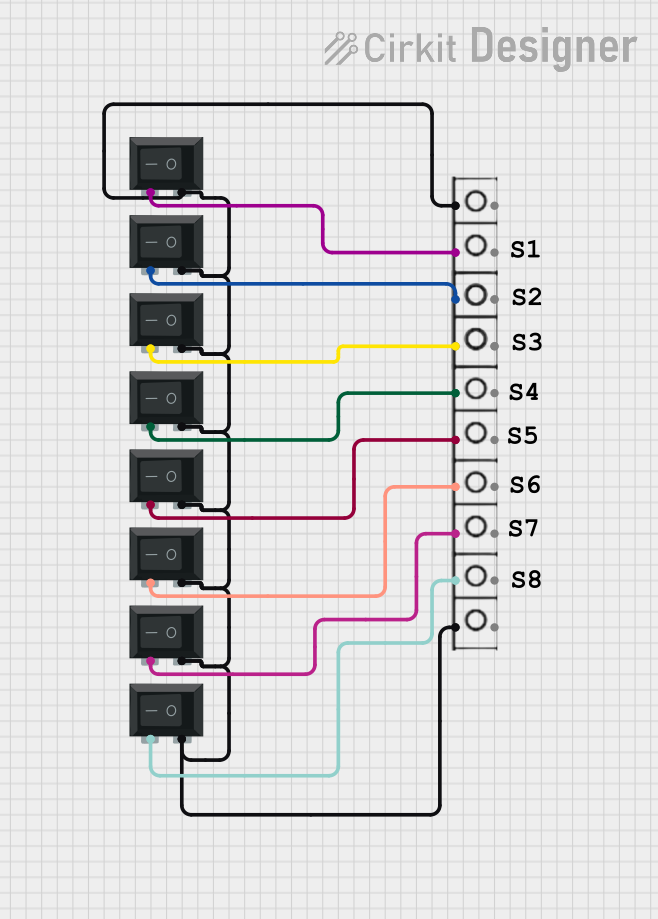 Open Project in Cirkit Designer
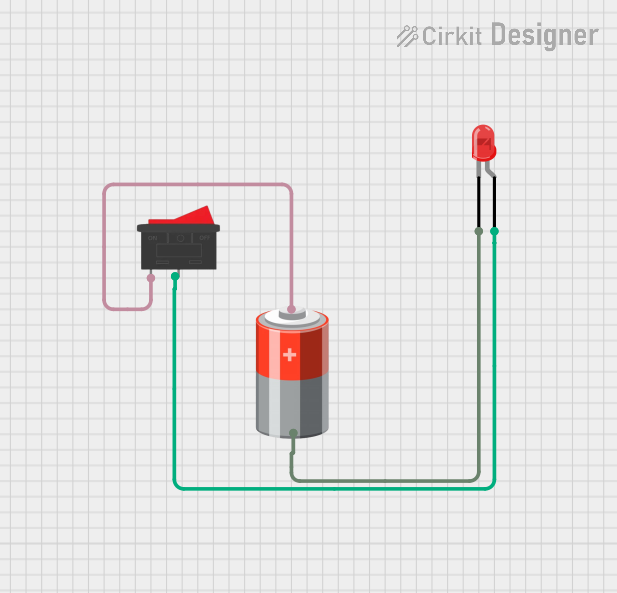 Open Project in Cirkit Designer
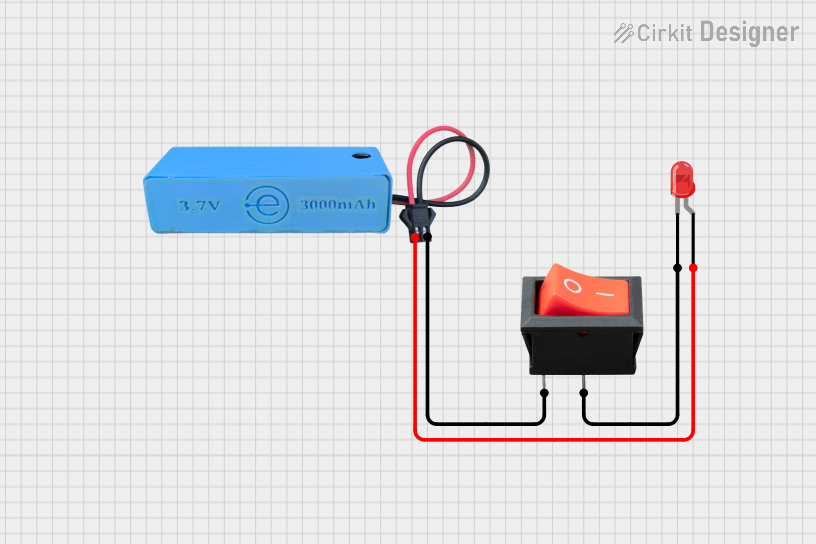 Open Project in Cirkit Designer
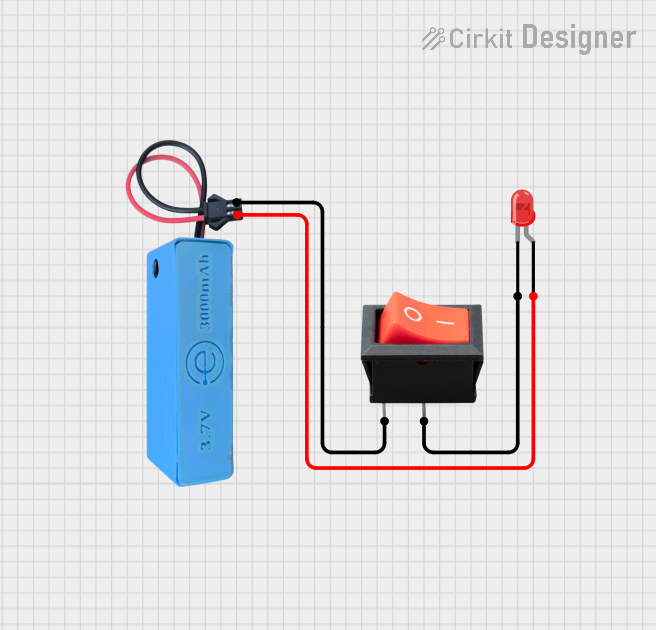 Open Project in Cirkit Designer
Explore Projects Built with Rocker Switch
Open Project in Cirkit DesignerOpen Project in Cirkit DesignerOpen Project in Cirkit DesignerOpen Project in Cirkit DesignerCommon Applications
- Power control for electronic devices and appliances
- Automotive systems (e.g., headlights, auxiliary lights)
- Industrial machinery and equipment
- Audio and video equipment
- Power strips and surge protectors
Technical Specifications
Below are the general technical specifications for a standard rocker switch. Note that specific values may vary depending on the model and manufacturer.
| Parameter | Specification |
|---|---|
| Voltage Rating | 12V DC, 24V DC, or 120-250V AC |
| Current Rating | 5A, 10A, 15A, or higher |
| Contact Resistance | ≤ 50 mΩ |
| Insulation Resistance | ≥ 100 MΩ |
| Operating Temperature | -25°C to +85°C |
| Mechanical Life | 10,000 to 50,000 cycles |
| Mounting Style | Panel mount or PCB mount |
Pin Configuration and Descriptions
Rocker switches typically have two or three pins, depending on their type (SPST, SPDT, etc.). Below is a table describing the pin configuration for a common SPST (Single Pole Single Throw) rocker switch:
| Pin Number | Name | Description |
|---|---|---|
| 1 | Input (Line) | Connects to the power source (e.g., live wire). |
| 2 | Output (Load) | Connects to the load (e.g., device being powered). |
For SPDT (Single Pole Double Throw) rocker switches, an additional pin (Pin 3) is present:
| Pin Number | Name | Description |
|---|---|---|
| 3 | Common (COM) | Connects to the common terminal for switching. |
Usage Instructions
How to Use the Rocker Switch in a Circuit
- Identify the Pins: Determine the input, output, and (if applicable) common pins based on the switch type and pin configuration.
- Connect the Power Source: Attach the live wire from the power source to the input pin of the rocker switch.
- Connect the Load: Connect the output pin to the device or load you want to control.
- Secure the Switch: Mount the rocker switch securely in a panel or enclosure to prevent accidental disconnection.
- Test the Circuit: Power on the circuit and toggle the switch to ensure proper operation.
Important Considerations
- Voltage and Current Ratings: Ensure the switch's voltage and current ratings match or exceed the requirements of your circuit.
- Polarity: For DC circuits, maintain correct polarity to avoid damage to the switch or connected devices.
- Debouncing: If using the switch with a microcontroller, consider implementing software or hardware debouncing to avoid erratic behavior.
- Safety: Always disconnect power before wiring or modifying the circuit to prevent electric shock or damage.
Example: Connecting a Rocker Switch to an Arduino UNO
Below is an example of how to use a rocker switch to control an LED with an Arduino UNO:
Circuit Diagram
- Connect one terminal of the rocker switch to a digital input pin on the Arduino (e.g., pin 2).
- Connect the other terminal of the switch to the ground (GND) pin.
- Use a pull-up resistor (10kΩ) to ensure a stable input signal.
Arduino Code
// Define the pin numbers
const int switchPin = 2;  // Pin connected to the rocker switch
const int ledPin = 13;    // Pin connected to the onboard LED

void setup() {
  pinMode(switchPin, INPUT_PULLUP); // Set switch pin as input with pull-up resistor
  pinMode(ledPin, OUTPUT);          // Set LED pin as output
}

void loop() {
  int switchState = digitalRead(switchPin); // Read the state of the switch

  if (switchState == LOW) {
    // If the switch is pressed (LOW), turn on the LED
    digitalWrite(ledPin, HIGH);
  } else {
    // If the switch is not pressed (HIGH), turn off the LED
    digitalWrite(ledPin, LOW);
  }
}
Troubleshooting and FAQs
Common Issues
Switch Not Working
- Cause: Incorrect wiring or loose connections.
- Solution: Double-check the wiring and ensure all connections are secure.
Switch Feels Stiff or Stuck
- Cause: Dirt or debris inside the switch mechanism.
- Solution: Clean the switch carefully or replace it if necessary.
Device Does Not Turn On
- Cause: Voltage or current ratings of the switch are insufficient.
- Solution: Use a switch with appropriate ratings for your circuit.
Erratic Behavior in Microcontroller Applications
- Cause: Switch bouncing.
- Solution: Implement software or hardware debouncing techniques.
FAQs
Q: Can I use a rocker switch for both AC and DC circuits?
A: Yes, but ensure the switch is rated for the voltage and current of the specific circuit type.
Q: How do I know if my rocker switch is SPST or SPDT?
A: Check the number of pins and the datasheet. SPST switches have two pins, while SPDT switches have three.
Q: Can I use a rocker switch to control high-power devices?
A: Only if the switch's current and voltage ratings are sufficient. For high-power devices, consider using a relay in conjunction with the switch.
Q: What is the lifespan of a rocker switch?
A: Most rocker switches have a mechanical life of 10,000 to 50,000 cycles, depending on the quality and usage conditions.