
How to Use Matek sys H743: Examples, Pinouts, and Specs
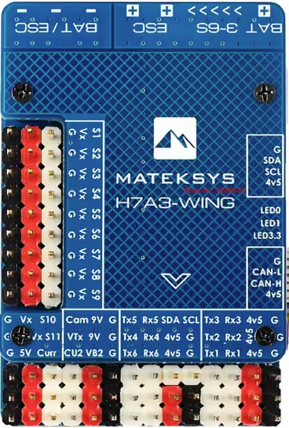
 Design with Matek sys H743 in Cirkit Designer
Introduction
The Matek Sys H743 V3 Wings is a high-performance flight controller designed specifically for drones and UAVs. It features advanced processing capabilities, multiple sensor inputs, and support for a wide range of communication protocols, making it an ideal choice for both hobbyists and professional UAV developers. With its powerful STM32H743 microcontroller, the H743 V3 Wings offers exceptional performance, reliability, and flexibility for demanding flight control applications.
Explore Projects Built with Matek sys H743
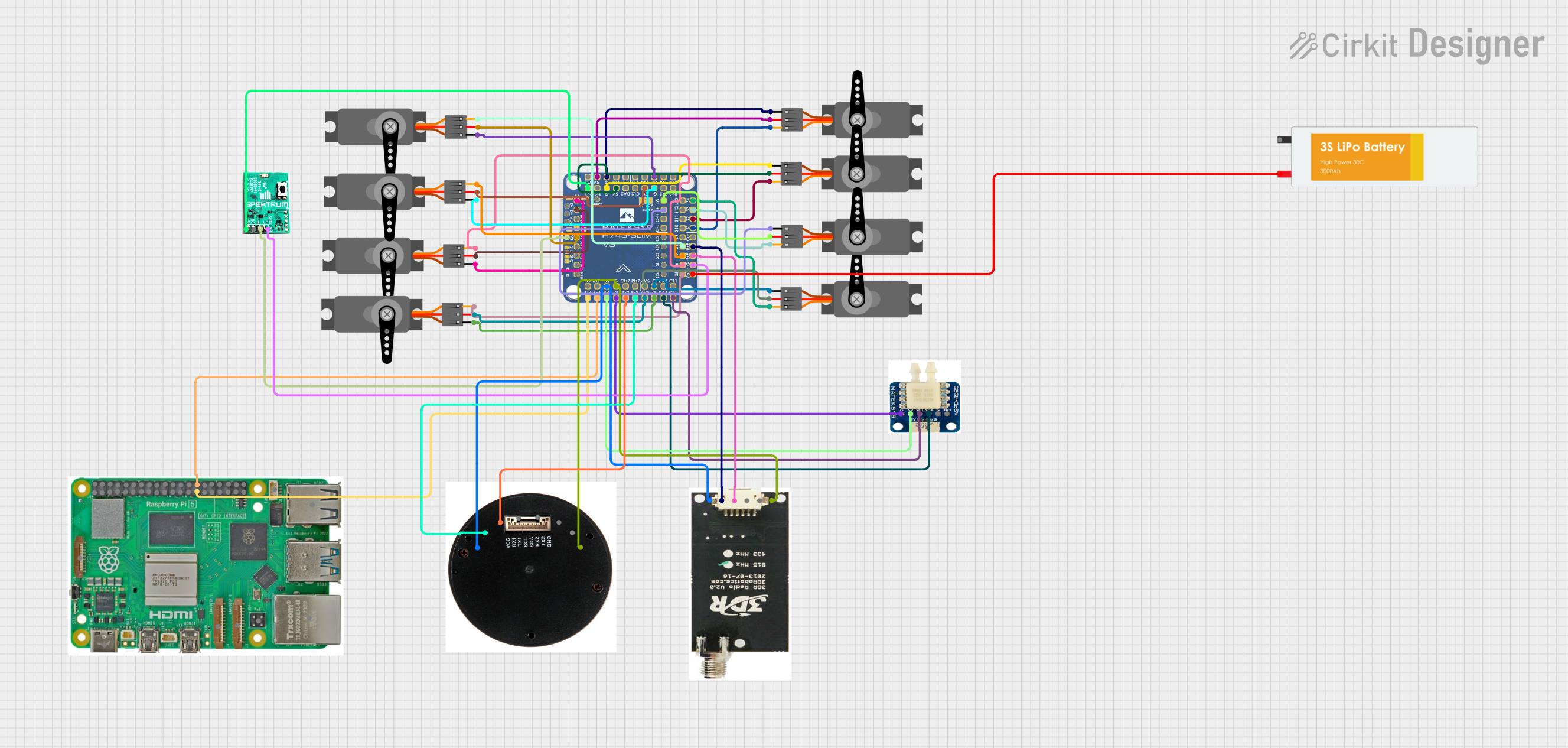 Open Project in Cirkit Designer
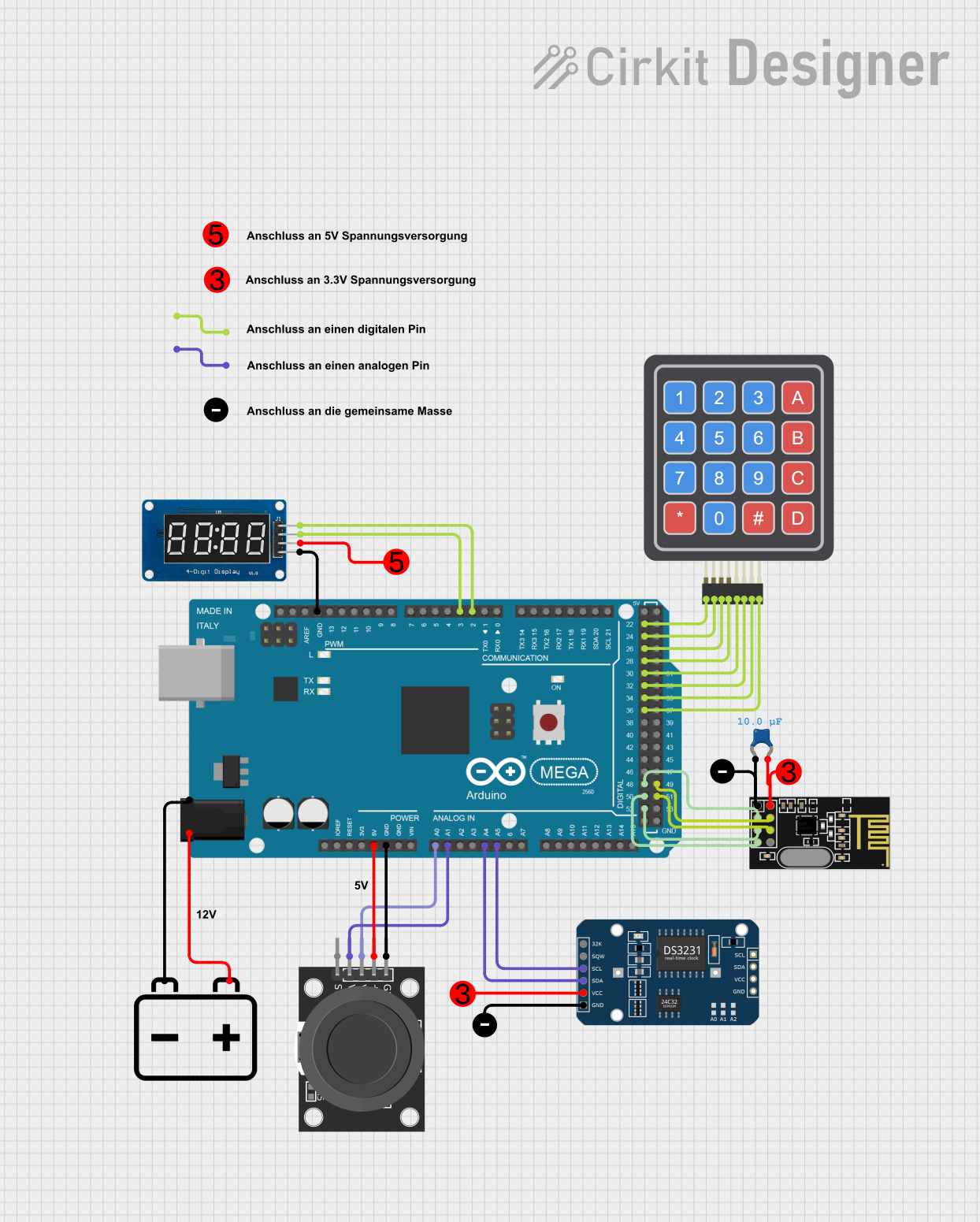 Open Project in Cirkit Designer
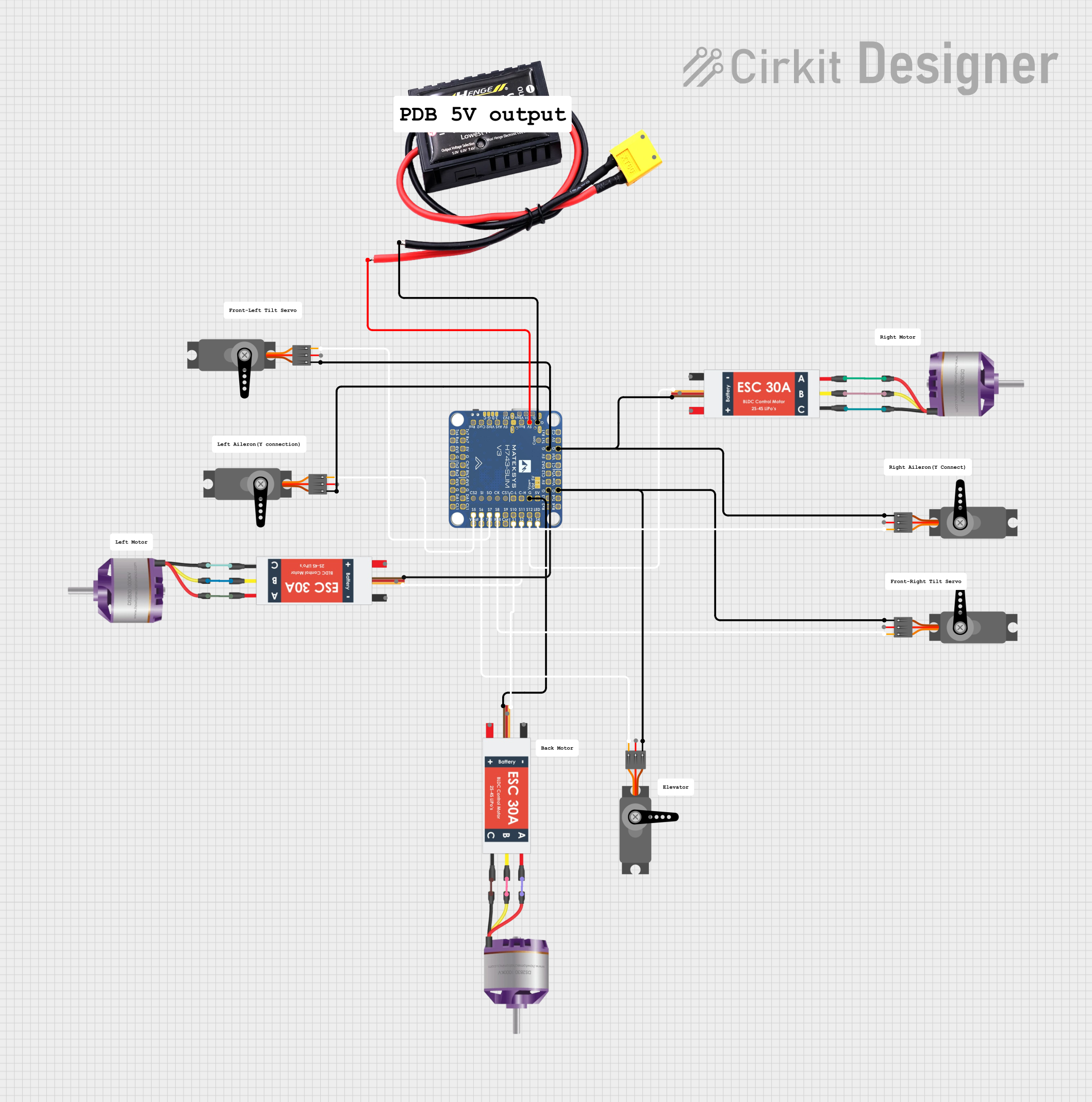 Open Project in Cirkit Designer
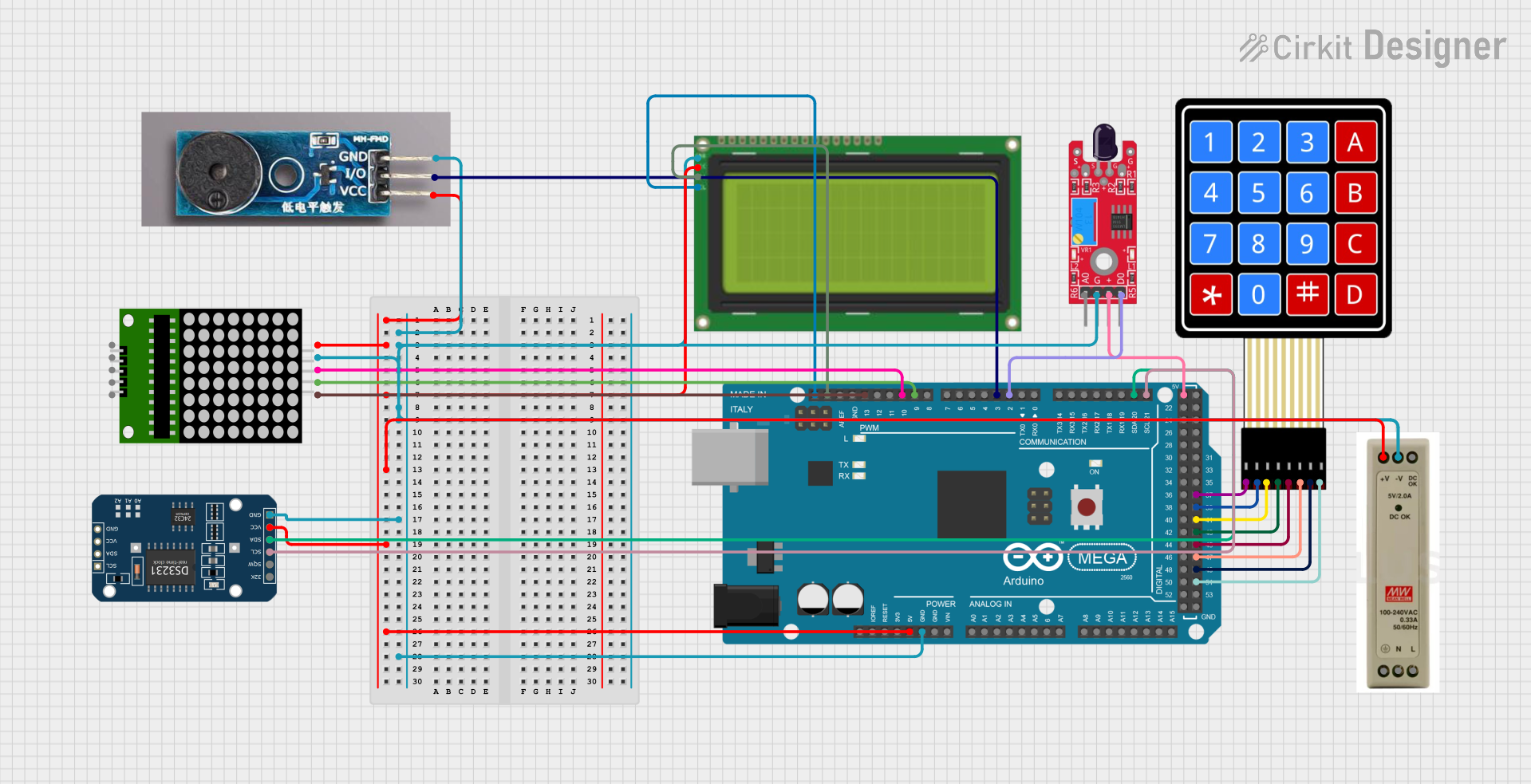 Open Project in Cirkit Designer
Explore Projects Built with Matek sys H743
Open Project in Cirkit DesignerOpen Project in Cirkit DesignerOpen Project in Cirkit DesignerOpen Project in Cirkit DesignerCommon Applications and Use Cases
- Multirotor drones and fixed-wing UAVs
- Autonomous navigation and flight control
- FPV (First-Person View) racing drones
- Aerial photography and videography platforms
- Research and development of UAV systems
- Integration with GPS, telemetry, and other sensors
Technical Specifications
Key Technical Details
- Microcontroller: STM32H743, 32-bit ARM Cortex-M7, 480 MHz
- IMU (Inertial Measurement Unit): Dual IMUs (MPU6000 and ICM42688-P)
- Barometer: BMP280
- Input Voltage Range: 7V to 30V (2S to 6S LiPo)
- BEC Output: 5V/2A and 9V/2A
- Flash Memory: 16 MB
- SD Card Slot: Supports microSD cards for data logging
- UART Ports: 8 UARTs for communication with peripherals
- I2C Ports: 2 I2C buses for sensor integration
- CAN Bus: 2 CAN ports for advanced communication
- PWM Outputs: 12 PWM outputs for motor and servo control
- OSD (On-Screen Display): Integrated OSD for FPV systems
- Dimensions: 68 mm x 50 mm
- Weight: 20 g
Pin Configuration and Descriptions
The Matek Sys H743 V3 Wings features a comprehensive pinout for connecting various peripherals. Below is a table summarizing the key pins and their functions:
| Pin Name | Description |
|---|---|
| GND | Ground connection |
| VIN | Power input (7V to 30V) |
| 5V | 5V output for powering peripherals |
| 9V | 9V output for powering FPV systems |
| UART1-TX/RX | UART1 transmit/receive for communication with peripherals |
| UART2-TX/RX | UART2 transmit/receive for GPS or telemetry |
| I2C1-SCL/SDA | I2C1 clock/data for sensor integration |
| I2C2-SCL/SDA | I2C2 clock/data for additional sensors |
| CAN1-H/L | CAN1 high/low for advanced communication |
| CAN2-H/L | CAN2 high/low for additional CAN devices |
| PWM1-12 | PWM outputs for motor and servo control |
| SD_CLK/DAT | SD card interface for data logging |
| OSD_VIN/VOUT | Video input/output for FPV on-screen display |
Usage Instructions
How to Use the Component in a Circuit
Powering the Flight Controller:
- Connect a 2S to 6S LiPo battery to the VIN and GND pins.
- Ensure the input voltage is within the range of 7V to 30V.
Connecting Peripherals:
- Use the UART ports to connect GPS modules, telemetry radios, or other communication devices.
- Connect sensors like magnetometers or airspeed sensors to the I2C ports.
- Use the PWM outputs to connect ESCs (Electronic Speed Controllers) or servos.
Configuring the Flight Controller:
- Install Betaflight or INAV configurator software on your computer.
- Connect the flight controller to your computer via USB.
- Use the configurator to set up the flight modes, calibrate sensors, and configure the OSD.
Data Logging:
- Insert a microSD card into the SD card slot for logging flight data.
- Ensure the card is formatted correctly (FAT32) for compatibility.
Important Considerations and Best Practices
- Always double-check the polarity of power connections to avoid damaging the flight controller.
- Use shielded cables for UART and I2C connections to minimize interference.
- Ensure proper cooling and ventilation, especially when operating in high-temperature environments.
- Regularly update the firmware to benefit from the latest features and bug fixes.
- Perform a pre-flight check to verify all connections and configurations.
Example Code for Arduino UNO Integration
While the Matek Sys H743 V3 Wings is not typically used with an Arduino UNO, it can communicate with it via UART. Below is an example of how to send data from the Arduino to the flight controller:
#include <SoftwareSerial.h>

// Define RX and TX pins for SoftwareSerial
SoftwareSerial mySerial(10, 11); // RX = pin 10, TX = pin 11

void setup() {
  // Start the hardware serial port for debugging
  Serial.begin(9600);
  // Start the software serial port for communication with the flight controller
  mySerial.begin(9600);
  Serial.println("Arduino to Matek Sys H743 V3 Wings Communication Started");
}

void loop() {
  // Send a test message to the flight controller
  mySerial.println("Hello, Flight Controller!");

  // Check if data is received from the flight controller
  if (mySerial.available()) {
    String receivedData = mySerial.readString();
    Serial.print("Received: ");
    Serial.println(receivedData);
  }

  delay(1000); // Wait for 1 second before sending the next message
}
Troubleshooting and FAQs
Common Issues and Solutions
Flight Controller Not Powering On:
- Ensure the input voltage is within the specified range (7V to 30V).
- Check for loose or incorrect power connections.
No Communication with Peripherals:
- Verify the UART or I2C connections and ensure the correct pins are used.
- Check the baud rate settings in the configurator software.
OSD Not Displaying on FPV Feed:
- Ensure the OSD_VIN and OSD_VOUT connections are correct.
- Verify the OSD settings in the configurator software.
Data Logging Not Working:
- Ensure the microSD card is properly inserted and formatted as FAT32.
- Check the SD card slot for any physical damage or debris.
FAQs
Q: Can I use this flight controller with fixed-wing aircraft?
A: Yes, the Matek Sys H743 V3 Wings is designed for both multirotor and fixed-wing UAVs.
Q: What firmware is compatible with this flight controller?
A: The H743 V3 Wings supports Betaflight, INAV, and ArduPilot firmware.
Q: How do I update the firmware?
A: Use the Betaflight or INAV configurator to flash the latest firmware via USB.
Q: Can I connect multiple sensors simultaneously?
A: Yes, the flight controller supports multiple sensors via its UART, I2C, and CAN interfaces.