
How to Use Ra02: Examples, Pinouts, and Specs
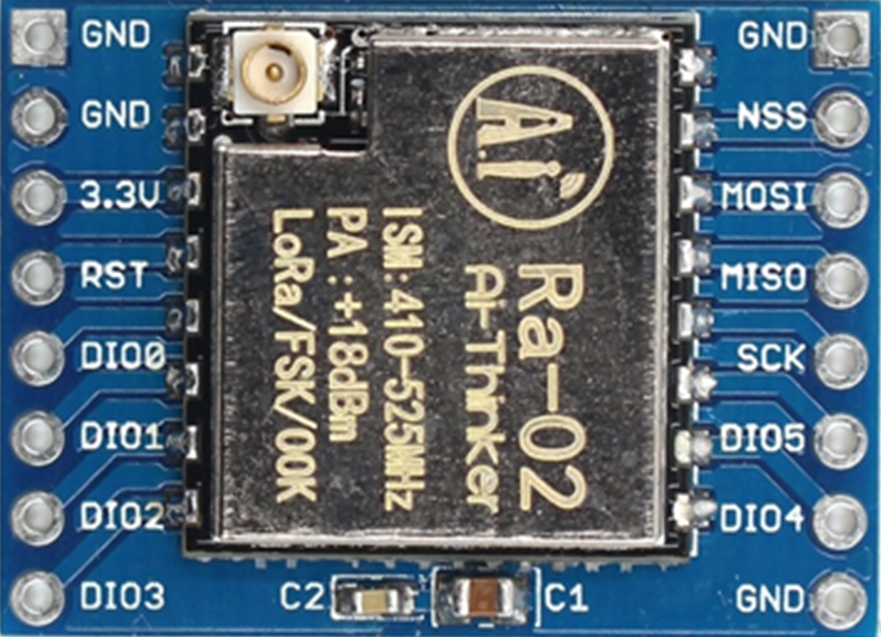
 Design with Ra02 in Cirkit Designer
Introduction
The Ra02 is a resistor manufactured by Lora, designed for use in electronic circuits to limit current flow, divide voltages, and provide precise resistance values. It is a fundamental passive component used in a wide range of applications, from simple circuits to complex electronic systems. The Ra02 is characterized by its resistance value, tolerance, and power rating, making it suitable for both general-purpose and specialized applications.
Explore Projects Built with Ra02
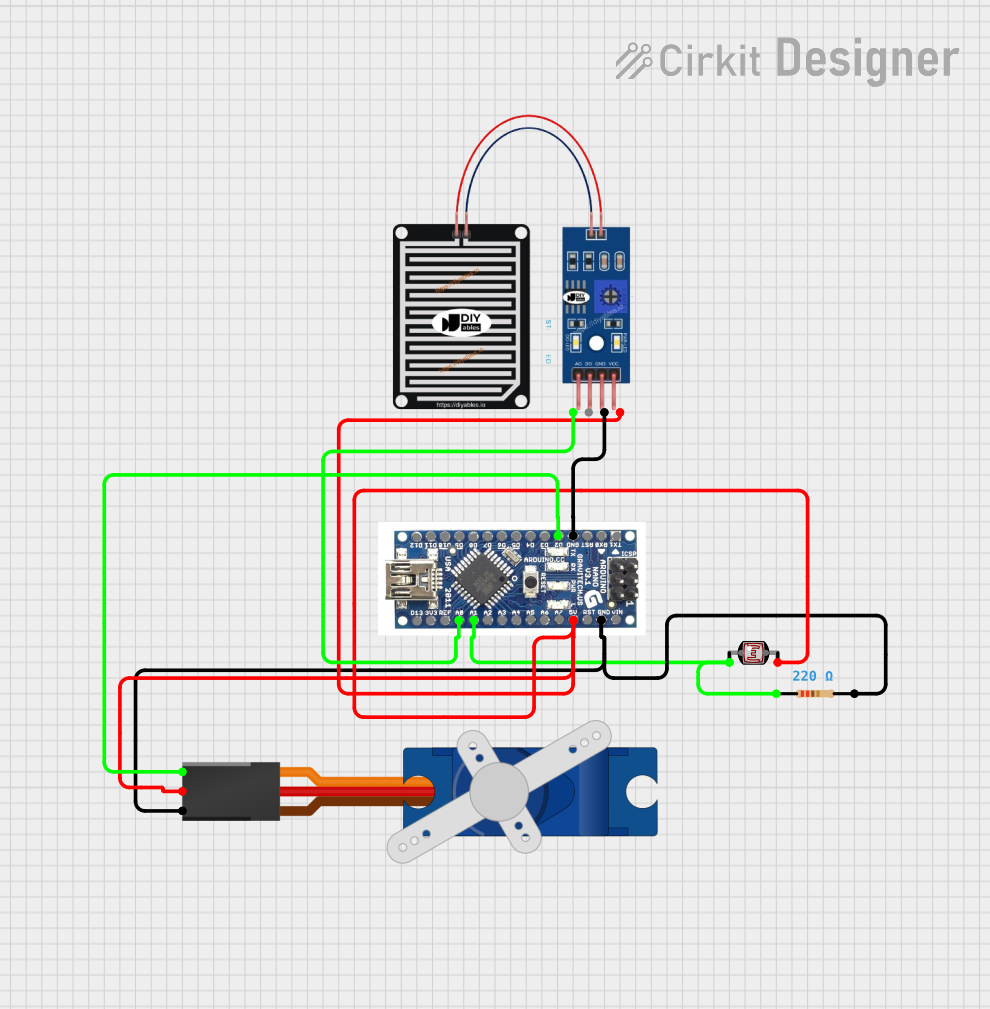 Open Project in Cirkit Designer
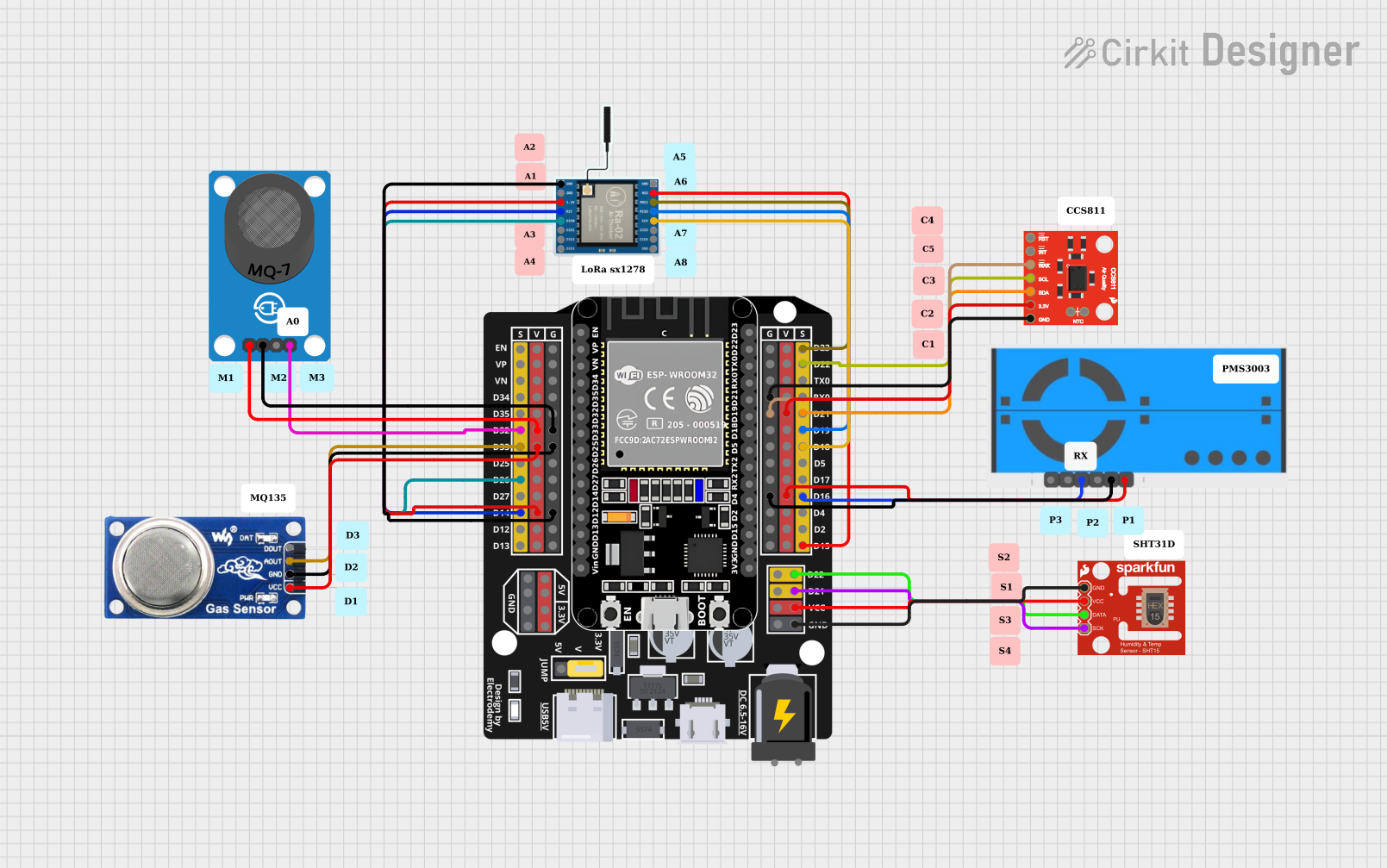 Open Project in Cirkit Designer
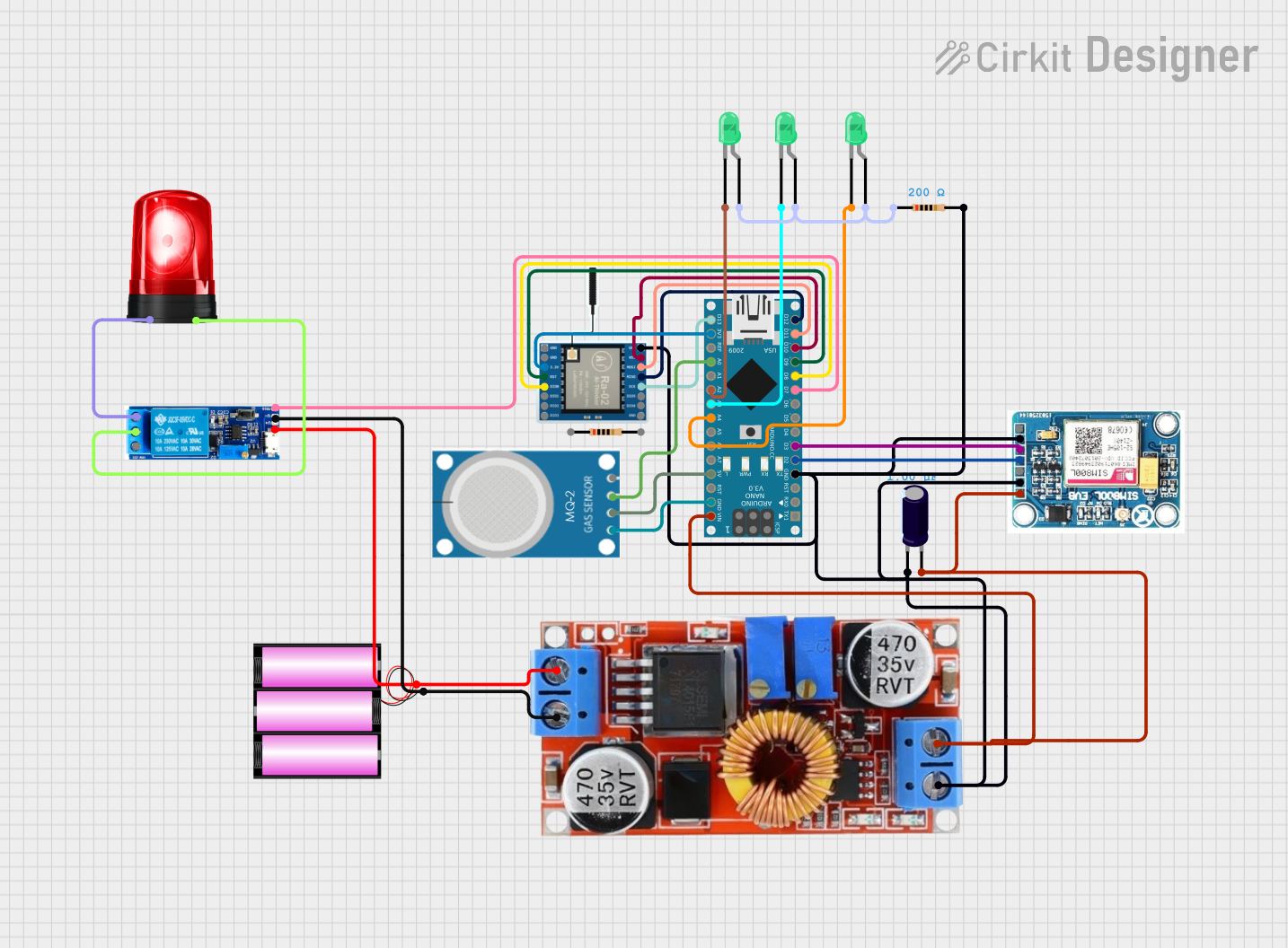 Open Project in Cirkit Designer
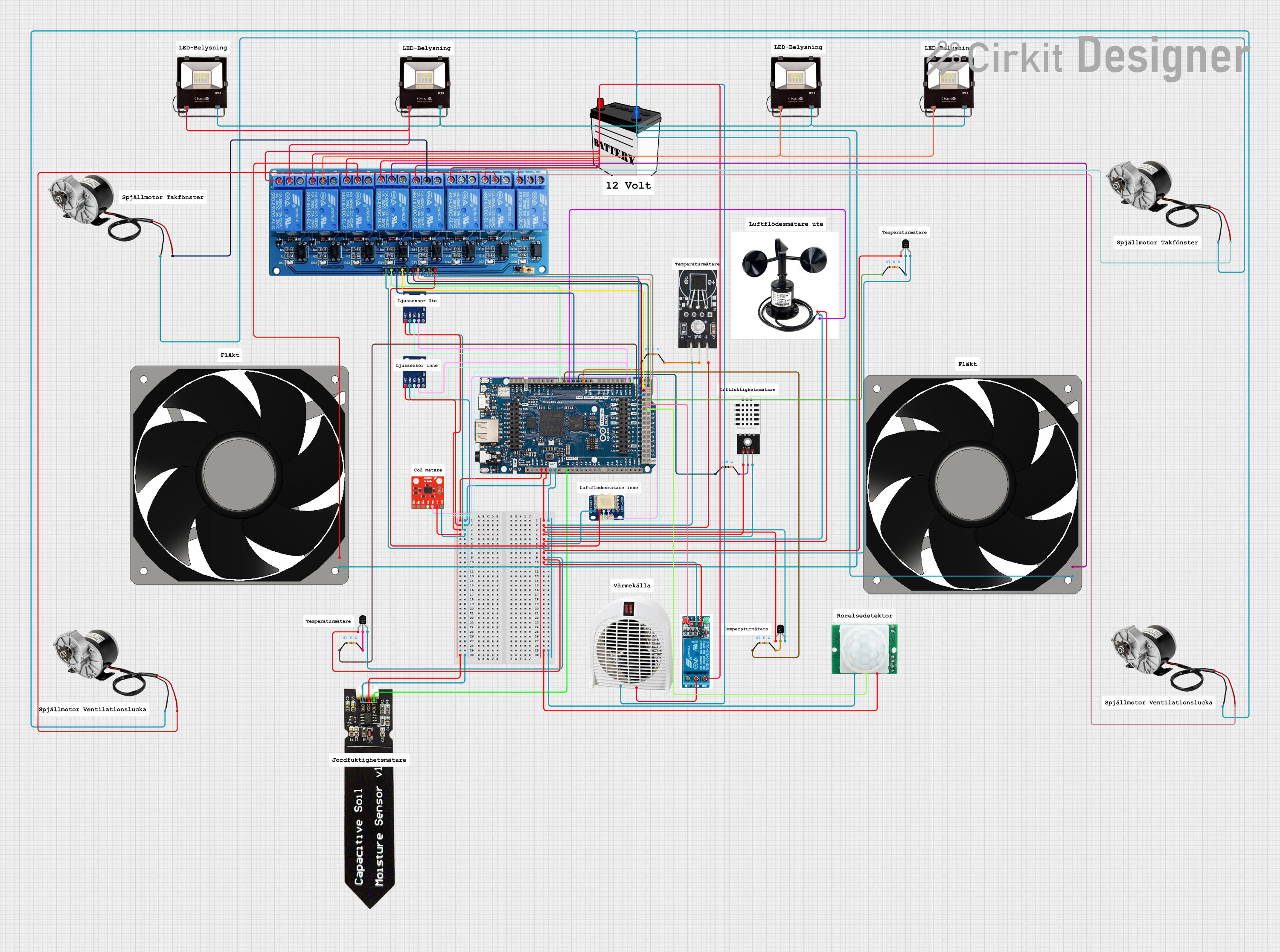 Open Project in Cirkit Designer
Explore Projects Built with Ra02
Open Project in Cirkit DesignerOpen Project in Cirkit DesignerOpen Project in Cirkit DesignerOpen Project in Cirkit DesignerCommon Applications and Use Cases
- Current limiting in LED circuits
- Voltage division in sensor circuits
- Pull-up or pull-down resistors in digital circuits
- Biasing resistors in transistor circuits
- Signal conditioning in analog circuits
Technical Specifications
The Ra02 resistor is available in various resistance values, tolerances, and power ratings. Below are the key technical details:
General Specifications
| Parameter | Value/Range |
|---|---|
| Resistance Range | 1 Ω to 10 MΩ |
| Tolerance | ±1%, ±5% |
| Power Rating | 0.125 W (1/8 W), 0.25 W (1/4 W) |
| Temperature Coefficient | ±100 ppm/°C to ±200 ppm/°C |
| Operating Temperature | -55°C to +155°C |
| Package Type | Axial or Surface Mount (SMD) |
Pin Configuration and Descriptions
For through-hole (axial) resistors:
| Pin Number | Description |
|---|---|
| Lead 1 | Connects to one side of the circuit |
| Lead 2 | Connects to the other side of the circuit |
For surface-mount (SMD) resistors:
| Pin Number | Description |
|---|---|
| Terminal 1 | Connects to one side of the circuit |
| Terminal 2 | Connects to the other side of the circuit |
Usage Instructions
How to Use the Ra02 in a Circuit
- Determine the Required Resistance Value: Use Ohm's Law (V = IR) to calculate the resistance needed for your application.
- Select the Appropriate Power Rating: Ensure the resistor's power rating exceeds the power it will dissipate in the circuit. Power dissipation is calculated as ( P = I^2R ) or ( P = V^2/R ).
- Place the Resistor in the Circuit:
- For axial resistors, insert the leads into the PCB holes and solder them.
- For SMD resistors, place the component on the PCB pads and solder it using reflow or hand-soldering techniques.
- Verify Connections: Double-check the resistor's placement and ensure it is connected to the correct points in the circuit.
Important Considerations and Best Practices
- Avoid Overloading: Do not exceed the resistor's power rating to prevent overheating or damage.
- Tolerance Selection: Use resistors with tighter tolerances (e.g., ±1%) for precision applications.
- Temperature Effects: Consider the temperature coefficient for applications with significant temperature variations.
- Series and Parallel Configurations: Combine resistors in series or parallel to achieve non-standard resistance values.
Example: Using Ra02 with an Arduino UNO
The Ra02 can be used as a pull-up resistor in an Arduino UNO circuit. Below is an example code snippet:
// Example: Using Ra02 as a pull-up resistor with a push button
const int buttonPin = 2; // Pin connected to the push button
const int ledPin = 13;   // Pin connected to the onboard LED

void setup() {
  pinMode(buttonPin, INPUT_PULLUP); // Enable internal pull-up resistor
  pinMode(ledPin, OUTPUT);          // Set LED pin as output
}

void loop() {
  int buttonState = digitalRead(buttonPin); // Read the button state

  if (buttonState == LOW) { // Button pressed (LOW due to pull-up resistor)
    digitalWrite(ledPin, HIGH); // Turn on the LED
  } else {
    digitalWrite(ledPin, LOW);  // Turn off the LED
  }
}
Troubleshooting and FAQs
Common Issues
Resistor Overheating:
- Cause: Exceeding the power rating.
- Solution: Use a resistor with a higher power rating or reduce the current/voltage in the circuit.
Incorrect Resistance Value:
- Cause: Misreading the color code or using the wrong resistor.
- Solution: Verify the resistance value using a multimeter or double-check the color code.
Circuit Malfunction:
- Cause: Poor soldering or incorrect placement.
- Solution: Inspect solder joints and ensure proper connections.
FAQs
Q1: Can I use the Ra02 in high-frequency circuits?
A1: Yes, but consider the parasitic inductance and capacitance of the resistor, especially for SMD types.
Q2: How do I calculate the total resistance of multiple Ra02 resistors in parallel?
A2: Use the formula ( 1/R_{total} = 1/R_1 + 1/R_2 + ... + 1/R_n ).
Q3: What happens if I use a resistor with a lower power rating than required?
A3: The resistor may overheat, degrade, or fail, potentially damaging the circuit.
By following this documentation, users can effectively integrate the Ra02 resistor into their electronic projects while avoiding common pitfalls.