
How to Use Black Button: Examples, Pinouts, and Specs
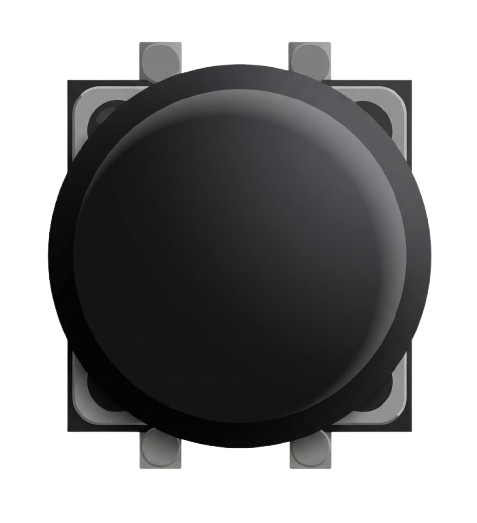
 Design with Black Button in Cirkit Designer
Introduction
The Black Button is a momentary switch that is activated when pressed. It is commonly used for user input in electronic devices, such as triggering actions, resetting circuits, or navigating menus. This simple yet versatile component is a staple in many electronic projects due to its reliability and ease of use.
Explore Projects Built with Black Button
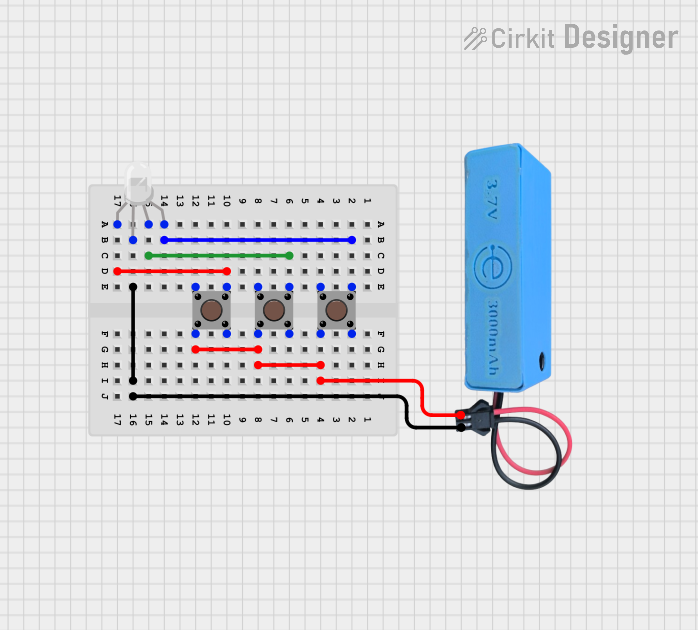 Open Project in Cirkit Designer
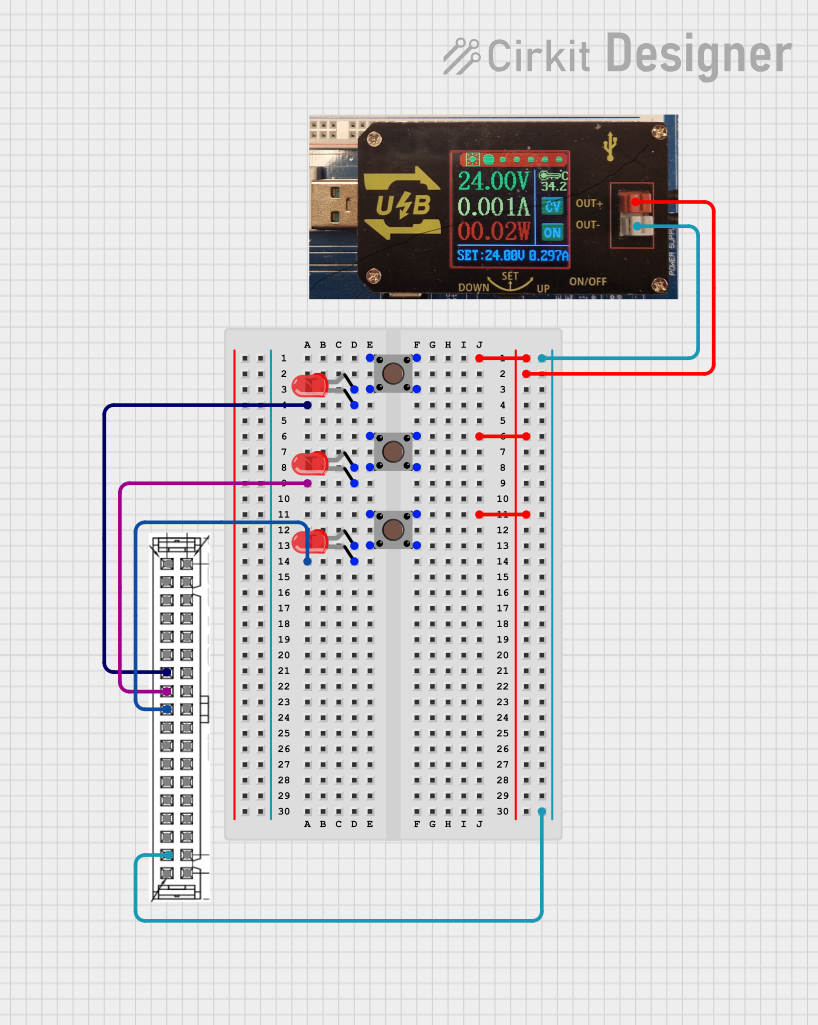 Open Project in Cirkit Designer
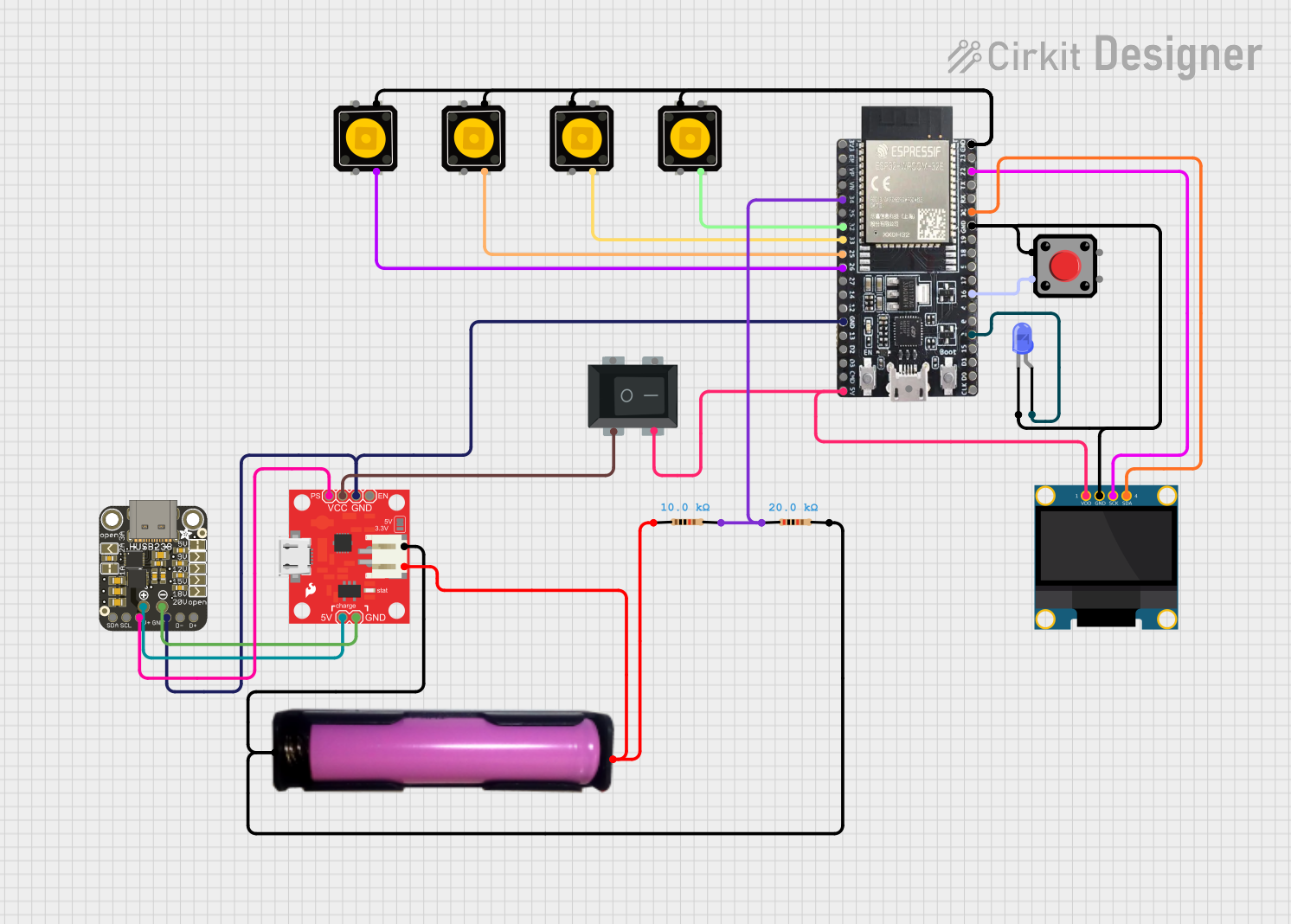 Open Project in Cirkit Designer
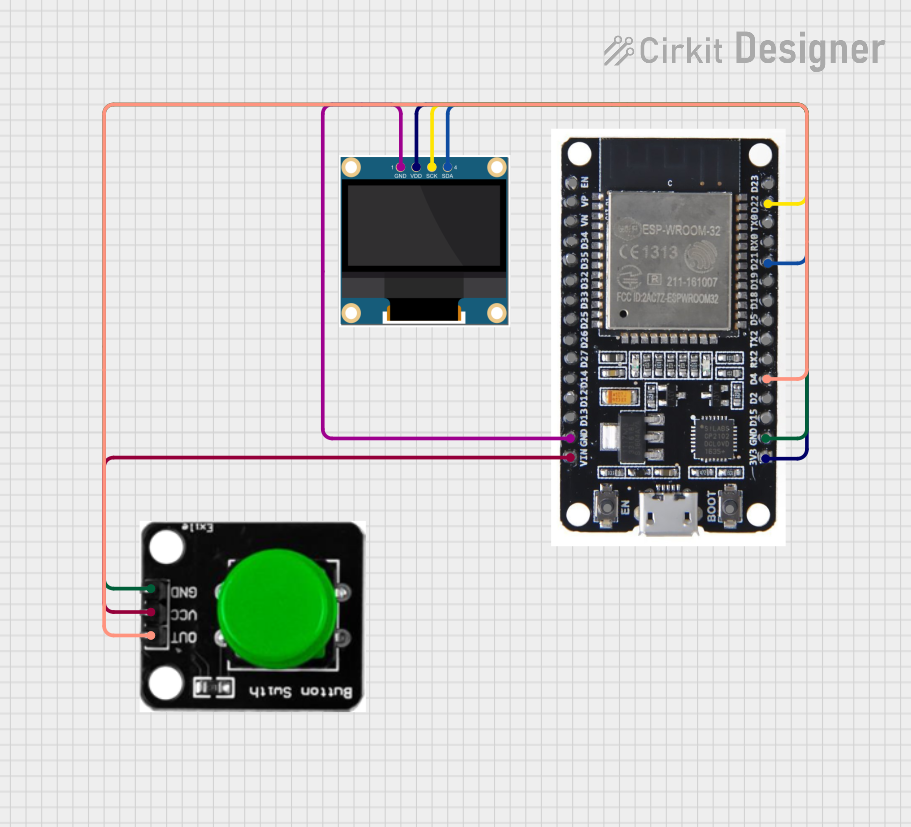 Open Project in Cirkit Designer
Explore Projects Built with Black Button
Open Project in Cirkit DesignerOpen Project in Cirkit DesignerOpen Project in Cirkit DesignerOpen Project in Cirkit DesignerCommon Applications
- User input for microcontroller-based projects (e.g., Arduino, Raspberry Pi)
- Reset or power buttons in electronic devices
- Triggering events in circuits
- Prototyping and testing circuits
Technical Specifications
The Black Button is a passive component with the following key specifications:
| Parameter | Value |
|---|---|
| Type | Momentary push-button switch |
| Operating Voltage | 3.3V to 12V |
| Maximum Current | 50mA |
| Contact Resistance | ≤ 100mΩ |
| Insulation Resistance | ≥ 100MΩ |
| Operating Temperature | -20°C to +70°C |
| Dimensions | 6mm x 6mm x 5mm |
Pin Configuration
The Black Button typically has four pins, arranged in a square configuration. However, only two pins are internally connected to the switch mechanism. The other two pins are redundant and provide mechanical stability. Below is the pin configuration:
| Pin Number | Description |
|---|---|
| Pin 1 | Connected to one side of the switch |
| Pin 2 | Connected to the other side of the switch |
| Pin 3 | Redundant (internally connected to Pin 1) |
| Pin 4 | Redundant (internally connected to Pin 2) |
Note: Pins 1 and 3 are electrically connected, as are Pins 2 and 4. You can use either pair for your circuit.
Usage Instructions
How to Use the Black Button in a Circuit
- Identify the Active Pins: Use a multimeter in continuity mode to identify the two active pins (Pins 1 and 2). These pins will show continuity only when the button is pressed.
- Connect to Circuit:
- Connect one active pin to the input signal or microcontroller pin.
- Connect the other active pin to ground or the desired circuit path.
- Debounce the Button: Mechanical switches like the Black Button can produce noise or "bouncing" when pressed. Use a capacitor (e.g., 0.1µF) or software debounce techniques to ensure stable operation.
Example: Connecting to an Arduino UNO
The Black Button can be used as an input device for an Arduino UNO. Below is an example circuit and code:
Circuit Setup
- Connect one active pin of the Black Button to digital pin 2 on the Arduino.
- Connect the other active pin to ground.
- Use a 10kΩ pull-up resistor between digital pin 2 and 5V to ensure a stable HIGH signal when the button is not pressed.
Arduino Code
// Define the pin connected to the Black Button
const int buttonPin = 2;

// Variable to store the button state
int buttonState = 0;

void setup() {
  // Set the button pin as input
  pinMode(buttonPin, INPUT);

  // Initialize serial communication for debugging
  Serial.begin(9600);
}

void loop() {
  // Read the state of the button
  buttonState = digitalRead(buttonPin);

  // Print the button state to the Serial Monitor
  if (buttonState == HIGH) {
    Serial.println("Button Pressed");
  } else {
    Serial.println("Button Released");
  }

  // Add a small delay to avoid spamming the Serial Monitor
  delay(100);
}
Best Practices
- Always debounce the button to avoid erratic behavior.
- Avoid exceeding the maximum current and voltage ratings to prevent damage.
- Use the redundant pins for mechanical stability when soldering the button onto a PCB.
Troubleshooting and FAQs
Common Issues
Button Not Responding:
- Cause: Incorrect pin connections.
- Solution: Verify the active pins using a multimeter and ensure proper connections.
Button Produces Erratic Signals:
- Cause: Switch bouncing.
- Solution: Add a debounce circuit (e.g., capacitor) or implement software debounce in your code.
Button Feels Stuck or Unresponsive:
- Cause: Physical damage or debris inside the button.
- Solution: Inspect the button for damage or clean it carefully. Replace if necessary.
No Signal Detected on Microcontroller:
- Cause: Missing pull-up or pull-down resistor.
- Solution: Add a 10kΩ pull-up or pull-down resistor to stabilize the signal.
FAQs
Q: Can I use the Black Button with a 5V circuit?
A: Yes, the Black Button is compatible with 5V circuits, as long as the current does not exceed 50mA.
Q: Do I need to use all four pins?
A: No, you only need to use two active pins. The other two pins are redundant and provide mechanical stability.
Q: How do I debounce the button in software?
A: You can use a delay or a state-checking algorithm in your code to filter out noise caused by bouncing. Libraries like Bounce2 for Arduino can also simplify this process.
Q: Can I use the Black Button for high-power applications?
A: No, the Black Button is designed for low-power applications. For high-power circuits, use a relay or a more robust switch.
By following this documentation, you can effectively integrate the Black Button into your electronic projects!