
How to Use DB15 HEMBRA: Examples, Pinouts, and Specs
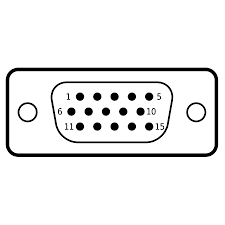
 Design with DB15 HEMBRA in Cirkit Designer
Introduction
The DB15 HEMBRA, manufactured by Arduino (Part ID: DB15), is a 15-pin D-subminiature female connector. It is widely used for connecting various types of electronic equipment, including computer peripherals, video devices, and industrial control systems. Its robust design and reliable connection make it a popular choice in applications requiring secure and durable interfacing.
Explore Projects Built with DB15 HEMBRA
 Open Project in Cirkit Designer
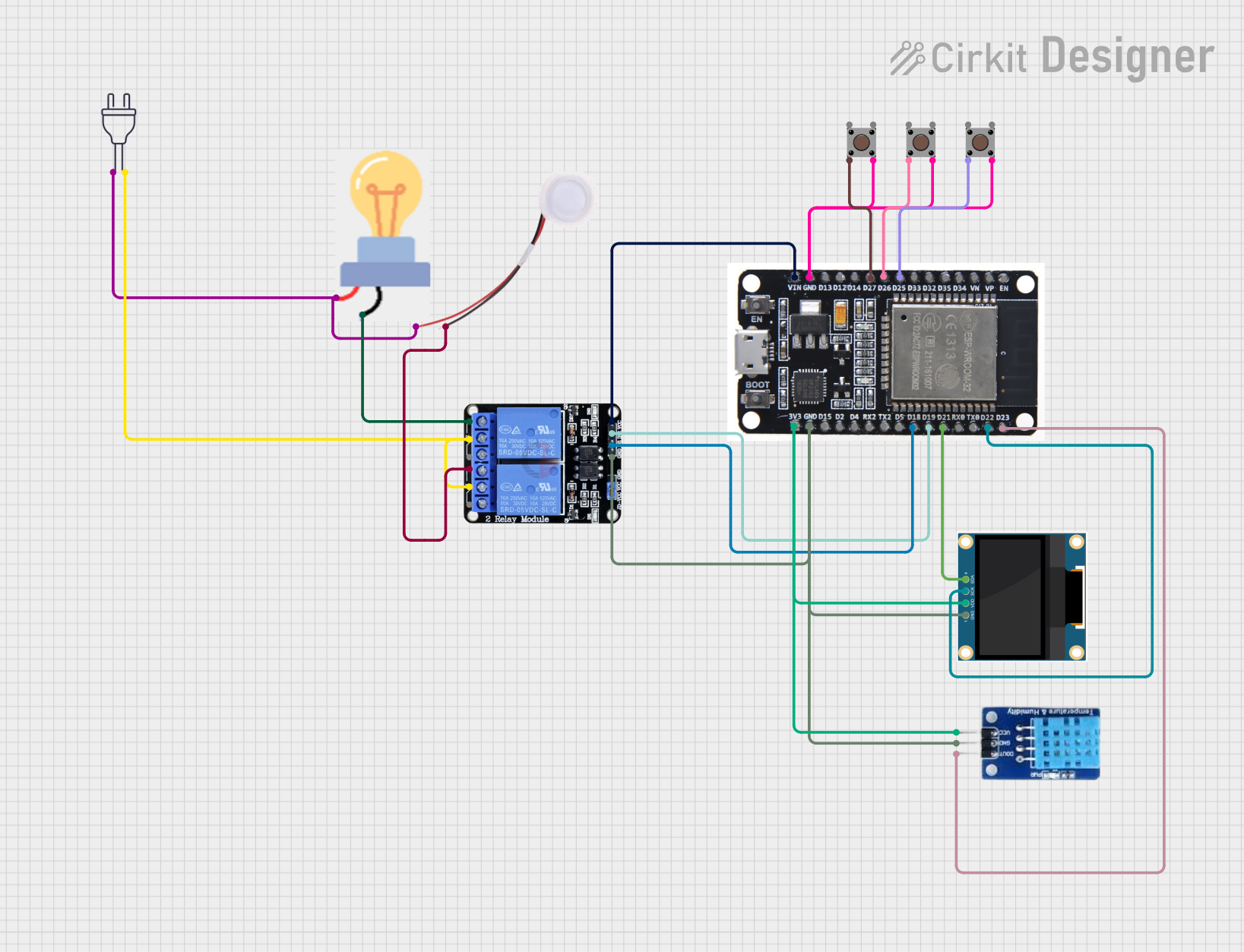 Open Project in Cirkit Designer
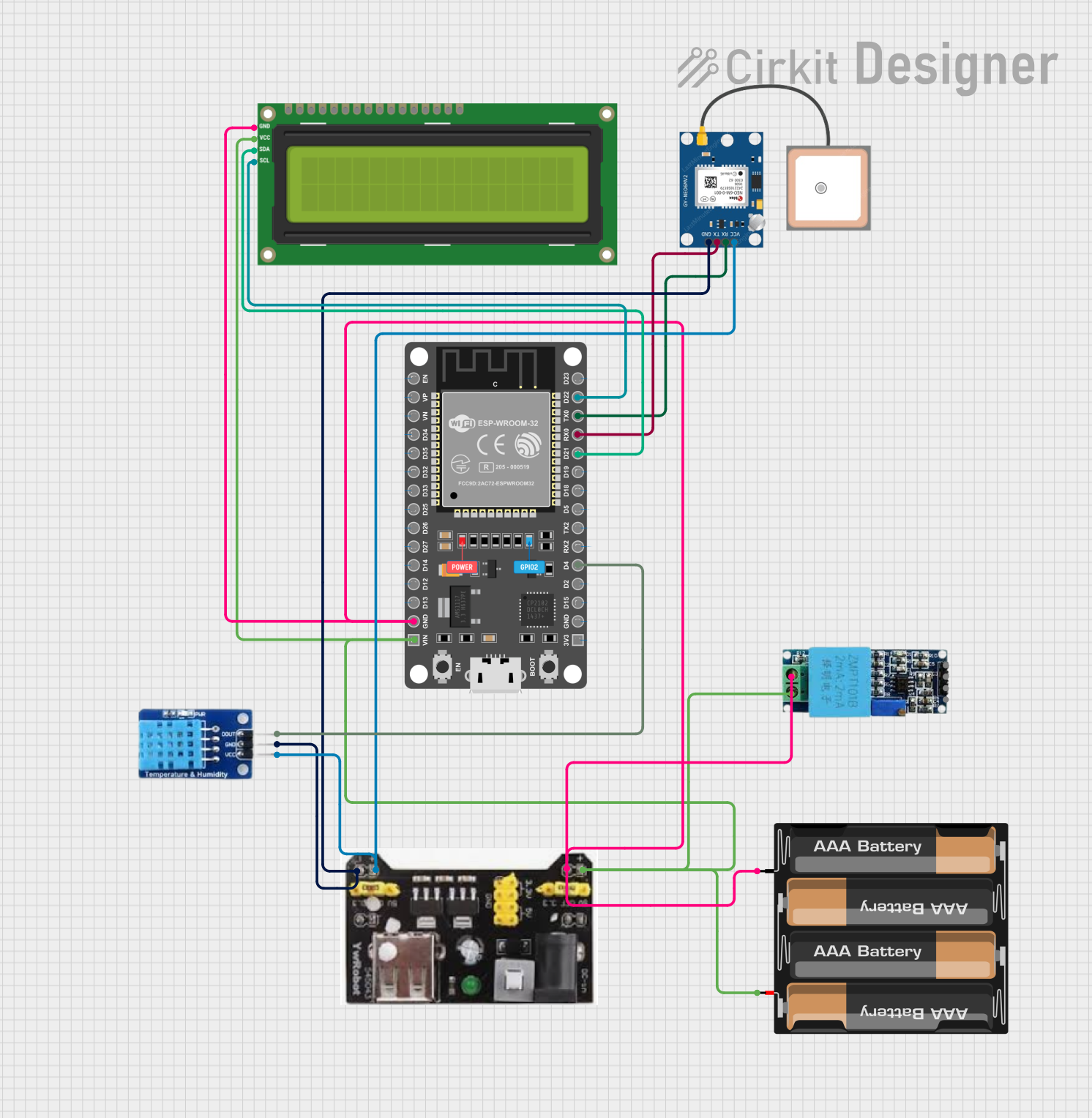 Open Project in Cirkit Designer
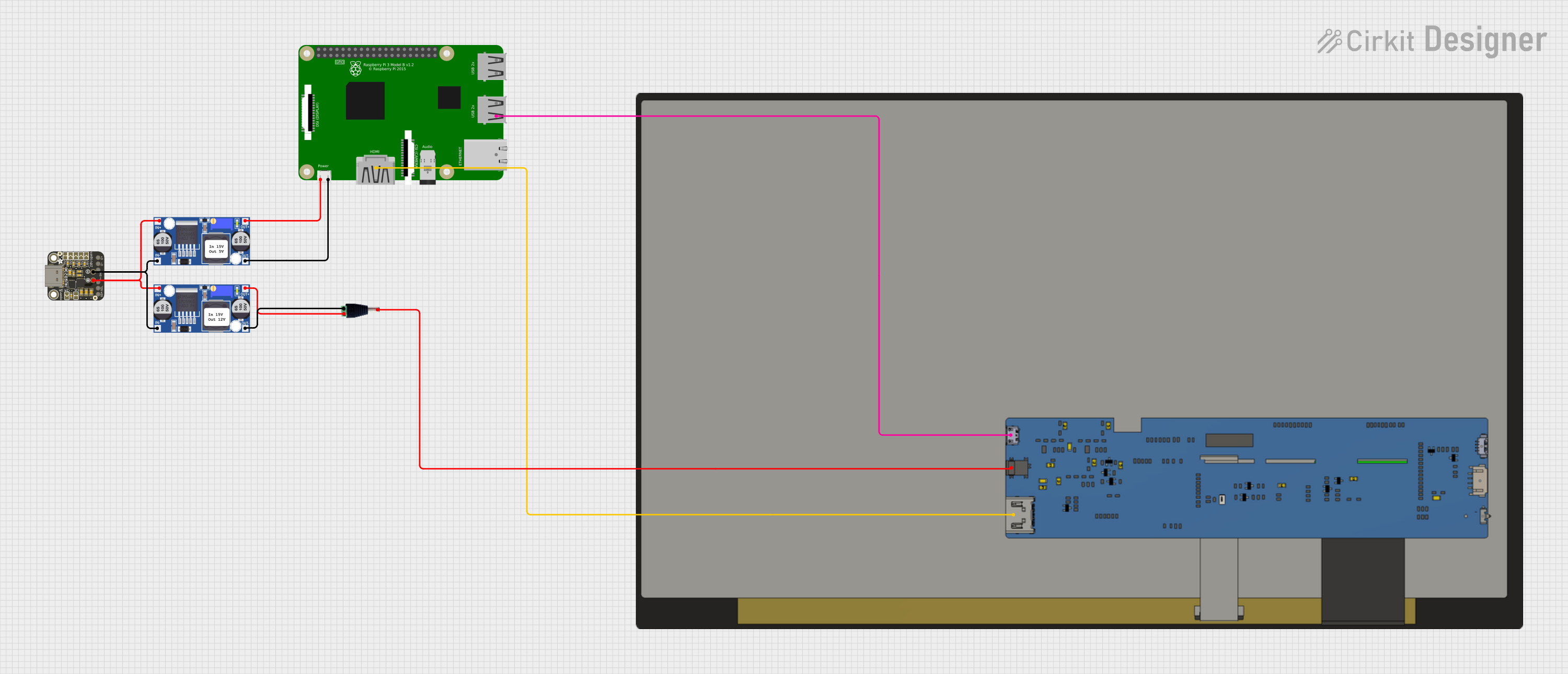 Open Project in Cirkit Designer
Explore Projects Built with DB15 HEMBRA
Open Project in Cirkit DesignerOpen Project in Cirkit DesignerOpen Project in Cirkit DesignerOpen Project in Cirkit DesignerCommon Applications and Use Cases
- VGA video connections for monitors and projectors
- Game controllers and joysticks
- Industrial equipment interfacing
- Audio and MIDI equipment
- Custom electronic projects requiring multi-pin connections
Technical Specifications
Key Technical Details
- Connector Type: D-subminiature, 15-pin female
- Number of Pins: 15
- Pin Spacing: 2.77 mm (standard D-sub spacing)
- Current Rating: Up to 5A per pin (depending on wire gauge)
- Voltage Rating: Up to 300V
- Material:
- Shell: Metal (nickel-plated for durability and shielding)
- Contacts: Gold-plated for improved conductivity
- Mounting Style: Through-hole or panel mount
- Operating Temperature: -55°C to +105°C
- Durability: Rated for 500 mating cycles
Pin Configuration and Descriptions
The DB15 HEMBRA connector has 15 pins arranged in two rows: 8 pins in the top row and 7 pins in the bottom row. Below is the pinout and description for a standard DB15 configuration:
| Pin Number | Description | Common Use |
|---|---|---|
| 1 | Data 1 | Signal transmission |
| 2 | Data 2 | Signal transmission |
| 3 | Data 3 | Signal transmission |
| 4 | Ground | Common ground |
| 5 | Data 4 | Signal transmission |
| 6 | Data 5 | Signal transmission |
| 7 | Data 6 | Signal transmission |
| 8 | Ground | Common ground |
| 9 | Data 7 | Signal transmission |
| 10 | Data 8 | Signal transmission |
| 11 | Data 9 | Signal transmission |
| 12 | Ground | Common ground |
| 13 | Data 10 | Signal transmission |
| 14 | Data 11 | Signal transmission |
| 15 | Data 12 | Signal transmission |
Note: The pinout may vary depending on the specific application (e.g., VGA, joystick). Always refer to the datasheet or application-specific documentation for exact pin assignments.
Usage Instructions
How to Use the DB15 HEMBRA in a Circuit
Mounting the Connector:
- For panel mounting, secure the DB15 HEMBRA connector to the panel using screws and nuts.
- For PCB mounting, solder the through-hole pins to the PCB pads.
Wiring:
- Identify the required pins based on your application (e.g., VGA, joystick).
- Use appropriate wire gauges to handle the current requirements (e.g., 22-26 AWG for low current).
- Ensure proper insulation and shielding to avoid signal interference.
Connecting to a Microcontroller (e.g., Arduino UNO):
- Use jumper wires or a breakout board to connect the DB15 HEMBRA to the Arduino UNO.
- Map the DB15 pins to the corresponding Arduino pins based on your application.
Example: Reading Input from a Joystick via DB15
Below is an example of interfacing a joystick connected via a DB15 HEMBRA to an Arduino UNO:
// Example: Reading joystick input via DB15 connector
// Pin mapping: DB15 Pin 1 -> Arduino A0 (X-axis)
//              DB15 Pin 2 -> Arduino A1 (Y-axis)
//              DB15 Pin 4 -> Arduino GND (Ground)

const int xAxisPin = A0; // X-axis connected to analog pin A0
const int yAxisPin = A1; // Y-axis connected to analog pin A1

void setup() {
  Serial.begin(9600); // Initialize serial communication
  pinMode(xAxisPin, INPUT); // Set X-axis pin as input
  pinMode(yAxisPin, INPUT); // Set Y-axis pin as input
}

void loop() {
  int xValue = analogRead(xAxisPin); // Read X-axis value
  int yValue = analogRead(yAxisPin); // Read Y-axis value

  // Print joystick values to the Serial Monitor
  Serial.print("X-axis: ");
  Serial.print(xValue);
  Serial.print(" | Y-axis: ");
  Serial.println(yValue);

  delay(100); // Small delay for stability
}
Important Considerations and Best Practices
- Shielding: Use shielded cables to minimize electromagnetic interference (EMI), especially in noisy environments.
- Pin Protection: Avoid shorting pins to prevent damage to the connector or connected devices.
- Mating Cycles: Ensure proper alignment when mating connectors to maximize durability and maintain reliable connections.
- Heat Management: When soldering, avoid excessive heat to prevent damage to the connector's plastic housing.
Troubleshooting and FAQs
Common Issues and Solutions
| Issue | Possible Cause | Solution |
|---|---|---|
| Loose connection or intermittent signal | Improper mating or worn-out connector | Ensure proper alignment and replace if worn |
| Signal interference | Lack of shielding or poor cable quality | Use shielded cables and ensure proper grounding |
| Pins not functioning | Incorrect wiring or damaged pins | Verify wiring and inspect pins for damage |
| Overheating during soldering | Excessive soldering time or high temperature | Use a temperature-controlled soldering iron and limit soldering time |
FAQs
Can the DB15 HEMBRA be used for VGA connections?
- Yes, the DB15 HEMBRA is commonly used for VGA connections. Ensure the pinout matches the VGA standard.
What is the maximum current rating per pin?
- The DB15 HEMBRA can handle up to 5A per pin, depending on the wire gauge and application.
How do I clean the connector?
- Use a soft brush or compressed air to remove dust. Avoid using liquids that may damage the contacts.
Can I use the DB15 HEMBRA for custom projects?
- Absolutely! The DB15 HEMBRA is versatile and can be used in a wide range of custom electronic projects.
By following this documentation, you can effectively integrate the DB15 HEMBRA into your projects and troubleshoot common issues with ease.