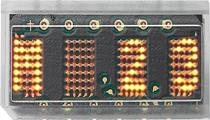
The HCMS-2902 is an alphanumeric LED display module manufactured by Broadcom Limited. It is designed to display alphanumeric characters and symbols using a matrix of light-emitting diodes (LEDs). This compact and versatile display is ideal for applications requiring clear and bright visual output, such as digital clocks, calculators, instrumentation panels, and other electronic devices.
The HCMS-2902 integrates a 5x7 LED dot matrix for each character and includes an onboard CMOS IC for easy interfacing. Its ability to display up to 8 characters in a single module makes it a popular choice for compact designs.
Explore Projects Built with Alphanumeric LED Display
Use Cirkit Designer to design, explore, and prototype these projects online. Some projects support real-time simulation. Click "Open Project" to start designing instantly!
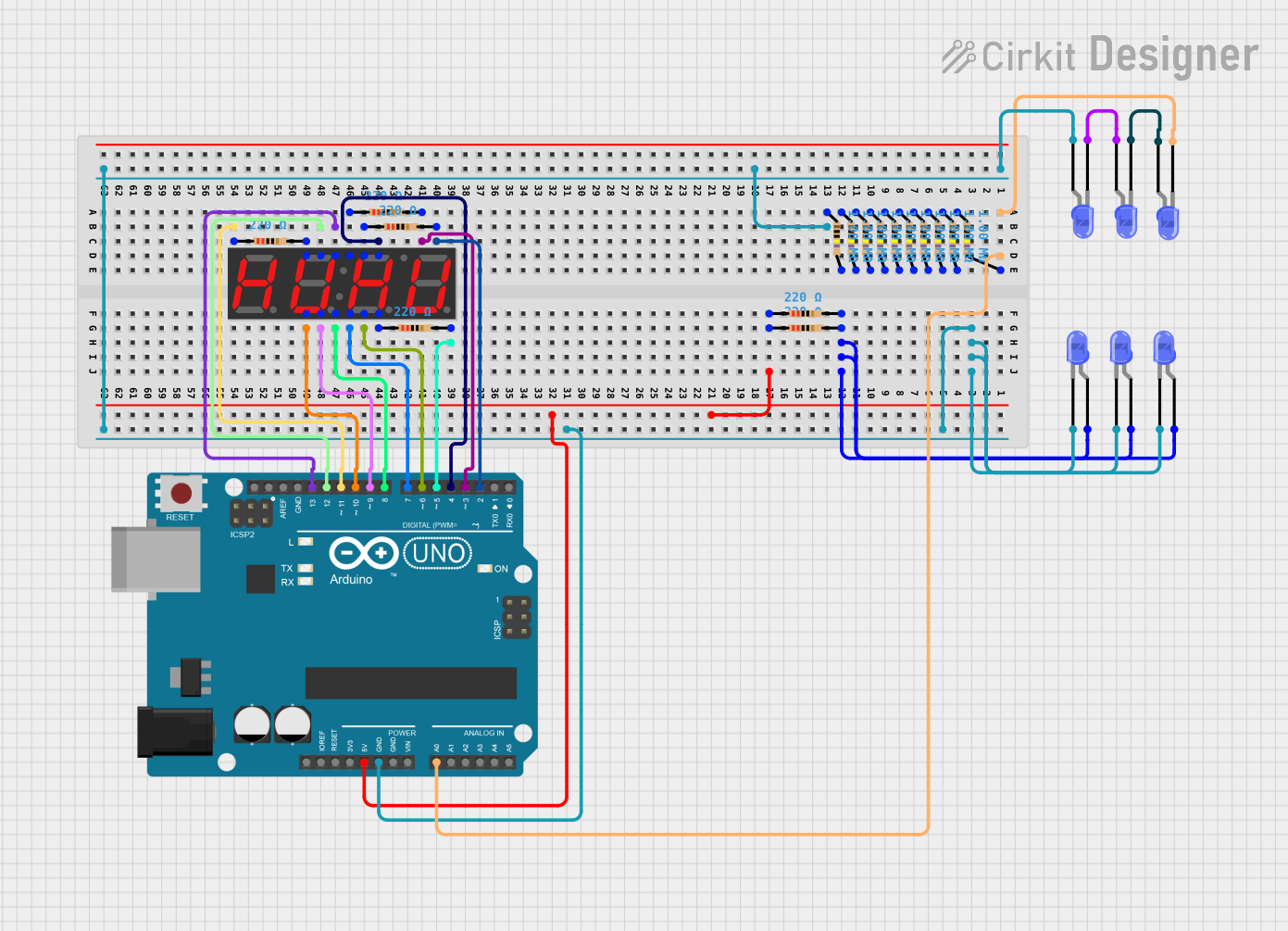
This circuit features an Arduino UNO controlling multiple blue LEDs and a 4-digit 7-segment display. The LEDs are configured with current-limiting resistors, and the display is interfaced with the Arduino for potential numeric or character output. The provided code for the Arduino is a template without specific functionality.
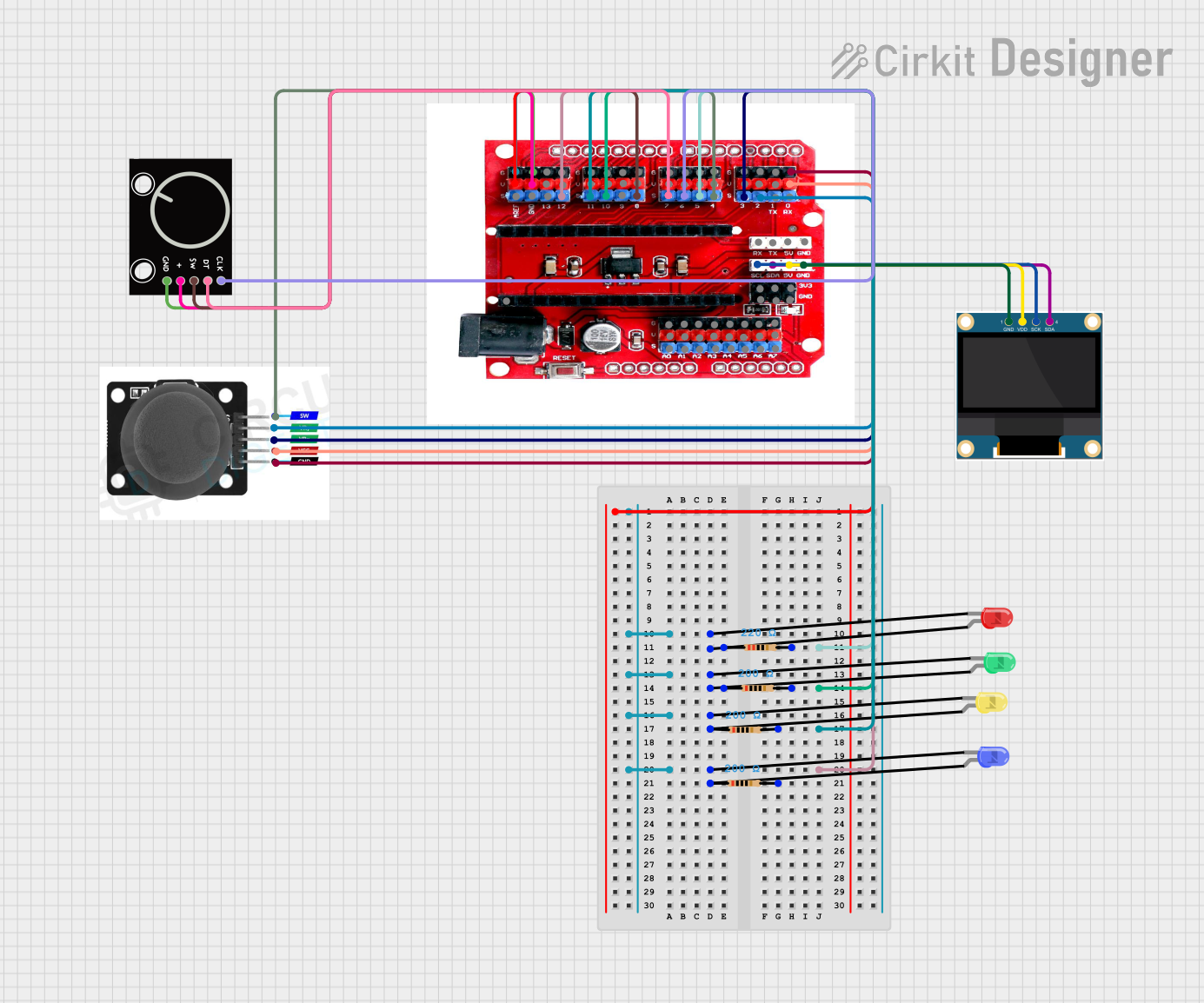
This circuit features an Arduino Nano interfaced with a joystick module, a rotary encoder, an OLED display, and multiple LEDs with current-limiting resistors. The joystick controls the selection of LED colors and toggles a blinking mode, while the rotary encoder adjusts the brightness of the LEDs and toggles their on/off state. The OLED display provides real-time feedback on the LED color, brightness level, and mode, enhancing user interaction.
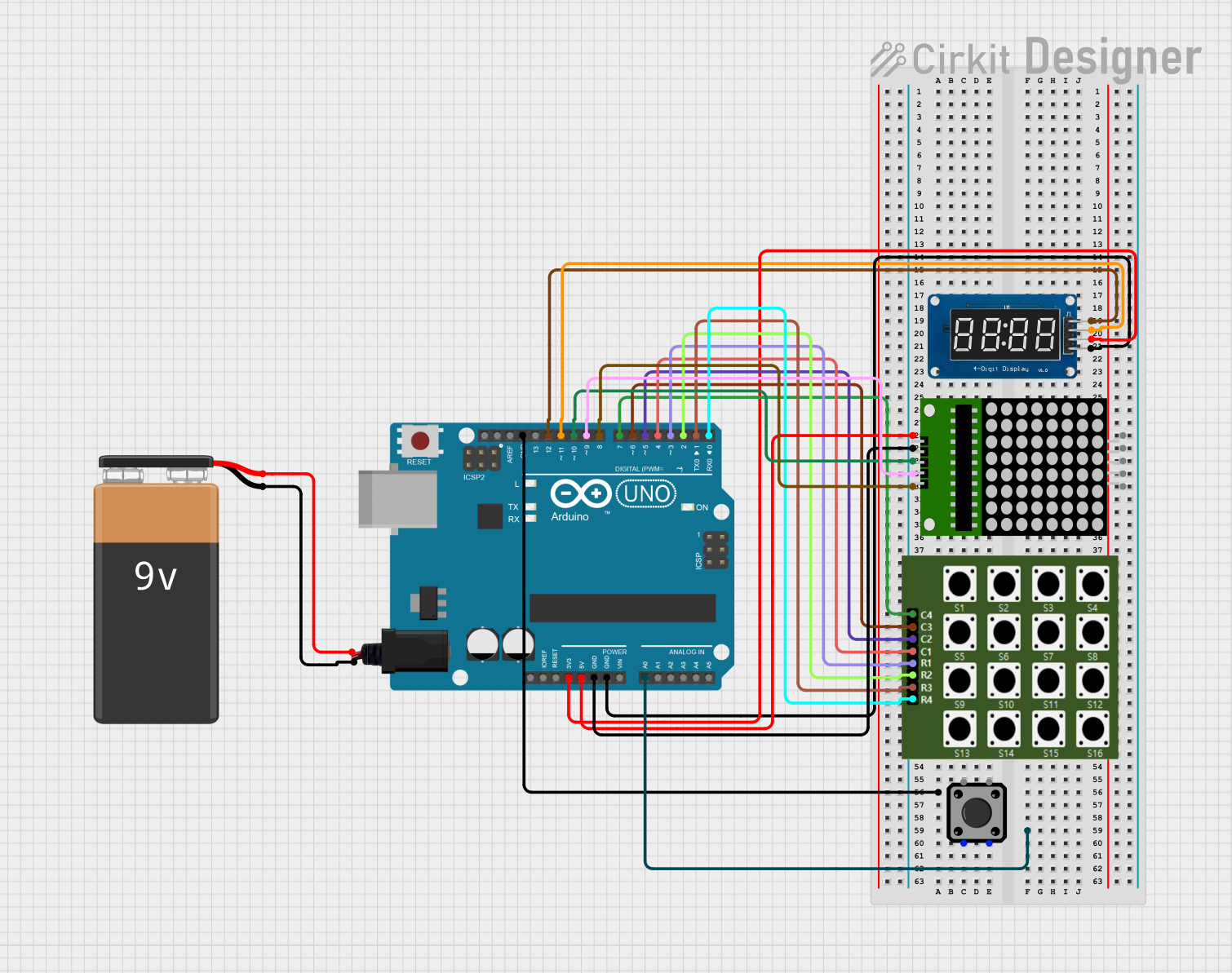
This circuit is a game system controlled by an Arduino UNO, featuring an 8x8 LED matrix, a 4x4 keypad, and a TM1637 4-digit display. The user interacts with the game via the keypad, and the game state is displayed on the LED matrix and the TM1637 display, with power supplied by a 9V battery.
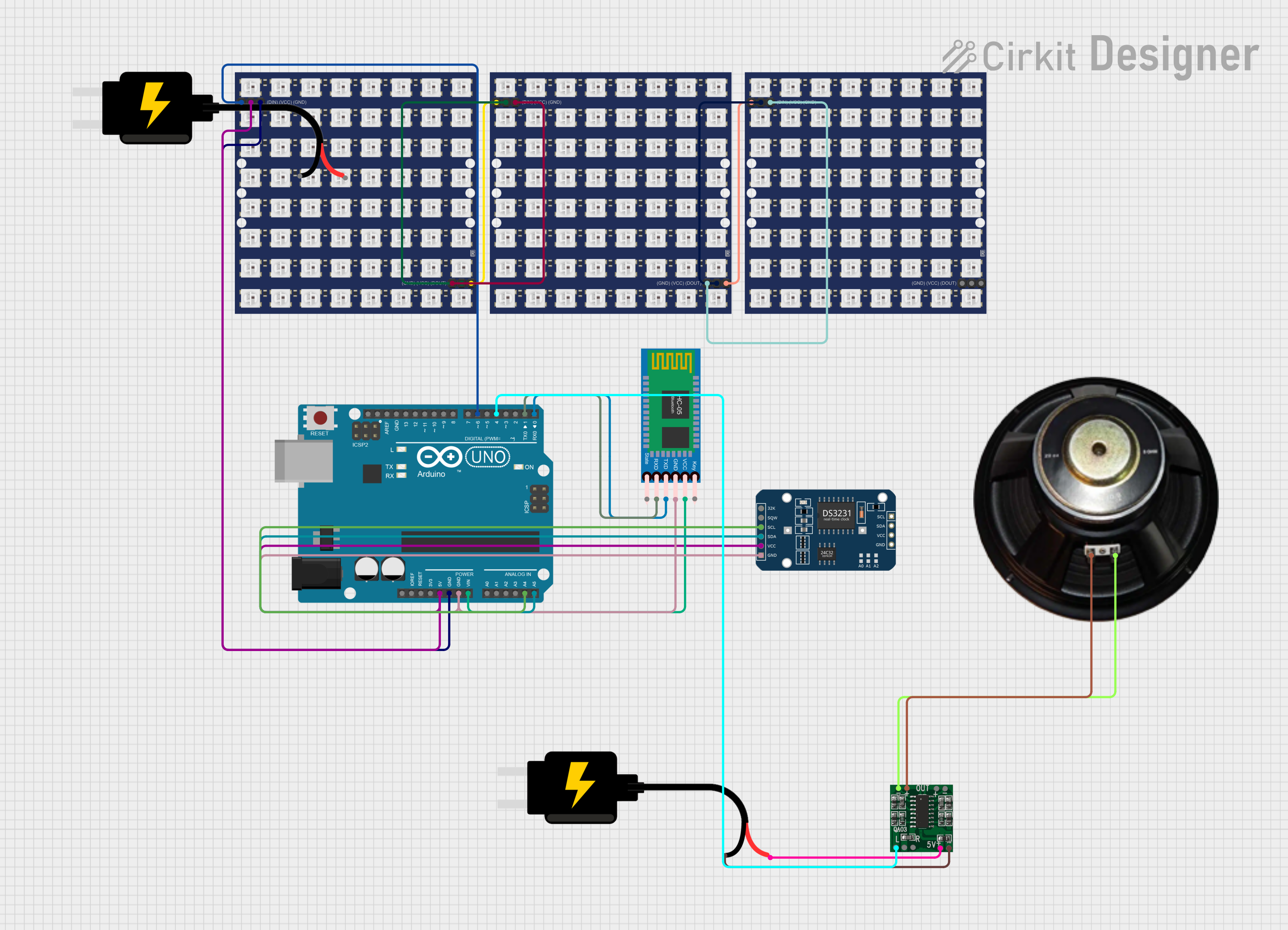
This is an interactive display and communication circuit. It uses an Arduino UNO to drive multiple WS2812 RGB LED matrices for visual output, interfaces with a DS3231 RTC for time-related functions, and communicates wirelessly via an HC-05 Bluetooth module. Additionally, it features audio output capabilities through a speaker connected to a PAM8403 audio amplifier.
Below are the key technical details of the HCMS-2902:
Manufacturer: Broadcom Limited
Part Number: HCMS-2902
Display Type: Alphanumeric LED display
Number of Characters: 8
Character Matrix: 5x7 dot matrix
Operating Voltage: 5V DC
Current Consumption: 15 mA (typical per character)
Interface: Serial (CMOS-compatible)
Brightness: Adjustable via external resistor
Operating Temperature: -40°C to +85°C
Dimensions: 20.1mm x 19.6mm x 3.2mm
Pin Configuration and Descriptions
The HCMS-2902 has a 14-pin configuration. The table below describes each pin:
Pin Number
Pin Name
Description
1
VDD
Positive supply voltage (5V DC).
2
GND
Ground connection.
3
DATA IN
Serial data input for character data.
4
CLK
Clock input for synchronizing data transfer.
5
ENABLE
Enables the display when set HIGH.
6
RESET
Resets the display when set LOW.
7
DATA OUT
Serial data output for cascading multiple units.
8-14
NC
No connection (reserved for internal use).
Usage Instructions
How to Use the HCMS-2902 in a Circuit
Power Supply: Connect the VDD pin to a 5V DC power source and the GND pin to ground.
Data Input: Use the DATA IN pin to send serial data to the display. The data should be synchronized with the CLK pin.
Enable Display: Set the ENABLE pin HIGH to activate the display. To turn off the display, set this pin LOW.
Reset: Use the RESET pin to clear the display. Set it LOW momentarily to reset, then return it to HIGH.
Cascading: For applications requiring more than 8 characters, connect the DATA OUT pin of one module to the DATA IN pin of the next module.
Important Considerations and Best Practices
Current Limiting: Use an appropriate resistor to limit the current and prevent damage to the LEDs.
Data Timing: Ensure proper timing between the DATA IN and CLK signals to avoid data corruption.
Brightness Control: Adjust the brightness by modifying the external resistor value as specified in the datasheet.
Cascading Modules: When cascading multiple modules, ensure the CLK and ENABLE signals are shared across all modules.
Example: Connecting to an Arduino UNO
Below is an example of how to connect and program the HCMS-2902 with an Arduino UNO:
Circuit Connections
Connect the VDD pin to the Arduino's 5V pin.
Connect the GND pin to the Arduino's GND pin.
Connect the DATA IN pin to Arduino digital pin 2.
Connect the CLK pin to Arduino digital pin 3.
Connect the ENABLE pin to Arduino digital pin 4.
Connect the RESET pin to Arduino digital pin 5.
Arduino Code
// Define pin connections for the HCMS-2902
#define DATA_IN 2   // Serial data input
#define CLK 3       // Clock input
#define ENABLE 4    // Enable display
#define RESET 5     // Reset display

void setup() {
  // Set pin modes
  pinMode(DATA_IN, OUTPUT);
  pinMode(CLK, OUTPUT);
  pinMode(ENABLE, OUTPUT);
  pinMode(RESET, OUTPUT);

  // Initialize the display
  digitalWrite(RESET, LOW);  // Reset the display
  delay(10);                 // Wait for 10ms
  digitalWrite(RESET, HIGH); // End reset
  digitalWrite(ENABLE, HIGH); // Enable the display
}

void loop() {
  // Example: Send a character to the display
  sendCharacter('A');  // Display the letter 'A'
  delay(1000);         // Wait for 1 second
}

// Function to send a character to the HCMS-2902
void sendCharacter(char character) {
  for (int i = 0; i < 8; i++) {
    // Send each bit of the character data
    digitalWrite(DATA_IN, (character >> i) & 0x01);
    digitalWrite(CLK, HIGH);  // Pulse the clock
    delayMicroseconds(10);    // Short delay
    digitalWrite(CLK, LOW);   // End clock pulse
  }
}
Troubleshooting and FAQs
Common Issues and Solutions
Display Not Turning On:
Ensure the VDD and GND pins are properly connected.
Verify that the ENABLE pin is set HIGH.
Characters Not Displaying Correctly:
Check the timing of the DATA IN and CLK signals.
Ensure the correct character data is being sent.
Brightness Too Low:
Verify the external resistor value for brightness control.
Ensure the power supply provides sufficient current.
Cascaded Modules Not Working:
Confirm that the DATA OUT pin of the first module is connected to the DATA IN pin of the next module.
Ensure CLK and ENABLE signals are shared across all modules.
FAQs
Q: Can I use the HCMS-2902 with a 3.3V microcontroller?
A: The HCMS-2902 is designed for 5V operation. Use a level shifter to interface with 3.3V systems.
Q: How many modules can I cascade together?
A: The number of modules you can cascade depends on the driving capability of your microcontroller and the power supply. Typically, up to 4 modules can be cascaded without additional drivers.
Q: Can I display custom symbols?
A: Yes, you can create custom symbols by sending the appropriate 5x7 dot matrix data to the display.
This concludes the documentation for the HCMS-2902 alphanumeric LED display. For further details, refer to the manufacturer's datasheet.

 Open Project in Cirkit Designer