The PKCELL LiPo 2500mAh is a lightweight and high-capacity lithium polymer battery designed for applications requiring reliable and portable power. With a capacity of 2500mAh, this battery is ideal for powering RC vehicles, drones, portable electronics, and other devices that demand high energy density and compact form factors. Its rechargeable nature and stable performance make it a popular choice for hobbyists and professionals alike.
Explore Projects Built with LiPo 2500mAh
Use Cirkit Designer to design, explore, and prototype these projects online. Some projects support real-time simulation. Click "Open Project" to start designing instantly!
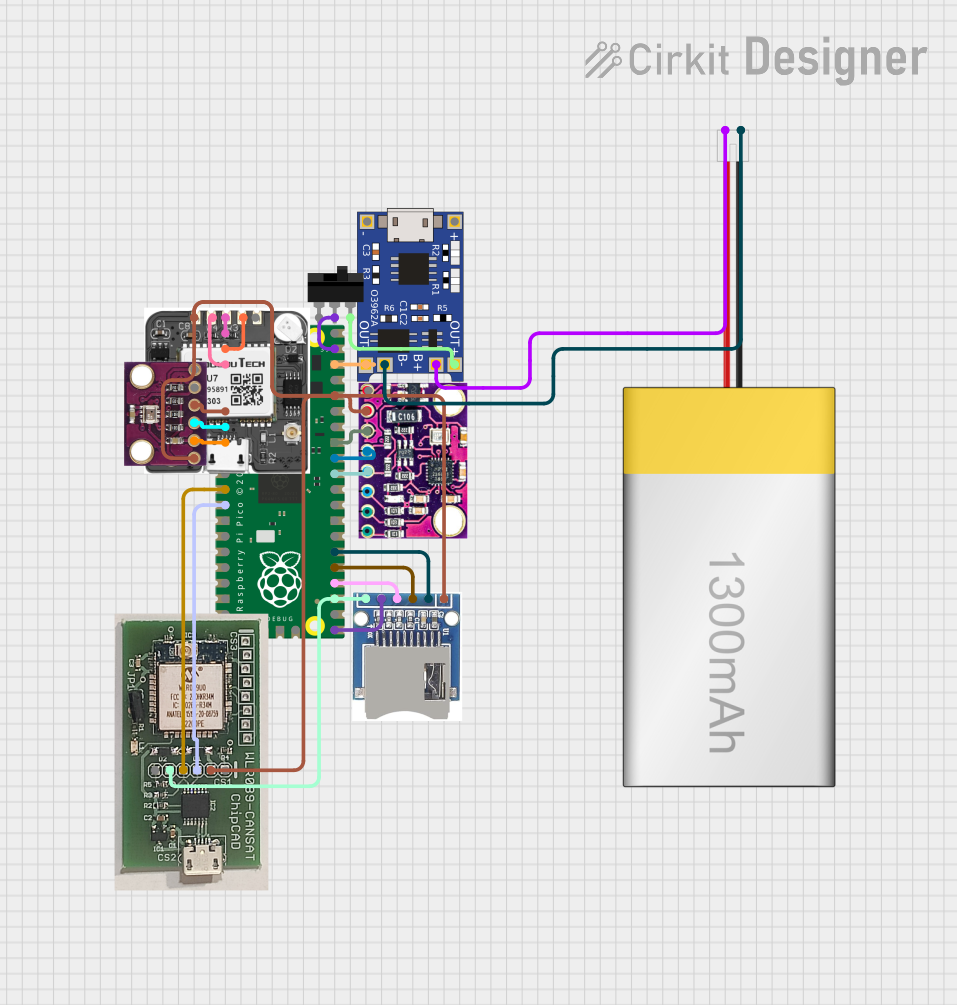
This circuit is a data acquisition and communication system powered by a LiPoly battery and managed by a Raspberry Pi Pico. It includes sensors (BMP280, MPU9250) for environmental data, a GPS module for location tracking, an SD card for data storage, and a WLR089-CanSAT for wireless communication. The TP4056 module handles battery charging, and a toggle switch controls power distribution.
This circuit consists of a TP4056 module connected to a 3.7V LiPo battery, providing a charging interface for the battery. The TP4056 manages the charging process by connecting its B+ and B- pins to the battery's positive and ground terminals, respectively.
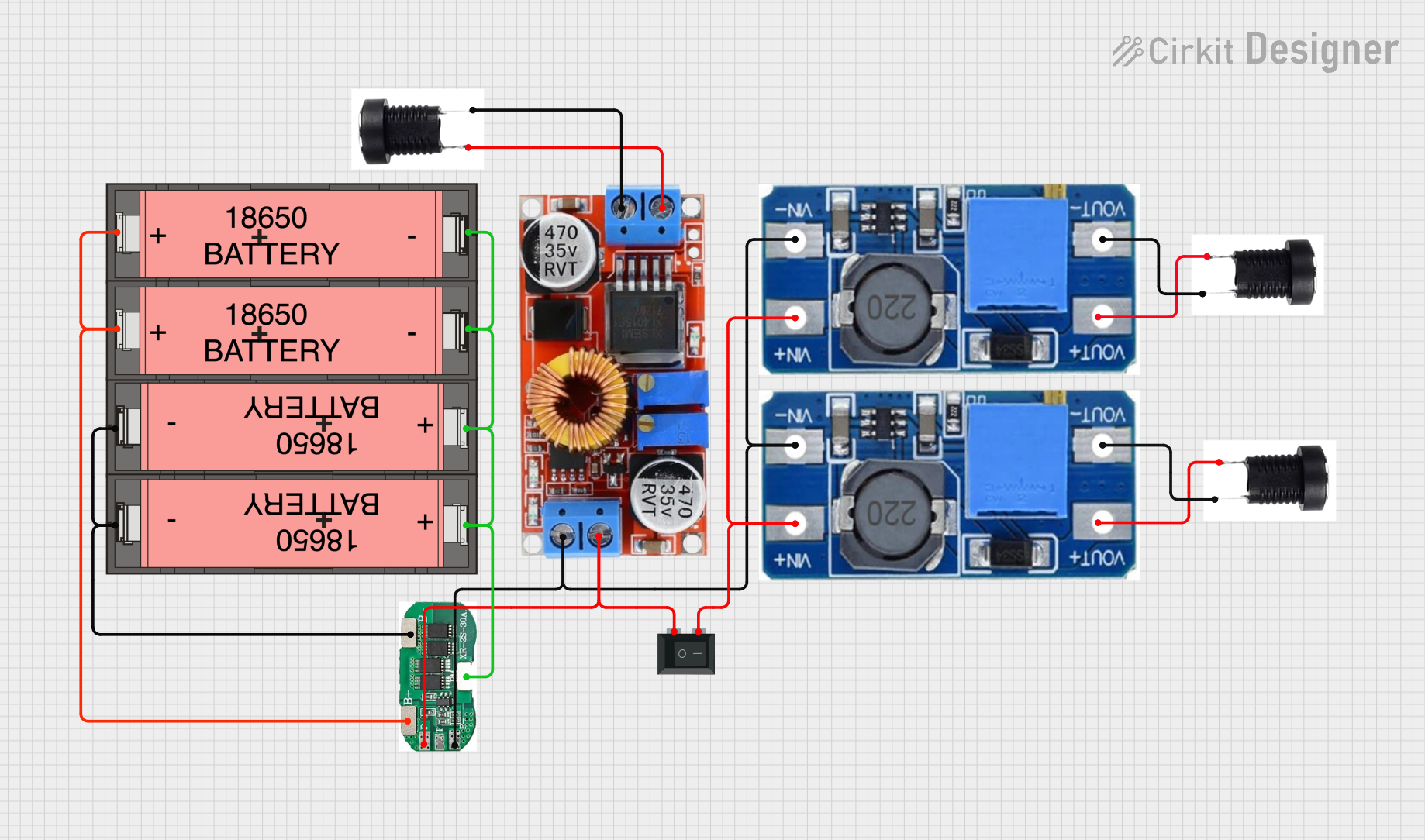
This circuit is a power management system that uses four Li-ion 18650 batteries connected to a 2S 30A BMS for battery management and protection. The system includes step-up and step-down voltage regulators to provide adjustable output voltages, controlled by a rocker switch, and multiple DC jacks for power input and output.
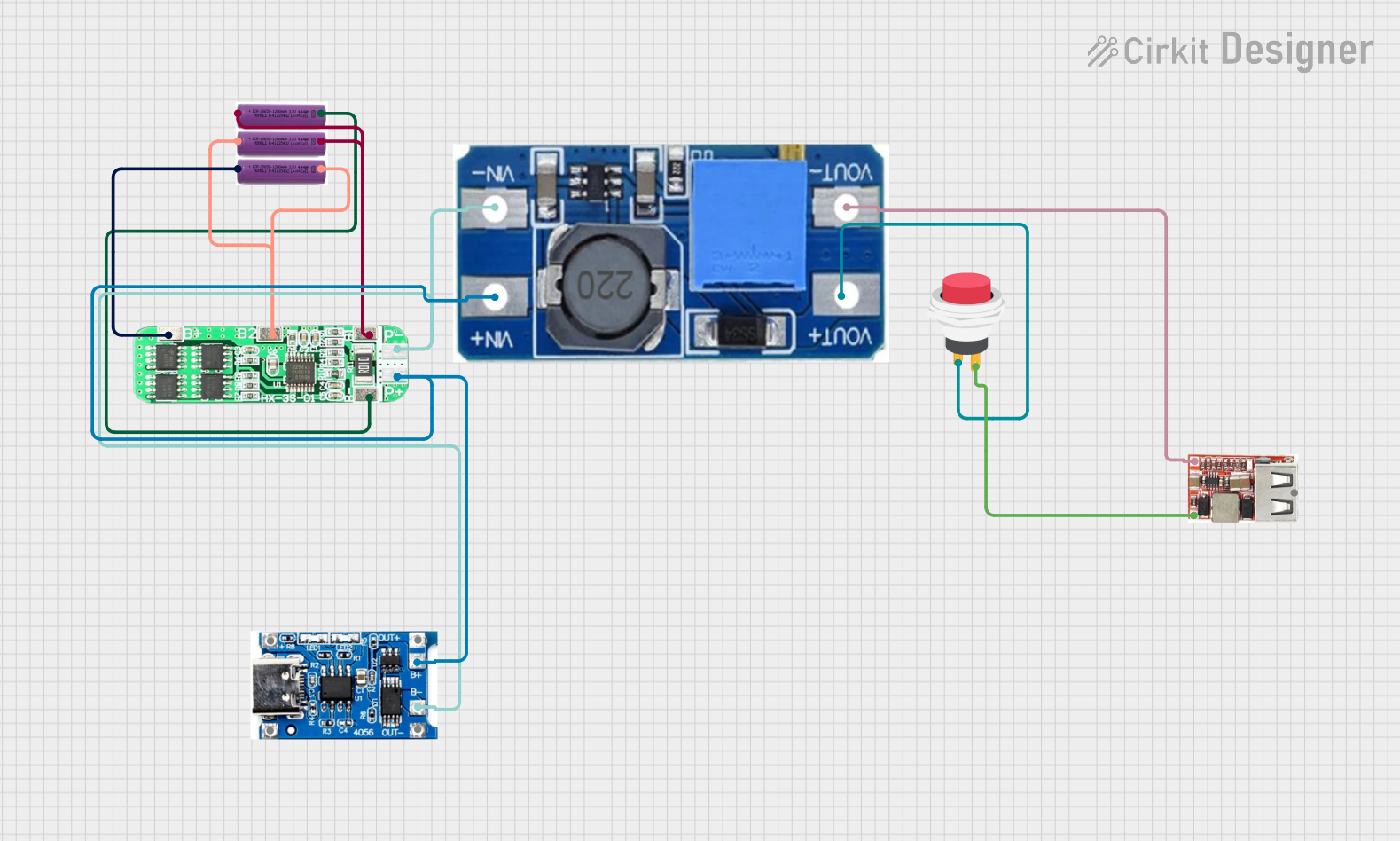
This circuit is a battery management and power supply system that uses three 3.7V batteries connected to a 3S 10A Li-ion 18650 Charger Protection Board Module for balanced charging and protection. The system includes a TP4056 Battery Charging Protection Module for additional charging safety, a Step Up Boost Power Converter to regulate and boost the voltage, and a USB regulator to provide a stable 5V output, controlled by a push switch.
The following table outlines the key technical details of the PKCELL LiPo 2500mAh battery:
Specification
Value
Nominal Voltage
3.7V
Capacity
2500mAh
Chemistry
Lithium Polymer (LiPo)
Maximum Discharge Rate
25C
Maximum Charge Voltage
4.2V
Minimum Discharge Voltage
3.0V
Dimensions
65mm x 35mm x 8mm (approx.)
Weight
~50g
Connector Type
JST or XT30 (varies by model)
Charging Current
0.5C to 1C (recommended)
Pin Configuration and Descriptions
The PKCELL LiPo 2500mAh battery typically comes with two main wires and an optional balance connector. The pin configuration is as follows:
Wire/Pin
Color
Description
Positive (+)
Red
Supplies the positive terminal voltage.
Negative (-)
Black
Supplies the negative terminal (ground).
Balance Pin
Varies
Used for precise cell voltage balancing.
Note: The balance connector is optional and may not be present on all models. Ensure compatibility with your charger and device.
Usage Instructions
How to Use the LiPo 2500mAh Battery in a Circuit
Connect the Battery:
Identify the positive (red) and negative (black) wires.
Connect the wires to the corresponding terminals of your device or circuit.
If using a balance charger, connect the balance connector to the charger for optimal charging.
Charging the Battery:
Use a LiPo-compatible charger with a constant current/constant voltage (CC/CV) charging profile.
Set the charging current to 0.5C (1.25A) for safe charging or up to 1C (2.5A) for faster charging.
Ensure the charging voltage does not exceed 4.2V per cell.
Discharging the Battery:
Avoid discharging below 3.0V to prevent damage to the battery.
Use a battery management system (BMS) or low-voltage alarm to monitor the voltage during use.
Connecting to an Arduino UNO:
Use a voltage regulator (e.g., LM7805) or a DC-DC buck converter to step down the voltage to 5V for the Arduino UNO.
Example circuit connection:
Connect the battery's positive wire to the input of the regulator.
Connect the regulator's output to the Arduino's 5V pin.
Connect the battery's negative wire to the Arduino's GND pin.
Arduino Code Example
Below is an example of monitoring the battery voltage using an Arduino UNO and a voltage divider circuit:
// Define the analog pin connected to the voltage divider
const int voltagePin = A0;

// Define the voltage divider ratio (e.g., R1 = 10k, R2 = 10k)
const float voltageDividerRatio = 2.0;

// Define the reference voltage of the Arduino (5V for UNO)
const float referenceVoltage = 5.0;

void setup() {
  Serial.begin(9600); // Initialize serial communication
}

void loop() {
  int sensorValue = analogRead(voltagePin); // Read the analog pin
  float batteryVoltage = (sensorValue * referenceVoltage / 1023.0) * voltageDividerRatio;

  // Print the battery voltage to the Serial Monitor
  Serial.print("Battery Voltage: ");
  Serial.print(batteryVoltage);
  Serial.println(" V");

  delay(1000); // Wait for 1 second before the next reading
}
Important: Use resistors with appropriate values in the voltage divider to ensure the input voltage to the Arduino does not exceed 5V.
Best Practices
Always use a LiPo-safe charger to prevent overcharging or overheating.
Store the battery at 3.7V to 3.8V per cell for long-term storage.
Avoid puncturing, short-circuiting, or exposing the battery to high temperatures.
Use a fireproof LiPo bag during charging for added safety.
Troubleshooting and FAQs
Common Issues and Solutions
Battery Not Charging:
Cause: Charger not compatible or balance connector not connected.
Solution: Verify the charger is LiPo-compatible and properly connected.
Battery Swelling or Puffing:
Cause: Overcharging, over-discharging, or physical damage.
Solution: Stop using the battery immediately and dispose of it safely.
Low Runtime:
Cause: Battery capacity degraded or excessive current draw.
Solution: Check the discharge rate and ensure the battery is not overused.
Device Not Powering On:
Cause: Incorrect wiring or low battery voltage.
Solution: Verify connections and measure the battery voltage.
FAQs
Q: Can I use this battery for a 5V device? A: Yes, but you must use a voltage regulator or DC-DC converter to step up or step down the voltage.
Q: How do I safely dispose of a damaged LiPo battery? A: Discharge the battery completely, submerge it in saltwater for 24 hours, and take it to a recycling center.
Q: What is the maximum current this battery can supply? A: The maximum current is determined by the discharge rate (25C). For a 2500mAh battery, it is 25C × 2.5A = 62.5A.
By following this documentation, you can safely and effectively use the PKCELL LiPo 2500mAh battery in your projects.


 Open Project in Cirkit Designer