
How to Use LILYGO T-Beam Meshtastic LORA32 915MHz: Examples, Pinouts, and Specs
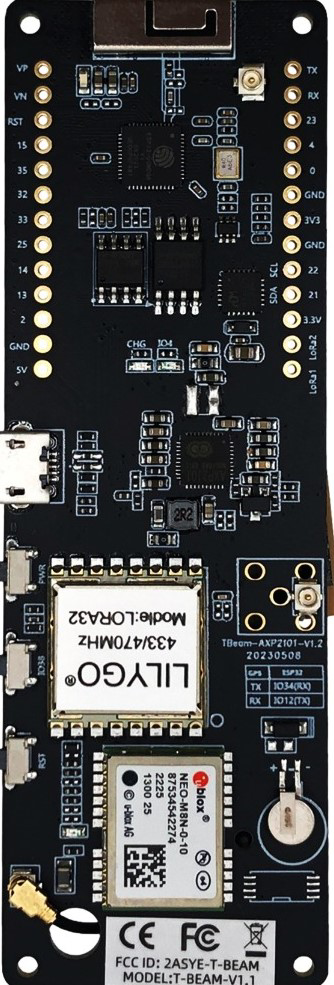
 Design with LILYGO T-Beam Meshtastic LORA32 915MHz in Cirkit Designer
Introduction
The LILYGO T-Beam Meshtastic LORA32 915MHz is a compact development board designed for long-range wireless communication and mesh networking applications. It features a LoRa transceiver operating at 915MHz, integrated GPS functionality, and is powered by the CH9102 USB-to-serial chip for reliable communication with host devices. This board is ideal for IoT projects, remote sensing, and peer-to-peer communication in areas with limited or no cellular coverage.
Explore Projects Built with LILYGO T-Beam Meshtastic LORA32 915MHz
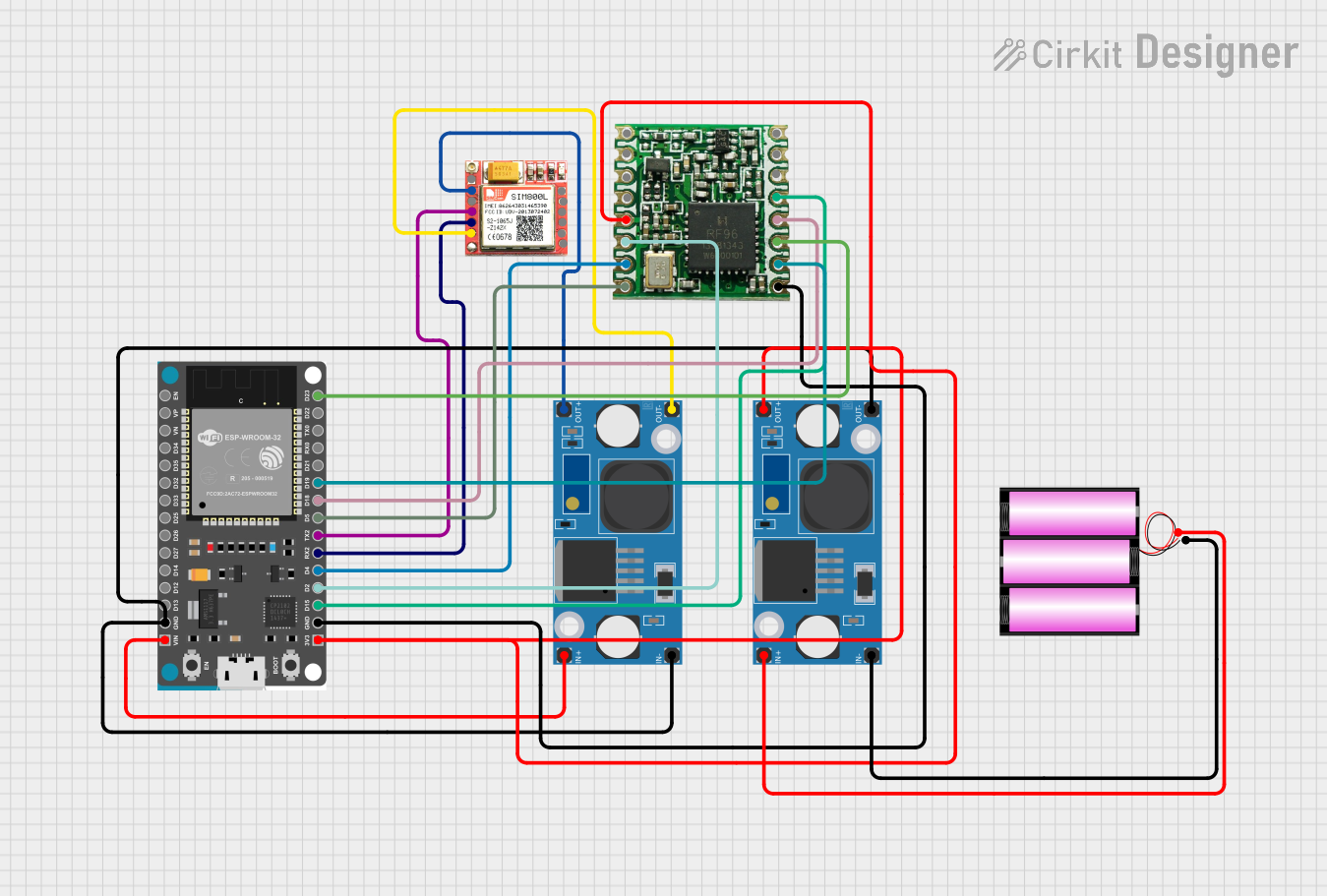 Open Project in Cirkit Designer
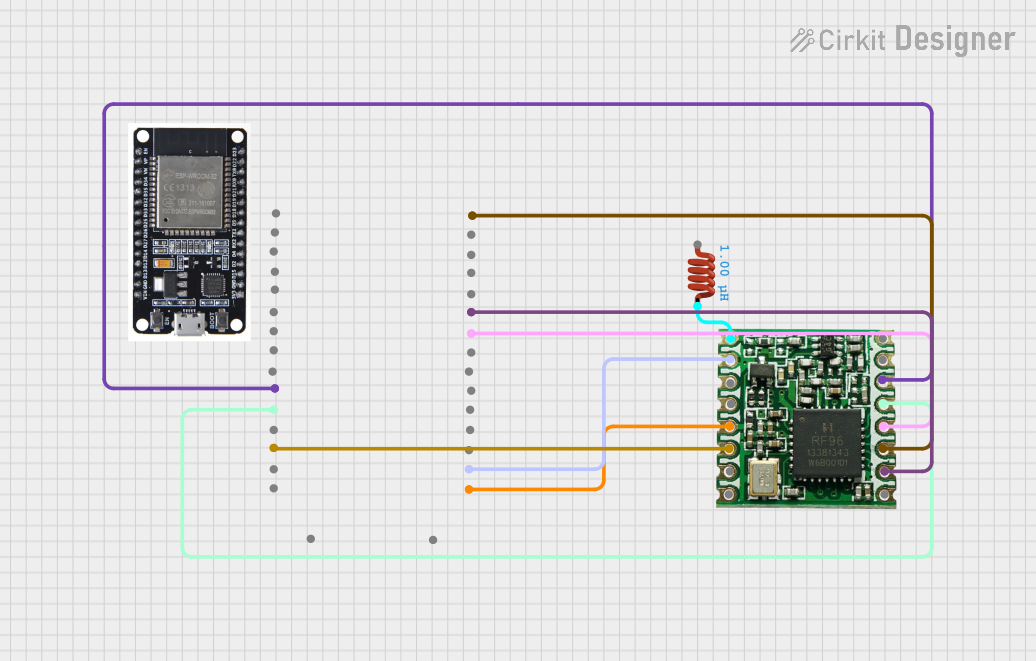 Open Project in Cirkit Designer
 Open Project in Cirkit Designer
 Open Project in Cirkit Designer
Explore Projects Built with LILYGO T-Beam Meshtastic LORA32 915MHz
Open Project in Cirkit DesignerOpen Project in Cirkit DesignerOpen Project in Cirkit DesignerOpen Project in Cirkit DesignerCommon Applications and Use Cases
- Mesh networking for communication in remote areas
- IoT applications requiring long-range wireless connectivity
- GPS-based tracking and navigation systems
- Disaster recovery communication networks
- Environmental monitoring and data collection
Technical Specifications
Key Technical Details
| Parameter | Specification |
|---|---|
| Manufacturer | LILYGO |
| Part ID | CH9102 |
| LoRa Frequency | 915MHz |
| GPS Module | Integrated GPS functionality |
| USB-to-Serial Chip | CH9102 |
| Power Supply | 5V via USB or 3.7V LiPo battery |
| Communication Protocol | LoRaWAN, Meshtastic |
| Dimensions | 30mm x 70mm |
| Operating Temperature | -40°C to 85°C |
Pin Configuration and Descriptions
| Pin Name | Description |
|---|---|
| 3V3 | 3.3V power output |
| GND | Ground |
| TXD | UART Transmit Data |
| RXD | UART Receive Data |
| GPIO0 | General Purpose Input/Output 0 |
| GPIO1 | General Purpose Input/Output 1 |
| GPS_TX | GPS Transmit Data |
| GPS_RX | GPS Receive Data |
| BAT | LiPo battery input |
| EN | Enable pin for power management |
Usage Instructions
How to Use the Component in a Circuit
Powering the Board:
- Connect the board to a 5V USB power source or use a 3.7V LiPo battery via the BAT pin.
- Ensure the power source provides sufficient current for both the LoRa transceiver and GPS module.
Connecting to a Host Device:
- Use a USB cable to connect the T-Beam to your computer. The CH9102 chip will handle USB-to-serial communication.
- Install the necessary CH9102 drivers on your computer if not already available.
Programming the Board:
- The T-Beam is compatible with the Arduino IDE. Install the ESP32 board package in the Arduino IDE.
- Select the correct board (
ESP32 Dev Module) and port in the Arduino IDE.
Using LoRa Communication:
- Connect an appropriate antenna to the LoRa module for optimal performance.
- Use the Meshtastic firmware or write custom code to enable LoRa communication.
GPS Functionality:
- Ensure the GPS antenna is connected and has a clear view of the sky for accurate positioning.
- Use the GPS_TX and GPS_RX pins to interface with the GPS module if needed.
Important Considerations and Best Practices
- Always connect an antenna to the LoRa module before powering the board to avoid damage.
- Use a stable power source to ensure reliable operation of the LoRa and GPS modules.
- When using a LiPo battery, monitor the battery voltage to prevent over-discharge.
- For outdoor applications, consider using a weatherproof enclosure to protect the board.
Example Code for Arduino UNO
Below is an example of how to send a simple message using the LoRa module on the T-Beam:
#include <SPI.h>
#include <LoRa.h>

// Define LoRa parameters
#define LORA_SS 18    // LoRa chip select pin
#define LORA_RST 14   // LoRa reset pin
#define LORA_DIO0 26  // LoRa DIO0 pin

void setup() {
  Serial.begin(9600); // Initialize serial communication
  while (!Serial);

  Serial.println("Initializing LoRa...");

  // Initialize LoRa module
  LoRa.setPins(LORA_SS, LORA_RST, LORA_DIO0);
  if (!LoRa.begin(915E6)) { // Set frequency to 915 MHz
    Serial.println("LoRa initialization failed!");
    while (1);
  }

  Serial.println("LoRa initialized successfully.");
}

void loop() {
  Serial.println("Sending message...");
  LoRa.beginPacket();               // Start a new LoRa packet
  LoRa.print("Hello, LoRa World!"); // Add message to the packet
  LoRa.endPacket();                 // Send the packet

  delay(5000); // Wait 5 seconds before sending the next message
}
Troubleshooting and FAQs
Common Issues and Solutions
LoRa Module Not Initializing:
- Ensure the antenna is properly connected to the LoRa module.
- Verify that the correct frequency (915MHz) is set in the code.
- Check the wiring of the LoRa pins (SS, RST, DIO0) to ensure proper connections.
GPS Not Acquiring Signal:
- Make sure the GPS antenna has a clear view of the sky.
- Allow sufficient time for the GPS module to acquire satellite signals.
- Verify the GPS_TX and GPS_RX pin connections if using them directly.
Board Not Detected by Computer:
- Install the CH9102 USB-to-serial driver on your computer.
- Try a different USB cable or port to rule out hardware issues.
Power Issues:
- Ensure the power source provides adequate current (at least 500mA).
- Check the battery voltage if using a LiPo battery.
FAQs
Q: Can I use the T-Beam with other LoRa frequencies?
A: The T-Beam is designed for 915MHz operation. Using other frequencies may require hardware modifications and is not recommended.
Q: Is the T-Beam compatible with Meshtastic firmware?
A: Yes, the T-Beam is fully compatible with Meshtastic firmware for mesh networking applications.
Q: How do I update the firmware on the T-Beam?
A: Use the Arduino IDE or a dedicated flashing tool to upload new firmware via the USB connection.
Q: Can I use the T-Beam without a GPS antenna?
A: While the board will function without a GPS antenna, GPS functionality will be unavailable or significantly degraded.