
How to Use Gravity: Serial Data Logger V2.0 for Arduino: Examples, Pinouts, and Specs
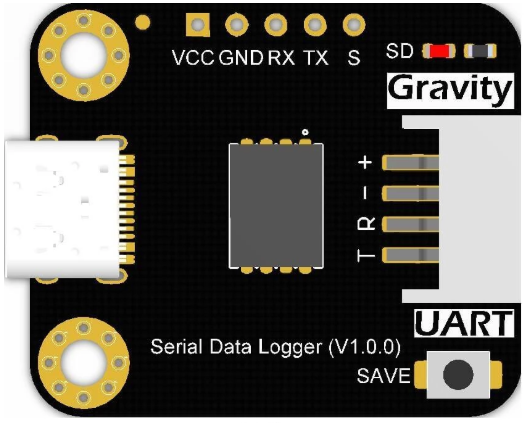
 Design with Gravity: Serial Data Logger V2.0 for Arduino in Cirkit Designer
Introduction
The Gravity: Serial Data Logger V2.0 (Manufacturer Part ID: TEL0147) by DFRobot is a compact and efficient data logging module designed specifically for Arduino projects. This module enables users to record and store real-time data from various sensors or devices via serial communication. It supports microSD cards for data storage, making it ideal for applications requiring long-term data collection and analysis.
Explore Projects Built with Gravity: Serial Data Logger V2.0 for Arduino
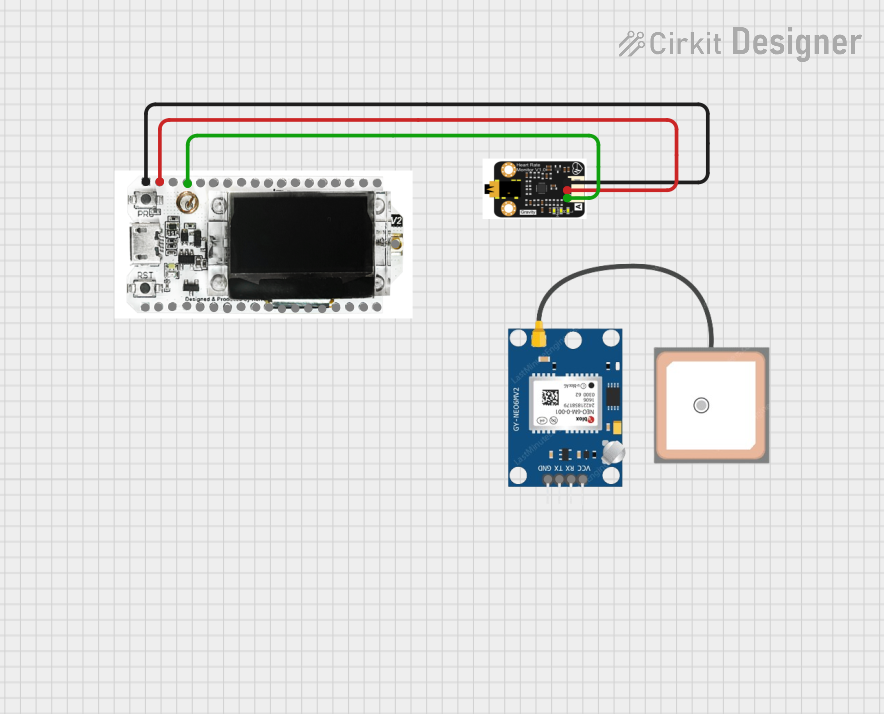 Open Project in Cirkit Designer
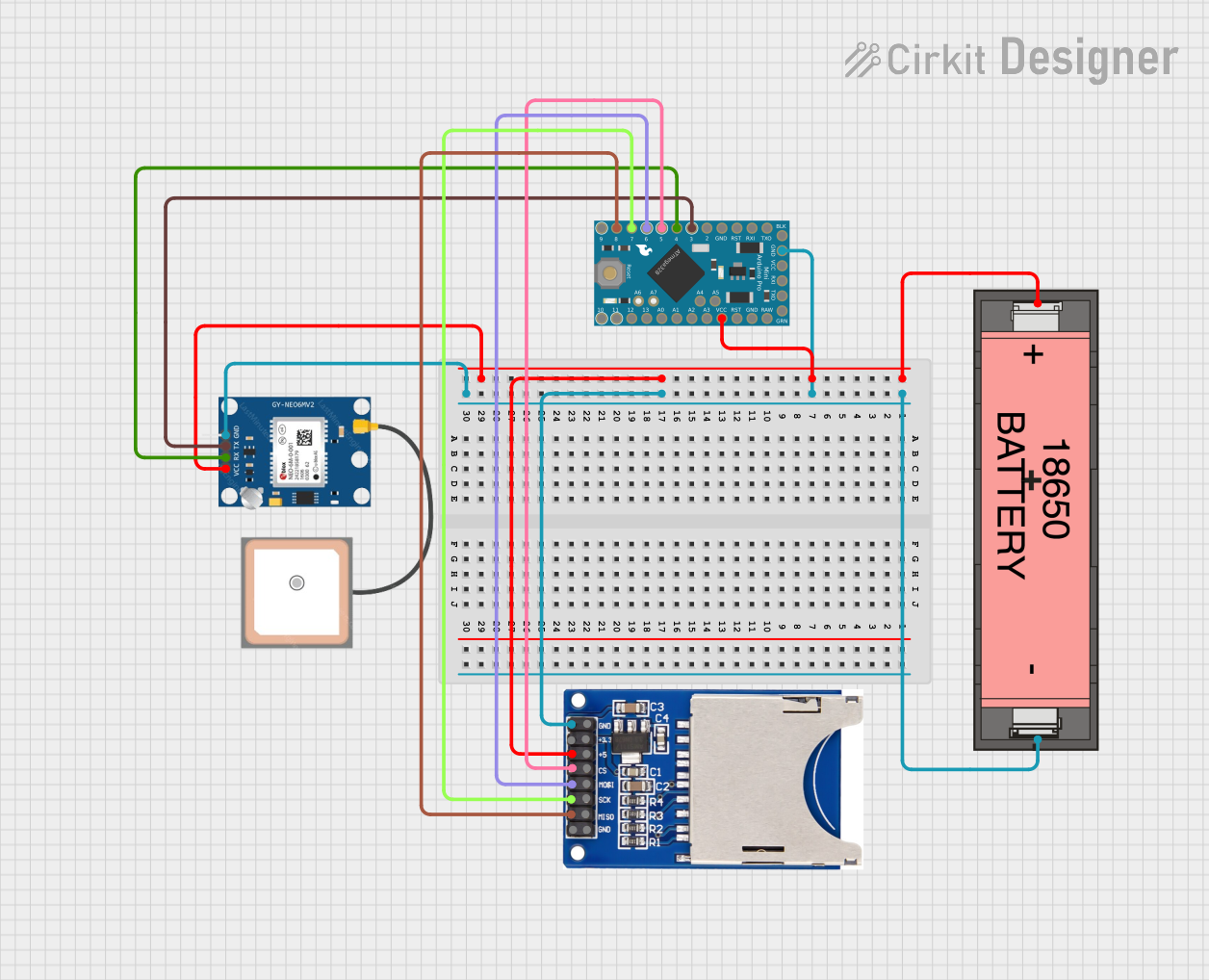 Open Project in Cirkit Designer
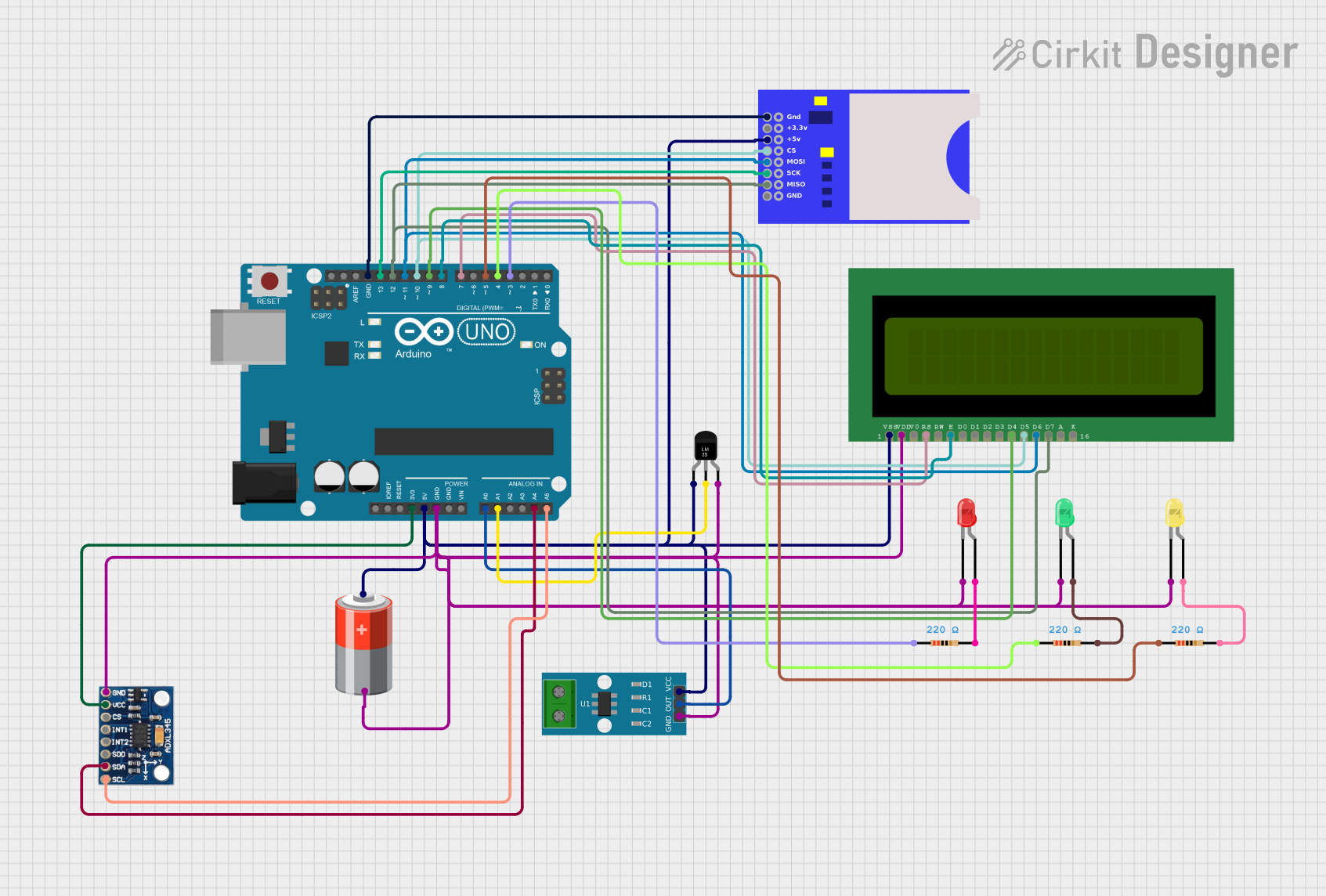 Open Project in Cirkit Designer
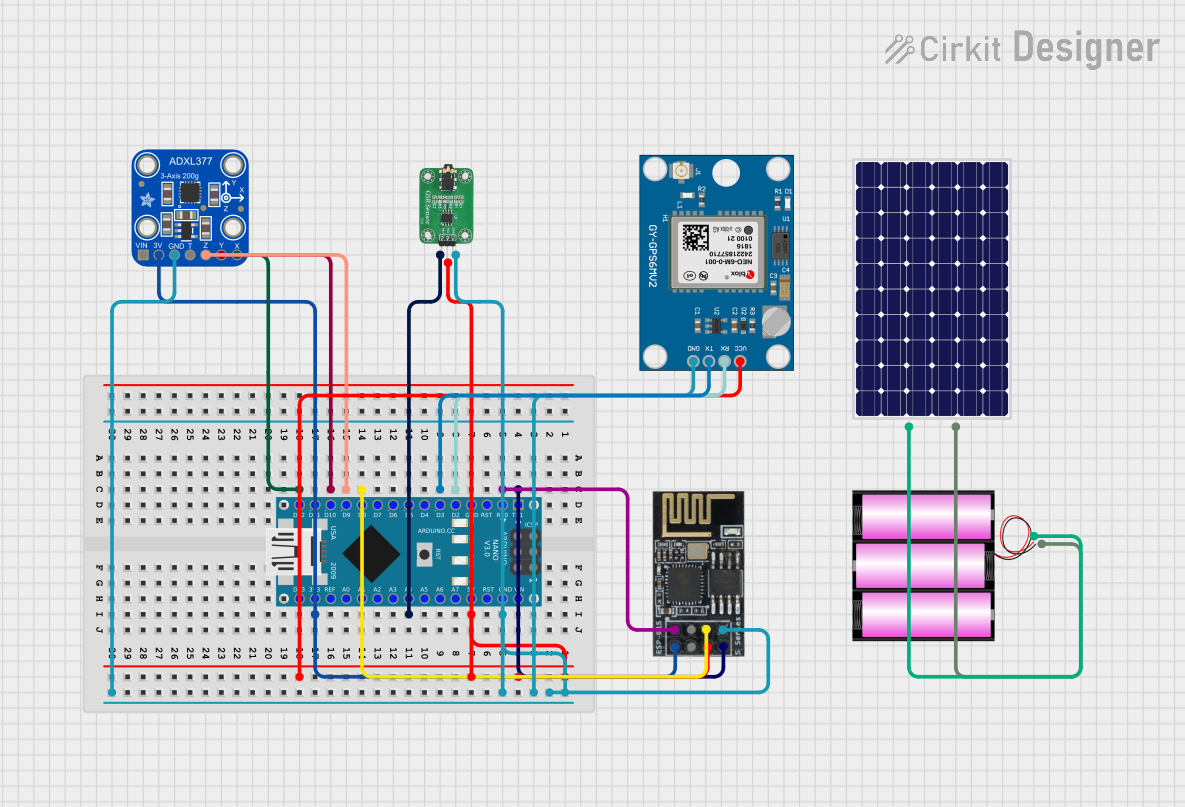 Open Project in Cirkit Designer
Explore Projects Built with Gravity: Serial Data Logger V2.0 for Arduino
Open Project in Cirkit DesignerOpen Project in Cirkit DesignerOpen Project in Cirkit DesignerOpen Project in Cirkit DesignerCommon Applications and Use Cases
- Environmental monitoring (e.g., temperature, humidity, air quality)
- IoT data logging for smart devices
- Scientific experiments requiring real-time data collection
- Industrial monitoring and diagnostics
- Educational projects involving data analysis
Technical Specifications
Below are the key technical details of the Gravity: Serial Data Logger V2.0:
| Parameter | Specification |
|---|---|
| Operating Voltage | 3.3V - 5V |
| Communication Interface | UART (Serial) |
| Baud Rate | 9600 bps (default, configurable) |
| Storage Medium | MicroSD card (up to 32GB, FAT32) |
| Power Consumption | < 20mA |
| Dimensions | 30mm x 20mm |
| Weight | 5g |
Pin Configuration and Descriptions
The module has a simple 4-pin interface for easy integration with Arduino boards:
| Pin | Label | Description |
|---|---|---|
| 1 | VCC | Power input (3.3V - 5V) |
| 2 | GND | Ground connection |
| 3 | RX | UART Receive pin (connect to Arduino TX) |
| 4 | TX | UART Transmit pin (connect to Arduino RX) |
Usage Instructions
How to Use the Component in a Circuit
Hardware Setup:
- Connect the VCC pin of the data logger to the 5V or 3.3V pin on the Arduino.
- Connect the GND pin to the Arduino's ground (GND).
- Connect the RX pin of the data logger to the TX pin of the Arduino.
- Connect the TX pin of the data logger to the RX pin of the Arduino.
- Insert a formatted microSD card (FAT32, up to 32GB) into the module's card slot.
Software Setup:
- Use the Arduino IDE to write and upload a sketch for data logging.
- Ensure the baud rate in your code matches the module's default (9600 bps) or configured baud rate.
Data Logging:
- Send data to the module via the Arduino's serial interface.
- The module will automatically write the received data to the microSD card.
Important Considerations and Best Practices
- MicroSD Card Formatting: Ensure the microSD card is formatted to FAT32 before use.
- Baud Rate Configuration: If you need to change the baud rate, refer to the manufacturer's documentation for instructions.
- Data Integrity: Avoid removing the microSD card while the module is powered on to prevent data corruption.
- Power Supply: Use a stable power source to ensure reliable operation.
- Serial Communication: Avoid sending data too quickly; allow sufficient time for the module to write data to the microSD card.
Example Code for Arduino UNO
Below is an example sketch to log temperature data from a DHT11 sensor to the Gravity: Serial Data Logger V2.0:
#include <DHT.h>

// Define the DHT sensor type and pin
#define DHTPIN 2      // Pin connected to the DHT sensor
#define DHTTYPE DHT11 // DHT 11 sensor

DHT dht(DHTPIN, DHTTYPE);

void setup() {
  Serial.begin(9600); // Initialize serial communication at 9600 bps
  dht.begin();        // Initialize the DHT sensor
  delay(2000);        // Allow the sensor to stabilize
}

void loop() {
  float temperature = dht.readTemperature(); // Read temperature in Celsius
  float humidity = dht.readHumidity();       // Read humidity percentage

  // Check if the readings are valid
  if (isnan(temperature) || isnan(humidity)) {
    Serial.println("Failed to read from DHT sensor!");
    return;
  }

  // Format the data as a CSV string
  String data = String(temperature) + "," + String(humidity);

  // Send the data to the Serial Data Logger
  Serial.println(data);

  delay(2000); // Log data every 2 seconds
}
Explanation of the Code
- The code reads temperature and humidity data from a DHT11 sensor.
- The data is formatted as a CSV string (e.g.,
25.3,60.2) and sent to the Serial Data Logger via the Arduino's serial interface. - The logger writes the data to the microSD card for later retrieval.
Troubleshooting and FAQs
Common Issues and Solutions
No Data Written to the microSD Card:
- Ensure the microSD card is properly inserted and formatted to FAT32.
- Verify the connections between the Arduino and the data logger.
- Check that the baud rate in your code matches the module's baud rate.
Corrupted Data on the microSD Card:
- Avoid removing the microSD card while the module is powered on.
- Use a high-quality microSD card to minimize errors.
Module Not Responding:
- Confirm that the power supply voltage is within the specified range (3.3V - 5V).
- Double-check the RX and TX connections between the Arduino and the module.
Data Logging Too Slow:
- Reduce the frequency of data transmission in your code.
- Use a faster microSD card with a higher class rating (e.g., Class 10).
FAQs
Q1: Can I use this module with microcontrollers other than Arduino?
A1: Yes, the module can be used with any microcontroller that supports UART communication, such as ESP32, Raspberry Pi (via USB-to-UART), or STM32.
Q2: How do I change the baud rate of the module?
A2: Refer to the manufacturer's documentation for instructions on changing the baud rate using specific serial commands.
Q3: What happens if the microSD card is full?
A3: The module will stop writing data once the microSD card is full. Regularly check and clear the card to ensure continuous operation.
Q4: Can I log binary data instead of text?
A4: Yes, the module supports logging binary data. Ensure your microcontroller sends the data in the desired format.
By following this documentation, you can effectively integrate the Gravity: Serial Data Logger V2.0 into your projects for reliable and efficient data logging.