
How to Use CO2: Examples, Pinouts, and Specs
 Design with CO2 in Cirkit Designer
Introduction
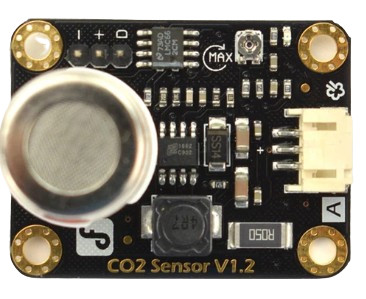
The DFRobot CO2 sensor is a high-performance module designed to measure the concentration of carbon dioxide (CO2) in the air. This sensor is widely used in environmental monitoring, HVAC systems, agricultural applications, and indoor air quality assessment. Its compact design and reliable performance make it an excellent choice for both hobbyists and professionals.
Common applications include:
- Indoor air quality monitoring
- Greenhouse CO2 level control
- Industrial safety systems
- Smart home automation
- Educational projects involving environmental sensing
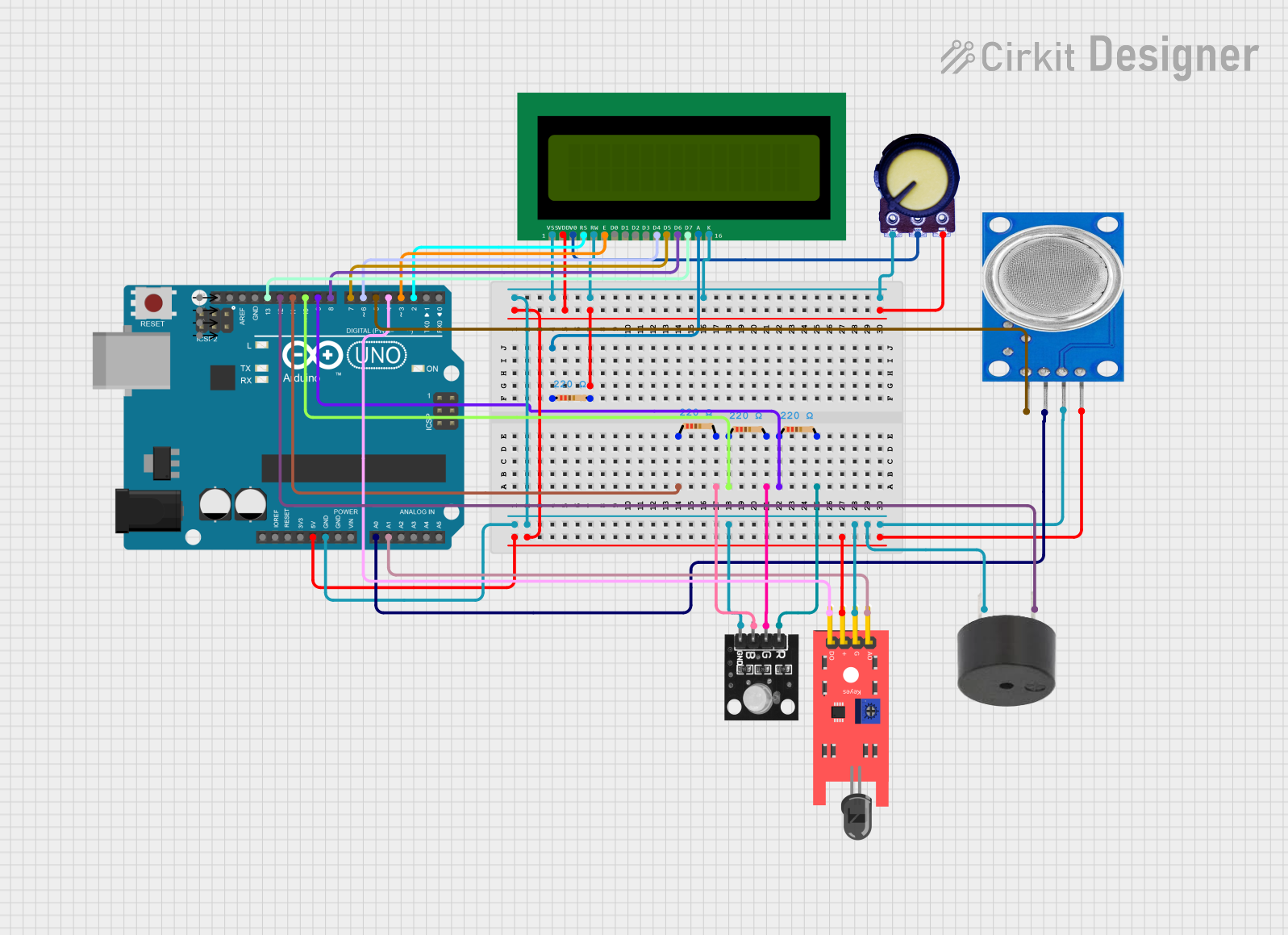
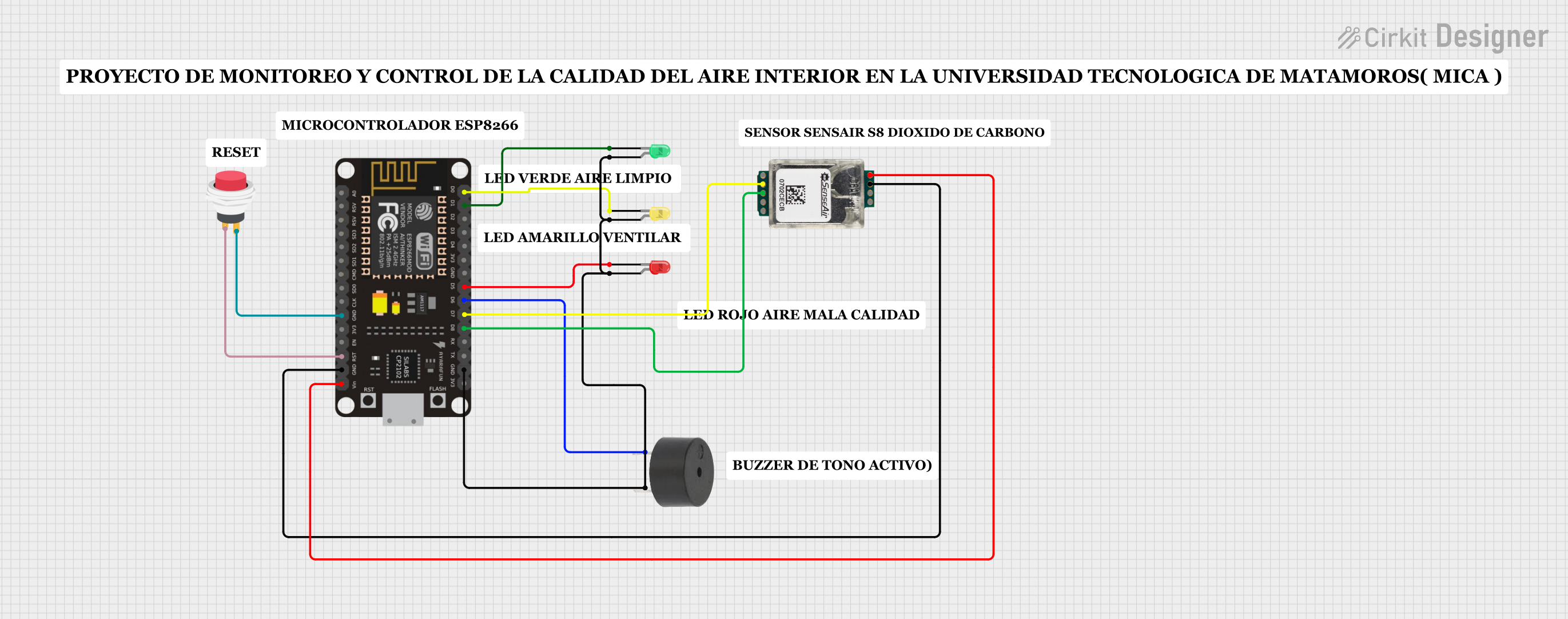
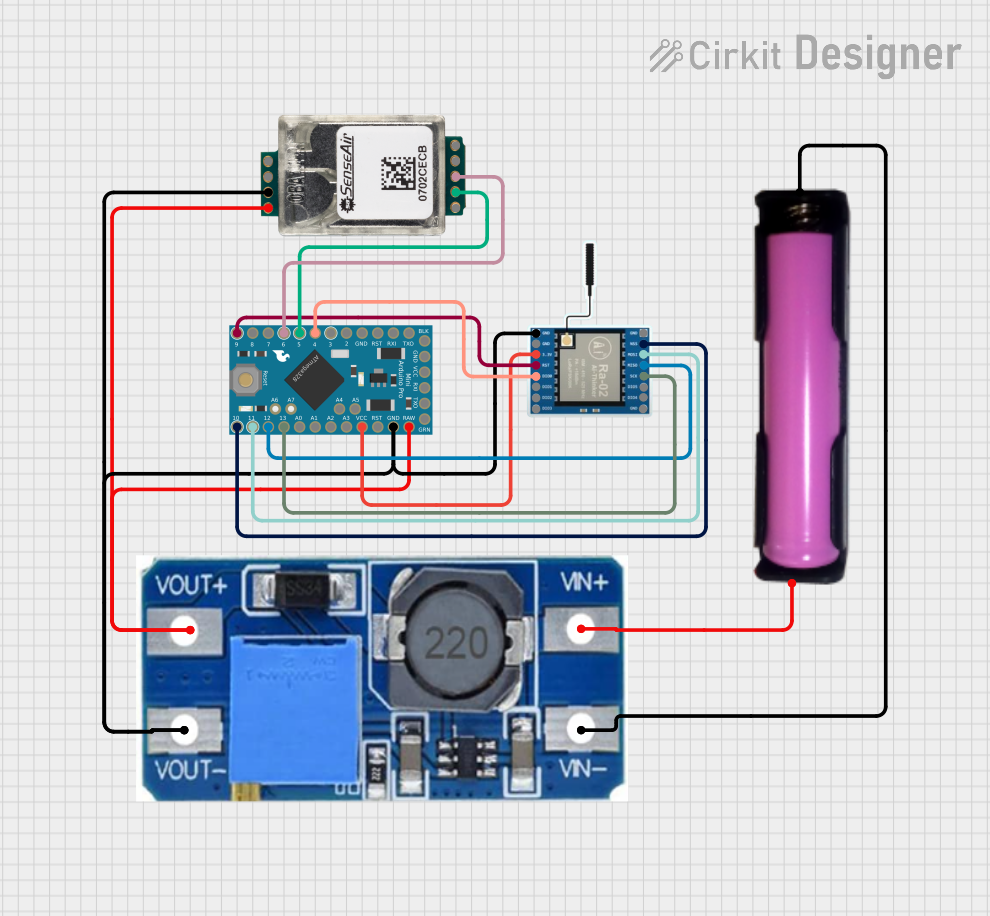
Explore Projects Built with CO2
 Open Project in Cirkit Designer
 Open Project in Cirkit Designer
 Open Project in Cirkit Designer
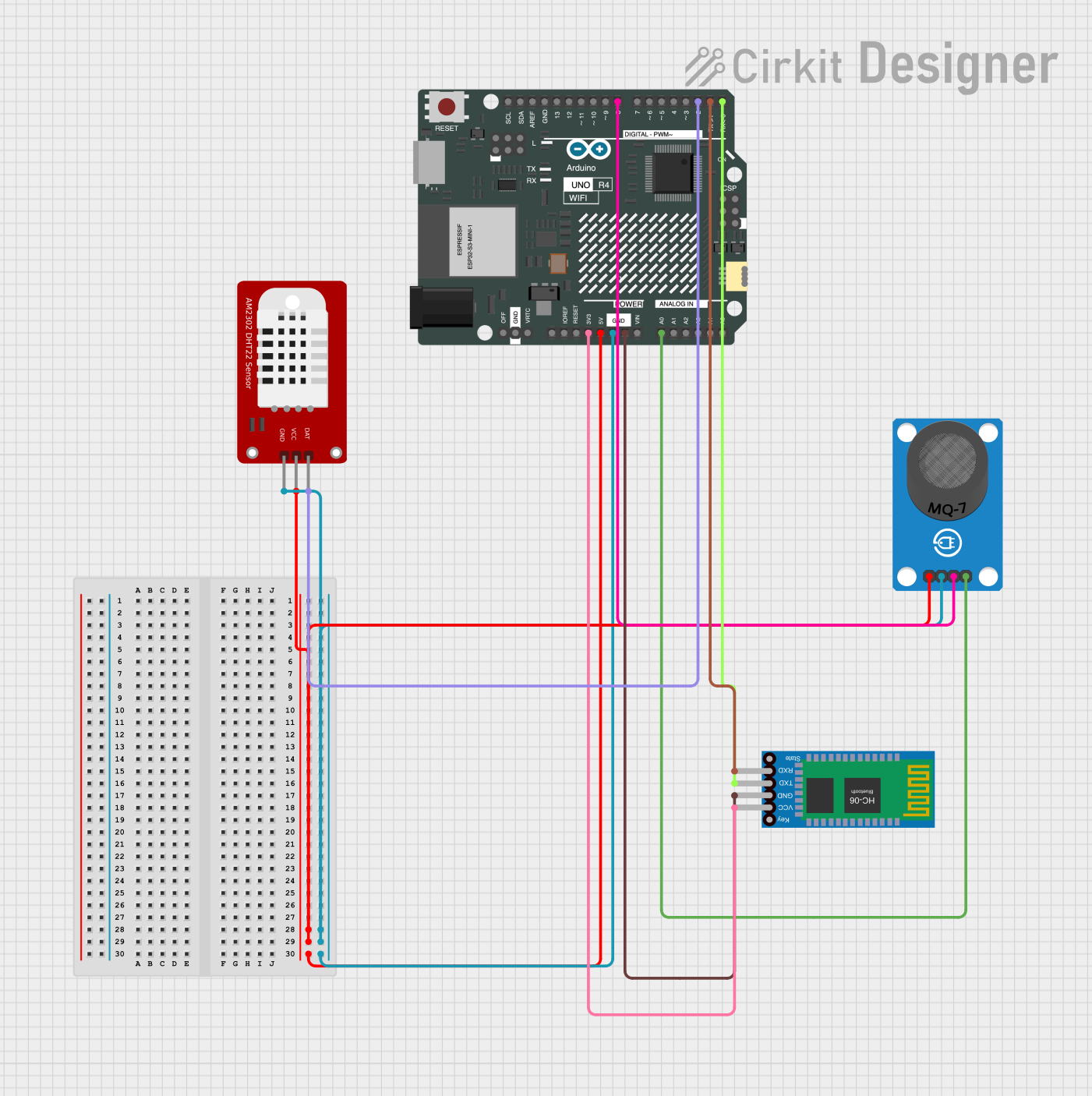 Open Project in Cirkit Designer
Explore Projects Built with CO2
Open Project in Cirkit DesignerOpen Project in Cirkit DesignerOpen Project in Cirkit DesignerOpen Project in Cirkit DesignerTechnical Specifications
The DFRobot CO2 sensor is designed to provide accurate and stable measurements of CO2 concentration. Below are the key technical details:
| Parameter | Value |
|---|---|
| Measurement Range | 0 - 5000 ppm |
| Accuracy | ±50 ppm or ±3% of reading |
| Operating Voltage | 5V DC |
| Operating Current | < 85 mA |
| Output Signal | UART (3.3V TTL) or Analog Voltage |
| Warm-up Time | < 3 minutes |
| Operating Temperature | -10°C to 50°C |
| Operating Humidity | 0% - 95% RH (non-condensing) |
| Dimensions | 50mm x 30mm x 15mm |
Pin Configuration
The DFRobot CO2 sensor typically comes with a 4-pin interface. Below is the pinout description:
| Pin | Name | Description |
|---|---|---|
| 1 | VCC | Power supply (5V DC) |
| 2 | GND | Ground |
| 3 | TX | UART Transmit (3.3V TTL logic level) |
| 4 | RX | UART Receive (3.3V TTL logic level) |
Usage Instructions
Connecting the Sensor
To use the DFRobot CO2 sensor in a circuit, follow these steps:
- Connect the VCC pin to a 5V power source.
- Connect the GND pin to the ground of your circuit.
- For UART communication:
- Connect the TX pin of the sensor to the RX pin of your microcontroller (e.g., Arduino UNO).
- Connect the RX pin of the sensor to the TX pin of your microcontroller.
- If using the analog output (if supported), connect the appropriate pin to an analog input on your microcontroller.
Important Considerations
- Allow the sensor to warm up for at least 3 minutes before taking measurements to ensure accuracy.
- Avoid exposing the sensor to high humidity or condensation, as this may affect its performance.
- Ensure proper ventilation around the sensor for accurate readings.
Example Code for Arduino UNO
Below is an example of how to interface the DFRobot CO2 sensor with an Arduino UNO using UART communication:
#include <SoftwareSerial.h>

// Define the RX and TX pins for SoftwareSerial
SoftwareSerial mySerial(10, 11); // RX = pin 10, TX = pin 11

void setup() {
  Serial.begin(9600); // Initialize hardware serial for debugging
  mySerial.begin(9600); // Initialize software serial for CO2 sensor

  Serial.println("DFRobot CO2 Sensor Test");
}

void loop() {
  if (mySerial.available()) {
    // Read data from the CO2 sensor
    String sensorData = "";
    while (mySerial.available()) {
      char c = mySerial.read();
      sensorData += c;
    }

    // Print the received data to the Serial Monitor
    Serial.println("CO2 Sensor Data: " + sensorData);
  }

  delay(1000); // Wait 1 second before the next reading
}
Best Practices
- Use a stable 5V power supply to avoid fluctuations in sensor readings.
- Place the sensor in an open area for accurate air sampling.
- Regularly calibrate the sensor if required by the manufacturer.
Troubleshooting and FAQs
Common Issues
No data received from the sensor:
- Ensure the TX and RX pins are correctly connected to the microcontroller.
- Verify that the baud rate in the code matches the sensor's default baud rate (9600 bps).
Inaccurate readings:
- Allow the sensor to warm up for at least 3 minutes before taking measurements.
- Check for proper ventilation and avoid placing the sensor in enclosed spaces.
Sensor not powering on:
- Verify that the VCC pin is connected to a 5V power source.
- Check for loose or faulty connections.
FAQs
Q: Can this sensor measure other gases besides CO2?
A: No, this sensor is specifically designed to measure carbon dioxide (CO2) concentrations.
Q: How often should I calibrate the sensor?
A: Calibration frequency depends on the application and environment. Refer to the manufacturer's guidelines for specific recommendations.
Q: Can I use this sensor outdoors?
A: While the sensor can operate in a wide temperature and humidity range, it is not waterproof. Protect it from rain and extreme conditions if used outdoors.
Q: What is the warm-up time for the sensor?
A: The sensor requires less than 3 minutes to warm up and provide accurate readings.
By following this documentation, you can effectively integrate the DFRobot CO2 sensor into your projects and ensure reliable performance.