
How to Use Seeed Studio XIAO ESP32C6 (Aligned pins): Examples, Pinouts, and Specs
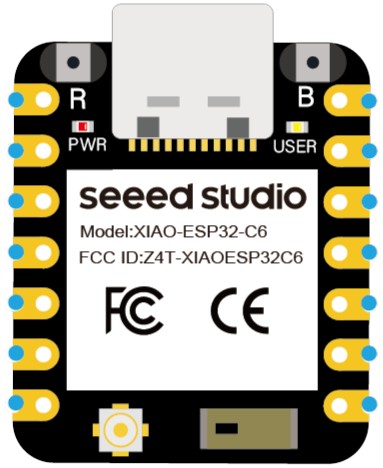
 Design with Seeed Studio XIAO ESP32C6 (Aligned pins) in Cirkit Designer
Introduction
The Seeed Studio XIAO ESP32C6 is a compact microcontroller board powered by the ESP32-C6 chip. It is designed for IoT (Internet of Things) applications, offering built-in Wi-Fi 6 and Bluetooth 5.0 Low Energy (BLE) capabilities. Its small form factor and aligned pins make it ideal for breadboard prototyping and integration into compact designs. The board is well-suited for applications such as smart home devices, wearable electronics, and wireless sensor networks.
Explore Projects Built with Seeed Studio XIAO ESP32C6 (Aligned pins)
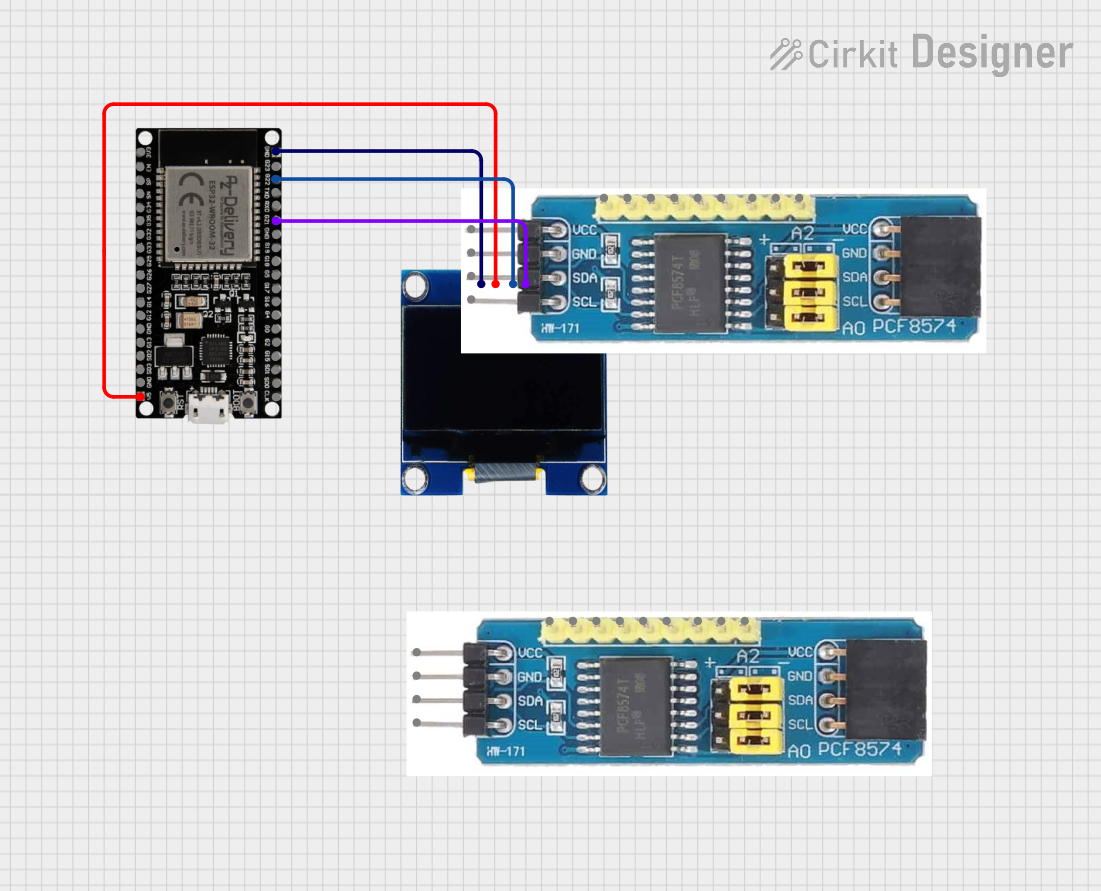 Open Project in Cirkit Designer
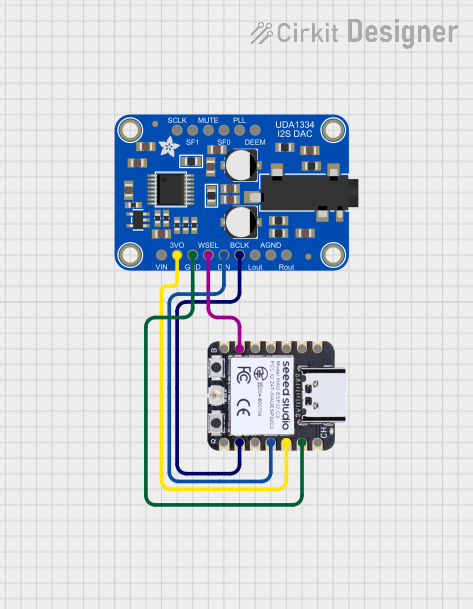 Open Project in Cirkit Designer
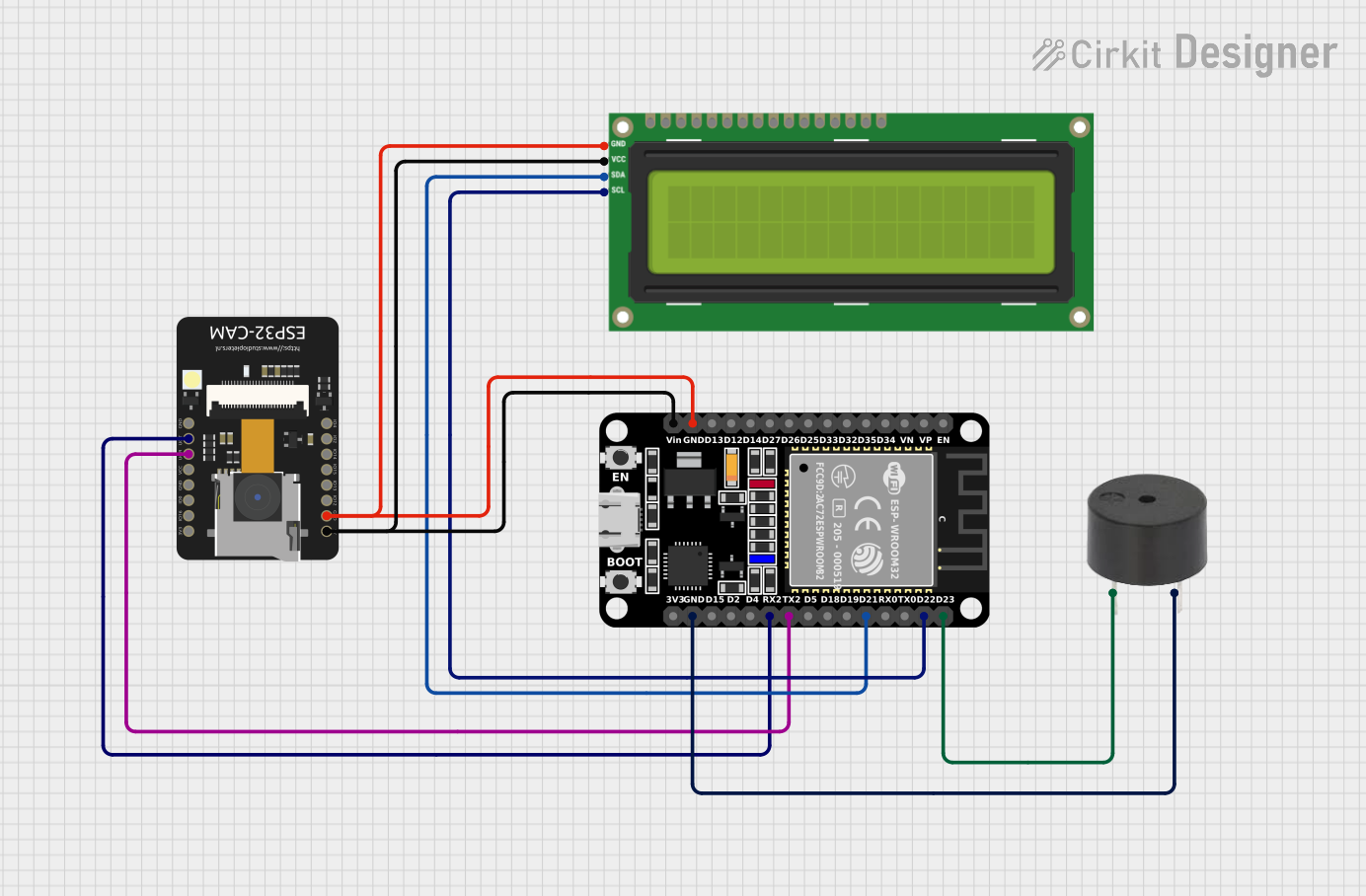 Open Project in Cirkit Designer
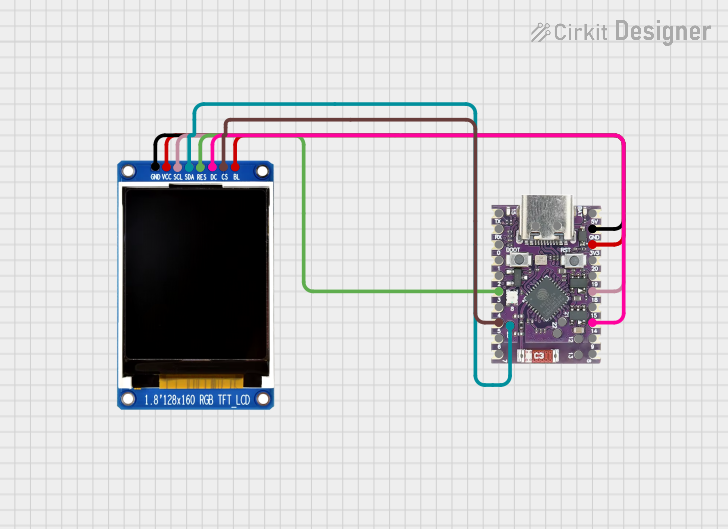 Open Project in Cirkit Designer
Explore Projects Built with Seeed Studio XIAO ESP32C6 (Aligned pins)
Open Project in Cirkit DesignerOpen Project in Cirkit DesignerOpen Project in Cirkit DesignerOpen Project in Cirkit DesignerCommon Applications:
- IoT devices and smart home automation
- Wireless sensor networks
- Wearable technology
- Low-power Bluetooth applications
- Prototyping and educational projects
Technical Specifications
Key Technical Details:
| Specification | Value |
|---|---|
| Microcontroller | ESP32-C6 (RISC-V architecture) |
| Wireless Connectivity | Wi-Fi 6, Bluetooth 5.0 LE, IEEE 802.15.4 |
| Operating Voltage | 3.3V |
| Input Voltage Range | 5V (via USB-C) |
| Flash Memory | 4MB |
| SRAM | 512KB |
| GPIO Pins | 11 (including multifunctional pins) |
| Communication Interfaces | UART, I2C, SPI, PWM |
| USB Interface | USB-C (supports programming and power) |
| Dimensions | 21 x 17.5 mm |
Pin Configuration and Descriptions:
| Pin Name | Pin Number | Functionality |
|---|---|---|
| 3V3 | 1 | 3.3V power output |
| GND | 2 | Ground |
| D0 | 3 | GPIO0, multifunctional (PWM, I2C, etc.) |
| D1 | 4 | GPIO1, multifunctional (PWM, I2C, etc.) |
| D2 | 5 | GPIO2, multifunctional (PWM, I2C, etc.) |
| D3 | 6 | GPIO3, multifunctional (PWM, I2C, etc.) |
| D4 | 7 | GPIO4, multifunctional (PWM, I2C, etc.) |
| D5 | 8 | GPIO5, multifunctional (PWM, I2C, etc.) |
| RX | 9 | UART RX (serial communication) |
| TX | 10 | UART TX (serial communication) |
| RST | 11 | Reset pin |
Usage Instructions
How to Use the Component in a Circuit:
Powering the Board:
- Connect the board to a 5V power source using the USB-C port. The onboard voltage regulator will step down the voltage to 3.3V for the microcontroller.
- Alternatively, you can power the board directly via the 3V3 pin with a regulated 3.3V supply.
Connecting to a Breadboard:
- The aligned pins make it easy to insert the board into a standard breadboard for prototyping. Ensure the pins are properly aligned to avoid short circuits.
Programming the Board:
- Install the ESP32 board package in the Arduino IDE or use the ESP-IDF (Espressif IoT Development Framework) for advanced programming.
- Connect the board to your computer via USB-C and select the appropriate COM port in your development environment.
Using GPIO Pins:
- The GPIO pins can be configured for digital input/output, PWM, I2C, or SPI communication. Refer to the pin configuration table for specific pin functionalities.
Important Considerations and Best Practices:
- Voltage Levels: Ensure all connected peripherals operate at 3.3V logic levels to avoid damaging the board.
- Wi-Fi and Bluetooth Antenna: Avoid placing metal objects near the onboard antenna to maintain optimal wireless performance.
- Heat Management: While the board is efficient, prolonged high-power operation may cause slight heating. Ensure proper ventilation if used in enclosed spaces.
Example Code for Arduino UNO Integration:
Below is an example of using the Seeed Studio XIAO ESP32C6 to blink an LED connected to GPIO2:
// Example: Blink an LED connected to GPIO2 on the XIAO ESP32C6

// Define the GPIO pin for the LED
const int ledPin = 2;

void setup() {
  // Initialize the GPIO pin as an output
  pinMode(ledPin, OUTPUT);
}

void loop() {
  // Turn the LED on
  digitalWrite(ledPin, HIGH);
  delay(1000); // Wait for 1 second

  // Turn the LED off
  digitalWrite(ledPin, LOW);
  delay(1000); // Wait for 1 second
}
Troubleshooting and FAQs
Common Issues and Solutions:
The board is not detected by the computer:
- Ensure the USB-C cable supports data transfer (not just charging).
- Check if the correct drivers for the ESP32-C6 are installed on your computer.
Wi-Fi or Bluetooth connectivity issues:
- Verify that the antenna area is not obstructed.
- Ensure the correct Wi-Fi credentials or Bluetooth pairing settings are used in your code.
The board is overheating:
- Check for short circuits or excessive current draw from connected peripherals.
- Ensure the board is not exposed to high ambient temperatures.
Upload errors in the Arduino IDE:
- Double-check the selected board and COM port in the IDE.
- Press the reset button on the board before uploading the code.
FAQs:
Can I power the board with a battery?
Yes, you can use a 3.7V LiPo battery with a suitable voltage regulator to provide 3.3V to the 3V3 pin.What is the maximum current output of the GPIO pins?
Each GPIO pin can source or sink up to 40mA, but it is recommended to limit the current to 20mA for safe operation.Does the board support OTA (Over-the-Air) updates?
Yes, the ESP32-C6 supports OTA updates, which can be implemented using the appropriate libraries in your code.
This concludes the documentation for the Seeed Studio XIAO ESP32C6 (Aligned pins). For further details, refer to the official Seeed Studio documentation or community forums.