
How to Use AHT10: Examples, Pinouts, and Specs
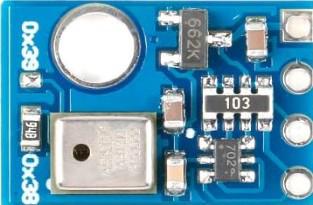
 Design with AHT10 in Cirkit Designer
Introduction
The AHT10 is a digital temperature and humidity sensor designed to provide accurate and reliable measurements of environmental conditions. It features a built-in I2C interface, making it easy to integrate with microcontrollers and other digital systems. The AHT10 is known for its high precision, low power consumption, and compact design, making it ideal for a wide range of applications.
Explore Projects Built with AHT10
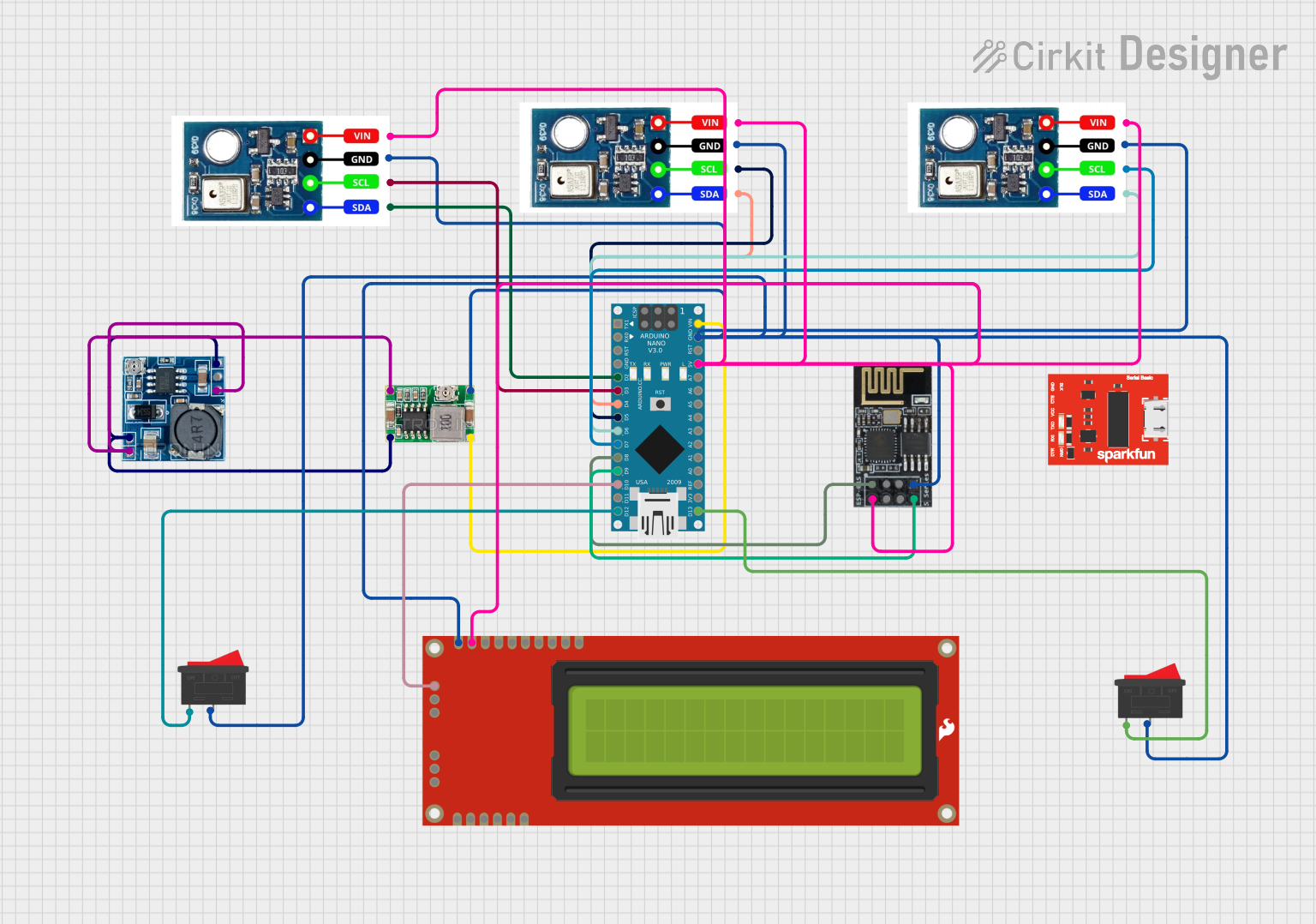 Open Project in Cirkit Designer
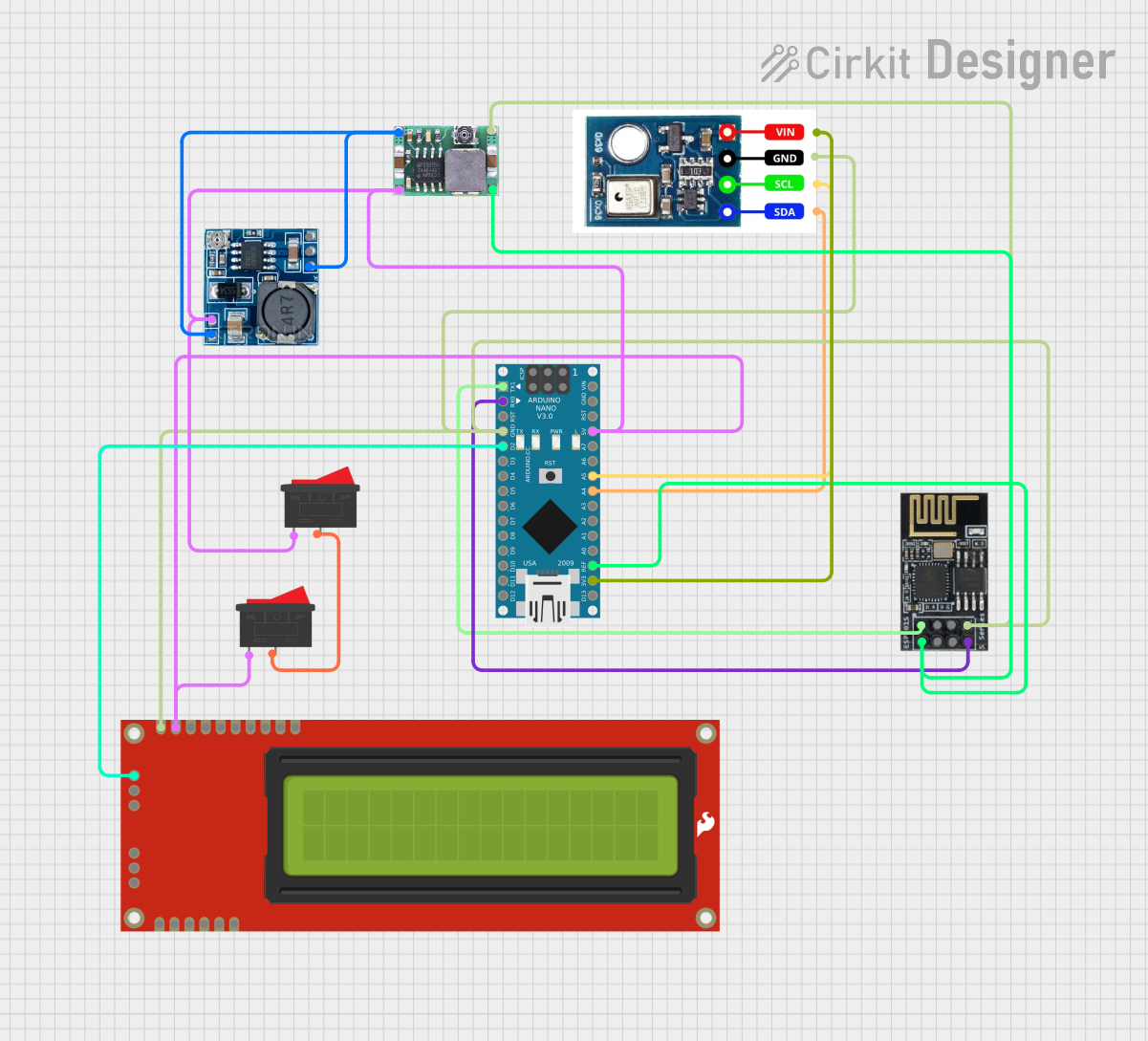 Open Project in Cirkit Designer
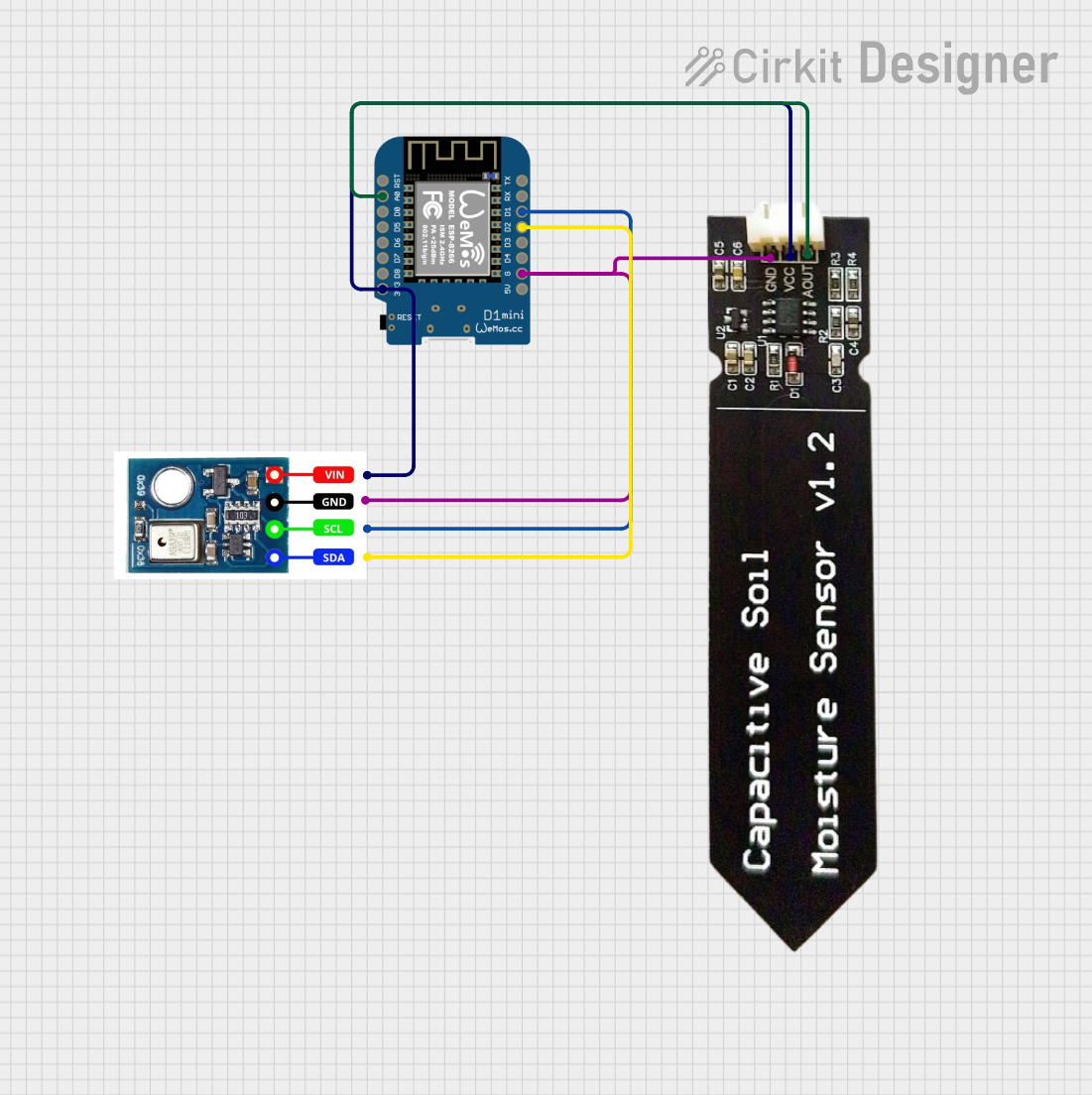 Open Project in Cirkit Designer
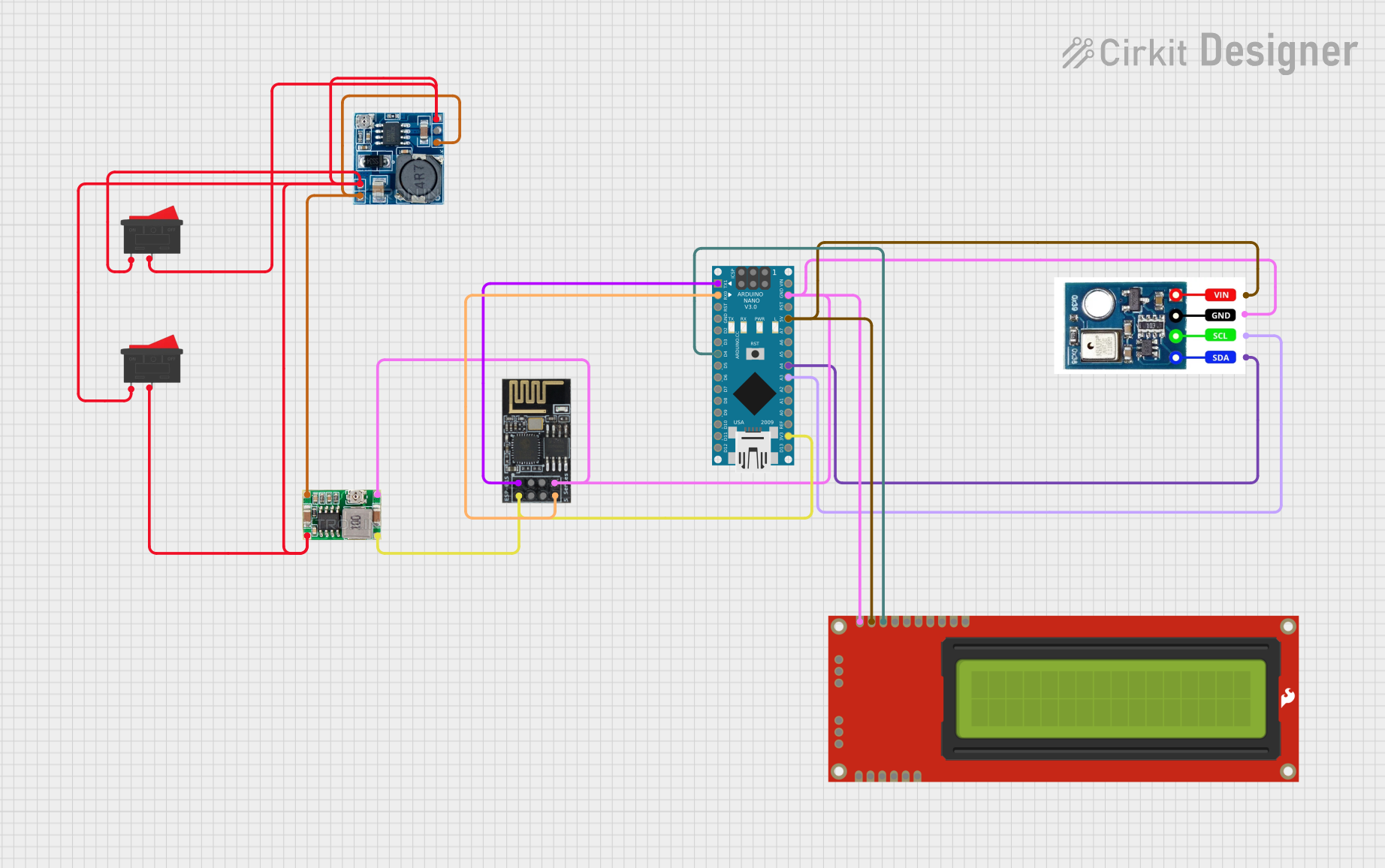 Open Project in Cirkit Designer
Explore Projects Built with AHT10
Open Project in Cirkit DesignerOpen Project in Cirkit DesignerOpen Project in Cirkit DesignerOpen Project in Cirkit DesignerCommon Applications and Use Cases
- Environmental monitoring systems
- Smart home devices (e.g., thermostats, humidifiers)
- Weather stations
- Industrial automation
- IoT (Internet of Things) devices
- HVAC (Heating, Ventilation, and Air Conditioning) systems
Technical Specifications
- Supply Voltage (VDD): 2.0V to 5.5V
- Operating Current: 0.25 mA (average)
- Standby Current: < 0.01 mA
- Temperature Measurement Range: -40°C to 85°C
- Temperature Accuracy: ±0.3°C
- Humidity Measurement Range: 0% to 100% RH
- Humidity Accuracy: ±2% RH
- Communication Protocol: I2C
- I2C Address: 0x38 (default)
- Response Time: < 8 seconds
- Dimensions: 4.0mm x 5.0mm x 1.6mm
Pin Configuration and Descriptions
The AHT10 sensor has four pins, as described in the table below:
| Pin Number | Pin Name | Description |
|---|---|---|
| 1 | VDD | Power supply (2.0V to 5.5V) |
| 2 | GND | Ground |
| 3 | SCL | I2C clock line |
| 4 | SDA | I2C data line |
Usage Instructions
How to Use the AHT10 in a Circuit
- Power Supply: Connect the VDD pin to a 3.3V or 5V power source and the GND pin to ground.
- I2C Communication: Connect the SCL and SDA pins to the corresponding I2C pins on your microcontroller. Use pull-up resistors (typically 4.7kΩ) on the SCL and SDA lines if they are not already present on your board.
- Initialization: Initialize the sensor in your microcontroller's code by sending the appropriate I2C commands to configure the AHT10.
- Data Reading: Use I2C commands to read temperature and humidity data from the sensor. The data is typically provided in a 6-byte format.
Important Considerations and Best Practices
- Ensure the sensor is not exposed to direct sunlight or water, as this may affect its accuracy.
- Avoid placing the sensor near heat sources or areas with high electromagnetic interference.
- Use decoupling capacitors (e.g., 0.1µF) near the VDD pin to stabilize the power supply.
- Allow the sensor to stabilize for a few seconds after power-up before taking measurements.
Example Code for Arduino UNO
Below is an example of how to use the AHT10 with an Arduino UNO:
#include <Wire.h> // Include the Wire library for I2C communication

#define AHT10_ADDRESS 0x38 // Default I2C address of the AHT10

void setup() {
  Wire.begin(); // Initialize I2C communication
  Serial.begin(9600); // Start serial communication for debugging

  // Initialize the AHT10 sensor
  Wire.beginTransmission(AHT10_ADDRESS);
  Wire.write(0xE1); // Send initialization command
  Wire.endTransmission();
  delay(10); // Wait for the sensor to initialize
}

void loop() {
  // Request data from the AHT10 sensor
  Wire.beginTransmission(AHT10_ADDRESS);
  Wire.write(0xAC); // Trigger measurement command
  Wire.write(0x33); // Command parameter
  Wire.write(0x00); // Command parameter
  Wire.endTransmission();
  delay(100); // Wait for the measurement to complete

  // Read 6 bytes of data from the sensor
  Wire.requestFrom(AHT10_ADDRESS, 6);
  if (Wire.available() == 6) {
    uint8_t data[6];
    for (int i = 0; i < 6; i++) {
      data[i] = Wire.read();
    }

    // Process the data to extract temperature and humidity
    uint32_t humidity = ((uint32_t)data[1] << 12) | ((uint32_t)data[2] << 4) |
                        (data[3] >> 4);
    uint32_t temperature = ((uint32_t)(data[3] & 0x0F) << 16) |
                           ((uint32_t)data[4] << 8) | data[5];

    float humidityPercent = (humidity * 100.0) / 1048576.0;
    float temperatureCelsius = (temperature * 200.0 / 1048576.0) - 50.0;

    // Print the results to the serial monitor
    Serial.print("Humidity: ");
    Serial.print(humidityPercent);
    Serial.println(" %");
    Serial.print("Temperature: ");
    Serial.print(temperatureCelsius);
    Serial.println(" °C");
  }

  delay(2000); // Wait 2 seconds before the next reading
}
Troubleshooting and FAQs
Common Issues and Solutions
No Data from the Sensor:
- Ensure the sensor is properly connected to the I2C pins of the microcontroller.
- Verify that the I2C address (0x38) matches the one used in your code.
- Check for proper pull-up resistors on the SCL and SDA lines.
Inaccurate Readings:
- Ensure the sensor is not exposed to extreme environmental conditions (e.g., direct sunlight, water).
- Allow the sensor to stabilize for a few seconds after power-up.
- Verify that the power supply voltage is within the specified range (2.0V to 5.5V).
I2C Communication Errors:
- Check the wiring and ensure there are no loose connections.
- Use shorter wires to reduce noise and interference.
- Verify that the microcontroller's I2C clock speed is compatible with the AHT10.
FAQs
Q: Can the AHT10 operate at 5V?
A: Yes, the AHT10 can operate with a supply voltage between 2.0V and 5.5V.Q: Do I need to calibrate the AHT10?
A: No, the AHT10 is factory-calibrated and does not require additional calibration.Q: What is the typical response time of the AHT10?
A: The typical response time is less than 8 seconds.Q: Can I use the AHT10 with a 3.3V microcontroller?
A: Yes, the AHT10 is compatible with both 3.3V and 5V systems.