
How to Use 18650 Li-ion Battery: Examples, Pinouts, and Specs
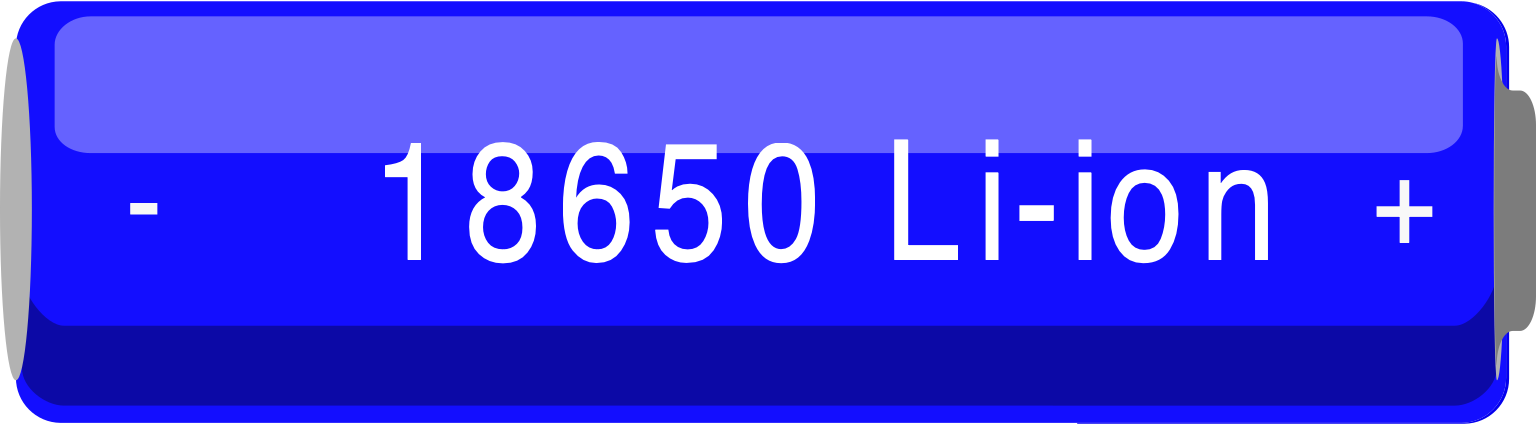
 Design with 18650 Li-ion Battery in Cirkit Designer
Introduction
The 18650 Li-ion battery is a cylindrical rechargeable lithium-ion battery cell, widely recognized for its high energy density, long cycle life, and compact size. With a nominal voltage of 3.6V to 3.7V and a capacity range typically between 1800mAh and 3500mAh, it is a popular choice for portable electronics, power tools, flashlights, and electric vehicles. Its reliability and efficiency make it a cornerstone in modern energy storage solutions.
Explore Projects Built with 18650 Li-ion Battery
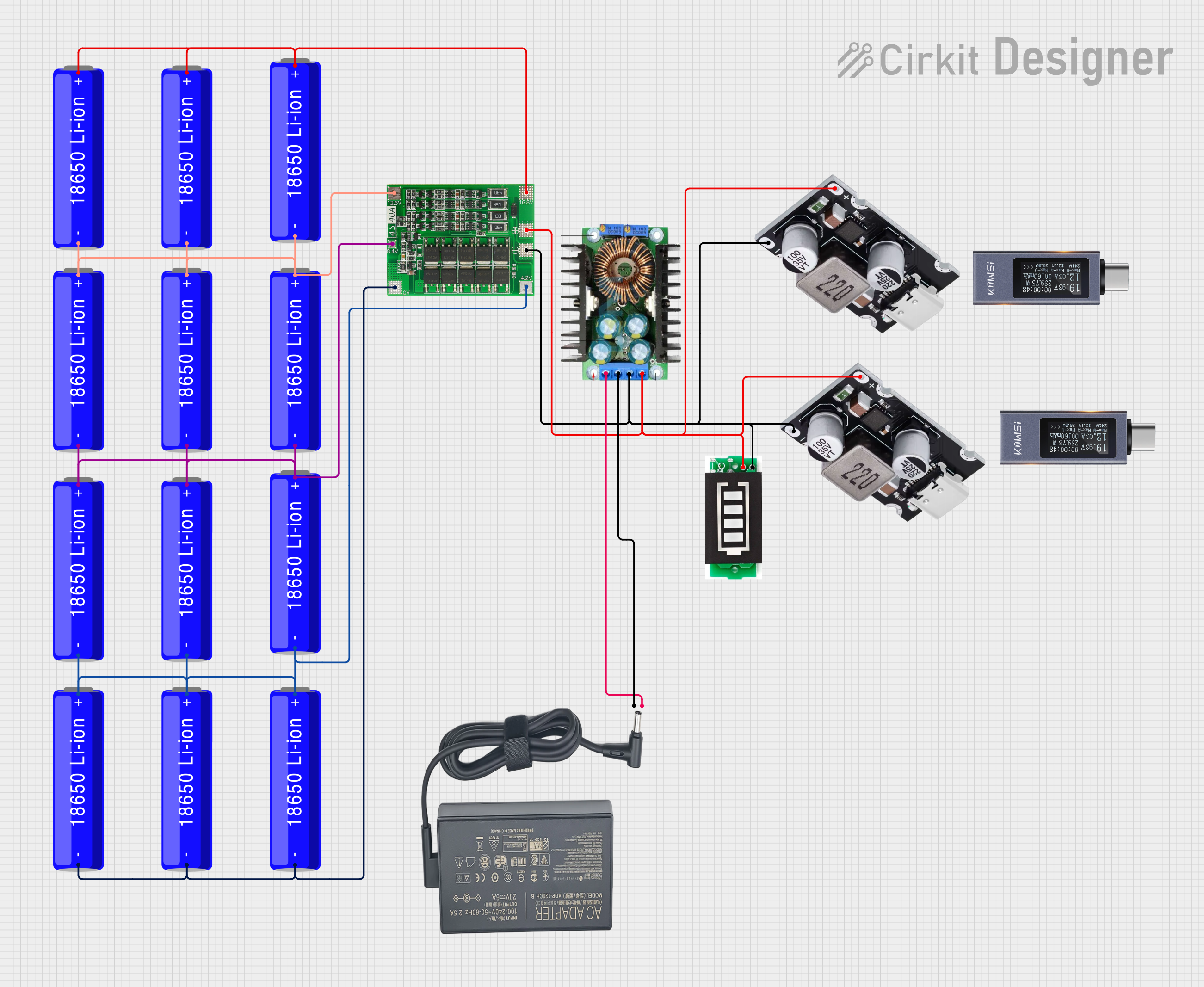 Open Project in Cirkit Designer
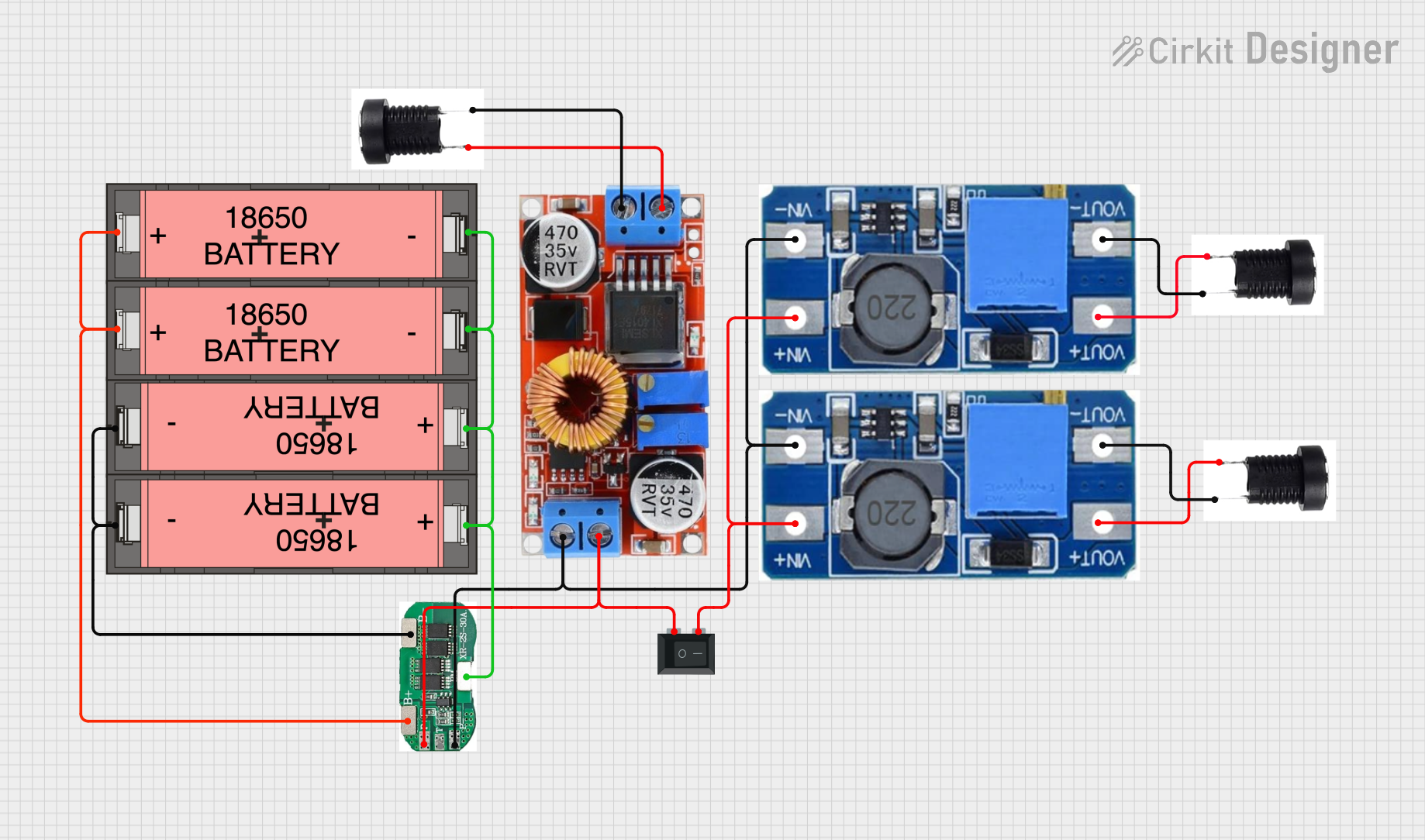 Open Project in Cirkit Designer
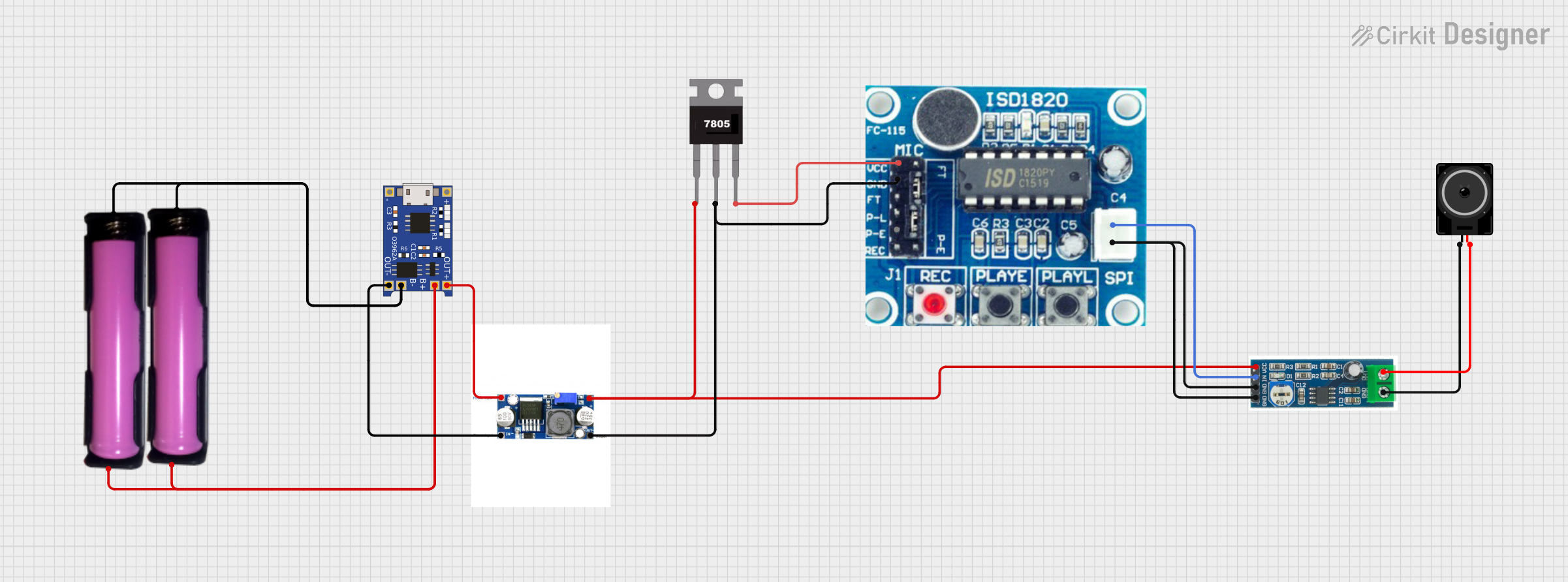 Open Project in Cirkit Designer
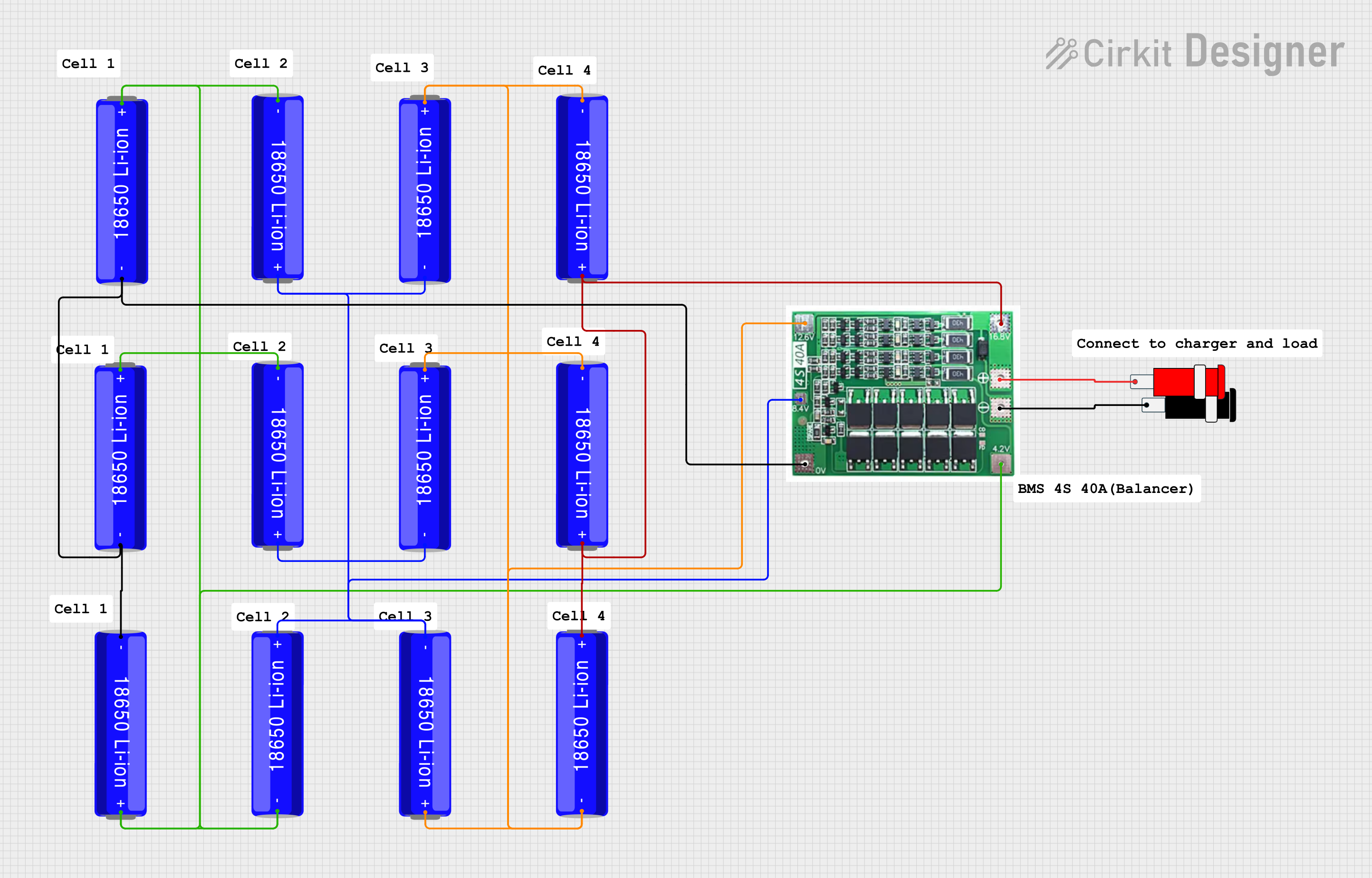 Open Project in Cirkit Designer
Explore Projects Built with 18650 Li-ion Battery
Open Project in Cirkit DesignerOpen Project in Cirkit DesignerOpen Project in Cirkit DesignerOpen Project in Cirkit DesignerCommon Applications
- Power banks and portable chargers
- Laptops and other portable electronics
- Electric vehicles (EVs) and e-bikes
- Flashlights and LED lighting systems
- DIY electronics and robotics projects
Technical Specifications
Key Specifications
| Parameter | Value |
|---|---|
| Nominal Voltage | 3.6V - 3.7V |
| Fully Charged Voltage | 4.2V |
| Cut-off Voltage | 2.5V - 3.0V |
| Capacity Range | 1800mAh - 3500mAh |
| Maximum Discharge Current | 5A - 30A (varies by model) |
| Charging Current | Standard: 0.5C, Maximum: 1C |
| Cycle Life | 300 - 500 cycles (typical) |
| Dimensions | 18mm (diameter) x 65mm (length) |
| Weight | ~45g |
Pin Configuration
The 18650 battery has two terminals:
| Pin Name | Description |
|---|---|
| Positive (+) | The positive terminal of the battery |
| Negative (-) | The negative terminal of the battery |
Note: Some 18650 batteries come with built-in protection circuits, which may slightly increase their length and weight.
Usage Instructions
How to Use the 18650 Battery in a Circuit
- Voltage Regulation: Ensure the circuit operates within the battery's voltage range (2.5V to 4.2V). Use a voltage regulator if necessary.
- Battery Holder: Use a compatible 18650 battery holder to securely connect the battery to your circuit.
- Charging: Use a dedicated Li-ion battery charger with constant current (CC) and constant voltage (CV) charging profiles. Avoid overcharging beyond 4.2V.
- Discharging: Do not discharge the battery below its cut-off voltage (2.5V to 3.0V) to prevent damage.
- Protection Circuit: For safety, use a battery management system (BMS) or a protection circuit module (PCM) to prevent overcharging, over-discharging, and short circuits.
Important Considerations
- Polarity: Always connect the battery with the correct polarity to avoid damage to the circuit or battery.
- Temperature: Operate the battery within the recommended temperature range (typically -20°C to 60°C).
- Storage: Store the battery in a cool, dry place at ~40% charge for long-term storage.
- Safety: Avoid puncturing, crushing, or exposing the battery to fire or water.
Example: Using 18650 Battery with Arduino UNO
To power an Arduino UNO with an 18650 battery, you can use a DC-DC step-up converter to boost the battery's voltage to 5V.
Circuit Components
- 18650 Li-ion battery
- 18650 battery holder
- DC-DC step-up converter (e.g., MT3608)
- Arduino UNO
Circuit Diagram
Connect the components as follows:
- Connect the battery holder's positive terminal to the input (+) of the step-up converter.
- Connect the battery holder's negative terminal to the input (-) of the step-up converter.
- Adjust the step-up converter to output 5V.
- Connect the step-up converter's output (+) to the Arduino's VIN pin.
- Connect the step-up converter's output (-) to the Arduino's GND pin.
Sample Code
// Example code to blink an LED on Arduino UNO powered by 18650 battery
// Ensure the step-up converter is set to output 5V before connecting to Arduino

void setup() {
  pinMode(13, OUTPUT); // Set pin 13 as an output pin
}

void loop() {
  digitalWrite(13, HIGH); // Turn the LED on
  delay(1000);            // Wait for 1 second
  digitalWrite(13, LOW);  // Turn the LED off
  delay(1000);            // Wait for 1 second
}
Troubleshooting and FAQs
Common Issues and Solutions
Battery Not Charging
- Cause: Faulty charger or damaged battery.
- Solution: Verify the charger is functioning correctly and compatible with the 18650 battery. Replace the battery if necessary.
Battery Drains Quickly
- Cause: Over-discharge or aging battery.
- Solution: Avoid discharging below the cut-off voltage. Replace the battery if its capacity has significantly degraded.
Battery Overheats
- Cause: Excessive current draw or faulty protection circuit.
- Solution: Ensure the load does not exceed the battery's maximum discharge current. Use a battery with a built-in protection circuit.
Arduino Not Powering On
- Cause: Incorrect voltage or loose connections.
- Solution: Verify the step-up converter is outputting 5V and check all connections.
FAQs
Can I use an 18650 battery without a protection circuit?
- It is not recommended. Always use a protection circuit to ensure safety and prolong battery life.
How do I know if my 18650 battery is fully charged?
- A fully charged 18650 battery will have a voltage of approximately 4.2V.
Can I connect multiple 18650 batteries in series or parallel?
- Yes, but ensure you use a proper battery management system (BMS) to balance the cells and provide protection.
What is the shelf life of an 18650 battery?
- When stored properly, an 18650 battery can last 2-3 years or more. Store at ~40% charge in a cool, dry place for optimal longevity.