
How to Use KY-018 LDR Photo Resistor: Examples, Pinouts, and Specs
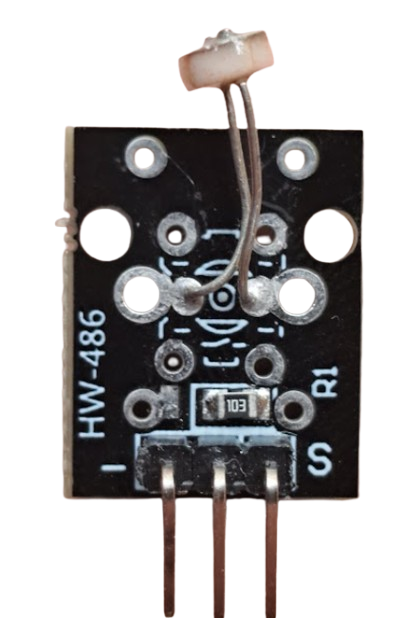
 Design with KY-018 LDR Photo Resistor in Cirkit Designer
Introduction
The KY-018 LDR Photo Resistor, manufactured by AZ-Delivery (Part ID: KY-018), is a light-dependent resistor (LDR) that changes its resistance based on the intensity of light falling on it. This component is widely used in light sensing applications, such as automatic lighting systems, light meters, and DIY electronics projects. Its ability to detect varying light levels makes it an essential component for projects requiring light-based automation or monitoring.
Explore Projects Built with KY-018 LDR Photo Resistor
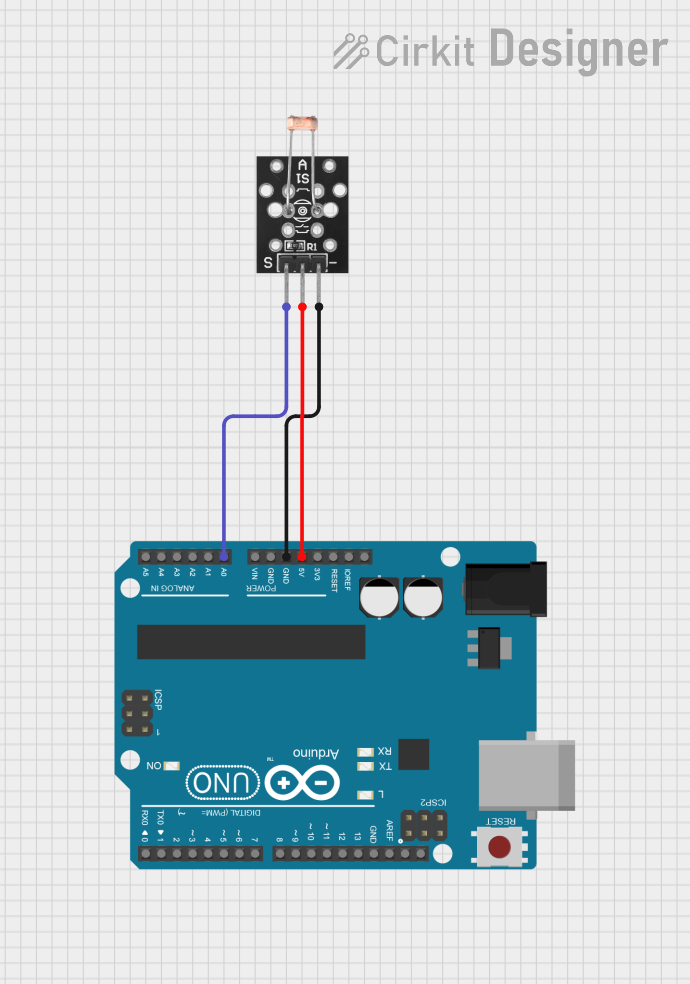 Open Project in Cirkit Designer
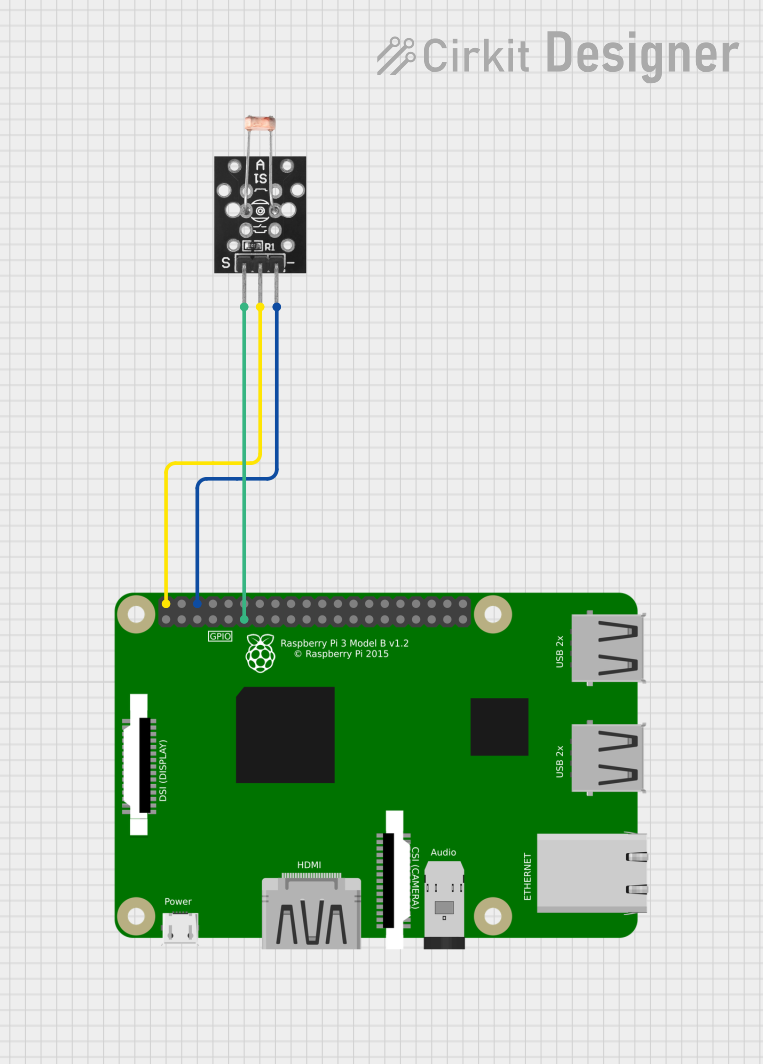 Open Project in Cirkit Designer
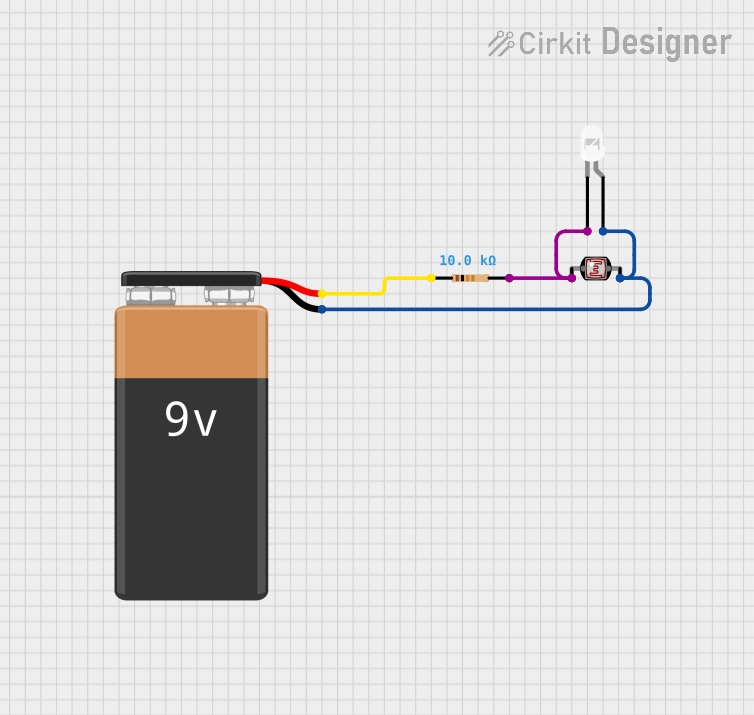 Open Project in Cirkit Designer
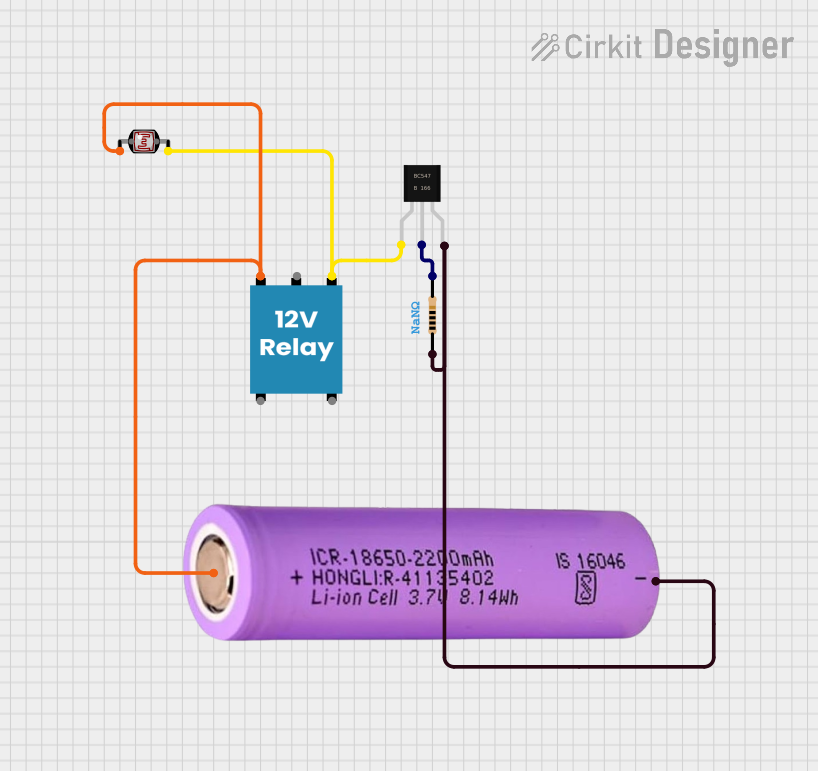 Open Project in Cirkit Designer
Explore Projects Built with KY-018 LDR Photo Resistor
Open Project in Cirkit DesignerOpen Project in Cirkit DesignerOpen Project in Cirkit DesignerOpen Project in Cirkit DesignerCommon Applications
- Automatic streetlights and night lamps
- Light intensity measurement systems
- DIY electronics and Arduino projects
- Security systems with light detection
- Solar tracking systems
Technical Specifications
The KY-018 module consists of an LDR and a fixed resistor, forming a voltage divider circuit. Below are the key technical details:
Key Specifications
| Parameter | Value |
|---|---|
| Manufacturer | AZ-Delivery |
| Part ID | KY-018 |
| Operating Voltage | 3.3V to 5V |
| Resistance Range | ~10 kΩ (bright light) to ~1 MΩ (dark) |
| Power Consumption | Low |
| Operating Temperature | -30°C to +70°C |
| Dimensions | 18mm x 10mm x 2mm |
Pin Configuration
The KY-018 module has three pins, as described below:
| Pin Name | Description |
|---|---|
| Signal | Outputs the analog voltage signal proportional to light intensity |
| VCC | Power supply input (3.3V to 5V) |
| GND | Ground connection |
Usage Instructions
How to Use the KY-018 in a Circuit
Connect the Pins:
- Connect the VCC pin to a 3.3V or 5V power supply.
- Connect the GND pin to the ground of your circuit.
- Connect the Signal pin to an analog input pin of your microcontroller (e.g., Arduino).
Read the Signal:
- The Signal pin outputs an analog voltage that varies with light intensity. Higher light intensity results in a lower resistance of the LDR, increasing the voltage at the Signal pin.
Voltage Divider:
- The module uses a voltage divider circuit with the LDR and a fixed resistor. The output voltage can be calculated using the formula: [ V_{out} = V_{in} \times \frac{R_{LDR}}{R_{LDR} + R_{fixed}} ]
- Here, ( R_{LDR} ) is the resistance of the LDR, which changes with light intensity.
Arduino Example Code
Below is an example of how to use the KY-018 with an Arduino UNO to measure light intensity:
// KY-018 LDR Photo Resistor Example Code
// Reads the analog signal from the KY-018 module and prints the light intensity
// to the Serial Monitor.

const int ldrPin = A0; // Connect the Signal pin of KY-018 to Arduino A0

void setup() {
  Serial.begin(9600); // Initialize serial communication at 9600 baud
  pinMode(ldrPin, INPUT); // Set the LDR pin as input
}

void loop() {
  int ldrValue = analogRead(ldrPin); // Read the analog value from the LDR
  Serial.print("Light Intensity (Analog Value): ");
  Serial.println(ldrValue); // Print the light intensity value to Serial Monitor

  delay(500); // Wait for 500ms before the next reading
}
Important Considerations
- Power Supply: Ensure the module is powered within its operating voltage range (3.3V to 5V).
- Analog Input: Use an analog input pin on your microcontroller to read the signal.
- Light Sensitivity: The LDR is sensitive to visible light. Avoid exposing it to extreme light conditions for prolonged periods to prevent damage.
- Calibration: Depending on your application, you may need to calibrate the readings to map the analog values to actual light intensity levels.
Troubleshooting and FAQs
Common Issues and Solutions
| Issue | Possible Cause | Solution |
|---|---|---|
| No output signal | Incorrect wiring | Double-check the pin connections. |
| Signal value not changing | LDR not exposed to varying light levels | Test with a flashlight or cover the LDR. |
| Unstable or noisy readings | Electrical noise or loose connections | Use shorter wires and ensure secure connections. |
| Arduino not detecting the module | Incorrect analog pin configuration | Verify the pin number in the code. |
FAQs
Can the KY-018 detect infrared light?
- No, the KY-018 is designed to detect visible light and is not sensitive to infrared light.
What is the maximum distance for light detection?
- The detection range depends on the intensity of the light source. Brighter light sources can be detected from greater distances.
Can I use the KY-018 with a Raspberry Pi?
- Yes, but since the Raspberry Pi lacks analog input pins, you will need an external ADC (Analog-to-Digital Converter) to read the signal.
How do I map the analog values to lux (light intensity)?
- The KY-018 does not provide direct lux readings. You can calibrate the module using a lux meter and map the analog values accordingly.
By following this documentation, you can effectively integrate the KY-018 LDR Photo Resistor into your projects for reliable light sensing functionality.