
How to Use Adafruit Industries 1784 Piezo Speakers: Examples, Pinouts, and Specs
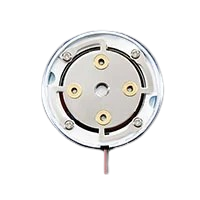
 Design with Adafruit Industries 1784 Piezo Speakers in Cirkit Designer
Introduction
The Adafruit Industries 1784 Piezo Speakers are compact and lightweight audio components that utilize the piezoelectric effect to produce sound. These speakers are ideal for generating simple audio signals, such as beeps, tones, or alarms, in a wide range of electronic projects. Their small size and low power consumption make them a popular choice for hobbyists, students, and professionals working on embedded systems, Arduino projects, and other DIY electronics.
Explore Projects Built with Adafruit Industries 1784 Piezo Speakers
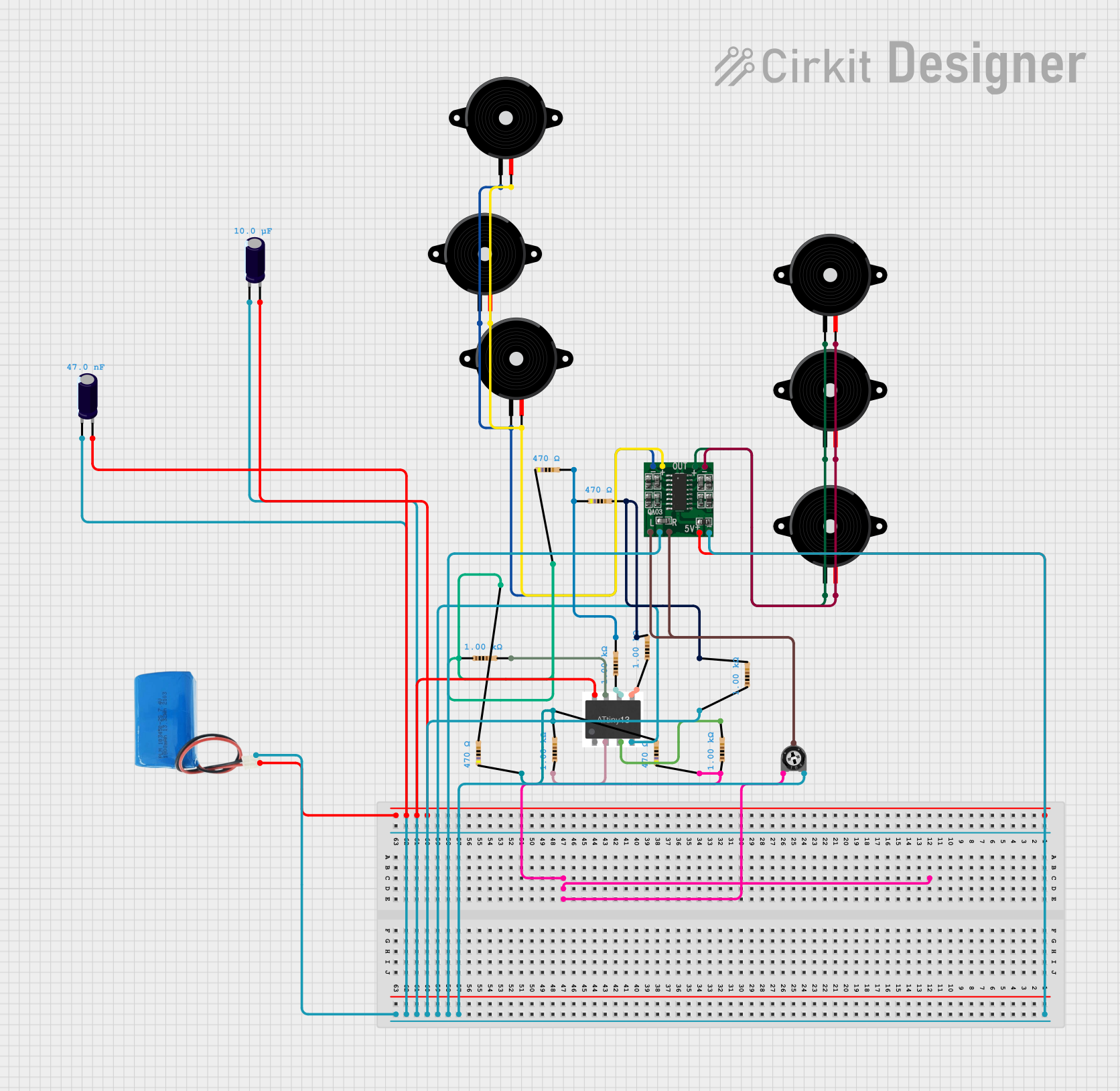 Open Project in Cirkit Designer
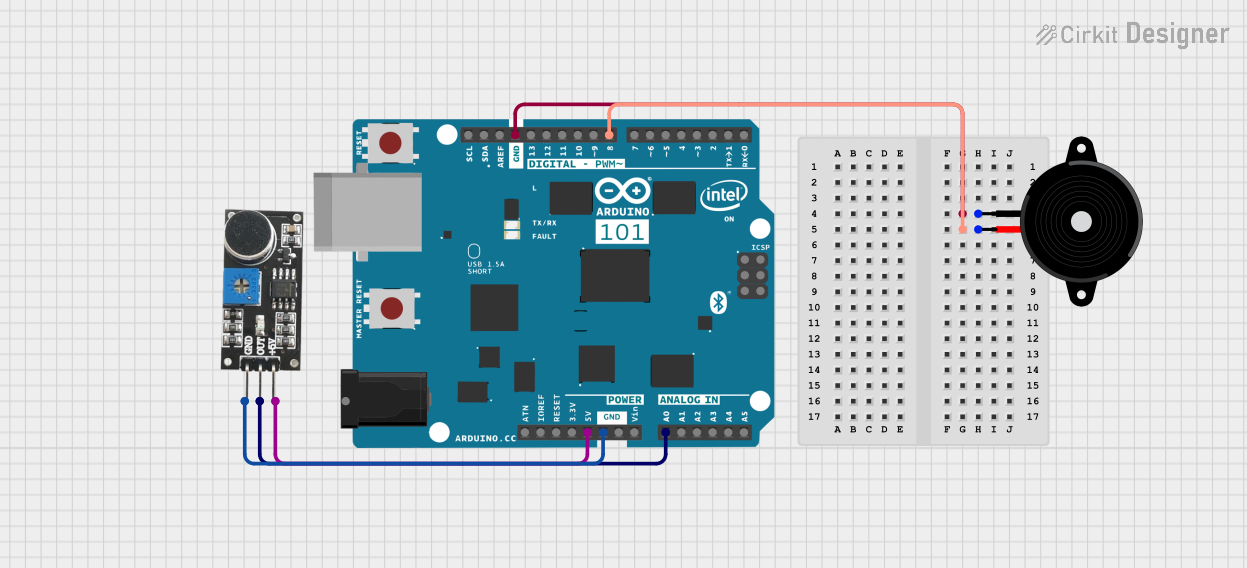 Open Project in Cirkit Designer
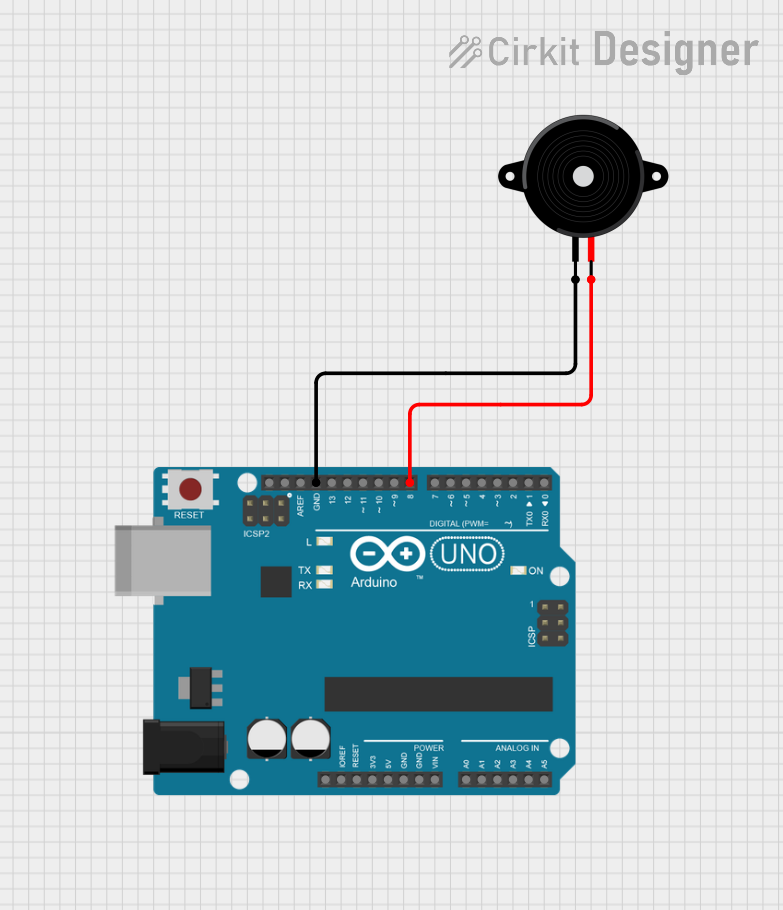 Open Project in Cirkit Designer
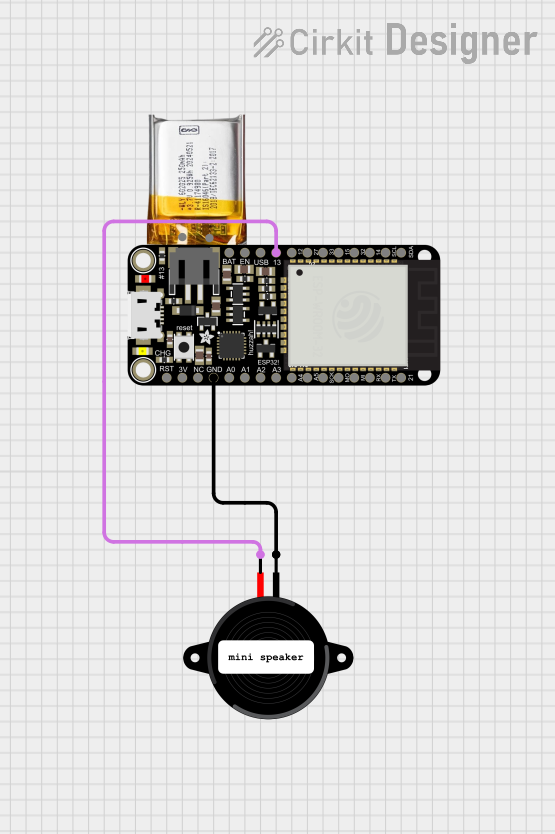 Open Project in Cirkit Designer
Explore Projects Built with Adafruit Industries 1784 Piezo Speakers
Open Project in Cirkit DesignerOpen Project in Cirkit DesignerOpen Project in Cirkit DesignerOpen Project in Cirkit DesignerCommon Applications and Use Cases
- Generating audio feedback in embedded systems
- Alarm or notification systems
- Musical tone generation in Arduino projects
- Sound effects in toys and gadgets
- Educational electronics kits
Technical Specifications
The Adafruit 1784 Piezo Speaker is designed for ease of use and compatibility with low-power circuits. Below are the key technical details:
Key Specifications
| Parameter | Value |
|---|---|
| Manufacturer | Adafruit |
| Manufacturer Part ID | 1784 |
| Operating Voltage | 3V to 30V |
| Operating Current | ~9mA at 12V |
| Resonant Frequency | 4 kHz |
| Sound Pressure Level | 85 dB at 10 cm (at 12V, 4 kHz) |
| Dimensions | 30 mm diameter, 10 mm height |
| Weight | ~2 grams |
Pin Configuration and Descriptions
The Adafruit 1784 Piezo Speaker has two pins for electrical connections:
| Pin Name | Description |
|---|---|
| Positive (+) | Connect to the positive voltage supply (Vcc). |
| Negative (-) | Connect to ground (GND). |
Usage Instructions
The Adafruit 1784 Piezo Speaker is straightforward to use in electronic circuits. Below are the steps and best practices for integrating it into your project.
How to Use the Component in a Circuit
- Power Supply: Connect the positive pin of the speaker to the voltage supply (Vcc) and the negative pin to ground (GND). Ensure the supply voltage is within the operating range (3V to 30V).
- Signal Generation: To produce sound, apply a square wave signal to the positive pin. The frequency of the square wave determines the pitch of the sound.
- Microcontroller Integration: The speaker can be directly driven by a microcontroller, such as an Arduino, using a digital output pin. For higher sound levels, use a transistor or MOSFET as a driver.
Important Considerations and Best Practices
- Voltage Limits: Do not exceed the maximum operating voltage of 30V to avoid damaging the speaker.
- Frequency Range: For optimal sound output, use frequencies around the resonant frequency of 4 kHz.
- Current Limiting: If driving the speaker directly from a microcontroller, ensure the current draw does not exceed the microcontroller's pin current rating.
- Mounting: Secure the speaker in place to prevent vibrations from affecting sound quality.
Example: Using the Piezo Speaker with an Arduino UNO
Below is an example of how to use the Adafruit 1784 Piezo Speaker with an Arduino UNO to generate a simple tone.
// Example: Generate a 4 kHz tone using the Adafruit 1784 Piezo Speaker
// Connect the positive pin of the speaker to Arduino pin 8
// Connect the negative pin of the speaker to GND

#define SPEAKER_PIN 8  // Define the pin connected to the speaker

void setup() {
  pinMode(SPEAKER_PIN, OUTPUT);  // Set the speaker pin as an output
}

void loop() {
  // Generate a 4 kHz tone for 500 ms
  tone(SPEAKER_PIN, 4000, 500);  // tone(pin, frequency, duration)
  delay(1000);  // Wait for 1 second before repeating
}
Troubleshooting and FAQs
Common Issues and Solutions
No Sound Output:
- Cause: Incorrect wiring or insufficient voltage.
- Solution: Verify the connections and ensure the supply voltage is within the operating range.
Low Sound Volume:
- Cause: Driving the speaker directly from a low-power source.
- Solution: Use a transistor or MOSFET to amplify the signal.
Distorted Sound:
- Cause: Incorrect signal frequency or insufficient power.
- Solution: Use a square wave signal close to the resonant frequency (4 kHz) and ensure adequate power supply.
Overheating:
- Cause: Exceeding the maximum voltage or current rating.
- Solution: Check the voltage and current levels and ensure they are within the specified limits.
FAQs
Q1: Can I use the Adafruit 1784 Piezo Speaker with a 3.3V microcontroller?
A1: Yes, the speaker can operate at 3.3V, but the sound output may be quieter compared to higher voltages.
Q2: What is the maximum distance at which the sound is audible?
A2: The sound pressure level is 85 dB at 10 cm. The audible distance depends on the environment and background noise but is typically a few meters.
Q3: Can I generate multiple tones with this speaker?
A3: Yes, you can generate multiple tones by varying the frequency of the square wave signal applied to the speaker.
Q4: Is the speaker waterproof?
A4: No, the Adafruit 1784 Piezo Speaker is not waterproof. Avoid exposing it to moisture or liquids.
By following this documentation, you can effectively integrate the Adafruit 1784 Piezo Speaker into your electronic projects and troubleshoot any issues that arise.