
How to Use Jetson nano : Examples, Pinouts, and Specs
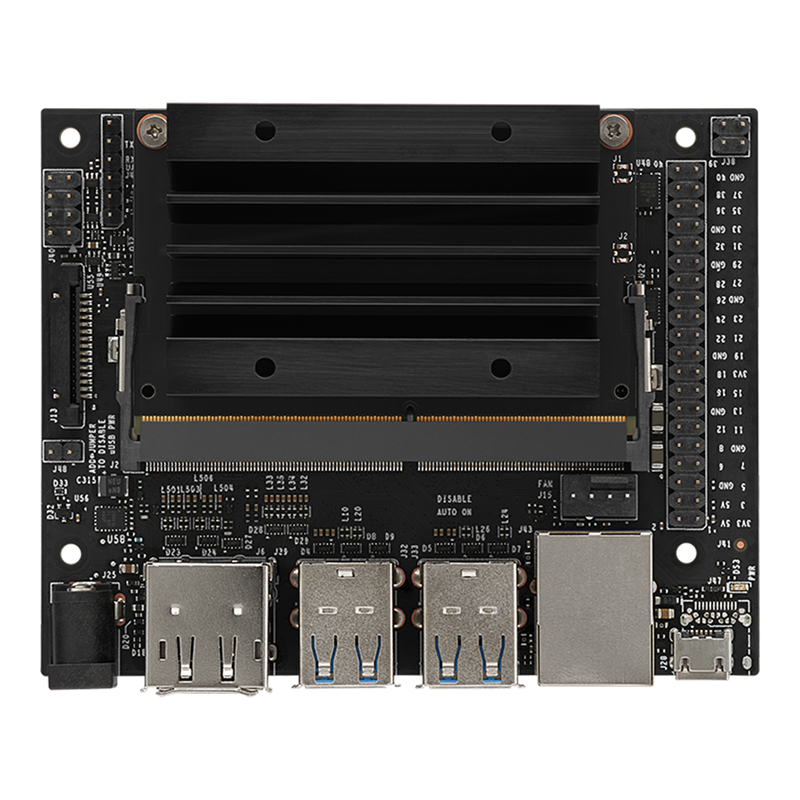
 Design with Jetson nano in Cirkit Designer
Introduction
The Jetson Nano, developed by NVIDIA, is a compact yet powerful computer designed specifically for artificial intelligence (AI) and machine learning (ML) applications. It features a 128-core NVIDIA Maxwell GPU, a quad-core ARM Cortex-A57 CPU, and supports a wide range of interfaces for sensors and peripherals. This makes it an excellent choice for robotics, drones, smart cameras, and other embedded systems requiring AI capabilities.
Explore Projects Built with Jetson nano
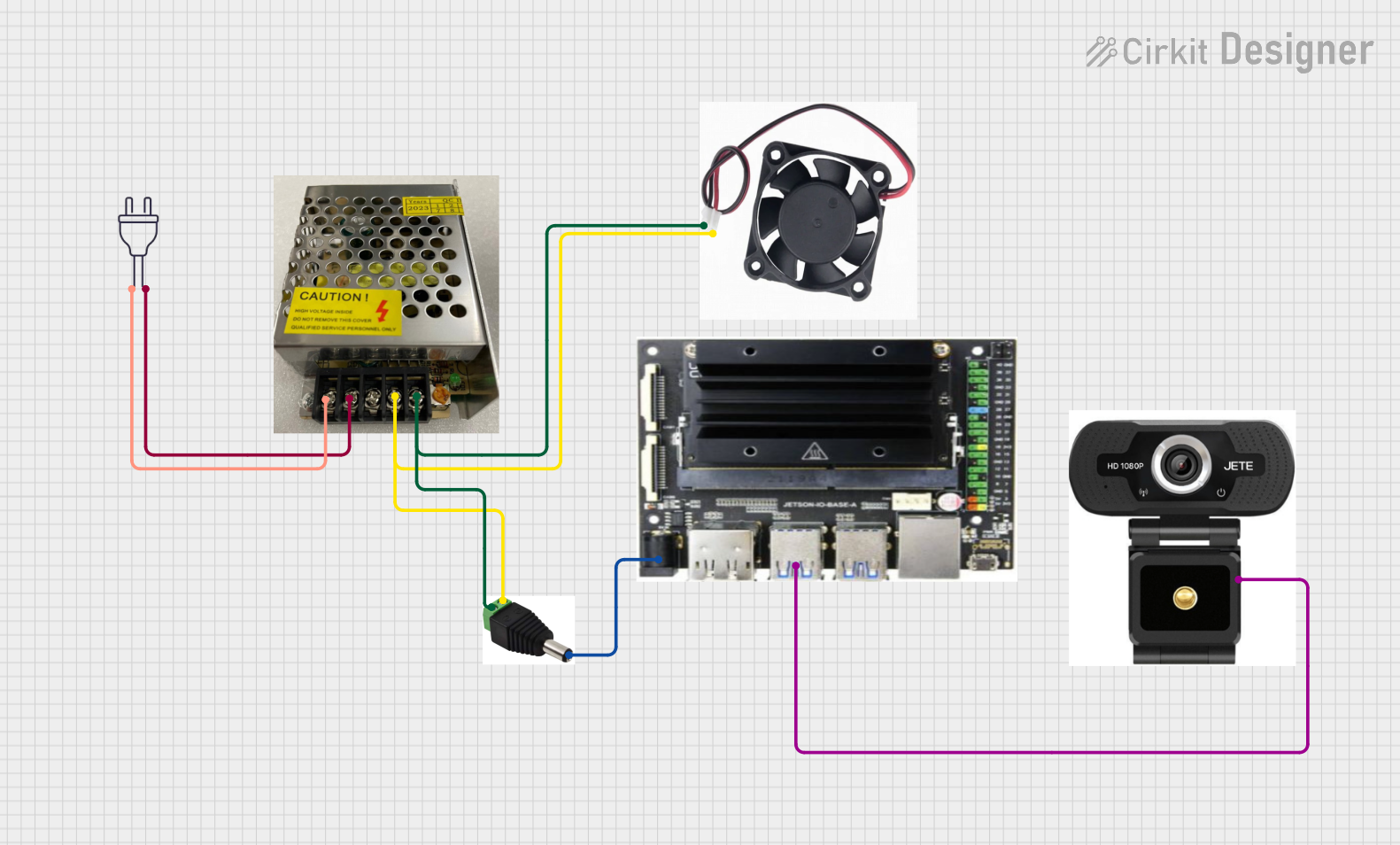 Open Project in Cirkit Designer
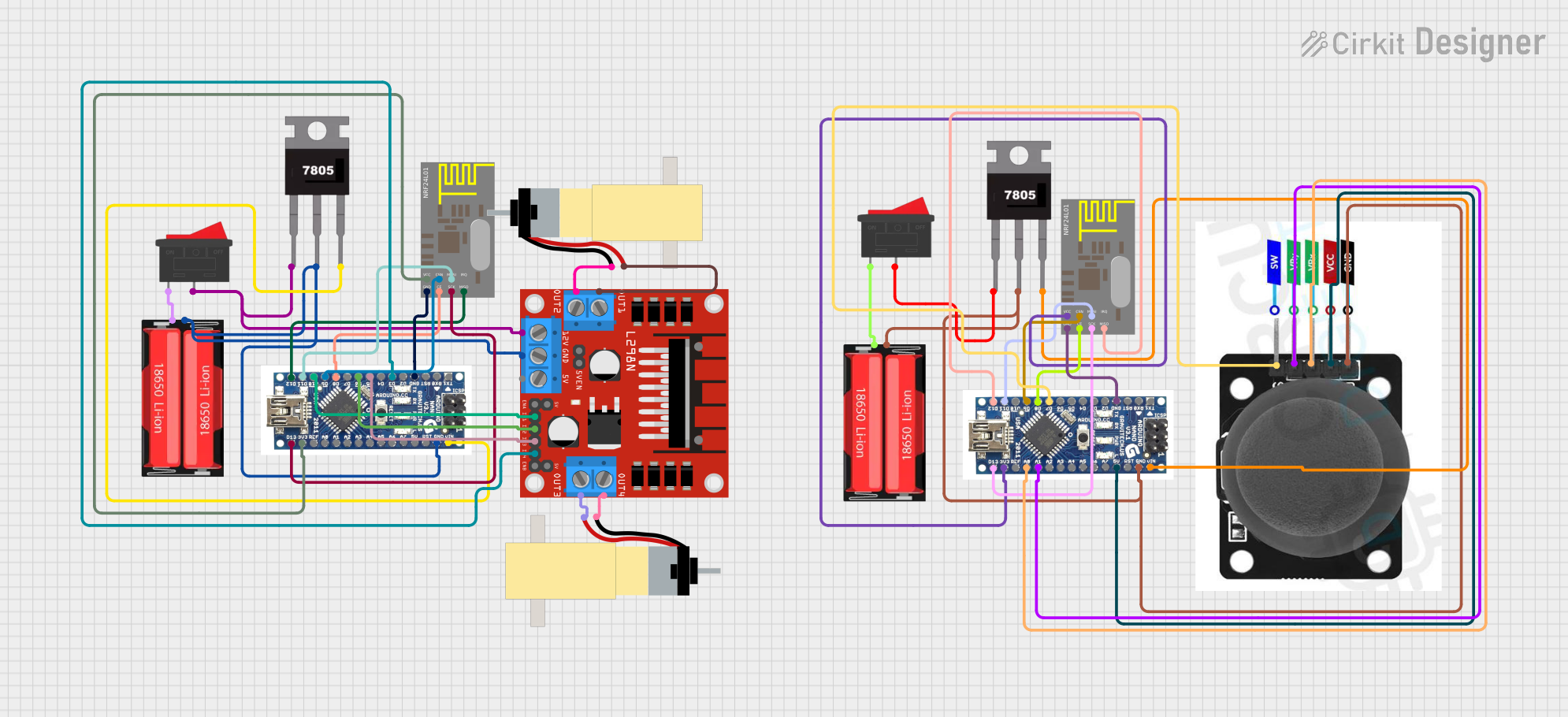 Open Project in Cirkit Designer
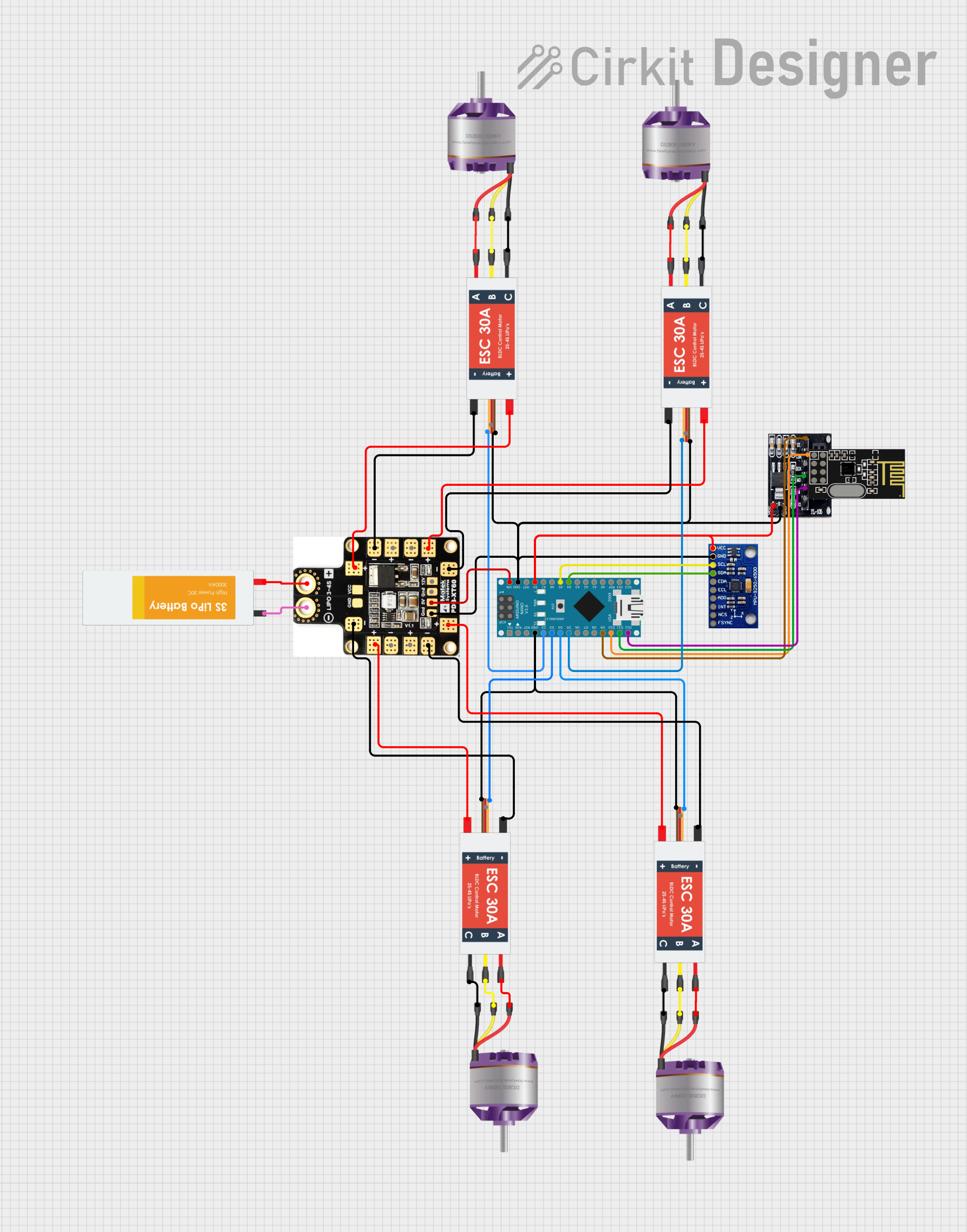 Open Project in Cirkit Designer
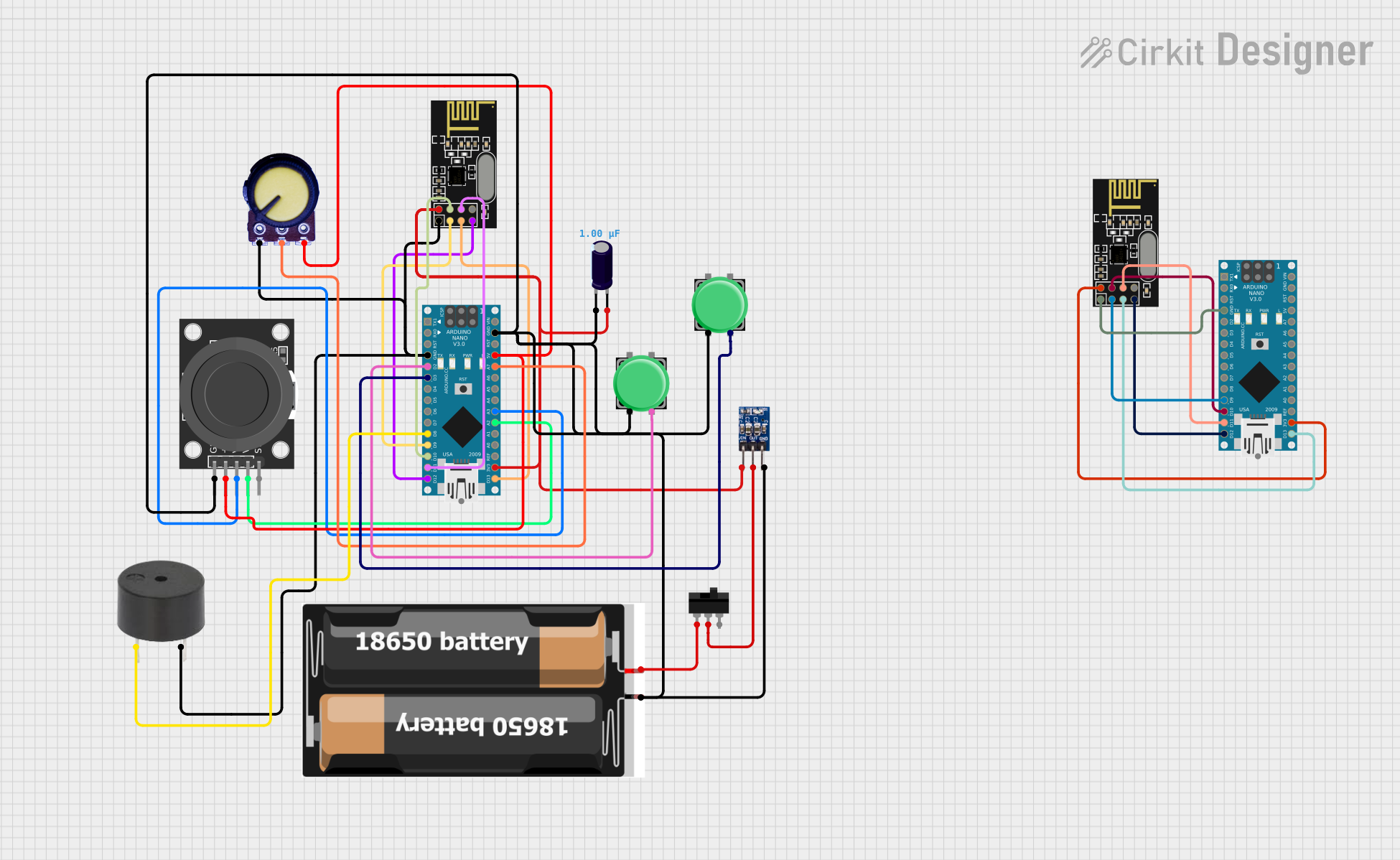 Open Project in Cirkit Designer
Explore Projects Built with Jetson nano
Open Project in Cirkit DesignerOpen Project in Cirkit DesignerOpen Project in Cirkit DesignerOpen Project in Cirkit DesignerCommon Applications
- Robotics and autonomous systems
- Drones and UAVs
- Smart surveillance and security systems
- AI-powered IoT devices
- Edge computing for real-time AI inference
- Computer vision and image processing tasks
Technical Specifications
Key Technical Details
| Specification | Details |
|---|---|
| GPU | 128-core NVIDIA Maxwell GPU |
| CPU | Quad-core ARM Cortex-A57 |
| Memory | 4 GB LPDDR4 |
| Storage | microSD card slot (user-provided) |
| Connectivity | Gigabit Ethernet |
| Power Input | 5V/4A (via barrel jack or micro-USB) |
| Operating System | Ubuntu-based NVIDIA JetPack SDK |
| Dimensions | 100 mm x 80 mm |
| Weight | ~140 grams |
Pin Configuration and Descriptions
The Jetson Nano features a 40-pin GPIO header, similar to the Raspberry Pi, for interfacing with external devices. Below is a summary of the pin configuration:
| Pin Number | Pin Name | Description |
|---|---|---|
| 1 | 3.3V Power | 3.3V power supply |
| 2 | 5V Power | 5V power supply |
| 3 | GPIO2 (I2C SDA) | General-purpose I/O or I2C data line |
| 4 | 5V Power | 5V power supply |
| 5 | GPIO3 (I2C SCL) | General-purpose I/O or I2C clock line |
| 6 | Ground | Ground |
| 7 | GPIO4 | General-purpose I/O |
| 8 | GPIO14 (UART TX) | UART transmit line |
| 9 | Ground | Ground |
| 10 | GPIO15 (UART RX) | UART receive line |
| ... | ... | ... (Refer to the official pinout diagram) |
For the full GPIO pinout, refer to the official NVIDIA Jetson Nano documentation.
Usage Instructions
How to Use the Jetson Nano in a Circuit
Powering the Jetson Nano:
- Use a 5V/4A power supply via the barrel jack for optimal performance.
- Alternatively, power it via the micro-USB port (not recommended for high-power applications).
Setting Up the Operating System:
- Download the NVIDIA JetPack SDK from the official website.
- Flash the image onto a microSD card using tools like Etcher.
- Insert the microSD card into the Jetson Nano and power it on.
Connecting Peripherals:
- Use the HDMI port to connect a display.
- Attach a USB keyboard and mouse.
- Connect sensors or other devices to the GPIO pins as needed.
Programming and Development:
- Use Python, C++, or other supported languages for AI and ML development.
- Leverage NVIDIA libraries like TensorRT, CUDA, and cuDNN for optimized performance.
Important Considerations and Best Practices
- Ensure adequate cooling: Use a heatsink and/or fan to prevent overheating during intensive tasks.
- Use a high-quality microSD card (Class 10 or UHS-1) for better performance.
- Avoid powering high-current peripherals directly from the GPIO pins; use external power supplies.
- Regularly update the JetPack SDK to access the latest features and security patches.
Example: Using the Jetson Nano with an Arduino UNO
The Jetson Nano can communicate with an Arduino UNO via UART. Below is an example Python script for sending data from the Jetson Nano to the Arduino:
import serial
import time
Initialize serial communication with the Arduino
Replace '/dev/ttyUSB0' with the correct port for your Arduino
arduino = serial.Serial('/dev/ttyUSB0', 9600, timeout=1) time.sleep(2) # Wait for the connection to initialize
try: while True: # Send a message to the Arduino arduino.write(b'Hello from Jetson Nano!\n') print("Message sent to Arduino.")
    # Wait for a response from the Arduino
    response = arduino.readline().decode('utf-8').strip()
    if response:
        print(f"Received from Arduino: {response}")

    time.sleep(1)  # Delay between messages
except KeyboardInterrupt: print("Exiting program.") finally: arduino.close() # Close the serial connection
**Note**: Ensure the Arduino is programmed to handle incoming serial data and respond appropriately.
Troubleshooting and FAQs
Common Issues
Jetson Nano does not boot:
- Ensure the microSD card is properly inserted and contains a valid JetPack image.
- Verify the power supply provides sufficient current (5V/4A recommended).
Overheating during operation:
- Install a heatsink and/or fan to improve cooling.
- Avoid running intensive tasks for extended periods without proper cooling.
GPIO pins not working:
- Check the pin configuration and ensure the correct pins are being used.
- Verify that the GPIO pins are not damaged or shorted.
No display output:
- Ensure the HDMI cable is securely connected.
- Verify the display is powered on and set to the correct input source.
Solutions and Tips
- Use the
dmesgcommand in the terminal to diagnose hardware-related issues. - For software-related problems, consult the NVIDIA Developer Forums or the official Jetson Nano documentation.
- If using peripherals, double-check wiring and connections to avoid shorts or incorrect pin assignments.
By following this documentation, users can effectively utilize the Jetson Nano for a wide range of AI and embedded system applications.