
How to Use LIPO-110mAh: Examples, Pinouts, and Specs
 Design with LIPO-110mAh in Cirkit Designer
Introduction
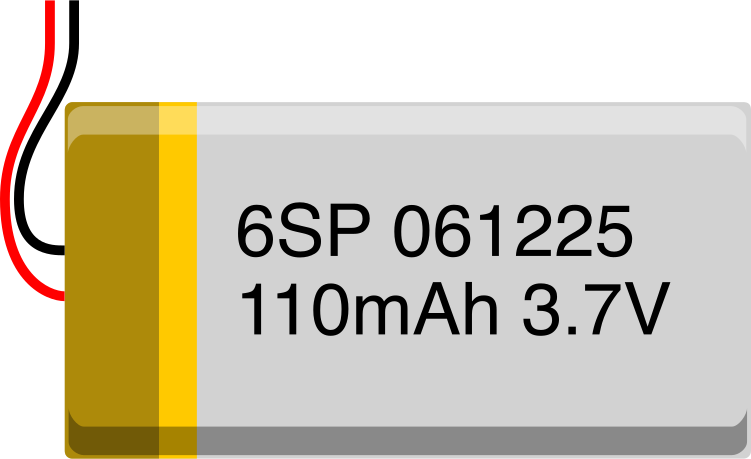
The LIPO-110mAh is a lithium polymer (LiPo) battery with a capacity of 110mAh. It is widely used in small electronic devices, drones, wearable technology, and other portable applications due to its lightweight design and high energy density. This battery is ideal for projects requiring compact power sources with reliable performance.
Explore Projects Built with LIPO-110mAh
 Open Project in Cirkit Designer
 Open Project in Cirkit Designer
 Open Project in Cirkit Designer
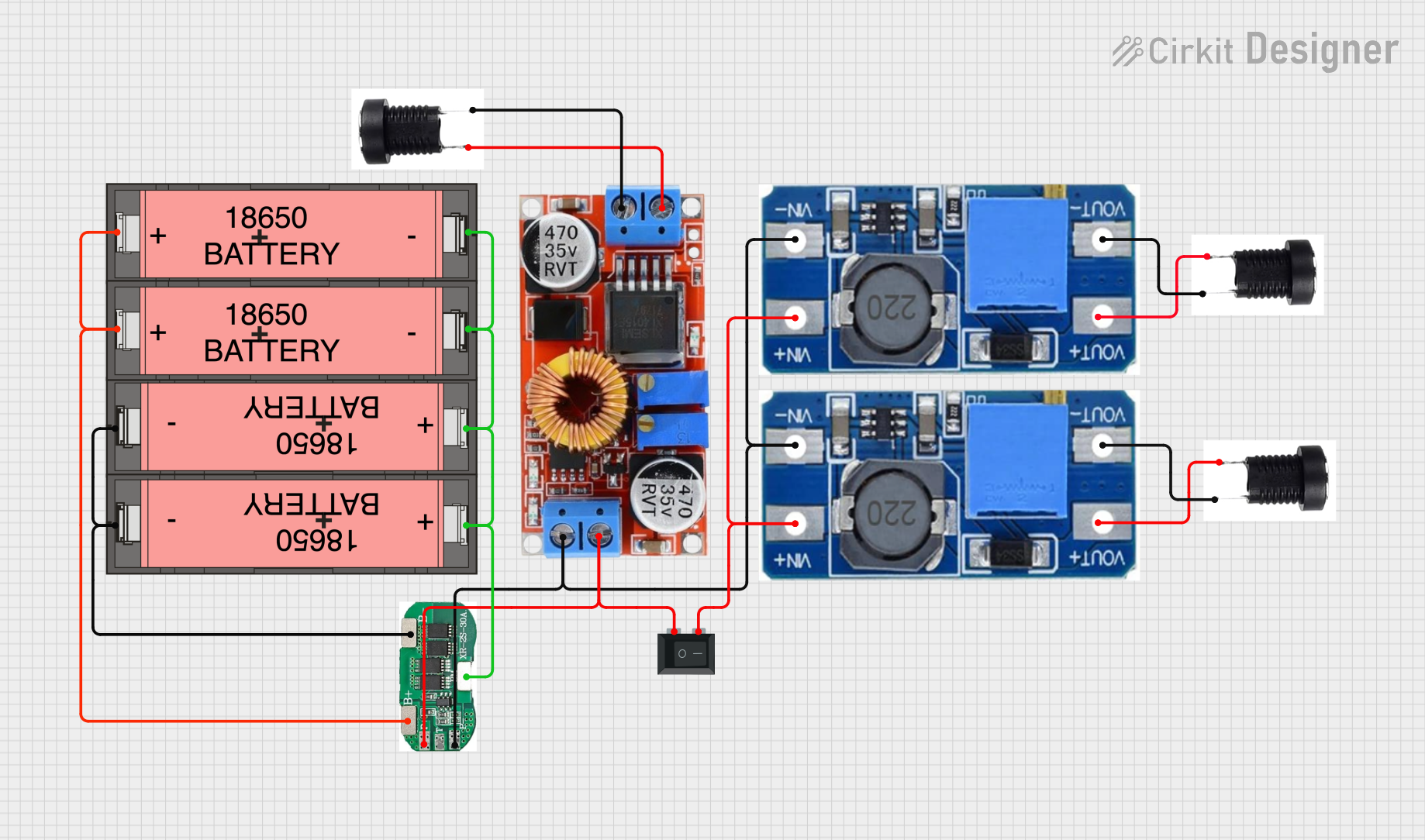 Open Project in Cirkit Designer
Explore Projects Built with LIPO-110mAh
Open Project in Cirkit DesignerOpen Project in Cirkit DesignerOpen Project in Cirkit DesignerOpen Project in Cirkit DesignerCommon Applications:
- Miniature drones and quadcopters
- Wearable devices (e.g., fitness trackers, smartwatches)
- IoT devices and sensors
- Portable medical equipment
- Small robotics projects
Technical Specifications
Below are the key technical details of the LIPO-110mAh battery:
| Parameter | Value |
|---|---|
| Nominal Voltage | 3.7V |
| Capacity | 110mAh |
| Maximum Discharge Rate | 10C (1.1A) |
| Charging Voltage | 4.2V (maximum) |
| Charging Current | 0.5C (55mA recommended) |
| Dimensions | ~20mm x 15mm x 5mm |
| Weight | ~2 grams |
| Connector Type | JST-PH 2.0 (commonly used) |
| Protection Circuit | No (external protection required) |
Pin Configuration:
The LIPO-110mAh battery typically comes with a JST-PH 2.0 connector. The pinout is as follows:
| Pin | Description |
|---|---|
| Red | Positive terminal (+) |
| Black | Negative terminal (-) |
Usage Instructions
How to Use the LIPO-110mAh in a Circuit:
- Connection: Connect the battery to your circuit using the JST-PH 2.0 connector. Ensure the polarity matches the circuit's power input (red for positive, black for negative).
- Charging: Use a LiPo-compatible charger to charge the battery. Ensure the charging voltage does not exceed 4.2V and the charging current is set to 55mA (0.5C) for optimal battery life.
- Discharge: Avoid discharging the battery below 3.0V to prevent damage. Use a low-voltage cutoff circuit or a battery management system (BMS) to protect the battery.
- Mounting: Secure the battery in your project using double-sided tape or a battery holder. Avoid puncturing or bending the battery.
Important Considerations:
- Safety: LiPo batteries are sensitive to overcharging, over-discharging, and physical damage. Always handle with care.
- Storage: Store the battery at a voltage of ~3.8V (storage charge) in a cool, dry place.
- Protection Circuit: Since the LIPO-110mAh does not include a built-in protection circuit, it is recommended to use an external BMS or protection module.
Example: Using LIPO-110mAh with Arduino UNO
To power an Arduino UNO with the LIPO-110mAh battery, you can use a step-up voltage regulator to boost the 3.7V to 5V. Below is an example of how to monitor the battery voltage using the Arduino's analog input:
// Example code to monitor LIPO-110mAh battery voltage using Arduino UNO
const int batteryPin = A0; // Analog pin connected to battery voltage divider
const float voltageDividerRatio = 2.0; // Adjust based on your resistor values
const float referenceVoltage = 5.0; // Arduino UNO's reference voltage (5V)

void setup() {
  Serial.begin(9600); // Initialize serial communication
}

void loop() {
  int rawValue = analogRead(batteryPin); // Read analog value from battery pin
  float batteryVoltage = (rawValue / 1023.0) * referenceVoltage * voltageDividerRatio;

  // Print the battery voltage to the Serial Monitor
  Serial.print("Battery Voltage: ");
  Serial.print(batteryVoltage);
  Serial.println(" V");

  delay(1000); // Wait for 1 second before the next reading
}
Note: Use a voltage divider circuit to step down the battery voltage to a safe range (0-5V) for the Arduino's analog input. For example, use two resistors in series (e.g., 10kΩ and 10kΩ) to divide the voltage by half.
Troubleshooting and FAQs
Common Issues:
Battery Not Charging:
- Cause: Charger not compatible or incorrect charging voltage/current.
- Solution: Use a LiPo-compatible charger and ensure the charging voltage is 4.2V and current is 55mA.
Battery Drains Quickly:
- Cause: Excessive discharge current or battery degradation.
- Solution: Ensure the load does not exceed the maximum discharge rate (1.1A). Replace the battery if it is old or damaged.
Battery Swells or Overheats:
- Cause: Overcharging, over-discharging, or physical damage.
- Solution: Stop using the battery immediately. Dispose of it safely and replace it with a new one.
Arduino Not Powering On:
- Cause: Insufficient voltage or incorrect connection.
- Solution: Use a step-up voltage regulator to boost the battery voltage to 5V. Check the polarity of the connections.
FAQs:
Q: Can I use the LIPO-110mAh battery without a protection circuit?
A: It is not recommended. Use an external protection circuit to prevent overcharging, over-discharging, and short circuits.Q: How long will the battery last on a single charge?
A: The runtime depends on the load current. For example, at a 50mA load, the battery will last approximately 2 hours (110mAh ÷ 50mA).Q: Can I connect multiple LIPO-110mAh batteries in series or parallel?
A: Yes, but ensure proper balancing and use a BMS to manage the batteries safely.Q: What is the recommended storage voltage?
A: Store the battery at ~3.8V for optimal longevity.
By following these guidelines, you can safely and effectively use the LIPO-110mAh battery in your projects.