
How to Use Speray + Button: Examples, Pinouts, and Specs
 Design with Speray + Button in Cirkit Designer
Introduction
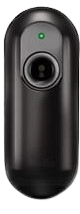
The Speray + Button is a versatile input device manufactured by Arduino, part ID MEGA. It combines a button and an infrared (IR) proximity sensor in a single module, allowing users to detect both physical button presses and nearby objects. This dual-functionality makes it ideal for interactive projects, robotics, and automation systems.
Common applications include:
- Detecting user input through button presses
- Proximity-based object detection
- Triggering events in robotics or IoT systems
- Interactive installations and games
Explore Projects Built with Speray + Button
 Open Project in Cirkit Designer
 Open Project in Cirkit Designer
 Open Project in Cirkit Designer
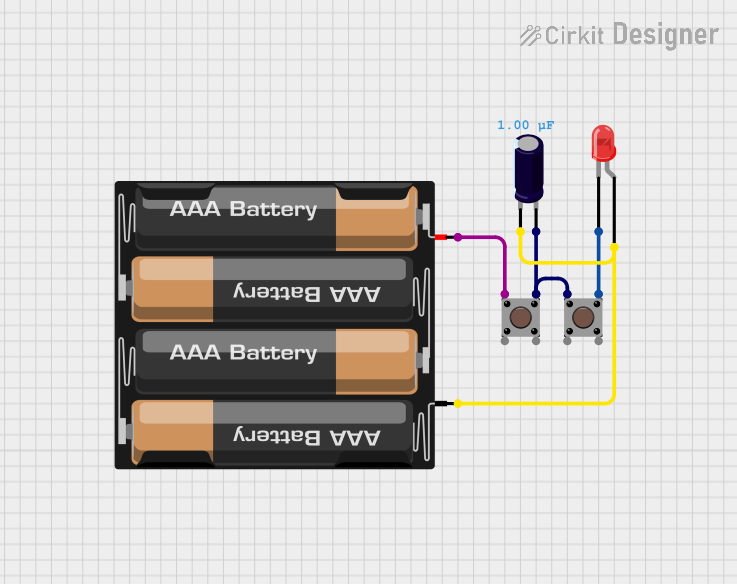 Open Project in Cirkit Designer
Explore Projects Built with Speray + Button
Open Project in Cirkit DesignerOpen Project in Cirkit DesignerOpen Project in Cirkit DesignerOpen Project in Cirkit DesignerTechnical Specifications
The Speray + Button module is designed for ease of use and compatibility with Arduino boards, including the Arduino MEGA. Below are the key technical details:
General Specifications
| Parameter | Value |
|---|---|
| Operating Voltage | 3.3V - 5V |
| Current Consumption | < 20mA |
| Detection Range (IR) | 2 cm to 10 cm |
| Button Type | Momentary push button |
| Output Type | Digital (HIGH/LOW) |
| Dimensions | 30mm x 20mm x 10mm |
Pin Configuration
The module has 4 pins, as described in the table below:
| Pin Name | Description |
|---|---|
| VCC | Power supply input (3.3V - 5V) |
| GND | Ground connection |
| OUT1 | Digital output for the button state |
| OUT2 | Digital output for the IR proximity sensor |
Usage Instructions
Connecting the Speray + Button to an Arduino MEGA
To use the Speray + Button module, connect it to your Arduino MEGA as follows:
- Connect the VCC pin of the module to the 5V pin on the Arduino MEGA.
- Connect the GND pin of the module to the GND pin on the Arduino MEGA.
- Connect the OUT1 pin to a digital input pin (e.g., D2) on the Arduino MEGA for button state detection.
- Connect the OUT2 pin to another digital input pin (e.g., D3) on the Arduino MEGA for proximity detection.
Sample Arduino Code
Below is an example Arduino sketch to read the button state and proximity sensor output:
// Define pin connections
const int buttonPin = 2;  // Pin connected to OUT1 (button output)
const int irPin = 3;      // Pin connected to OUT2 (IR proximity output)

void setup() {
  // Initialize serial communication for debugging
  Serial.begin(9600);

  // Set pin modes
  pinMode(buttonPin, INPUT);
  pinMode(irPin, INPUT);
}

void loop() {
  // Read the button state (HIGH = pressed, LOW = not pressed)
  int buttonState = digitalRead(buttonPin);

  // Read the IR proximity sensor state (HIGH = object detected, LOW = no object)
  int irState = digitalRead(irPin);

  // Print the states to the Serial Monitor
  Serial.print("Button State: ");
  Serial.println(buttonState == HIGH ? "Pressed" : "Not Pressed");

  Serial.print("Proximity Sensor: ");
  Serial.println(irState == HIGH ? "Object Detected" : "No Object");

  // Add a small delay to avoid flooding the Serial Monitor
  delay(200);
}
Important Considerations
- Ensure the module is powered within the specified voltage range (3.3V - 5V).
- Avoid placing reflective surfaces too close to the IR sensor, as this may cause false detections.
- Use pull-down resistors if you experience unstable readings from the button output.
Troubleshooting and FAQs
Common Issues
The button or IR sensor is not responding.
- Verify all connections are secure and match the pin configuration table.
- Ensure the module is powered with the correct voltage (3.3V - 5V).
False triggers from the IR sensor.
- Check for reflective surfaces or strong ambient light near the sensor.
- Adjust the placement of the module to reduce interference.
Unstable readings from the button.
- Add a pull-down resistor (10kΩ) to the button output pin to stabilize the signal.
FAQs
Q: Can I use this module with boards other than the Arduino MEGA?
A: Yes, the Speray + Button module is compatible with most Arduino boards, including the UNO, Nano, and Leonardo, as long as the voltage requirements are met.
Q: What is the maximum detection range of the IR sensor?
A: The IR sensor can detect objects within a range of 2 cm to 10 cm.
Q: Can I use both the button and IR sensor simultaneously?
A: Yes, the module provides separate outputs for the button and IR sensor, allowing simultaneous use.
By following this documentation, you can effectively integrate the Speray + Button module into your projects for reliable input and proximity detection.