
How to Use bob: Examples, Pinouts, and Specs
 Design with bob in Cirkit Designer
Introduction
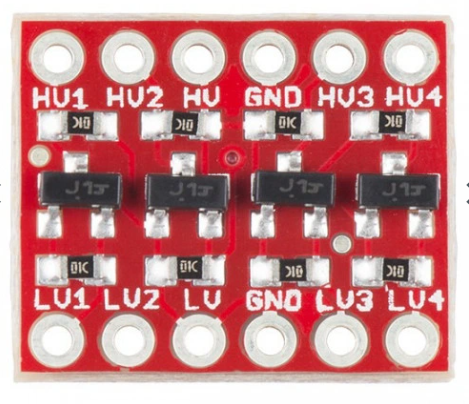
The SparkFun BOB-12009 is a breakout board designed to simplify the integration of specific electronic components into your projects. While the name "BOB" may evoke thoughts of a fictional character, in this context, it stands for "Breakout Board." This versatile component is commonly used to interface with sensors, modules, or other devices that require a convenient connection to a microcontroller or other circuitry.
Explore Projects Built with bob
 Open Project in Cirkit Designer
 Open Project in Cirkit Designer
 Open Project in Cirkit Designer
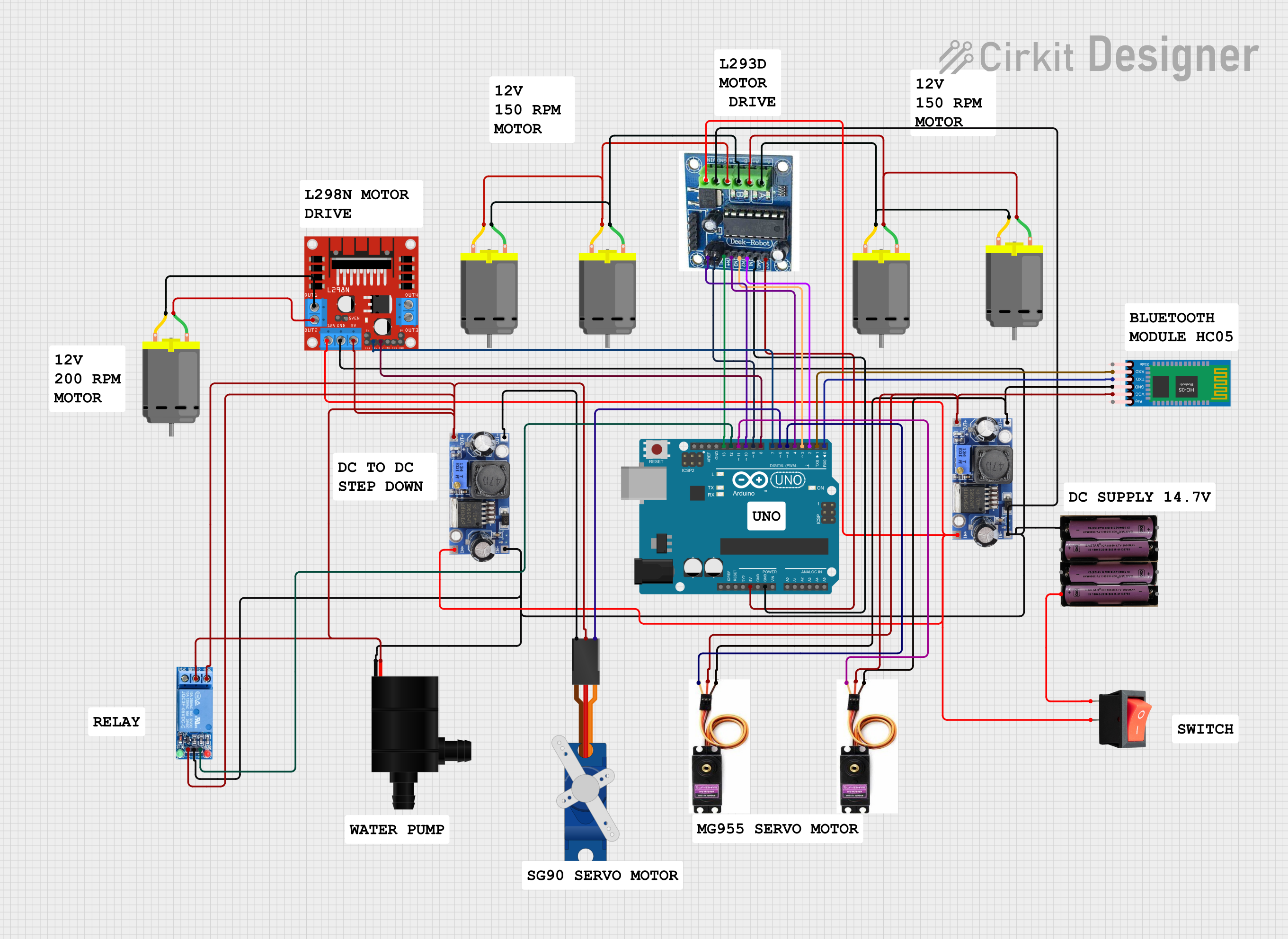 Open Project in Cirkit Designer
Explore Projects Built with bob
Open Project in Cirkit DesignerOpen Project in Cirkit DesignerOpen Project in Cirkit DesignerOpen Project in Cirkit DesignerCommon Applications and Use Cases
- Prototyping and testing electronic circuits
- Interfacing sensors or modules with microcontrollers
- Simplifying connections in breadboard-based projects
- Educational purposes for learning about breakout boards
Technical Specifications
The SparkFun BOB-12009 is designed to provide a simple and reliable interface for various electronic components. Below are its key technical details:
General Specifications
| Parameter | Value |
|---|---|
| Manufacturer | SparkFun |
| Part ID | BOB-12009 |
| Operating Voltage | 3.3V or 5V |
| Maximum Current | 100mA |
| Dimensions | 25mm x 25mm |
| Mounting Type | Through-hole or breadboard |
Pin Configuration and Descriptions
The SparkFun BOB-12009 features a standard pinout for easy integration. Below is the pin configuration:
| Pin Number | Pin Name | Description |
|---|---|---|
| 1 | VCC | Power supply input (3.3V or 5V) |
| 2 | GND | Ground connection |
| 3 | DATA | Data signal pin for communication or input/output |
| 4 | CLK | Clock signal pin (if applicable) |
| 5 | EN | Enable pin to activate the breakout board |
Usage Instructions
The SparkFun BOB-12009 is straightforward to use in a variety of circuits. Follow the steps below to integrate it into your project:
Step 1: Powering the Board
- Connect the VCC pin to a 3.3V or 5V power source, depending on your system's requirements.
- Connect the GND pin to the ground of your circuit.
Step 2: Connecting to a Microcontroller
- Use the DATA pin to send or receive signals between the breakout board and your microcontroller.
- If your application requires a clock signal, connect the CLK pin to the appropriate clock output of your microcontroller.
- To enable the board, ensure the EN pin is connected to a HIGH signal (or leave it unconnected if it has an internal pull-up resistor).
Step 3: Writing Code for Arduino UNO
If you're using the SparkFun BOB-12009 with an Arduino UNO, here is an example code snippet to get started:
// Example code for using SparkFun BOB-12009 with Arduino UNO
// This code assumes the DATA pin is connected to digital pin 2 on the Arduino

#define DATA_PIN 2  // Define the DATA pin connection

void setup() {
  pinMode(DATA_PIN, OUTPUT);  // Set the DATA pin as an output
  digitalWrite(DATA_PIN, LOW);  // Initialize the pin to LOW
  Serial.begin(9600);  // Start serial communication for debugging
}

void loop() {
  digitalWrite(DATA_PIN, HIGH);  // Set the DATA pin HIGH
  delay(1000);  // Wait for 1 second
  digitalWrite(DATA_PIN, LOW);  // Set the DATA pin LOW
  delay(1000);  // Wait for 1 second
  Serial.println("Toggling DATA pin");  // Print status to Serial Monitor
}
Best Practices
- Ensure the operating voltage of the breakout board matches your system's voltage.
- Use pull-up or pull-down resistors on the DATA and CLK lines if required by your application.
- Avoid exceeding the maximum current rating of 100mA to prevent damage.
Troubleshooting and FAQs
Common Issues
The board is not functioning as expected.
- Verify that the VCC and GND pins are correctly connected.
- Check the voltage level to ensure it matches the board's requirements.
No response from the DATA pin.
- Ensure the microcontroller's pin connected to DATA is configured correctly (input/output).
- Check for loose or incorrect wiring.
The board overheats.
- Confirm that the current drawn by connected components does not exceed 100mA.
- Inspect for short circuits on the breakout board or in your circuit.
Tips for Troubleshooting
- Use a multimeter to check voltage levels at the VCC and GND pins.
- Test the board with a simple circuit before integrating it into a complex system.
- Refer to the SparkFun BOB-12009 datasheet for additional details if needed.
By following this documentation, you can effectively use the SparkFun BOB-12009 in your projects and troubleshoot any issues that arise.