
How to Use SOCKET: Examples, Pinouts, and Specs
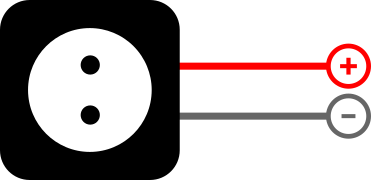
 Design with SOCKET in Cirkit Designer
Introduction
A socket is a device that provides a connection point for electrical components, allowing for easy insertion and removal of plugs or connectors. Sockets are widely used in electronics to facilitate modularity, ease of maintenance, and quick replacement of components. They are available in various types, including IC sockets, power sockets, and communication sockets, each designed for specific applications.
Explore Projects Built with SOCKET
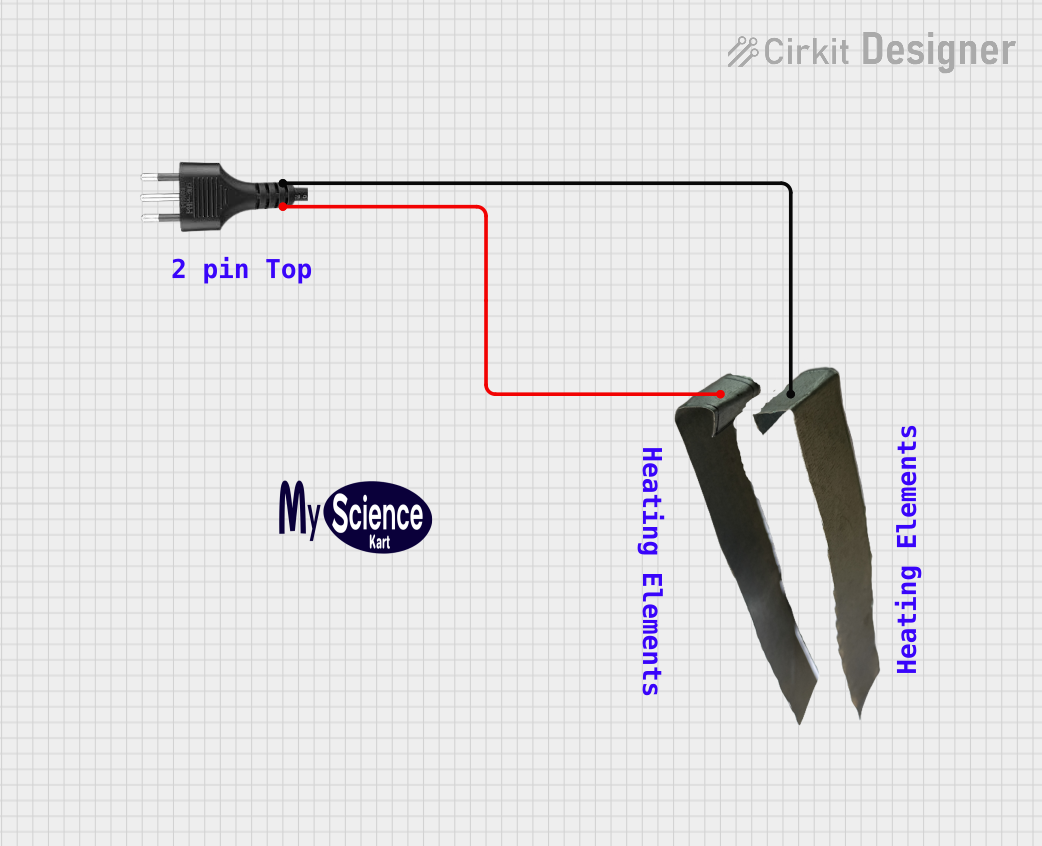 Open Project in Cirkit Designer
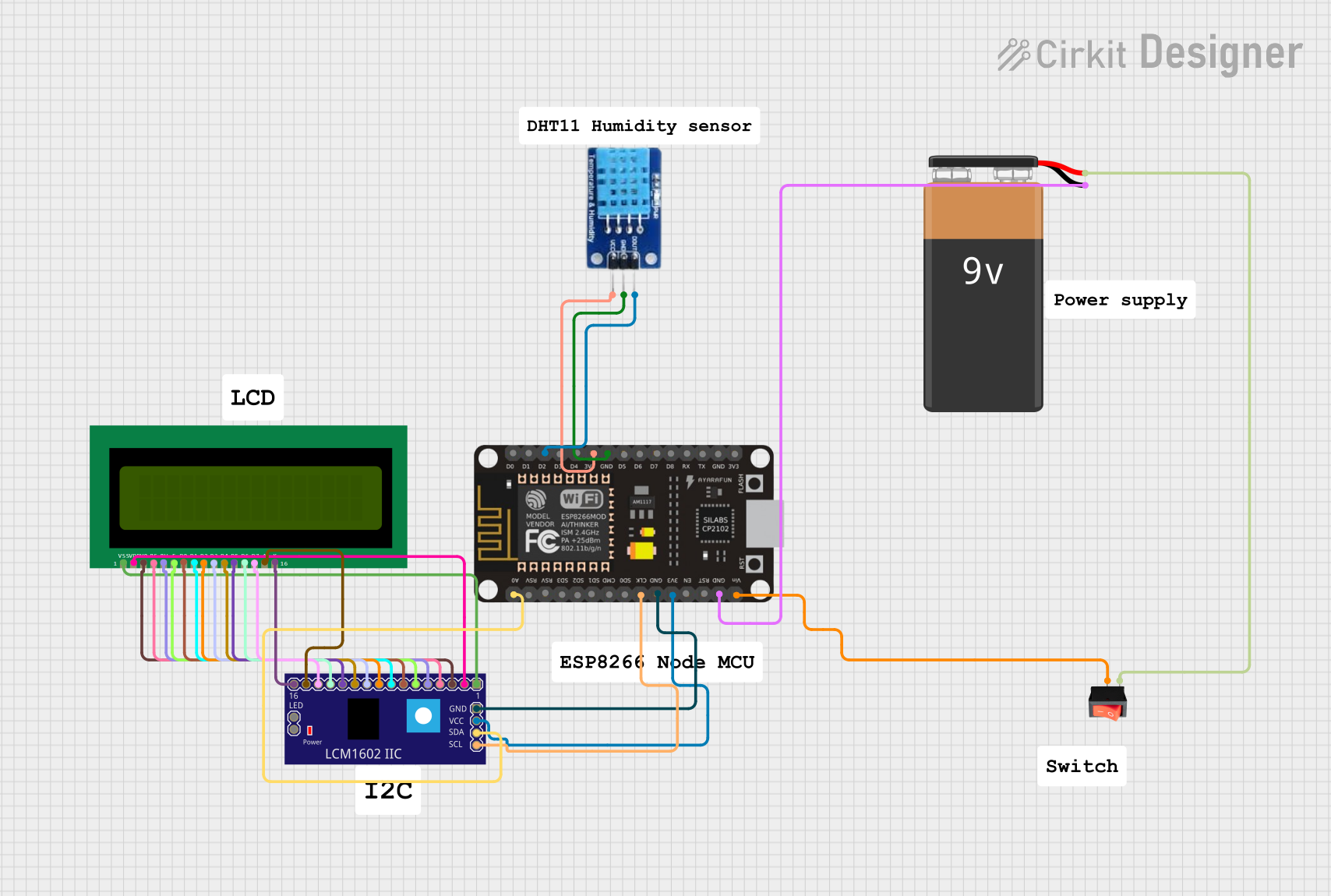 Open Project in Cirkit Designer
 Open Project in Cirkit Designer
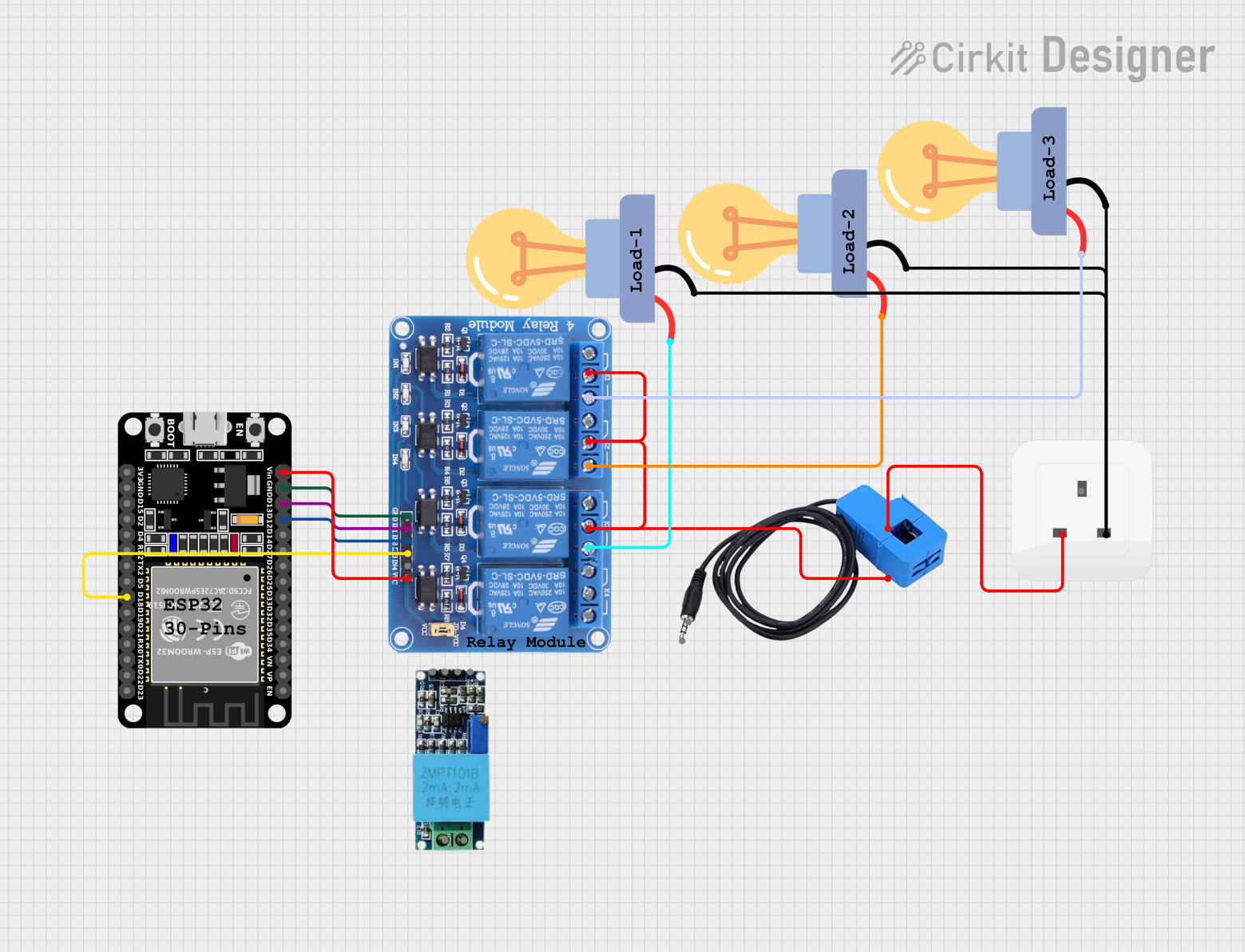 Open Project in Cirkit Designer
Explore Projects Built with SOCKET
Open Project in Cirkit DesignerOpen Project in Cirkit DesignerOpen Project in Cirkit DesignerOpen Project in Cirkit DesignerCommon Applications and Use Cases
- Integrated Circuit (IC) Sockets: Used to mount ICs on printed circuit boards (PCBs) without soldering, enabling easy replacement or upgrades.
- Power Sockets: Provide a connection point for power supply plugs in electronic devices.
- Communication Sockets: Used for data transmission, such as Ethernet or USB sockets.
- Test and Development: Allow engineers to test components without permanent installation.
Technical Specifications
Sockets come in a variety of designs and specifications depending on their intended use. Below are general technical details for common socket types:
General Specifications
| Parameter | Value/Range |
|---|---|
| Voltage Rating | 5V to 250V (varies by type) |
| Current Rating | 0.5A to 15A (varies by type) |
| Material | Plastic (insulator), metal (pins) |
| Operating Temperature | -40°C to 85°C |
| Lifespan (Insertions) | 1,000 to 10,000 cycles |
Pin Configuration and Descriptions
Example: 8-Pin IC Socket
| Pin Number | Description |
|---|---|
| 1 | IC pin 1 connection |
| 2 | IC pin 2 connection |
| 3 | IC pin 3 connection |
| 4 | IC pin 4 connection |
| 5 | IC pin 5 connection |
| 6 | IC pin 6 connection |
| 7 | IC pin 7 connection |
| 8 | IC pin 8 connection |
Example: Power Socket (DC Barrel Jack)
| Pin Name | Description |
|---|---|
| Positive (+) | Connects to the positive terminal |
| Negative (-) | Connects to the negative terminal |
| Ground (GND) | Optional ground connection |
Usage Instructions
How to Use the Component in a Circuit
- Select the Appropriate Socket: Choose a socket type that matches the component or plug you intend to use (e.g., IC socket for ICs, DC barrel jack for power input).
- Mount the Socket: Solder the socket onto the PCB or securely attach it to the device housing.
- Insert the Component or Plug: Align the pins or connectors with the socket and gently insert them.
- Verify Connections: Ensure all connections are secure and match the circuit design.
Important Considerations and Best Practices
- Match Ratings: Ensure the socket's voltage and current ratings meet or exceed the requirements of your application.
- Avoid Overheating: When soldering, avoid prolonged heat exposure to prevent damage to the socket.
- Check Orientation: For IC sockets, ensure the notch or marking aligns with the IC's orientation.
- Use Proper Tools: Use a socket insertion/extraction tool for ICs to avoid bending pins.
Example: Using a DC Barrel Jack with Arduino UNO
To power an Arduino UNO using a DC barrel jack, follow these steps:
- Connect the positive terminal of the power supply to the positive pin of the barrel jack.
- Connect the negative terminal of the power supply to the negative pin of the barrel jack.
- Plug the barrel jack into the Arduino UNO's power input socket.
Arduino Code Example
// Example code to blink an LED connected to Arduino UNO
// Ensure the Arduino is powered via the DC barrel jack

int ledPin = 13; // Pin connected to the onboard LED

void setup() {
  pinMode(ledPin, OUTPUT); // Set the LED pin as an output
}

void loop() {
  digitalWrite(ledPin, HIGH); // Turn the LED on
  delay(1000);               // Wait for 1 second
  digitalWrite(ledPin, LOW);  // Turn the LED off
  delay(1000);               // Wait for 1 second
}
Troubleshooting and FAQs
Common Issues Users Might Face
- Loose Connections: The plug or component does not fit securely in the socket.
- Solution: Ensure the socket and plug/component are compatible. Check for bent pins or debris in the socket.
- Overheating During Soldering: The socket becomes deformed or damaged.
- Solution: Use a temperature-controlled soldering iron and limit heat exposure to a few seconds per pin.
- Incorrect Orientation: The component does not function as expected.
- Solution: Double-check the orientation of the component or plug before insertion.
FAQs
Q: Can I reuse a socket after desoldering it from a PCB?
A: Yes, but inspect the socket for damage or wear before reuse.Q: How do I clean a dirty or corroded socket?
A: Use a small amount of isopropyl alcohol and a soft brush to clean the socket. Allow it to dry completely before use.Q: What is the lifespan of a socket?
A: Most sockets are rated for 1,000 to 10,000 insertion/removal cycles, depending on the type and quality.
By following this documentation, you can effectively use sockets in your electronic projects while ensuring reliability and ease of maintenance.