
How to Use Stop Kontaks: Examples, Pinouts, and Specs
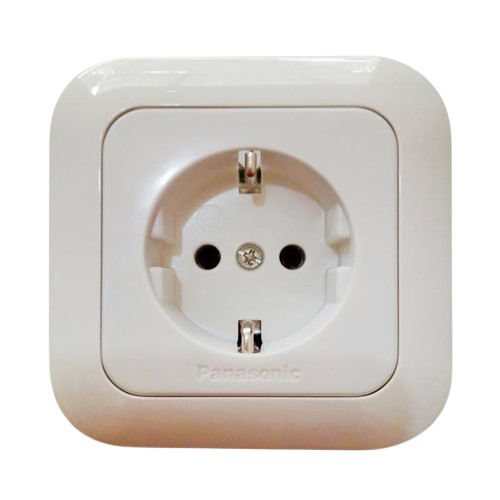
 Design with Stop Kontaks in Cirkit Designer
Introduction
A stop contact is a safety device used in electrical circuits to interrupt the flow of current. It is typically used in conjunction with control systems to ensure safe operation of machinery or electrical equipment. Stop contacts are commonly found in industrial automation systems, emergency stop mechanisms, and motor control circuits. Their primary purpose is to provide a reliable means of halting operations in case of an emergency or malfunction.
Explore Projects Built with Stop Kontaks
 Open Project in Cirkit Designer
 Open Project in Cirkit Designer
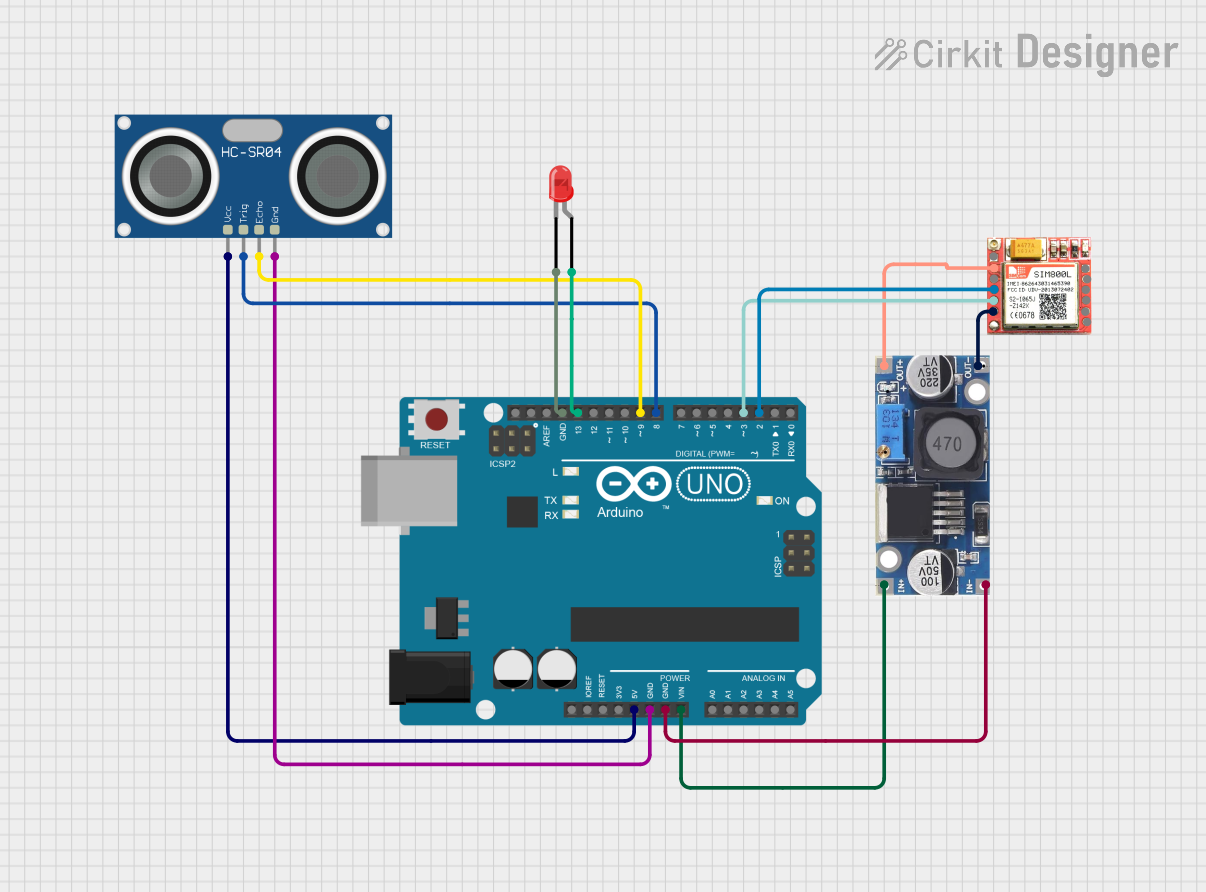 Open Project in Cirkit Designer
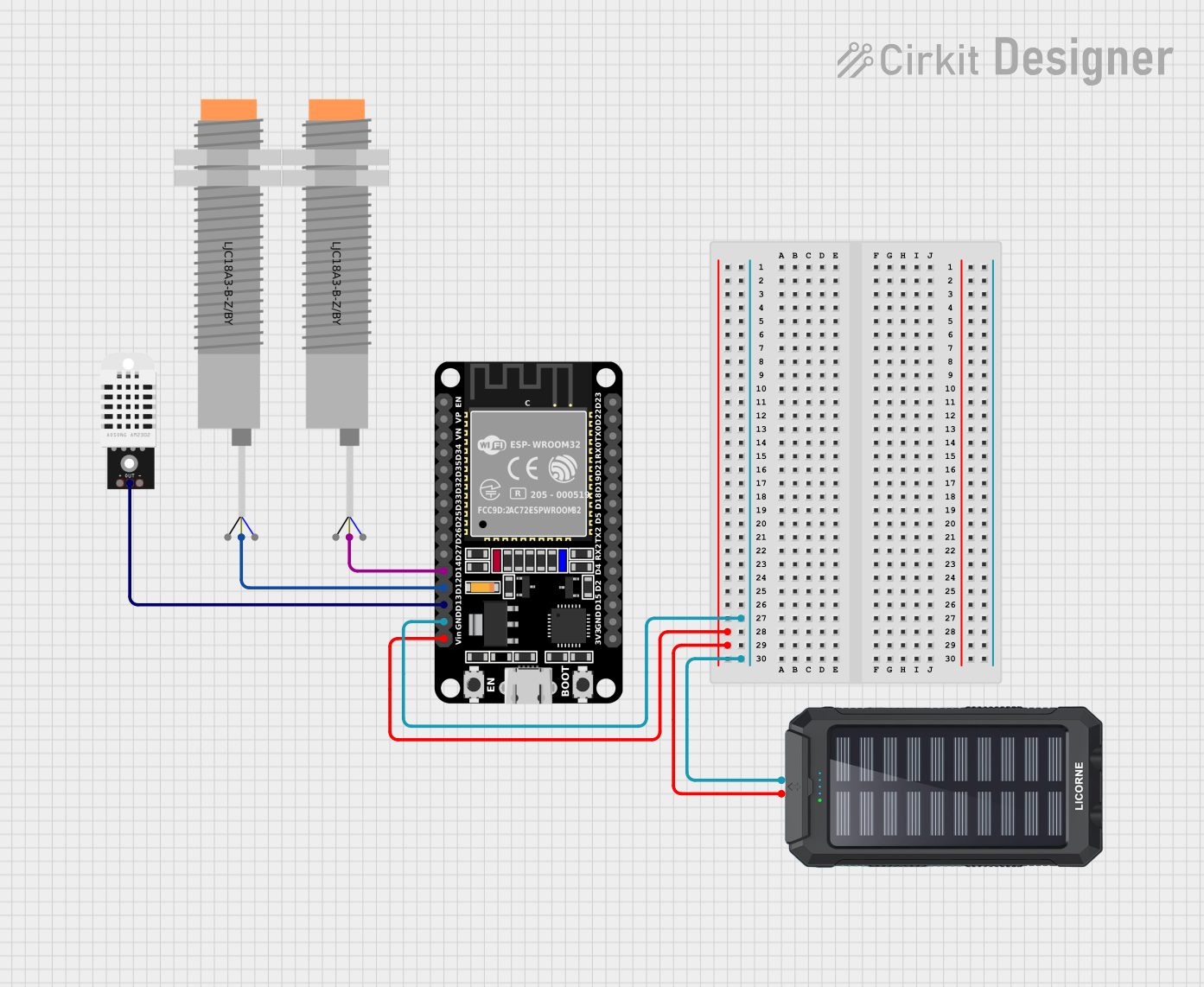 Open Project in Cirkit Designer
Explore Projects Built with Stop Kontaks
Open Project in Cirkit DesignerOpen Project in Cirkit DesignerOpen Project in Cirkit DesignerOpen Project in Cirkit DesignerCommon Applications and Use Cases
- Emergency stop buttons in industrial machinery
- Motor control circuits for safe operation
- Safety interlocks in automated systems
- Electrical panels for circuit isolation
- Overload protection in high-power systems
Technical Specifications
Below are the general technical specifications for a standard stop contact. Note that specific models may vary slightly in their ratings.
| Parameter | Specification |
|---|---|
| Rated Voltage | 24V DC / 230V AC |
| Rated Current | 10A |
| Contact Configuration | Normally Open (NO) or Normally Closed (NC) |
| Operating Temperature | -25°C to 70°C |
| Mechanical Durability | 1,000,000 operations |
| Electrical Durability | 100,000 operations |
| Mounting Style | Panel-mounted or DIN rail-mounted |
| Terminal Type | Screw terminals |
Pin Configuration and Descriptions
The stop contact typically has two or more terminals for wiring. Below is a description of the terminal configuration:
| Pin/Terminal | Description |
|---|---|
| Terminal 1 | Input connection for the circuit |
| Terminal 2 | Output connection for the circuit |
| Ground (optional) | Grounding terminal for safety (if available) |
Usage Instructions
How to Use the Stop Contact in a Circuit
- Identify the Circuit: Determine where the stop contact will be placed in the circuit. It is typically installed in series with the load or control circuit.
- Wiring:
- Connect the input terminal (Terminal 1) to the power source or control signal.
- Connect the output terminal (Terminal 2) to the load or downstream circuit.
- If a grounding terminal is available, connect it to the system ground for safety.
- Testing: After installation, test the stop contact by activating it to ensure it interrupts the circuit as intended.
Important Considerations and Best Practices
- Voltage and Current Ratings: Ensure the stop contact is rated for the voltage and current of your circuit.
- Contact Configuration: Choose the appropriate configuration (NO or NC) based on your application.
- Mechanical Durability: Regularly inspect the stop contact for wear and tear, especially in high-use environments.
- Safety Compliance: Verify that the stop contact meets relevant safety standards (e.g., IEC, UL).
Example: Using a Stop Contact with an Arduino UNO
A stop contact can be used with an Arduino UNO to create a safety mechanism in a control system. Below is an example circuit and code:
Circuit Description
- Connect one terminal of the stop contact to a digital input pin on the Arduino (e.g., pin 2).
- Connect the other terminal to ground.
- Use a pull-up resistor (10kΩ) to ensure the input pin reads HIGH when the stop contact is not pressed.
Arduino Code
// Define the pin connected to the stop contact
const int stopContactPin = 2;

void setup() {
  pinMode(stopContactPin, INPUT_PULLUP); // Set pin as input with pull-up resistor
  Serial.begin(9600); // Initialize serial communication
}

void loop() {
  int stopState = digitalRead(stopContactPin); // Read the state of the stop contact

  if (stopState == LOW) {
    // Stop contact is pressed (circuit interrupted)
    Serial.println("Stop contact activated! Halting operation.");
    // Add code here to stop machinery or take safety action
  } else {
    // Stop contact is not pressed
    Serial.println("System running normally.");
  }

  delay(500); // Delay for stability
}
Troubleshooting and FAQs
Common Issues and Solutions
Stop Contact Does Not Interrupt the Circuit
- Cause: Incorrect wiring or loose connections.
- Solution: Verify the wiring and ensure all connections are secure.
Stop Contact Fails to Reset
- Cause: Mechanical wear or debris in the contact mechanism.
- Solution: Inspect the stop contact for damage or obstructions and clean if necessary.
Arduino Reads Incorrect State
- Cause: Missing or incorrect pull-up resistor.
- Solution: Ensure a pull-up resistor is connected to the input pin.
Overheating or Damage
- Cause: Exceeding voltage or current ratings.
- Solution: Use a stop contact rated for the specific voltage and current of your circuit.
FAQs
Q: Can I use a stop contact in an AC circuit?
A: Yes, as long as the stop contact is rated for the voltage and current of the AC circuit.
Q: What is the difference between NO and NC configurations?
A: Normally Open (NO) contacts are open when inactive and close when activated. Normally Closed (NC) contacts are closed when inactive and open when activated.
Q: How often should I inspect a stop contact?
A: Regular inspections are recommended, especially in high-use or critical safety applications. Check for wear, debris, and proper operation at least once every six months.
Q: Can I use a stop contact for low-power circuits?
A: Yes, stop contacts can be used in low-power circuits as long as the voltage and current ratings are appropriate.