
How to Use Rasberry Pi5: Examples, Pinouts, and Specs
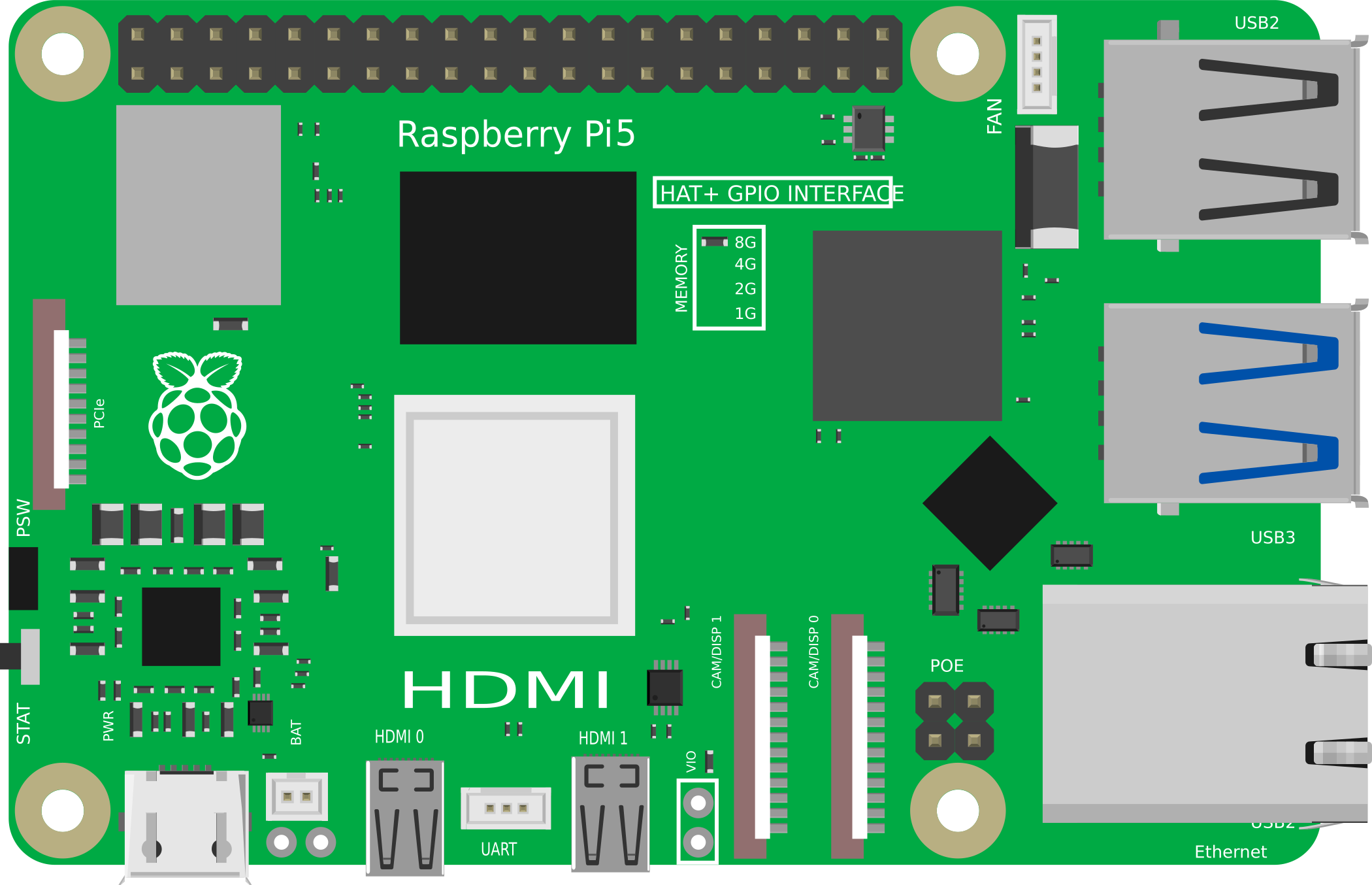
 Design with Rasberry Pi5 in Cirkit Designer
Introduction
The Raspberry Pi 5 is a compact, affordable single-board computer designed to empower users with a versatile platform for computing and electronics projects. Featuring a quad-core processor, improved graphics capabilities, and multiple connectivity options, the Raspberry Pi 5 is ideal for a wide range of applications. Whether you're learning programming, building IoT devices, or developing multimedia projects, the Raspberry Pi 5 offers the performance and flexibility needed to bring your ideas to life.
Explore Projects Built with Rasberry Pi5
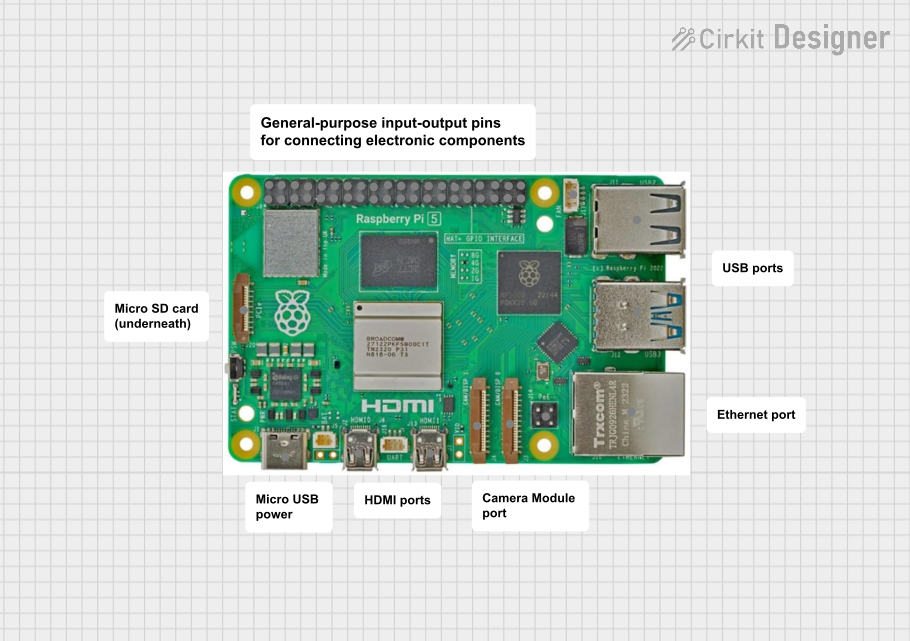 Open Project in Cirkit Designer
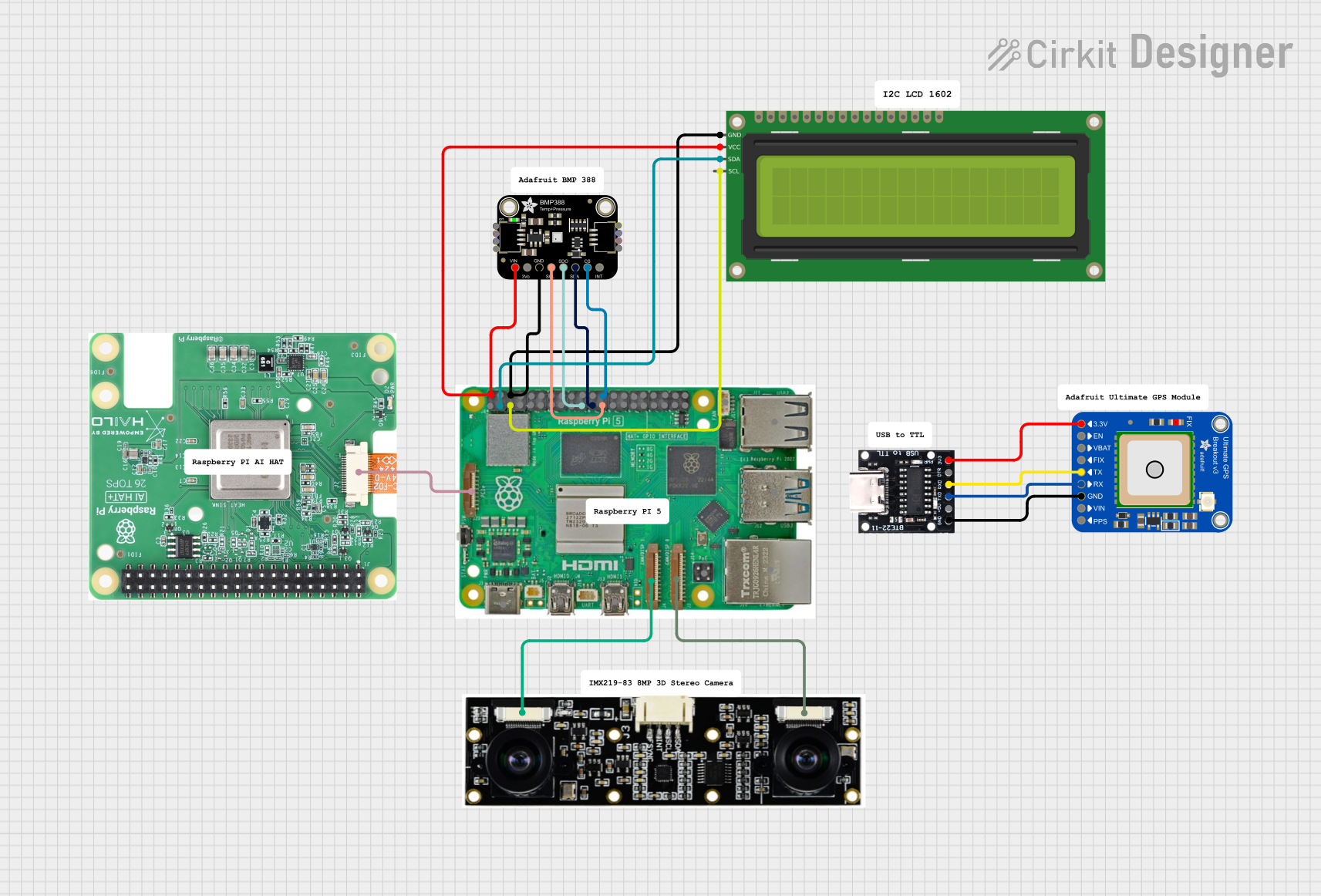 Open Project in Cirkit Designer
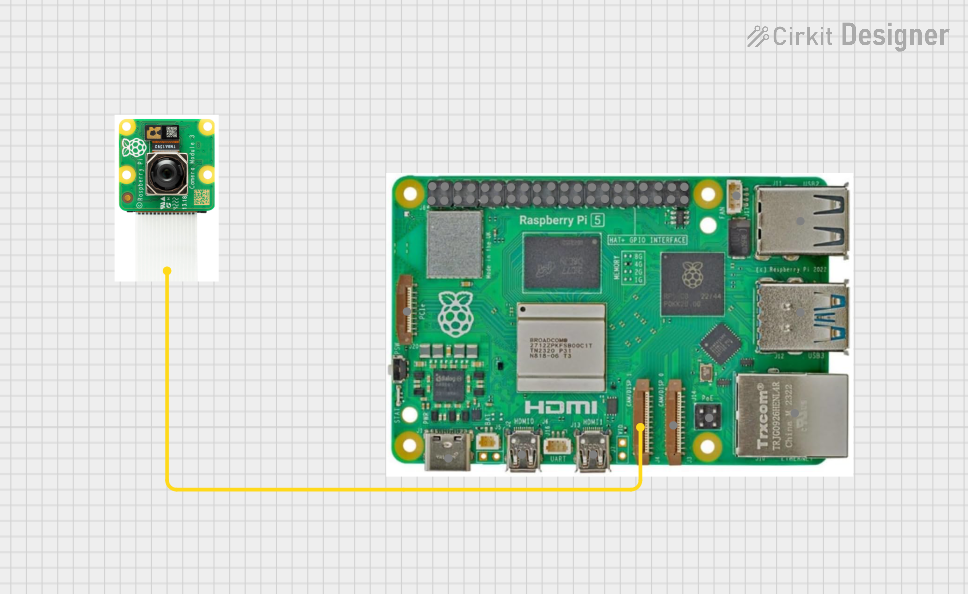 Open Project in Cirkit Designer
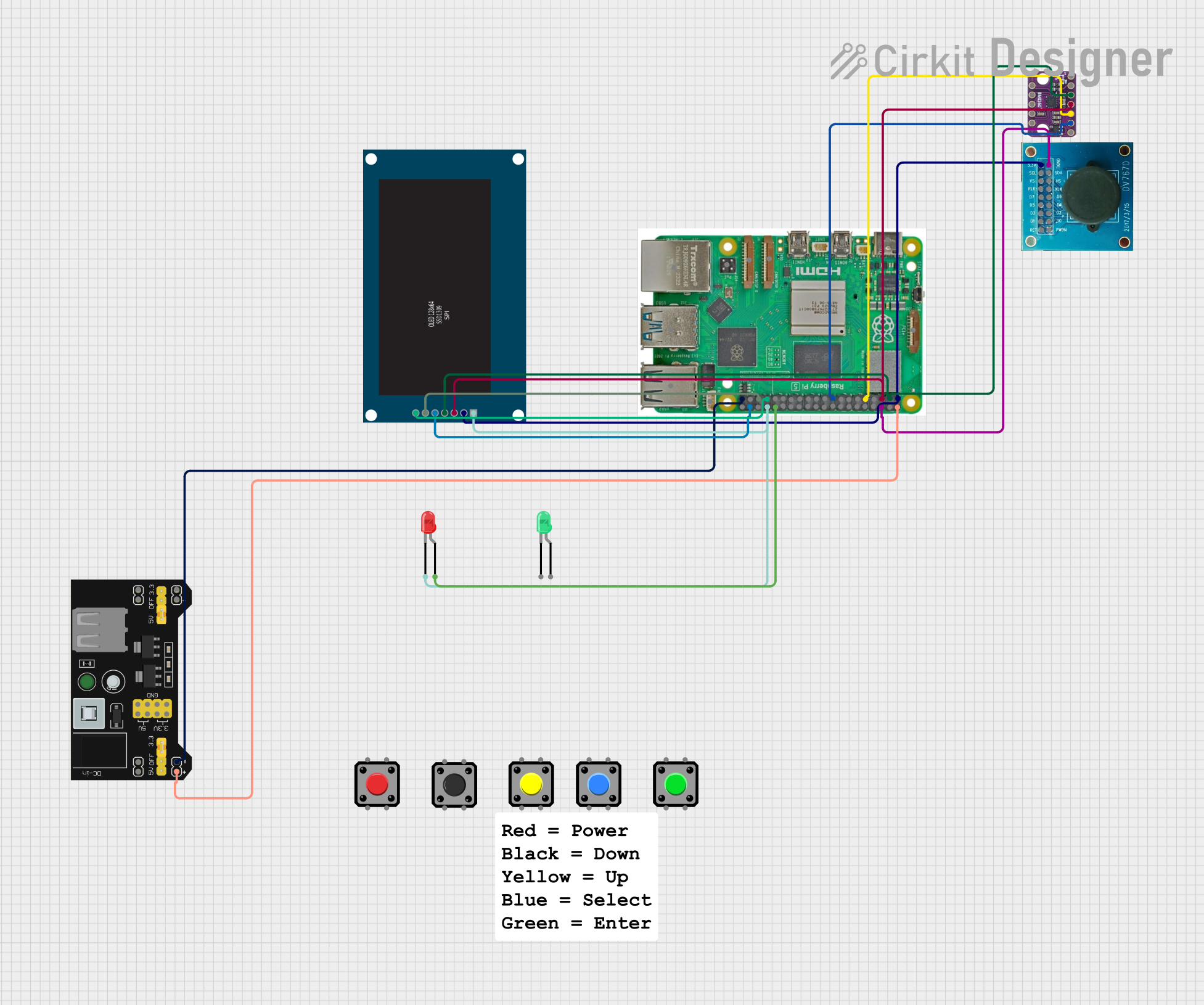 Open Project in Cirkit Designer
Explore Projects Built with Rasberry Pi5
Open Project in Cirkit DesignerOpen Project in Cirkit DesignerOpen Project in Cirkit DesignerOpen Project in Cirkit DesignerCommon Applications and Use Cases
- Learning and Education: Perfect for teaching programming, Linux, and hardware basics.
- IoT Projects: Acts as a hub for smart home devices or industrial IoT systems.
- Media Centers: Can be used to build a home theater PC (HTPC) with 4K video playback.
- Robotics: Powers robots with its GPIO pins and processing capabilities.
- Prototyping: Ideal for testing and developing hardware and software solutions.
Technical Specifications
The Raspberry Pi 5 offers significant improvements over its predecessors, making it a powerful tool for both beginners and advanced users.
Key Technical Details
- Processor: Quad-core ARM Cortex-A76, 2.4 GHz
- GPU: VideoCore VII, supporting 4K video at 60fps
- RAM Options: 4GB or 8GB LPDDR4X
- Storage: MicroSD card slot, support for external SSDs via USB 3.0
- Connectivity:
- 2 × USB 3.0 ports
- 2 × USB 2.0 ports
- Gigabit Ethernet
- Dual-band Wi-Fi (802.11ac)
- Bluetooth 5.2
- Display Outputs: 2 × micro-HDMI ports (4K@60fps)
- GPIO: 40-pin header, backward-compatible with previous Raspberry Pi models
- Power Supply: USB-C, 5V/3A
- Dimensions: 85.6mm × 56.5mm × 17mm
Pin Configuration and Descriptions
The Raspberry Pi 5 features a 40-pin GPIO header, which is backward-compatible with earlier models. Below is a summary of the pin configuration:
| Pin Number | Pin Name | Functionality |
|---|---|---|
| 1 | 3.3V Power | Power supply (3.3V) |
| 2 | 5V Power | Power supply (5V) |
| 3 | GPIO2 (SDA1) | I2C Data |
| 4 | 5V Power | Power supply (5V) |
| 5 | GPIO3 (SCL1) | I2C Clock |
| 6 | Ground | Ground |
| 7 | GPIO4 | General-purpose I/O |
| 8 | GPIO14 (TXD) | UART Transmit |
| 9 | Ground | Ground |
| 10 | GPIO15 (RXD) | UART Receive |
| ... | ... | ... |
| 39 | Ground | Ground |
| 40 | GPIO21 | General-purpose I/O |
For a complete GPIO pinout, refer to the official Raspberry Pi documentation.
Usage Instructions
How to Use the Raspberry Pi 5 in a Circuit
Powering the Raspberry Pi 5:
- Use a USB-C power adapter capable of delivering 5V/3A.
- Ensure the power supply is stable to avoid performance issues.
Connecting Peripherals:
- Attach a keyboard, mouse, and monitor via USB and micro-HDMI ports.
- Insert a microSD card with a pre-installed Raspberry Pi OS.
Using GPIO Pins:
- Connect sensors, LEDs, or other components to the GPIO header.
- Use Python libraries like
RPi.GPIOorgpiozeroto control the pins.
Networking:
- Connect to the internet via Ethernet or Wi-Fi for software updates and remote access.
Important Considerations and Best Practices
- Cooling: Use a heatsink or fan for intensive tasks to prevent overheating.
- Static Protection: Handle the board carefully to avoid static discharge damage.
- Software Updates: Regularly update the Raspberry Pi OS for security and performance improvements.
- Power Supply: Avoid using low-quality power adapters to prevent voltage drops.
Example: Blinking an LED with GPIO
Below is an example of how to blink an LED connected to GPIO pin 17 using Python:
Import necessary libraries
import RPi.GPIO as GPIO # Library for GPIO control import time # Library for adding delays
Pin configuration
LED_PIN = 17 # GPIO pin where the LED is connected
GPIO setup
GPIO.setmode(GPIO.BCM) # Use Broadcom pin numbering GPIO.setup(LED_PIN, GPIO.OUT) # Set the pin as an output
try: while True: GPIO.output(LED_PIN, GPIO.HIGH) # Turn the LED on time.sleep(1) # Wait for 1 second GPIO.output(LED_PIN, GPIO.LOW) # Turn the LED off time.sleep(1) # Wait for 1 second except KeyboardInterrupt: # Clean up GPIO settings on exit GPIO.cleanup()
Troubleshooting and FAQs
Common Issues and Solutions
The Raspberry Pi 5 does not boot:
- Ensure the microSD card is properly inserted and contains a valid OS image.
- Check the power supply for sufficient voltage and current.
Wi-Fi connectivity issues:
- Verify the Wi-Fi credentials and signal strength.
- Update the Raspberry Pi OS to ensure compatibility with your router.
Overheating:
- Install a heatsink or fan to improve cooling.
- Avoid running resource-intensive tasks for extended periods without proper cooling.
GPIO pins not working:
- Double-check the pin connections and ensure the correct pin numbering in your code.
- Verify that no other process is using the GPIO pins.
FAQs
Can I use the Raspberry Pi 5 with older HATs? Yes, the GPIO header is backward-compatible with previous Raspberry Pi models.
What operating systems are supported? The Raspberry Pi 5 supports Raspberry Pi OS, Ubuntu, and other Linux-based distributions.
Can I power the Raspberry Pi 5 via GPIO pins? Yes, you can supply 5V directly to the 5V and GND pins, but this bypasses the onboard power protection.
Does the Raspberry Pi 5 support dual displays? Yes, it supports dual 4K displays via its two micro-HDMI ports.
This documentation provides a comprehensive guide to using the Raspberry Pi 5 effectively. For further details, refer to the official Raspberry Pi website.